Odoo Accounting is designed to help companies manage their daily accounting with ease and simplicity. They even offer a global view of the state of their business at any time. All financial activities can be managed in one single app, with Odoo Accounting, as well as automation for primary day-to-day tasks. The Odoo app is synchronized with 24,000 banks, to make it easier to link a payment with a statement, based on the transaction in a bank account. Reconciliation can also be done…
$0
Zoho Books
Score 9.0 out of 10
N/A
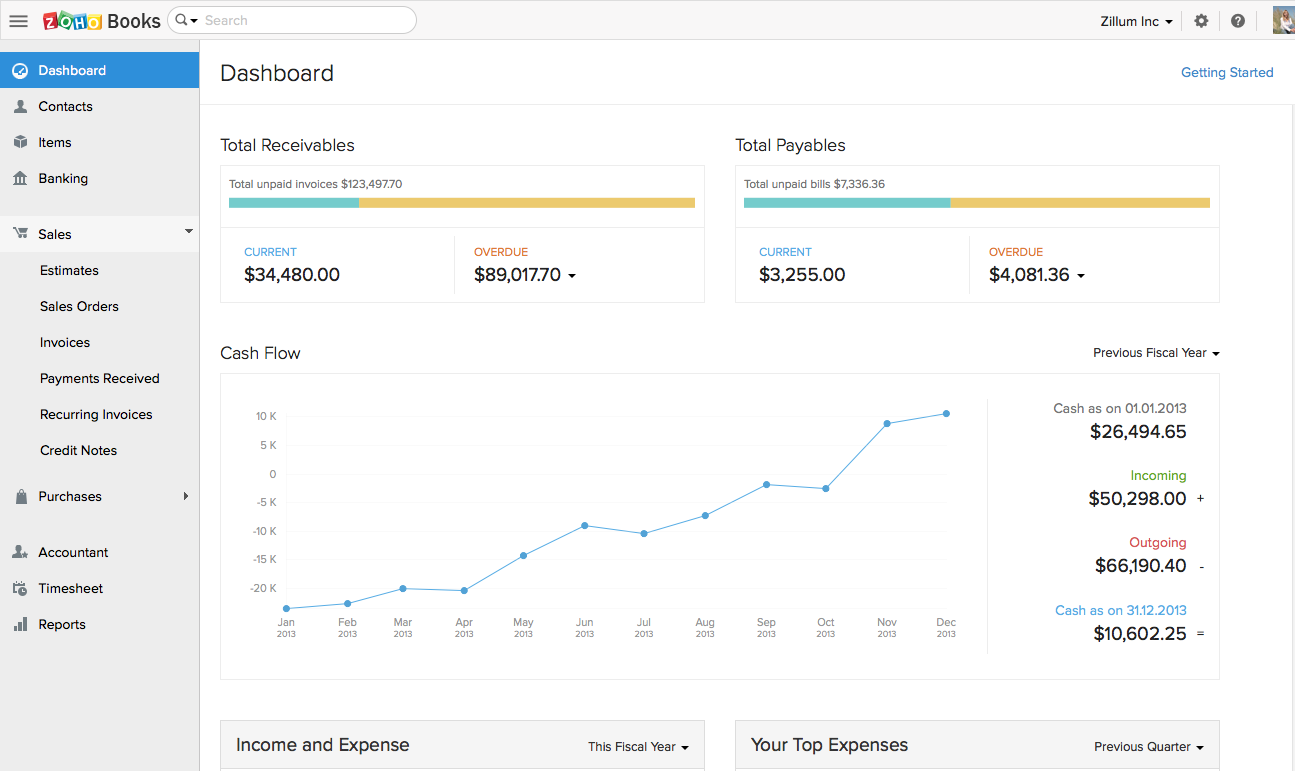
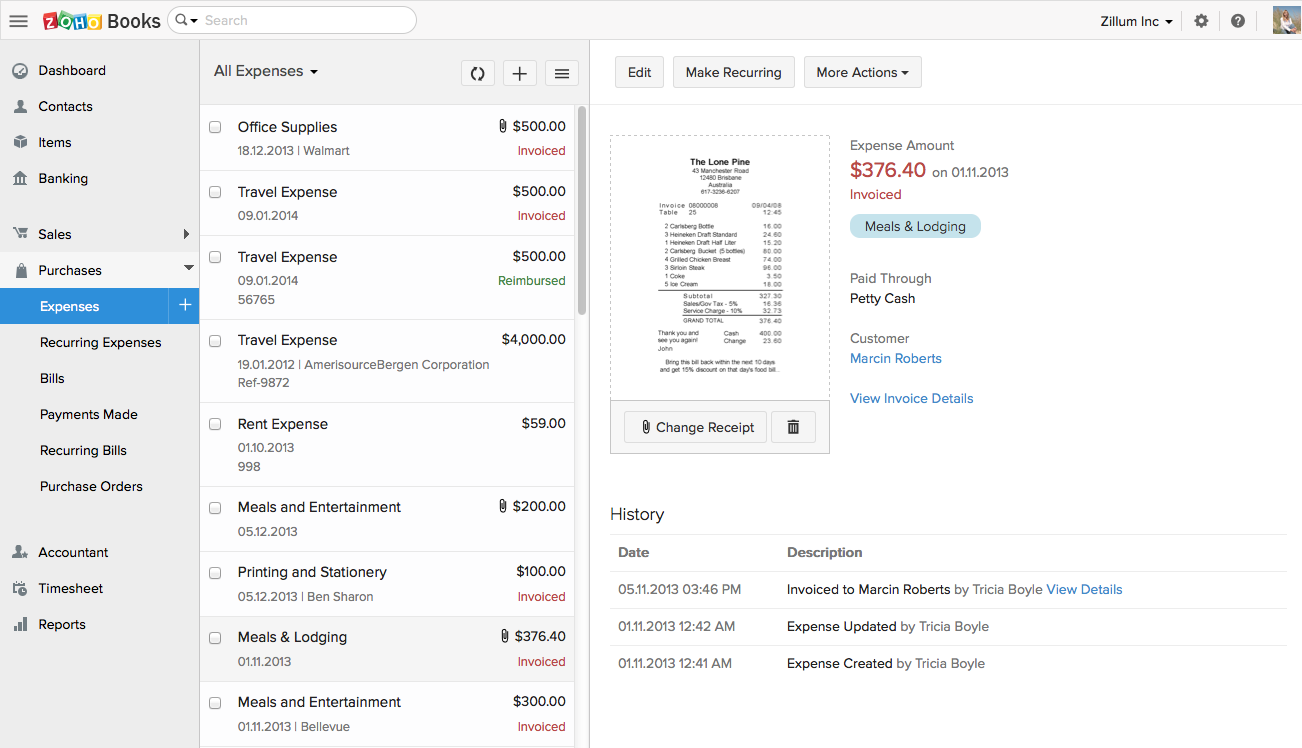
Zoho Books is an accounting solution that is designed to help small businesses manage their finances. This solution includes dashboards and a wide variety of reports. Business users can automate tasks and set up custom workflows.
Zoho offers a 14 day free trial.
$0
For businesses with turnover <50K USD per annum
Pricing
Odoo Accounting
Zoho Books
Editions & Modules
One App Free
$0
Standard
$24.90
per month billed yearly per user
Standard
$31.10
per month per user
Custom
$37.40
per month billed yearly per user
Custom
$46.80
per month per user
Free
$0
For businesses with turnover <50K USD per annum
Standard
$20
per month per org
Professional
$50
per month per org
Premium
$70
per month per org
Offerings
Pricing Offerings
Odoo Accounting
Zoho Books
Free Trial
Yes
Yes
Free/Freemium Version
Yes
Yes
Premium Consulting/Integration Services
No
No
Entry-level Setup Fee
Optional
No setup fee
Additional Details
The Standard and Custom plans include the Odoo apps for a single fee.
Zoho Books is available for both monthly and yearly plans. Users who sign up for the annual plan get a discount.
More Pricing Information
Community Pulse
Odoo Accounting
Zoho Books
Features
Odoo Accounting
Zoho Books
Payroll Management
Comparison of Payroll Management features of Product A and Product B
Odoo Accounting
7.0
Ratings
10% below category average
Zoho Books
-
Ratings
Pay calculation
7.00 Ratings
00 Ratings
Reimbursement management
7.00 Ratings
00 Ratings
Security
Comparison of Security features of Product A and Product B
Odoo Accounting
8.6
Ratings
3% above category average
Zoho Books
9.2
Ratings
10% above category average
Role-based user permissions
8.60 Ratings
10.00 Ratings
Single sign-on capability
00 Ratings
8.30 Ratings
Reporting & Analytics
Comparison of Reporting & Analytics features of Product A and Product B
Odoo Accounting
9.1
Ratings
14% above category average
Zoho Books
8.7
Ratings
10% above category average
Dashboards
8.60 Ratings
8.20 Ratings
Standard reports
8.60 Ratings
9.00 Ratings
Custom reports
10.00 Ratings
9.00 Ratings
General Ledger and Configurable Accounting
Comparison of General Ledger and Configurable Accounting features of Product A and Product B
Odoo Accounting
8.6
Ratings
10% above category average
Zoho Books
8.4
Ratings
8% above category average
Accounts payable
9.10 Ratings
8.20 Ratings
Accounts receivable
9.10 Ratings
8.20 Ratings
Cash management
9.10 Ratings
7.00 Ratings
Bank reconciliation
9.10 Ratings
8.00 Ratings
Expense management
9.10 Ratings
8.80 Ratings
Fixed asset management
8.00 Ratings
00 Ratings
Multi-currency support
9.10 Ratings
9.20 Ratings
Self-service portal
10.00 Ratings
9.00 Ratings
Global Financial Support
8.00 Ratings
00 Ratings
Primary and Secondary Ledgers
7.00 Ratings
00 Ratings
Intercompany Accounting
8.60 Ratings
00 Ratings
Localizations
8.60 Ratings
00 Ratings
Journals and Reconciliations
8.60 Ratings
00 Ratings
Enterprise Accounting
10.00 Ratings
00 Ratings
Configurable Accounting
9.10 Ratings
00 Ratings
Centralized Rules Framework
7.00 Ratings
00 Ratings
Standardized Processes
7.00 Ratings
00 Ratings
Time tracking
00 Ratings
8.80 Ratings
Regulations compliance
00 Ratings
8.00 Ratings
Inventory Management
Comparison of Inventory Management features of Product A and Product B
Odoo Accounting
7.3
Ratings
1% below category average
Zoho Books
7.0
Ratings
5% below category average
Inventory tracking
7.00 Ratings
9.00 Ratings
Automatic reordering
7.00 Ratings
5.00 Ratings
Location management
7.00 Ratings
00 Ratings
Manufacturing module
8.00 Ratings
00 Ratings
Order Management
Comparison of Order Management features of Product A and Product B
Odoo Accounting
7.7
Ratings
0% below category average
Zoho Books
8.7
Ratings
12% above category average
Pricing
8.00 Ratings
9.00 Ratings
Order entry
8.00 Ratings
9.00 Ratings
Credit card processing
8.60 Ratings
6.70 Ratings
Cost of goods sold
8.60 Ratings
10.00 Ratings
End-to-end order visibility
7.00 Ratings
00 Ratings
Order exception Resolution
6.00 Ratings
00 Ratings
Customization
Comparison of Customization features of Product A and Product B
Odoo Accounting is well suited for small and medium businesses that want to use an affordable cloud-based accounting solution with a simple, easy-to-use, intuitive, and user-friendly interface. For someone who does not have the strongest accounting knowledge with GAAP, Odoo Accounting solution will be familiar with the system easily after a couple of hours of technical training by Odoo consultants. Odoo Accounting will be not suitable for the complex accounting and invoicing processes within its standard functionalities without doing custom codes through its Odoo studio to fit with the requirements.
Zoho Books is good for a company or organization that wants to keep track of invoices, payments, and cash flow. If you do not have a full-time accountant in your organization, it can work well as whenever you hire one or have someone check your books, the information they need will be there, provided it has been entered into Zoho Books. It works as a one-man operation or a small team. For larger teams, it would depend on how much information needs to be input on a daily basis.
The projects feature is what we use a lot it helps setting up projects as well as tracking expenses and bills for the whole project. The budgeting feature is very developed, allowing you to budget by total project cost, total project hours, hours per task, or hours per staff.
Customer Estimates and Invoices are very easy to setup and send directly from the app (it also has a very nice and customizable reminder option).
Stock and pricing listings is very intuitive and easy and makes it a very helpful and time saving feature.
Bank reconciliation and Financial reporting are very developed and make it easy to share information with bookeepers and accounting specialists.
I believe Odoo Accounting software is an easy-to-use, intuitive and user-friendly accounting software that can be available in both free community versions and enterprise versions. In terms of the software subscription cost-effectiveness and overall functionalities, Odoo Accounting will be a good choice for the small and medium businesses that want to change their existing legacy systems into a more modernized and cost-saving fully integrated cloud-based solution because of its user-friendly interface and easy to map with their existing business processes effectively.
Customization is the biggest struggle for us and most of the time we need to involve a tech person. The chat support is a great feature and very helpful. It would be great to be able to customize and create invoices and correspondence (templates) such are reminders in multiple languages within one organization. The currency (USD) would be the same. We have clients in different countries that don't speak English but pay in USD.
Success packs where you get a Single Point of Contact (SPoC). This is great.
Free support tickets. This is not stellar, and is only applicable within the standard framework. They will not support customizations for free. That said, I have found that they generally can help me out.
The support team feels very disjointed. We have filtered through a number of "lead" contacts and are frequently spammed by other Zoho members. Once getting an appropriate support contact on the phone - the team is very helpful, it just takes a lot of hoop jumping to get there. We actually unsubscribed from their support package as we were not getting the value we were looking for.
Odoo Accounting is a big step up from Quickbooks, especially with the other apps. You see, Odoo Accounting can be used by itself, but is meant to be used with other apps such as Sales, Website, eCommerce, Inventory, Purchase, CRM, and more. The real benefit comes with the integrations with these apps.
Cloud vs. desktop, this and the fact that Zoho Books syncs with our other Zoho apps were the most pressing reasons for switching to Zoho Books. As mentioned previously, we consider our accounting software to be an integral part of doing business efficiently, and we can now do that considering our systems are all integrated.