Nitro Productivity Suite combines electronic signature and general PDF editing, from Nitro, Inc. It is built around capabilities such as getting approvals and esignatures in seconds and sharing and reviewing documents from anywhere.
$9.99
per month billed annually per user
Scrive eSign
Score 7.5 out of 10
N/A
Scrive, headquartered in Stockholm, touts a compliant, secure esignature solution for companies along with an API supporting a branded and well-integrated enterprise esign solution.
I run a professional services business from home. I need to edit documents quickly and easily and with minimal subscriptions to minimize overheads. I love that Nitro is a one-off payment to get a license to the software, and you can simply upgrade to the latest version if that's what you want, but you're not obligated to. I've been using the same version of Nitro for 7-8 years now. Despite the fact the upgraded versions have a lot of great, nice-to-have features, the version I'm on still does the job.
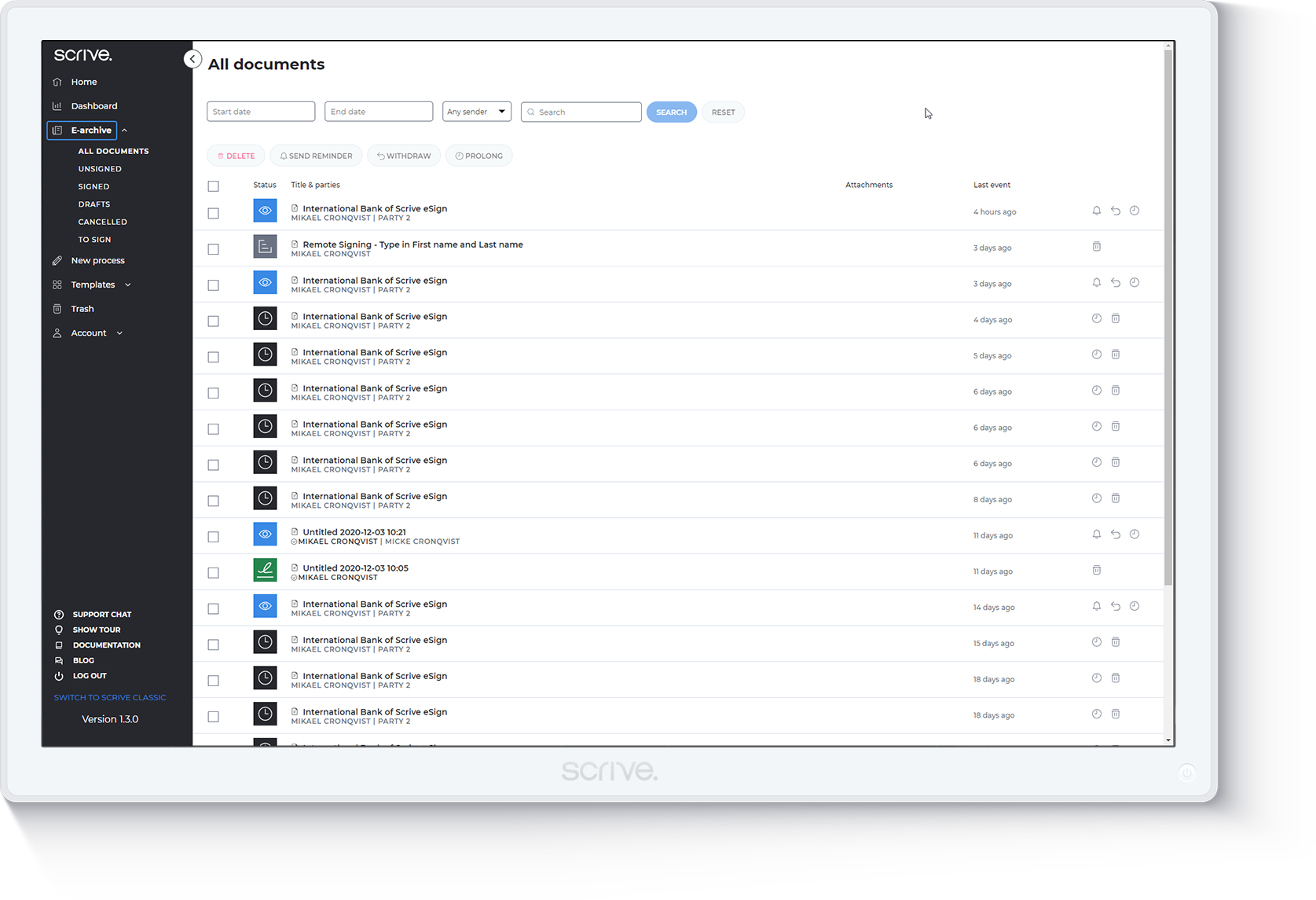
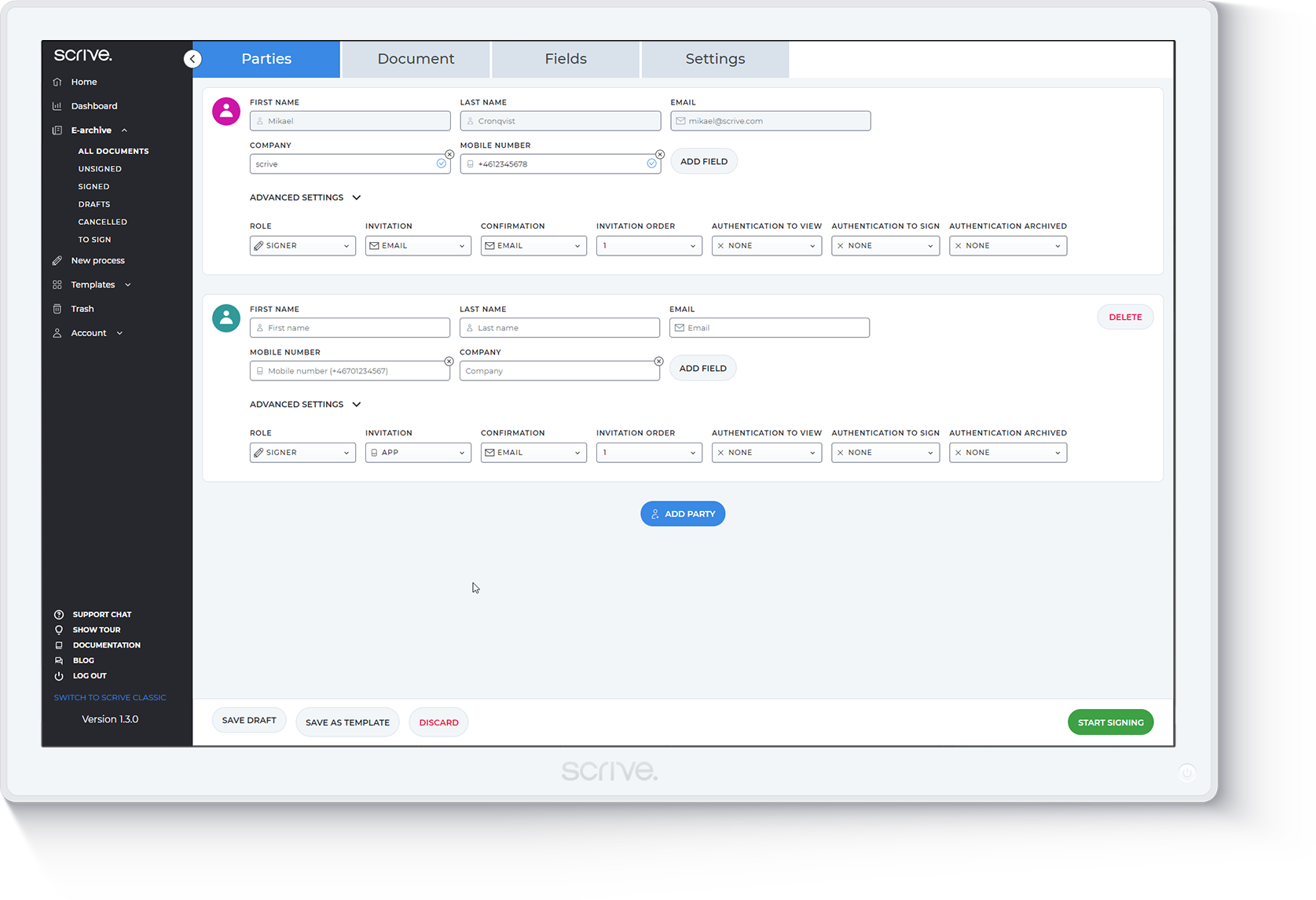
Scrive is really well suited to managing legal documents and contracts. There are many instances where it would work best, including international forms and signatures, such as point-of-sale forms for buying products. It also works for managing large amounts of forms and red tape, especially in larger groups where everyone needs access.
For the most part, the entire software is extremely easy to navigate and use. You won't need to follow tutorials or anything for the bulk of the core features, as it's all pretty seamlessly designed.
Nitro checks all the boxes for what we need. It is fairly priced, it allows us to read and edit PDF documents, convert PDF to MS Word and convert MS Word to PDF. It allows us to combine multiple files and do all the post processing like adding page numbers and adding headers and footers
Customer support was incredible, they helped when I had one question about a bug with the archiving function. They got it sorted out, helped me understand what I did wrong, and even released a patch months later to prevent future users from falling into the same trap. I don't think there even was a language barrier, despite Scrive being a Swedish company.
Every 1-2 years will do a check on current PDF options to include trialing the software. Have tried Foxit and several that seem to have failed in the marketplace. Over the last 4 years, I have always stuck with Nitro. Unfortunately, we still need to keep Adobe Acrobat (free version) installed to view a small percentage of some PDFs we receive.
It is more intuitive and does not require its users to get any formal training to use the product. It allows automatic follow-ups with users who use the product. It can be deployed on all operating system and is compatible with most of the devices including mobile phone, laptop or personal computer.
Positive - Allows us to modify PDF documents from our clients to submit our proposals.
Positive - Allows us to convert PDF documents to MS Word to share with our consultants and others without a PDF editor who contributes to our proposals.
Negative - Need to upgrade to get the latest features/versions unlike something like MS/Office 365 where we just get updates automatically and free for the monthly fee. Maybe they will or need to move to a subscription solution versus a product price.