
Netwrix Auditor vs. Teramind
| Product | Rating | Most Used By | Product Summary | Starting Price |
|---|---|---|---|---|
 Netwrix Auditor | Score8.5 out of 10 | N/A | Netwrix Auditor is designed to enable auditing of the broadest variety of IT systems, including Active Directory, Exchange, file servers, SharePoint, SQL Server, VMware and Windows Server. It also supports monitoring of privileged user activity in all other systems. According to the vendor, Netwrix Auditor eliminates these blind spots by delivering complete visibility into all changes to system configurations, content and permissions across the IT infrastructure.… | N/A |
 Teramind | Score9.9 out of 10 | N/A | Teramind helps organizations track user behaviors to detect insider threats and prevent data leaks. The software lets users monitor and record the activities of employees, remote users, external contractors both onsite and offsite in real-time. Teramind’s monitoring features can track virtually all user behavior including apps, websites, emails, instant messages/chats, social media, document & file transfers, printers, networks and more. The software also guards against insider… | $5 per endpoint/per month |
| Netwrix Auditor | Teramind | |||||||||||||||
|---|---|---|---|---|---|---|---|---|---|---|---|---|---|---|---|---|
| Editions & Modules | No answers on this topic |
| ||||||||||||||
| Offerings |
| |||||||||||||||
| Entry-level Setup Fee | No setup fee | No setup fee | ||||||||||||||
| Additional Details | — | - Annual pricing available witn discount (2 months free). - Volume discount available. | ||||||||||||||
| More Pricing Information | ||||||||||||||||
| Netwrix Auditor | Teramind | |
|---|---|---|
| Considered Both Products | No answer on this topic | No answer on this topic |
| Key User Insights | ||
| Would buy again | ||
100% Would buy again 10 Answers | 100% Would buy again 5 Answers | |
| Delivers good value for the price | ||
100% Delivers good value for the price 10 Answers | No answers on this topic | |
| Happy with the feature set | ||
100% Happy with the feature set 10 Answers | 100% Happy with the feature set 5 Answers | |
| Lived up to sales and marketing promises | ||
88% Lived up to sales and marketing promises 7 Answers | 100% Lived up to sales and marketing promises 5 Answers | |
| Implementation went as expected | ||
89% Implementation went as expected 8 Answers | 100% Implementation went as expected 5 Answers | |
| Netwrix Auditor | Teramind | |
|---|---|---|
| Small Businesses |  Oracle Audit Vault and Database Firewall Score7 out of 10 | No answers on this topic |
| Medium-sized Companies | Oracle Audit Vault and Database Firewall Score7 out of 10 | No answers on this topic |
| Enterprises | Oracle Audit Vault and Database Firewall Score7 out of 10 | No answers on this topic |
| All Alternatives | View all alternatives | View all alternatives |
| Netwrix Auditor | Teramind | |
|---|---|---|
| Likelihood to Recommend | 8.0 | 9.1 |
| Likelihood to Renew | 8.0 | - |
| Usability | 9.0 | 9.1 |
| Support Rating | 8.6 | 8.2 |
| Implementation Rating | 7.0 | - |
| Netwrix Auditor | Teramind | |
|---|---|---|
| Likelihood to Recommend |
|
|
| Pros |
|
|
| Cons |
|
|
| Likelihood to Renew |
| No answers on this topic |
| Usability |
|
|
| Support Rating |
|
|
| Implementation Rating |
| No answers on this topic |
| Alternatives Considered |
|
|
| Return on Investment |
|
|
| ScreenShots | Netwrix Auditor Screenshots   | Teramind Screenshots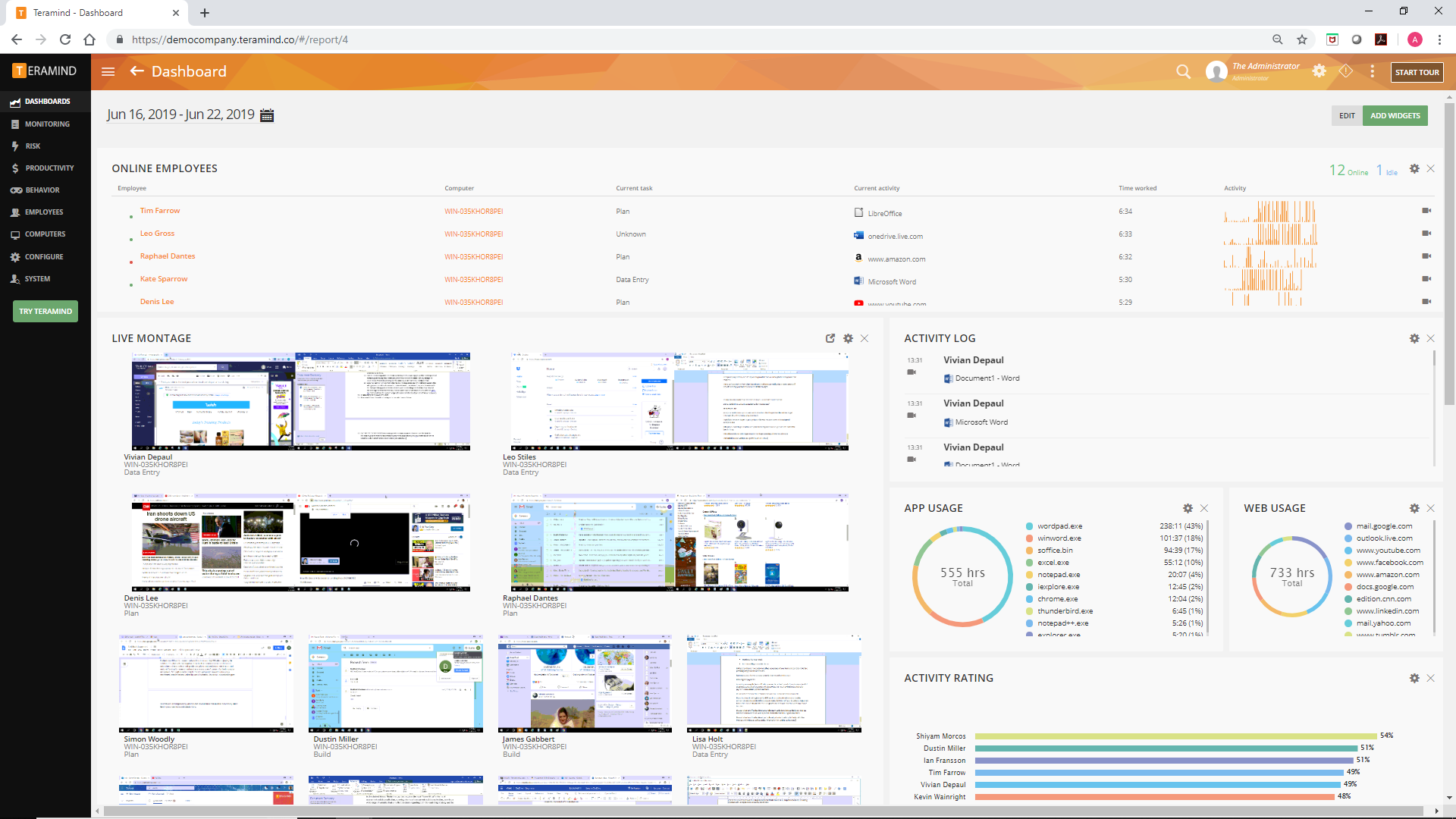   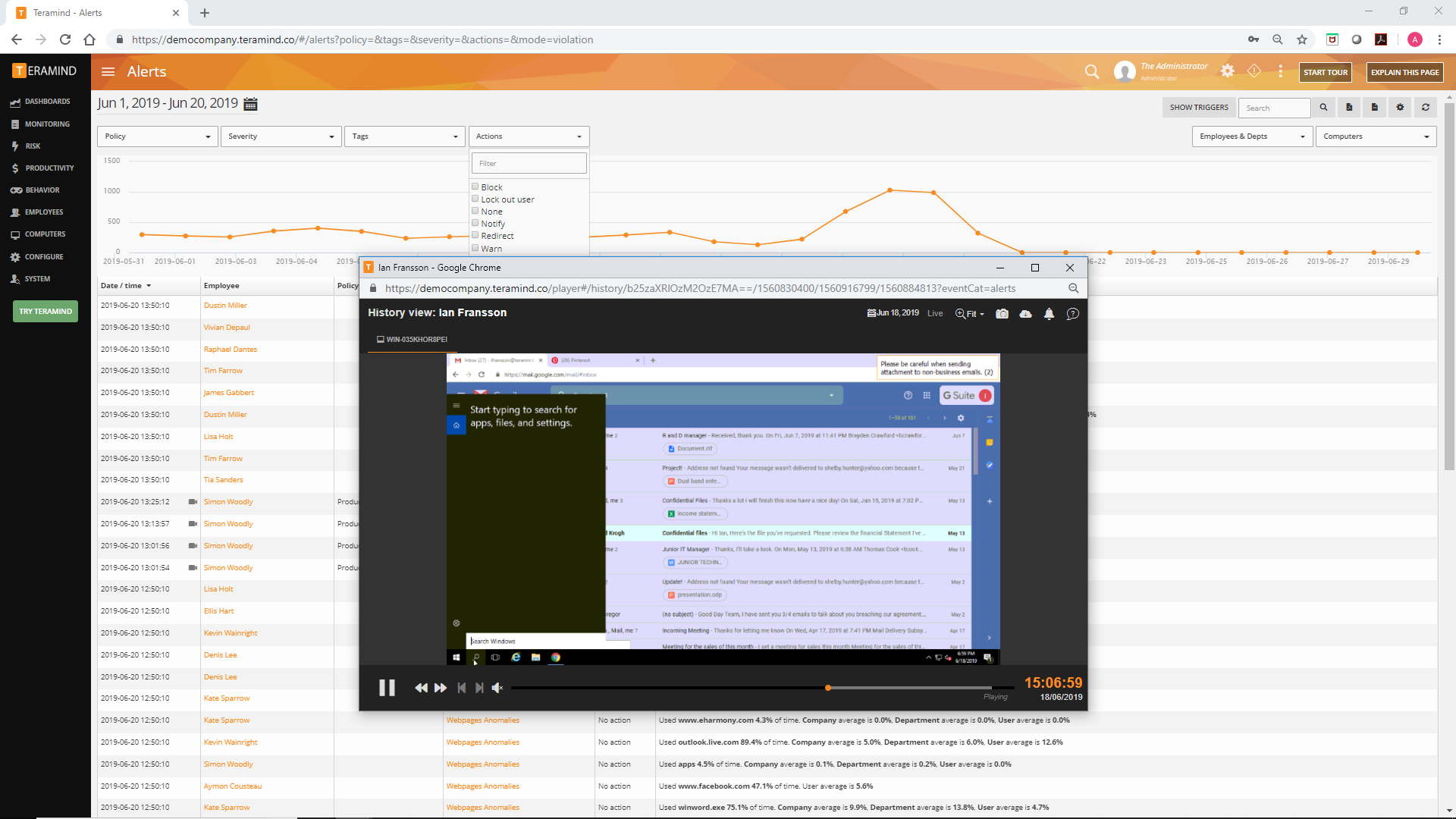  |





