
Netmon 1U Server Appliance vs. Progress WhatsUp Gold
| Product | Rating | Most Used By | Product Summary | Starting Price |
|---|---|---|---|---|
 Netmon 1U Server Appliance | N/A | Mid-Size Companies (51-1,000 employees) | Netmon is an all-in-one network monitoring appliance solution featuring real-time packet sniffing technology, device performance monitoring, syslog & event log monitoring and custom alerting in a centralized platform. With this solution, users can monitor their entire network with no device limits or per device license fees. | $5,995 Installation |
 Progress WhatsUp Gold | Score7.2 out of 10 | Mid-Size Companies (51-1,000 employees) | WhatsUp Gold developed by Ipswitch (acquired by Progress Software May 2019) offers network performance monitoring and mapping. It supports core monitoring features, including automated workflows and network capacity planning, and monitors across hybrid environments. | N/A |
| Netmon 1U Server Appliance | Progress WhatsUp Gold | |||||||||||||||
|---|---|---|---|---|---|---|---|---|---|---|---|---|---|---|---|---|
| Editions & Modules |
| No answers on this topic | ||||||||||||||
| Offerings |
| |||||||||||||||
| Entry-level Setup Fee | Required | Optional | ||||||||||||||
| Additional Details | Netmon Maintenance Package - Appliance Edition - $1,595 /USD - Annual Subscription: Toll Free Technical Support, Software Upgrades, Software Updates and Patches, Limited Hardware Warranty Netmon Maintenance Package - Appliance Edition - $1,095 /USD - Annual Subscription: Toll Free Technical Support, Software Upgrades, Software Updates and Patches | — | ||||||||||||||
| More Pricing Information | ||||||||||||||||
| Netmon 1U Server Appliance | Progress WhatsUp Gold | |
|---|---|---|
| Considered Both Products | No answer on this topic | No answer on this topic |
| Key User Insights | ||
| Would buy again | ||
No answers on this topic | 80% Would buy again 4 Answers | |
| Delivers good value for the price | ||
No answers on this topic | No answers on this topic | |
| Happy with the feature set | ||
No answers on this topic | 80% Happy with the feature set 4 Answers | |
| Lived up to sales and marketing promises | ||
No answers on this topic | No answers on this topic | |
| Implementation went as expected | ||
No answers on this topic | No answers on this topic | |
| Netmon 1U Server Appliance | Progress WhatsUp Gold | |
|---|---|---|
| Small Businesses |  Pulseway Score9.9 out of 10 | Pulseway Score9.9 out of 10 |
| Medium-sized Companies |  Cisco Meraki Dashboard Score9.3 out of 10 | Cisco Meraki Dashboard Score9.3 out of 10 |
| Enterprises |  Cisco Prime LAN Management (discontinued) Score8.5 out of 10 | Cisco Prime LAN Management (discontinued) Score8.5 out of 10 |
| All Alternatives | View all alternatives | View all alternatives |
| Netmon 1U Server Appliance | Progress WhatsUp Gold | |
|---|---|---|
| Likelihood to Recommend | - | 8.3 |
| Support Rating | - | 4.2 |
| Netmon 1U Server Appliance | Progress WhatsUp Gold | |
|---|---|---|
| Likelihood to Recommend | No answers on this topic |
|
| Pros | No answers on this topic |
|
| Cons | No answers on this topic |
|
| Support Rating | No answers on this topic |
|
| Alternatives Considered | No answers on this topic |
|
| Return on Investment | No answers on this topic |
|
| ScreenShots | Netmon 1U Server Appliance Screenshots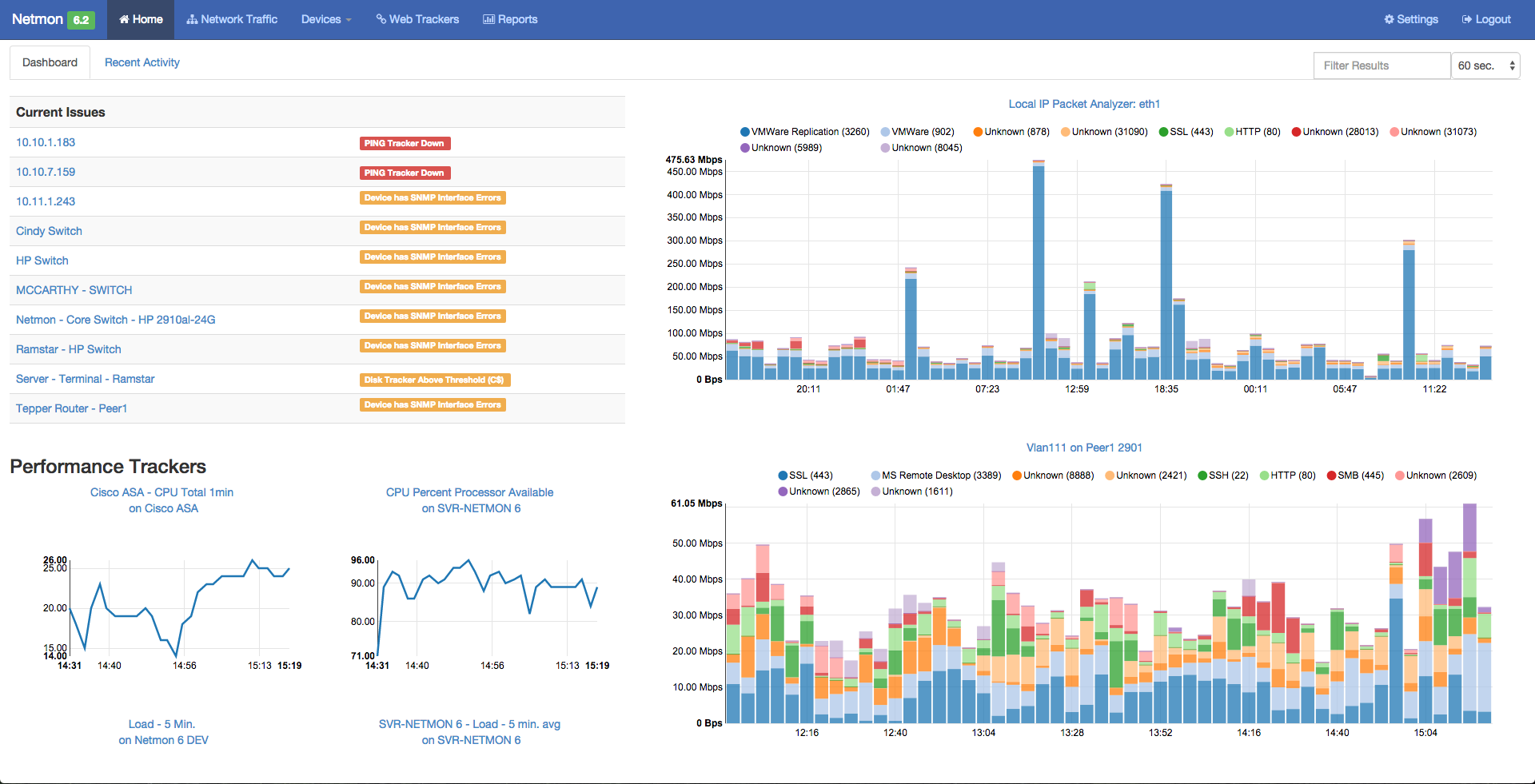 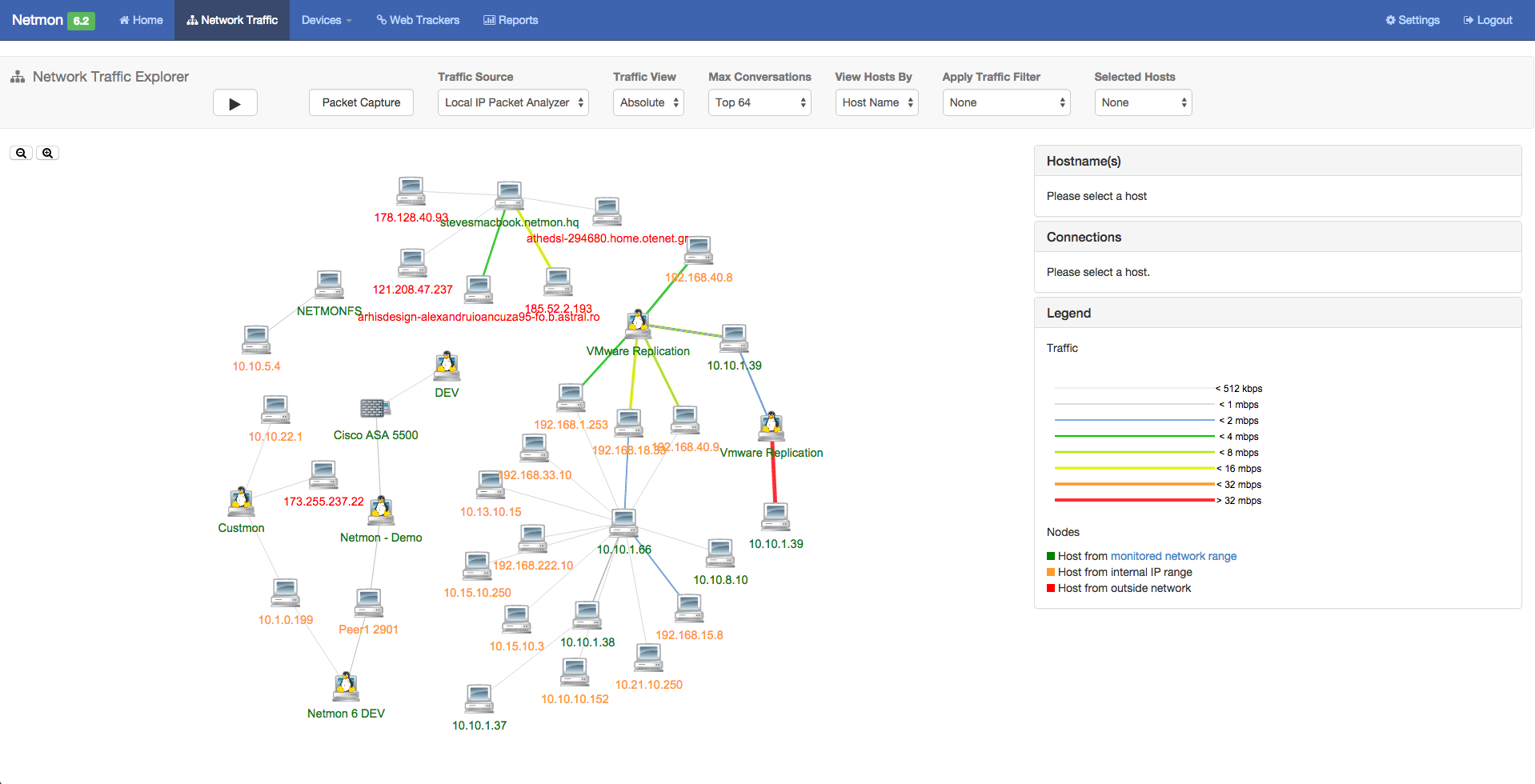  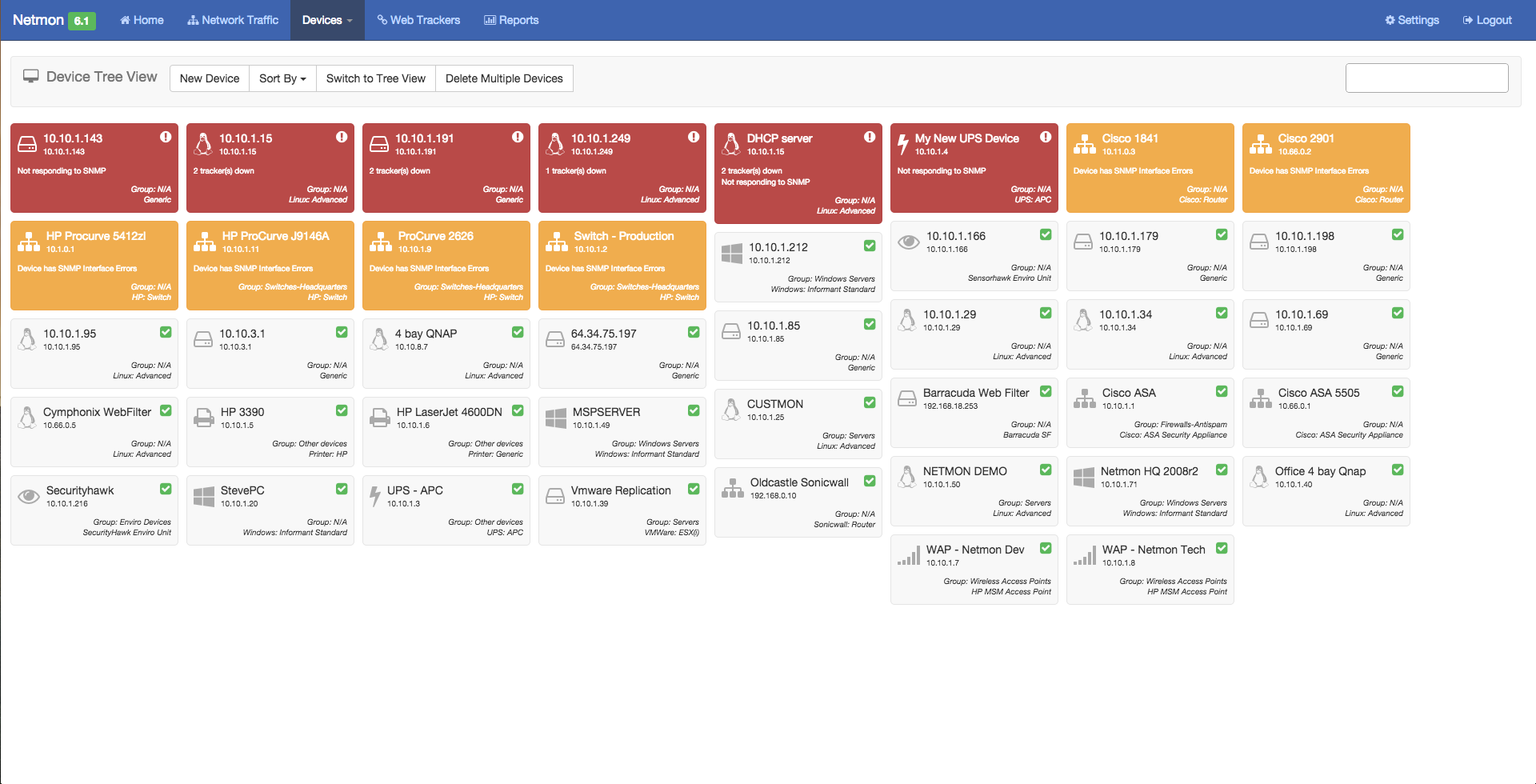 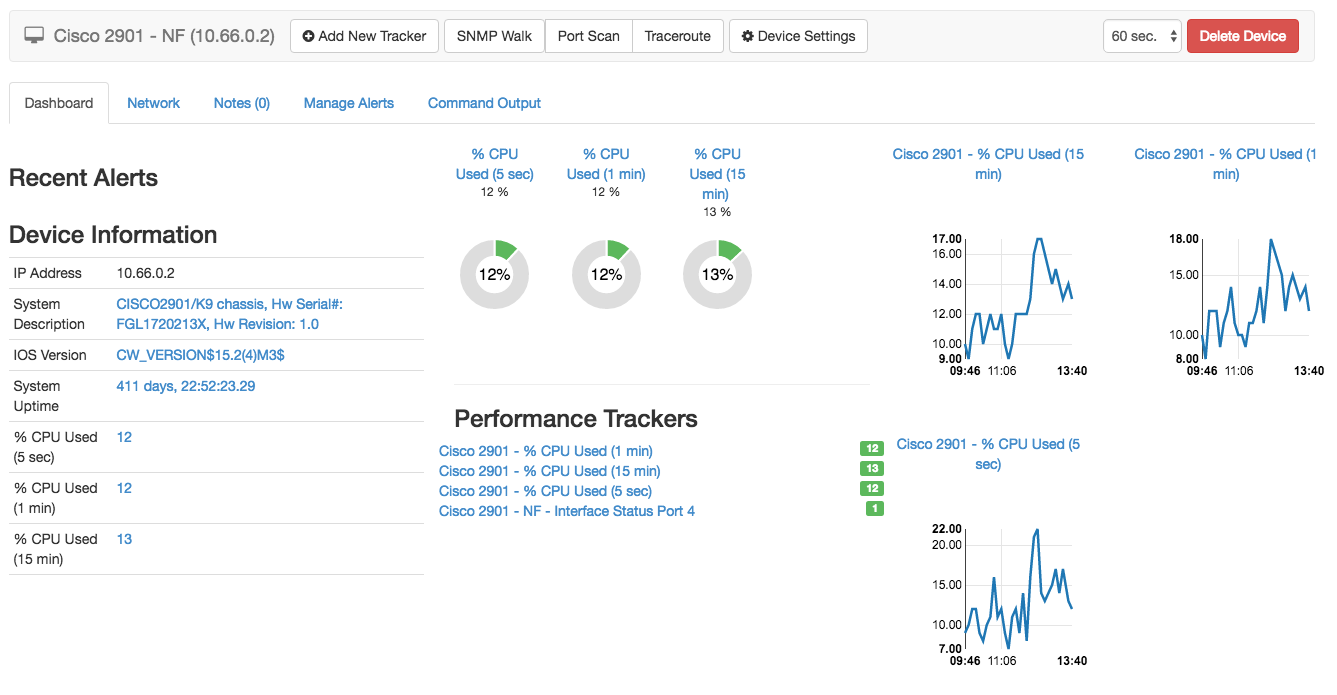 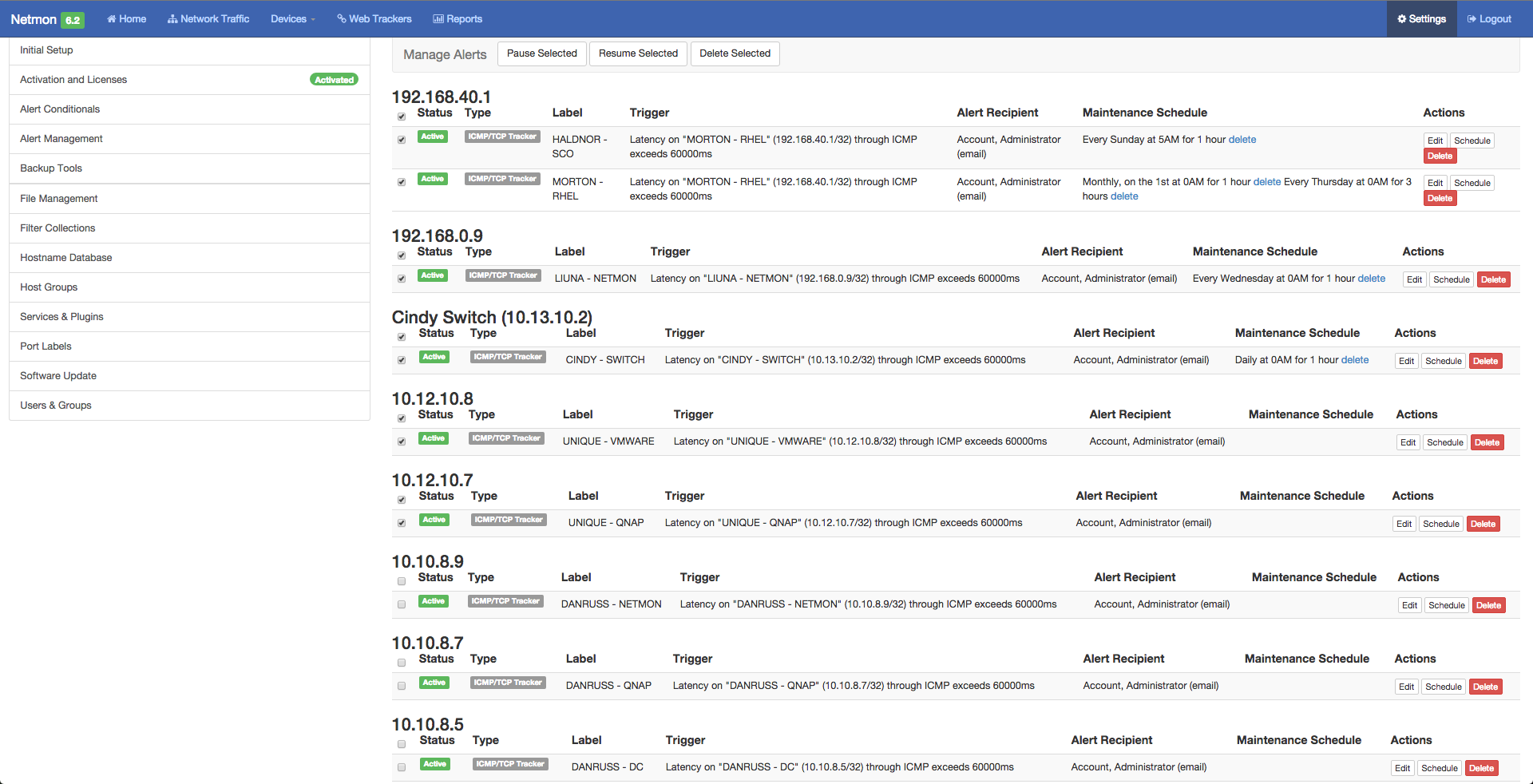 | Progress WhatsUp Gold Screenshots  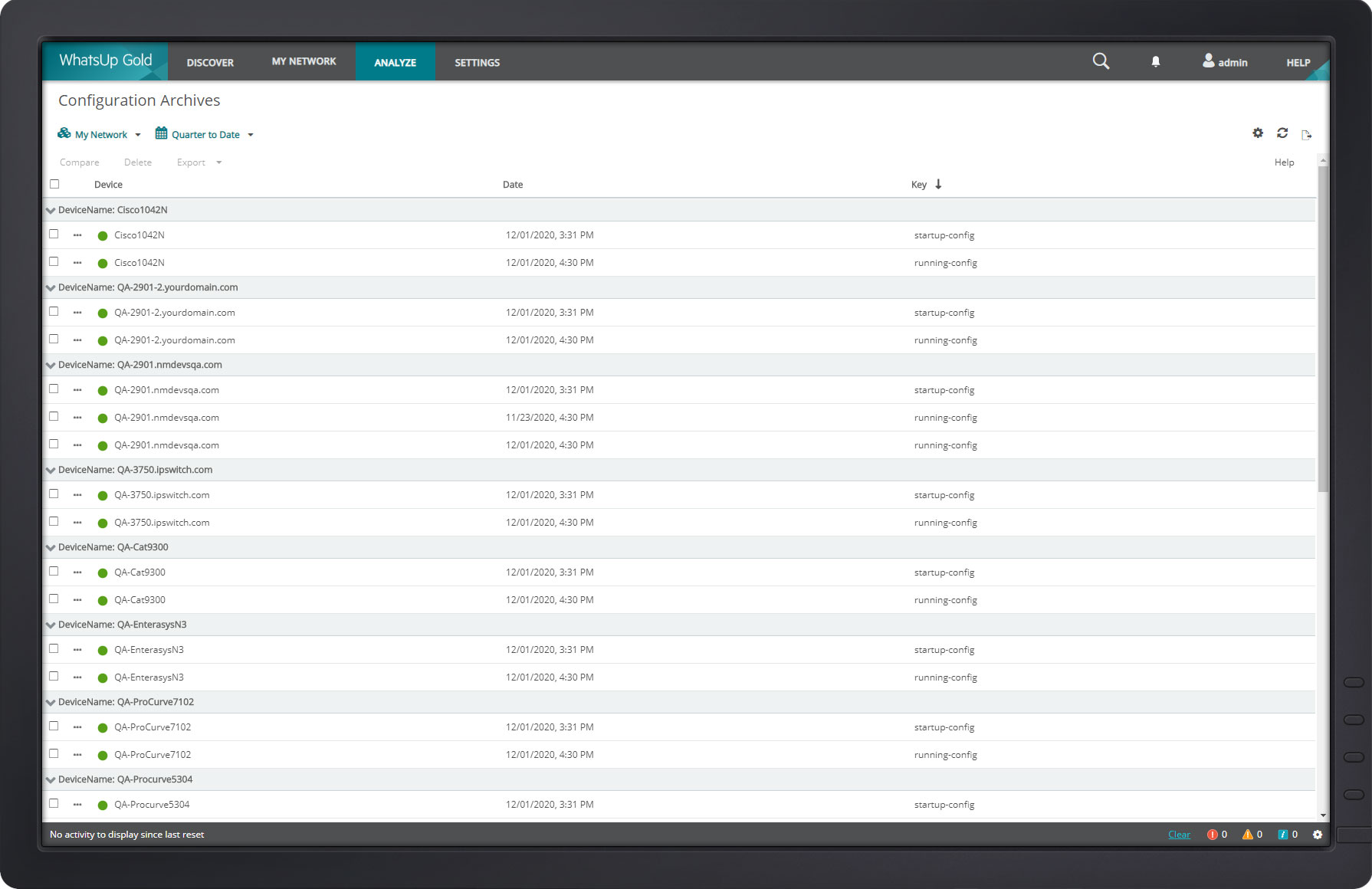  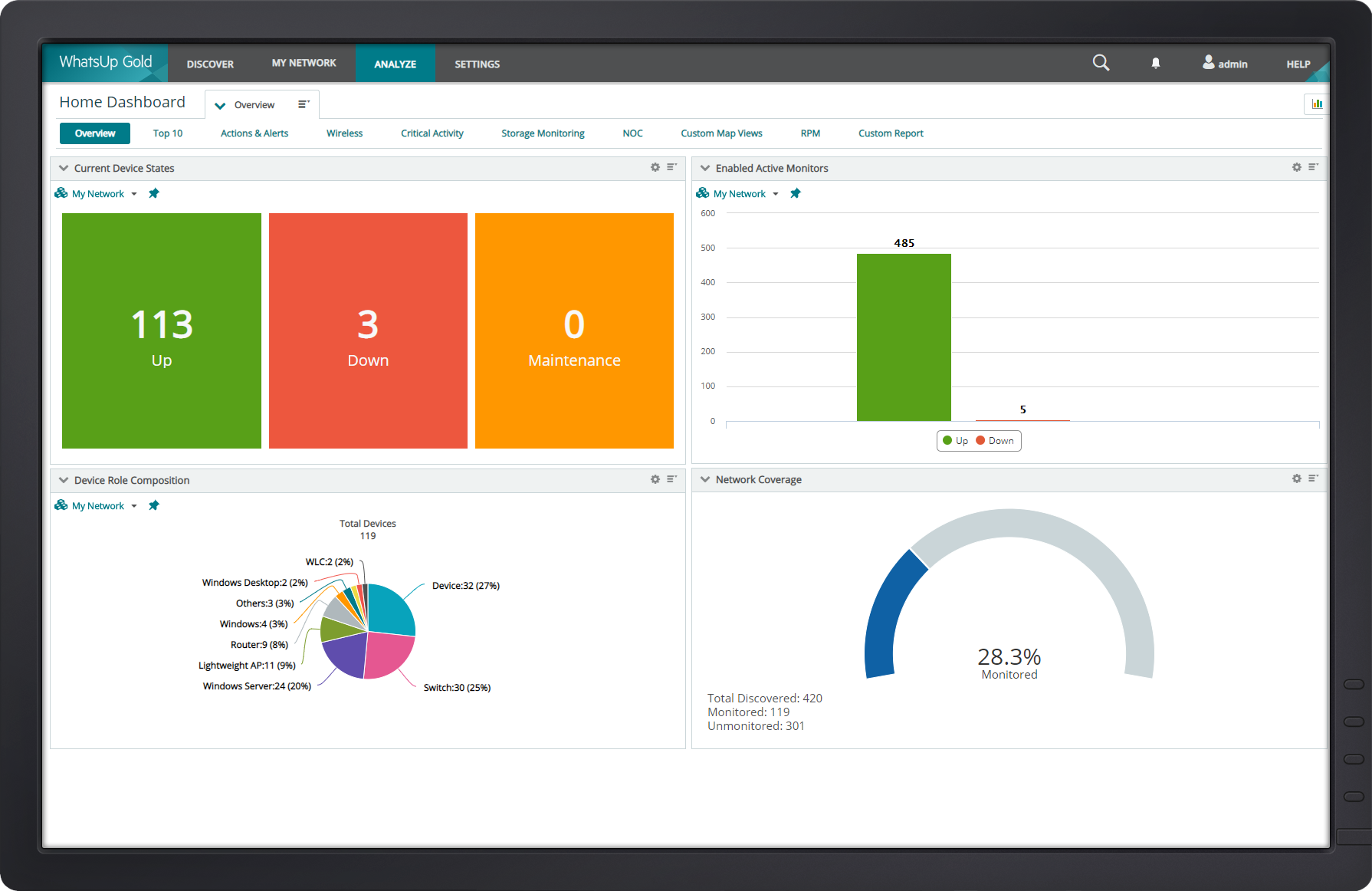  |



