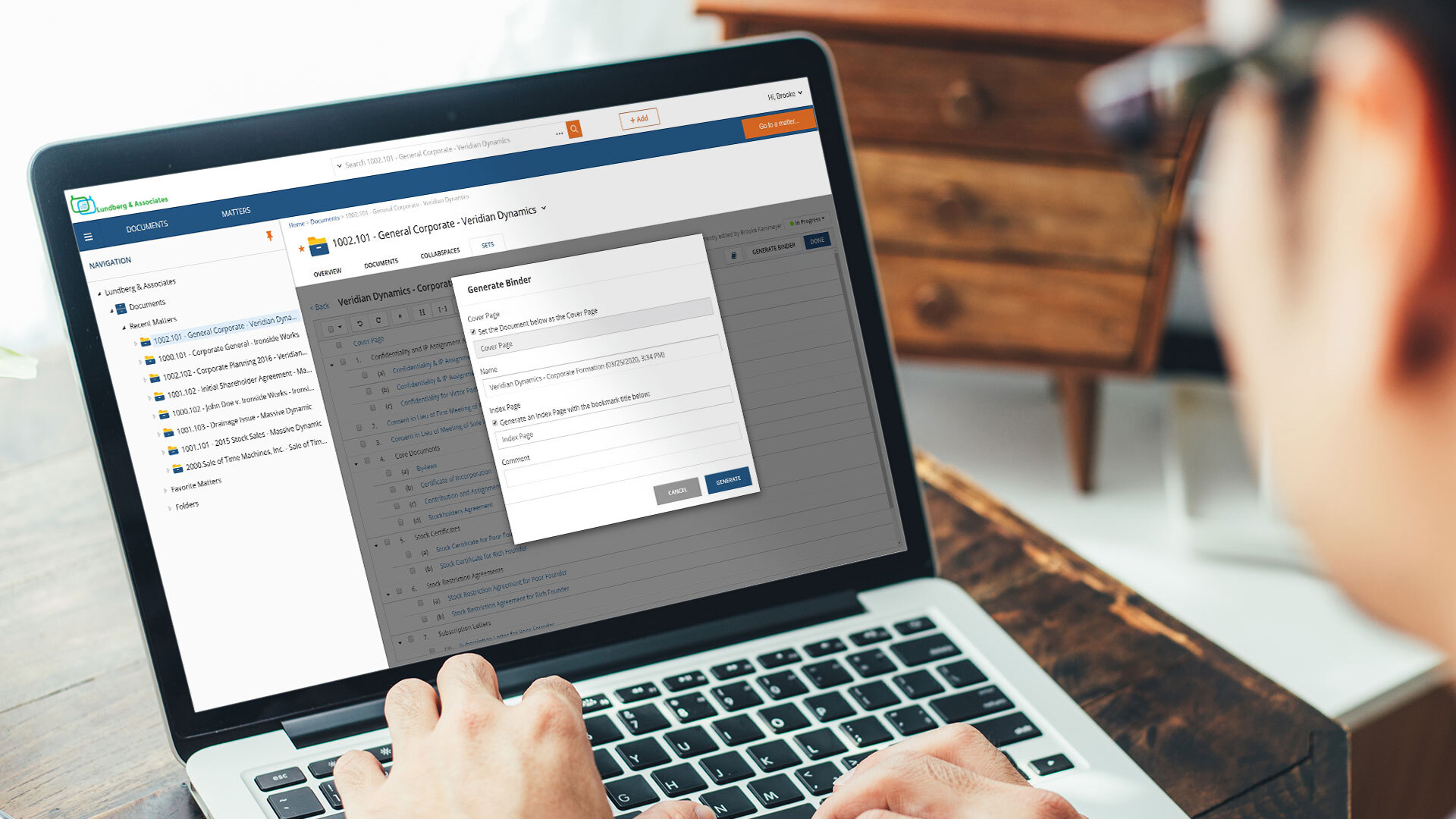
It is ideal where security is your number one concern or where there is a need to share securely across different physical locations. Speed is less than ideal in certain usage scenarios. It is limited by the speed of the internet and it can be difficult to pull large quantities of documents when researching or answering discovery requests, although, that being said, it can be addressed by maintaining your own secure server to contain a mirror of your online documents. But then the security for a mirror falls back on the organization.
A de minimis incentive was given to thank the reviewer for their time. The incentive was not used to bias or drive a particular response, nor was the incentive contingent on a positive endorsement. More Info
SaneBox is great for anybody who a) gets a lot of emails, and b) needs to respond quickly to email. For example, as a consultant, it's important that I quickly read and respond to my clients' email messages. SaneBox would be less useful for people with low volumes of email, or where there is little or no email from external senders.
A de minimis incentive was given to thank the reviewer for their time. The incentive was not used to bias or drive a particular response, nor was the incentive contingent on a positive endorsement. More Info
A de minimis incentive was given to thank the reviewer for their time. The incentive was not used to bias or drive a particular response, nor was the incentive contingent on a positive endorsement. More Info
A de minimis incentive was given to thank the reviewer for their time. The incentive was not used to bias or drive a particular response, nor was the incentive contingent on a positive endorsement. More Info
Delay. At times, there is a delay between saving a document into Netdocuments and actually seeing them in the appropriate workspace. Such a delay is caused by the system indexing the newly added file.
Netdocuments' servers slow down at times causing users to receive error messages. This can be quickly remedied, but can become a nuisance.
A de minimis incentive was given to thank the reviewer for their time. The incentive was not used to bias or drive a particular response, nor was the incentive contingent on a positive endorsement. More Info
A de minimis incentive was given to thank the reviewer for their time. The incentive was not used to bias or drive a particular response, nor was the incentive contingent on a positive endorsement. More Info
The product is simple to learn and adheres to well-known web user protocols. The NetDocuments team spends a lot of time talking to customers regarding how to improve their interface, and are pretty quick about implementing good ideas. The system is reliable and repeatable, and similar functions are laid out consistently and in formats that users are used to.
A de minimis incentive was given to thank the reviewer for their time. The incentive was not used to bias or drive a particular response, nor was the incentive contingent on a positive endorsement. More Info
NetDocuments is a performant web app. It is reliable and provides all the functionality of a sophisticated document management system. It also can serve, through its APIs, as a base system for other applications, which enhances its value. Other vendors find the company easy to work with, and it consistently seems to be the first to offer new features and technologies to its customers.
A de minimis incentive was given to thank the reviewer for their time. The incentive was not used to bias or drive a particular response, nor was the incentive contingent on a positive endorsement. More Info
I've never had to contact support, but I won't give it a ten. We've had a few hiccups along the way, but nothing that couldn't be fixed within 24 hours.
A de minimis incentive was given to thank the reviewer for their time. The incentive was not used to bias or drive a particular response, nor was the incentive contingent on a positive endorsement. More Info
I use the Snooze and Spam features in Office 365 for another mailbox. I feel SaneBox's system of folders is easier to manage, plus it is available from anywhere I check my email. Office 365 snooze is not available through my Android email program and in [my opinion] it's aggravating not being able to organize email from my phone.
A de minimis incentive was given to thank the reviewer for their time. The incentive was not used to bias or drive a particular response, nor was the incentive contingent on a positive endorsement. More Info
NetDocuments has really saved us from hiring more people. The document management system is a core technology to any law firm. Our last DMS was an in-house system. It easily required the attention of half a FTE and offered a fraction of the functionality.
NetDocuments has also been relatively easy for our employees to use. We have a high adoption rate and it allows for our employees (and third parties) to collaborate pretty well.
NetDocuments offers any number of certifications -- e.g. ISO 27001, business associate agreements for HIPAA -- certifications that are required by some clients, that we could not possibly attain with an in-house system.
A de minimis incentive was given to thank the reviewer for their time. The incentive was not used to bias or drive a particular response, nor was the incentive contingent on a positive endorsement. More Info
A de minimis incentive was given to thank the reviewer for their time. The incentive was not used to bias or drive a particular response, nor was the incentive contingent on a positive endorsement. More Info