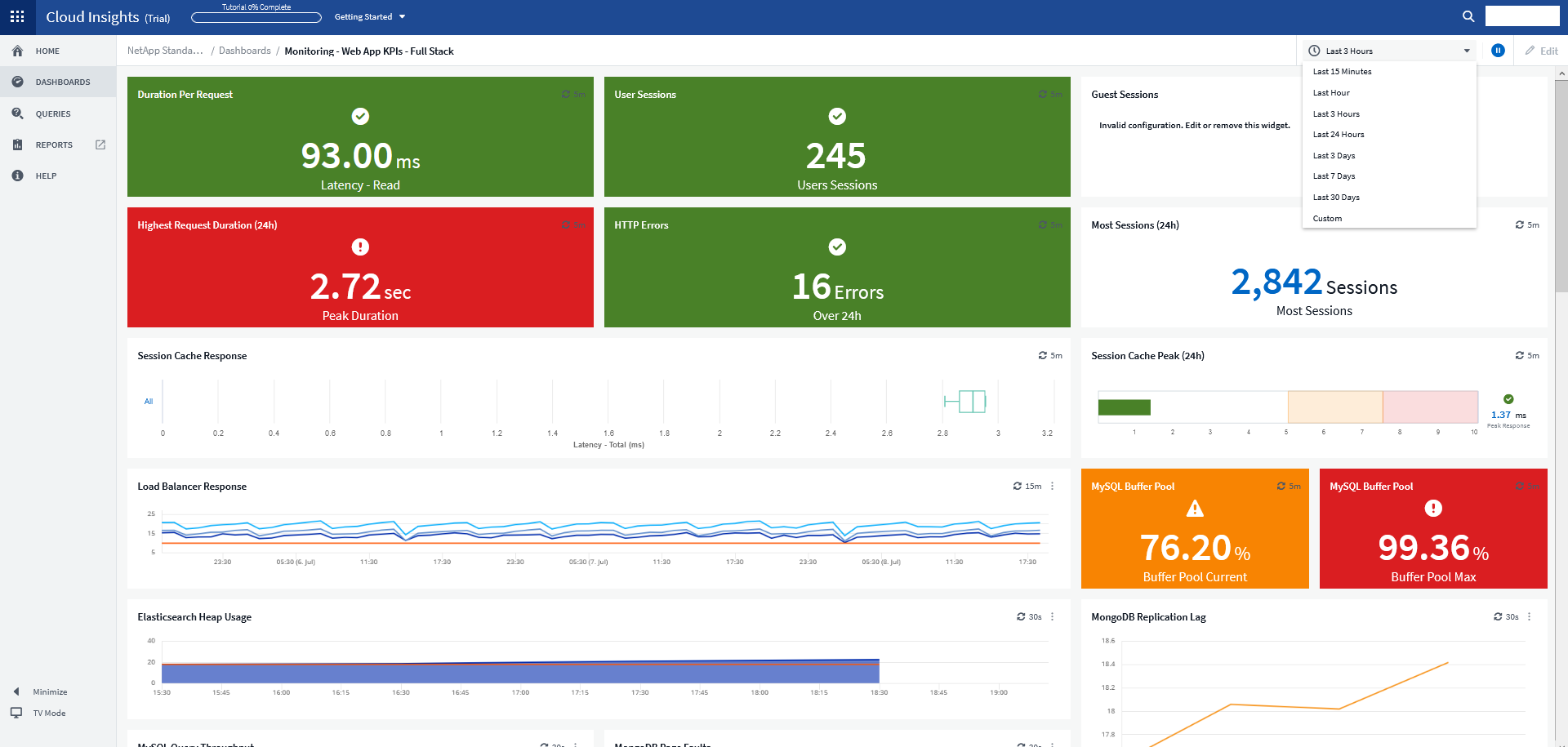
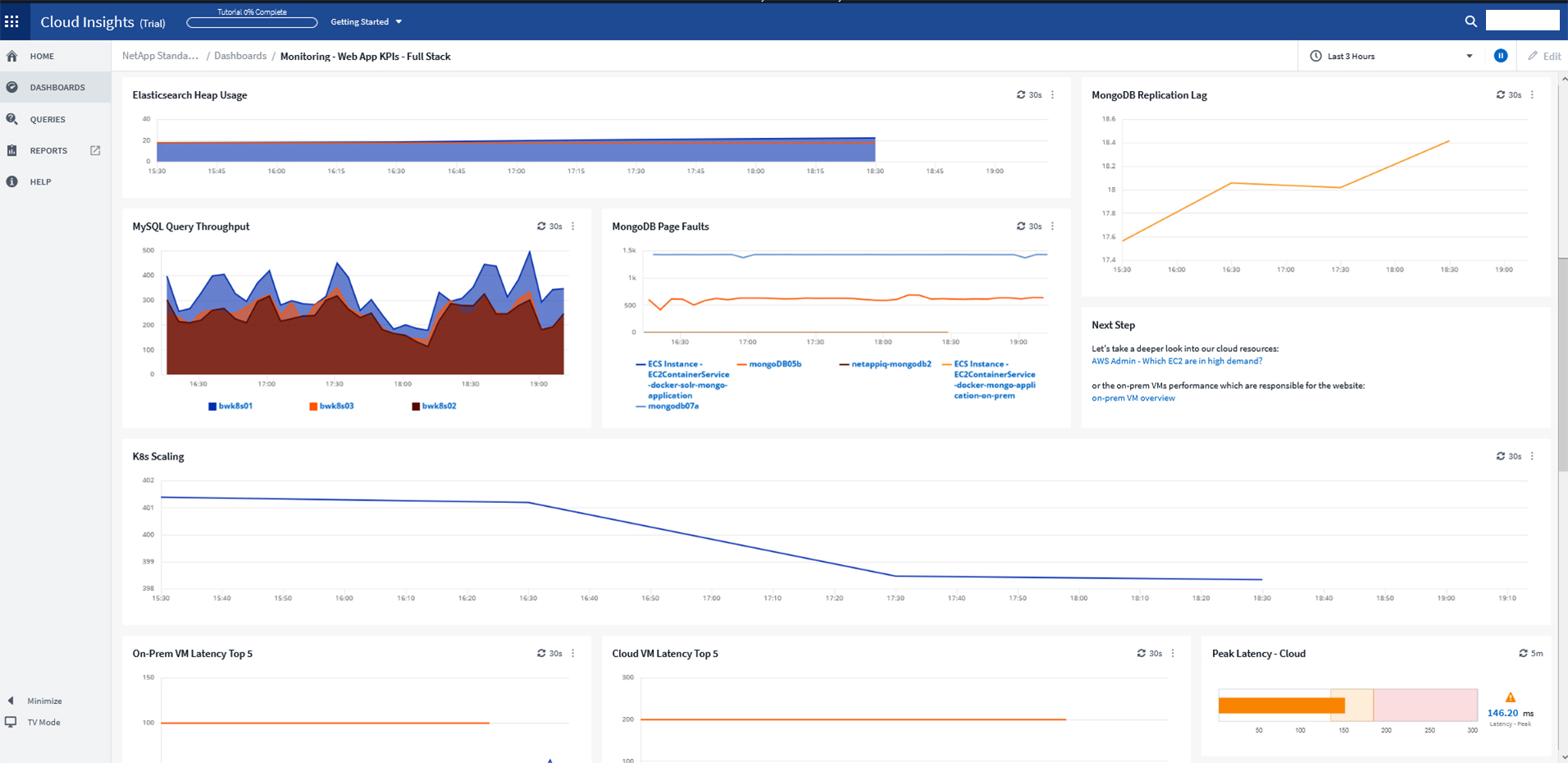
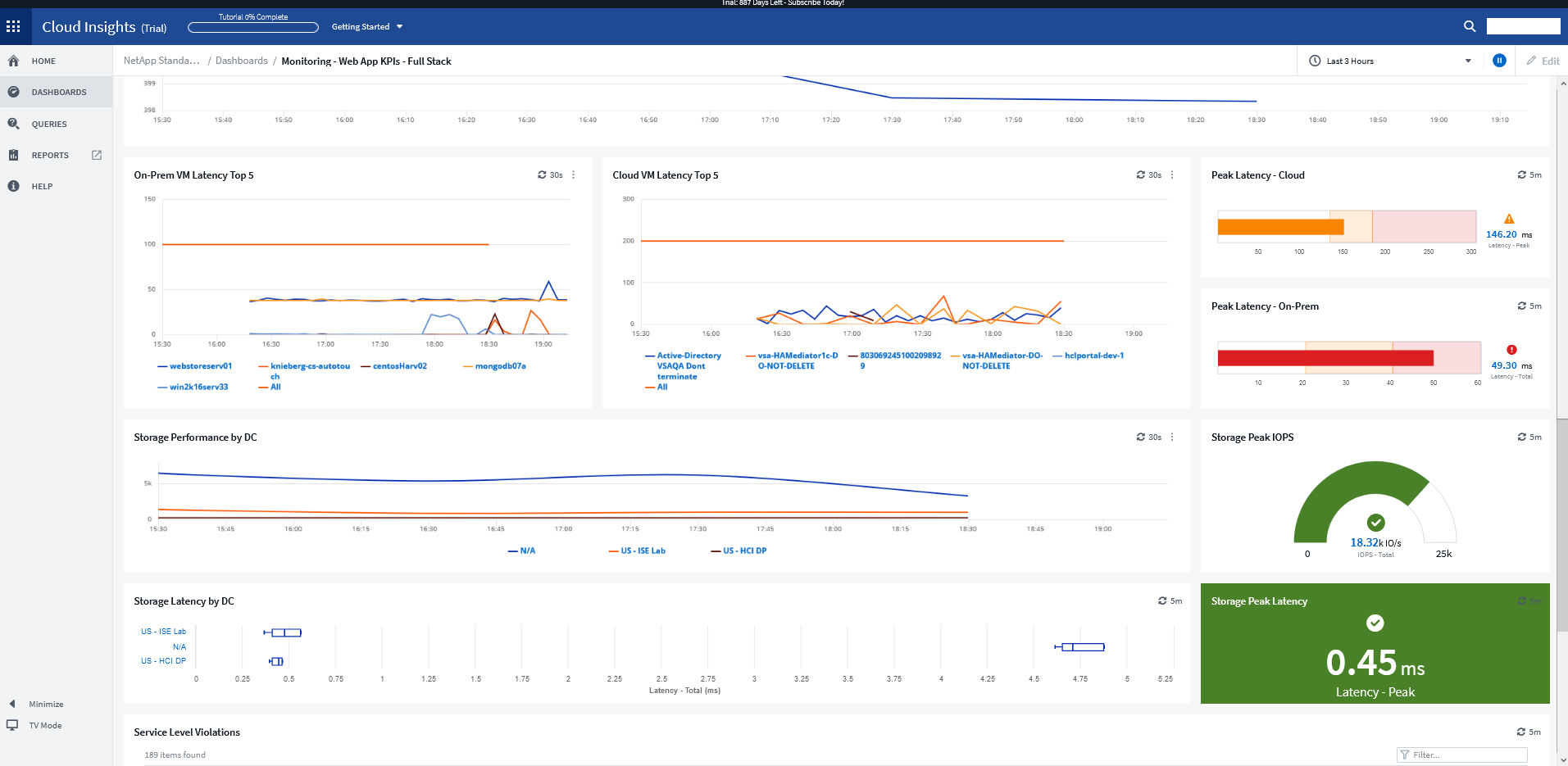
NetApp Cloud Insights is an infrastructure monitoring tool that gives
users visibility into their complete infrastructure. With Cloud Insights, users can monitor, troubleshoot and optimize all resources including
public clouds and private data centers.
N/A
Veeam ONE
Score8.2 out of 10
N/A
Veeam ONE is virtualization management technology from Ohio based VMware partner Veeam Software.
For example, we had an application slowdown. It looked like the slowdown was storage. However, it was a malformed SQL query that no one realized was pulling data from the storage location that also housed the application. Cloud Insights saved us hours of downtime and frustration. Cloud Insights pinpointed which system was hogging resources. What makes Cloud Insights special is the way it looks at the data collected from the data sources. The insights it provides into the flow of data; sheds new light on how things work in your environment.
A de minimis incentive was given to thank the reviewer for their time. The incentive was not used to bias or drive a particular response, nor was the incentive contingent on a positive endorsement. More Info
Veeam One works great for monitoring virtual infrastructure. However, other dedicated server monitoring apps do better with monitoring the individual VMs. Where it stands out is its reporting functionality, which allows you to forecast growth and keep track of how you are using your resources. It is also great for companies without a big monitoring budget, as there is a pretty functional free version.
A de minimis incentive was given to thank the reviewer for their time. The incentive was not used to bias or drive a particular response, nor was the incentive contingent on a positive endorsement. More Info
A de minimis incentive was given to thank the reviewer for their time. The incentive was not used to bias or drive a particular response, nor was the incentive contingent on a positive endorsement. More Info
Proactive Alerting - the product can provide email alerts to notify one of any issues in the environment.
Capacity Planning and Forecasting - it has the ability to provide an analysis of the current environment as well as provide a report to forecast future capacity requirements.
Monitoring and Reporting - the software can monitor you environment 24x7 with the ability to provide comprehensive reporting.
A de minimis incentive was given to thank the reviewer for their time. The incentive was not used to bias or drive a particular response, nor was the incentive contingent on a positive endorsement. More Info
A de minimis incentive was given to thank the reviewer for their time. The incentive was not used to bias or drive a particular response, nor was the incentive contingent on a positive endorsement. More Info
The licensing is tricky to understand. You can have an enterprise BR license or a Veeam ONE license, and the split modules read from only one module where the license is actually loaded into it.
Documentation could be a little better.
It's not exactly pretty to look at. Themes and tweaks are pretty limited.
A de minimis incentive was given to thank the reviewer for their time. The incentive was not used to bias or drive a particular response, nor was the incentive contingent on a positive endorsement. More Info
I have been extremely happy with its usability. You can take thins as they are out of the box and it is useful. You can carry it as far as you want to go and every step you take improves your ROI.
A de minimis incentive was given to thank the reviewer for their time. The incentive was not used to bias or drive a particular response, nor was the incentive contingent on a positive endorsement. More Info
The software is a joy to use. The user interface is good overall and you can find frequently needed things easily and quickly. Some less frequently needed things eg. settings are hidden under several menus and one might have to look for those for a while. We also haven't had any issues with the products reliability.
A de minimis incentive was given to thank the reviewer for their time. The incentive was not used to bias or drive a particular response, nor was the incentive contingent on a positive endorsement. More Info
A de minimis incentive was given to thank the reviewer for their time. The incentive was not used to bias or drive a particular response, nor was the incentive contingent on a positive endorsement. More Info
We rarely if ever call support, but overall Veeam is very responsive, quick to get a hold of, and knowledgeable in there help. Some companies get big like Veeam and their support drops off, but we haven't seen that with Veeam (but again, their products seem really solid and trouble free so we rarely need help).
A de minimis incentive was given to thank the reviewer for their time. The incentive was not used to bias or drive a particular response, nor was the incentive contingent on a positive endorsement. More Info
For a while, we were using Zabbix to monitor our Kubernetes applications and microservices on our infrastructure in more than one public cloud platform. Cloud Insights has much better visualized dashboards. In addition, despite such a large number of quality features, it's still priced competitively.
A de minimis incentive was given to thank the reviewer for their time. The incentive was not used to bias or drive a particular response, nor was the incentive contingent on a positive endorsement. More Info
Veeam One is very easy to use, easy to configure and get what you want. The integration for Veeam Backup is perfect, for today i think Veeam need to make Veeam One monitor Microsoft 365 envirioment, this will give great imput and integrated with Veeam Backup for 365 will be amezing.
Once you install the acquisition unit and start collecting data, you can immediately begin using it. It is very self-explanatory and helpful. I could have used Cloud Insights without working with the NetApp Cloud Insights support team. I am glad I engaged them though. They helped me carry Cloud Insights to a new level and it fast-tracked the process that would have taken me time to complete.
A de minimis incentive was given to thank the reviewer for their time. The incentive was not used to bias or drive a particular response, nor was the incentive contingent on a positive endorsement. More Info
A de minimis incentive was given to thank the reviewer for their time. The incentive was not used to bias or drive a particular response, nor was the incentive contingent on a positive endorsement. More Info
The most positive impact has been a centralized platform to manage all our vCenter Tags, which orchestrate all our BCDR solutions with Veeam.
Response time for analyzing system performance when there are issues has greatly increased due to the simplicity of the software, plus we have been able to allow access to application developers and managers to view and asses their servers when they feel there are issues, without the need to contact the infrastructure team members.
A de minimis incentive was given to thank the reviewer for their time. The incentive was not used to bias or drive a particular response, nor was the incentive contingent on a positive endorsement. More Info