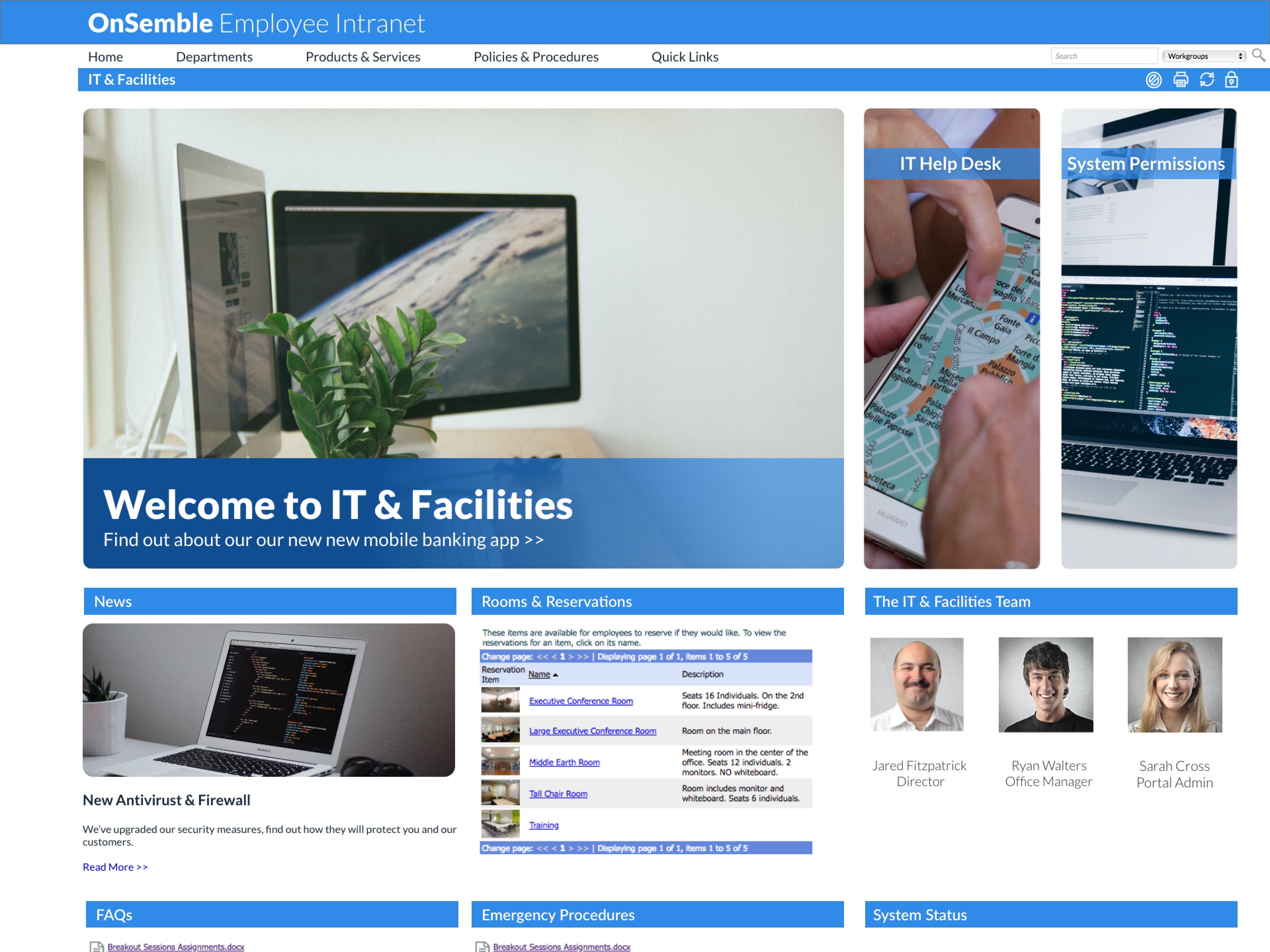
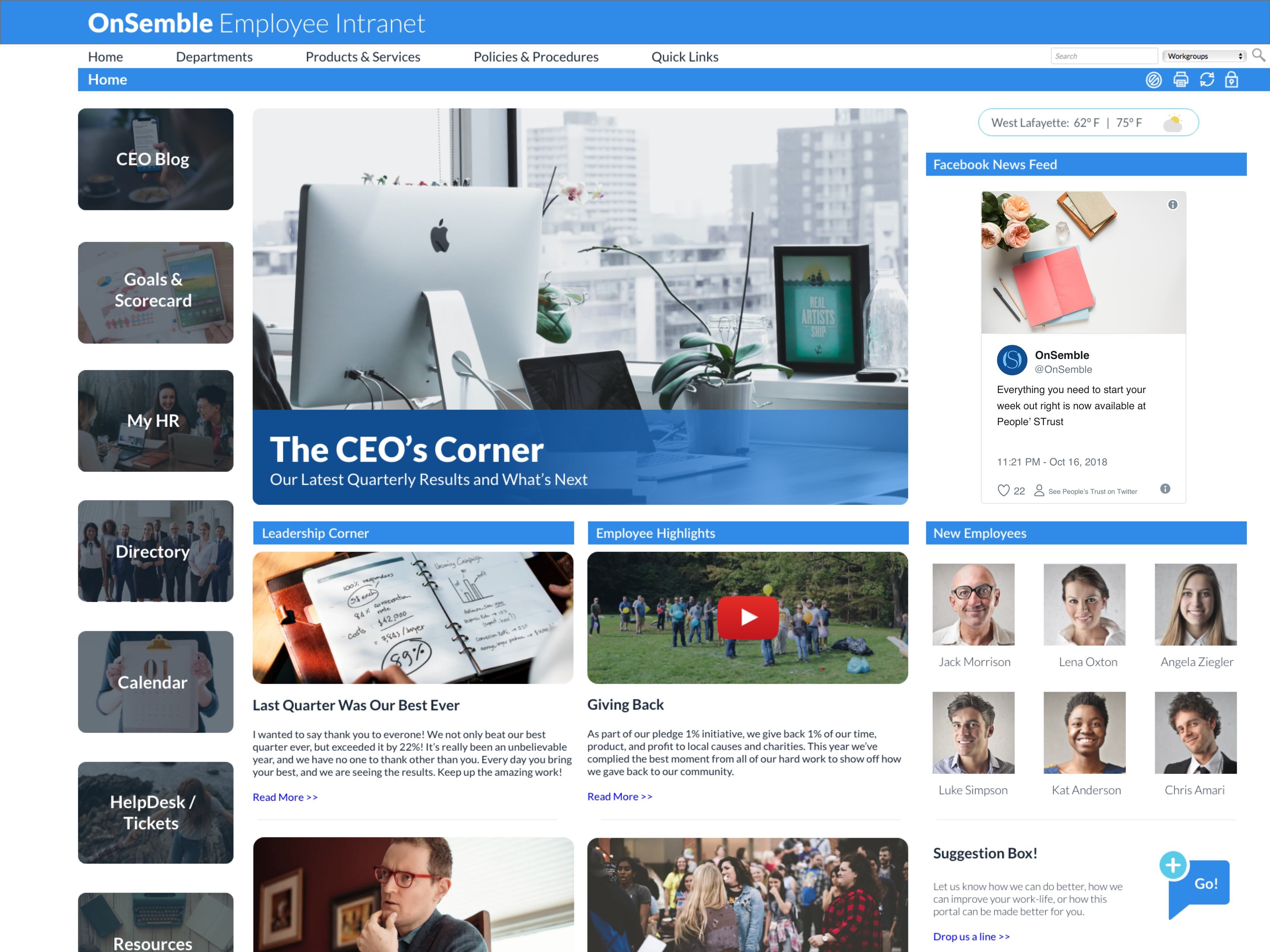
Nconnect (formerly OnSemble Intranet) is an mployee intranet that keeps everyone connected, a digital workplace to make employees feel valued. It is designed to keep remote teams engaged, and acts as the culture champion for the organization.
N/A
OpenText Vibe
Score 6.0 out of 10
N/A
OpenText Vibe (formerly Micro Focus Vibe) is a web-based team collaboration platform developed by Novell, and was initially released by Novell in June 2008 under the name of Novell Teaming. Novell's acquisition by Micro Focus was completed in April 2015.
OnSemble is solving a lot of problems that our organization had prior to its implementation:
We can track communication readership.
We can engage with our fellow teammates through chats and recognition.
We have a central location for all job-related links.
We are just now delving into adding departmental pages so folks can communicate within their teams.
I'm not sure of a scenario where OnSemble wouldn't be appropriate - if you have a company that needs to centralize communication, documentation, and share ideas, it's an excellent choice.
How fast can I implement it fully for an organisation?
How many hours must I invest to get it up and running?
How does it compare to the competitors similar software?
Once up and running how much time and money will it cost me?
From the point of how it looks I would like to use it. As it is part of the Novell suite I would like to use it as I have already paid for it. So in conclusion with the help of Novell I might be able to implement it the way I want it but without extra cost.
Ease of Use - with limited html or design experience, I was able to pick up building and updating in our OnSemble portal with minimal struggles.
Customer Service and Support - Passageways employees are hands down the best, always willing to take extra time to dig in, troubleshoot, and resolve any issues in an extremely timely manner. They are always pleasant and super helpful.
Customization - the available site of modules offered allow for a "site" that is suited for the differing needs of each business OnSemble is being used by. From calendars, to document repository, to creating content pages for staff, the possibilities for customization are almost limitless.
You can create electronic forms with powerful workflows behind them. This allows for supervisor approval/rejection of forms. The workflows also allow for email alerts when certain stages are met.
Built in social media tools. Each employee has a feed which other employees can follow.
Allows employees to create teams in which they can chose members and rights.
Now that we're customers, the support function is not as strong. If we have a question, we are pointed towards articles so we can "self serve". Sometimes it is important to pick up the phone and talk to someone, which is a service that they've eliminated. Everything is self-help or email ticketing.
When creating the portal, we didn't know what we didn't know. There were some instances that if we hadn't asked a question, we never would have been told about a product/feature that we didn't know we had access to. Our banner almost wasn't implemented in time because the person in charge of it left the company and we didn't know that we needed to follow up on that.
While being able to completely customize the portal is a HUGE strength and not a problem since our implementation team consisted of marketing professionals with design experience, it is also a weakness. If you are tasked with creating the portal but don't have design capabilities, I highly recommend looping in someone who does.
We would never go back to a spreadsheet to manage our inventory! Since Vibe is essentially free for us there's no reason not to continue using it. We plan on rolling out more processes in other departments for the coming year. The biggest obstacle is change. People don't want to change doing things they have been doing for years. If the workflow saves time people will embrace it.
At this moment it still looks you need to do a lot to be able to use it and to be honest that time should be used for work not for configuring a communication tool for the business. Yes I understand that it takes time to learn something to use in the organisation , but with this tool I see the help desk having to answer a lot of questions on how to use it or once someone has done something how to undo it.
I have always been pleased with my experiences with OnSemble's Support team. First, they have a great library of articles to help me study and guide for many of my questions. But when I cannot quite comprehend, or I "run into the wall", I can be assured that I'll be contacted quickly with a pleasant voice to work through whatever my question/issue may be. Kudos to OnSemble Support!
I think the closest well known product that stacks up to Vibe is Microsoft SharePoint. But I really can't make a true comparison because when I tried SharePoint, I didn't know quite know where to start which really dissuaded me from exploring further. With SharePoint, I hear and see that it can do a lot of things, but I feel like I have to be a coder of some sort in order to know what to do. And the templates available to start from is far from what I actually need in order to be productive in my industry. What my team migrated from was an open source platform called Projectfork. I really loved that platform, but it is easy to break. So in search from something stable, I stumbled across Vibe. It gave me the features I was accustomed to having plus the reporting, improved document versioning, easier flow of setting up users and permissions, and push notifications.
Having the proper, current form readily available is paramount since many are guided by regulatory dictates.
The corporate directory provides a pix, hire anniversary date, and birthdate (sans year), along with the usual location and contact information. So besides being a tremendous convenience when needing to contact someone, we can meet new people and celebrate life events with one another.
Having "controlled" and "guided" help desks helps manage the extreme variety of information [that] may come in. It helps translate the user's interpretation of the issue into something more understandable.