
N-able N-central vs. SolarWinds Network Automation Manager (NAM)
| Product | Rating | Most Used By | Product Summary | Starting Price |
|---|---|---|---|---|
 N-able N-central | Score8.9 out of 10 | N/A | MSPs and IT professionals use N-able™ N-central® to monitor and manage devices and complex networks remotely. N-central provides visibility and efficiency as the user's needs scale. N-central can help users: 1. Proactively monitor everything on a customer network—not just servers and workstations—and troubleshoot. 2. Stay on top of threats with features like MFA, antivirus, integrated endpoint detection and response, data backup, disk encryption, email protection,… | N/A |
 SolarWinds Network Automation Manager (NAM) | Score8.1 out of 10 | N/A | SolarWinds Network Automation Manager is designed to scale to environments of all sizes while providing comprehensive performance, traffic, WAN, and switch port monitoring, automated change and configuration, and IP address management in a single, unified software solution. Key differentiators: Customizable, single-pane-of-glass network monitoring software Topology- and dependency-aware intelligent alerts Real-time config change… | N/A |
| N-able N-central | SolarWinds Network Automation Manager (NAM) | |||||||||||||||
|---|---|---|---|---|---|---|---|---|---|---|---|---|---|---|---|---|
| Editions & Modules | No answers on this topic | No answers on this topic | ||||||||||||||
| Offerings |
| |||||||||||||||
| Entry-level Setup Fee | No setup fee | Optional | ||||||||||||||
| Additional Details | — | SolarWinds professional support is included to help customers on active maintenance 7 days a week, 365 days a year. We can help you get back up and running when issues occur to keep your systems meeting your needs. Ask your account manager for more information about SolarWinds Premier Support offerings. | ||||||||||||||
| More Pricing Information | ||||||||||||||||
| N-able N-central | SolarWinds Network Automation Manager (NAM) | |
|---|---|---|
| Considered Both Products | No answer on this topic | No answer on this topic |
| Key User Insights | ||
| Would buy again | ||
73% Would buy again 11 Answers | No answers on this topic | |
| Delivers good value for the price | ||
79% Delivers good value for the price 11 Answers | No answers on this topic | |
| Happy with the feature set | ||
80% Happy with the feature set 12 Answers | No answers on this topic | |
| Lived up to sales and marketing promises | ||
60% Lived up to sales and marketing promises 6 Answers | No answers on this topic | |
| Implementation went as expected | ||
77% Implementation went as expected 10 Answers | No answers on this topic | |
| N-able N-central | SolarWinds Network Automation Manager (NAM) | ||||||||||
|---|---|---|---|---|---|---|---|---|---|---|---|
| Monitoring Tasks |
| ||||||||||
| Management Tasks |
| ||||||||||
| N-able N-central | SolarWinds Network Automation Manager (NAM) | |
|---|---|---|
| Small Businesses |  Panda Systems Management Score9.8 out of 10 |  Pulseway Score9.9 out of 10 |
| Medium-sized Companies |  N-able N-sight RMM Score8.7 out of 10 |  Cisco Meraki Dashboard Score9.3 out of 10 |
| Enterprises | No answers on this topic |  Cisco Prime LAN Management (discontinued) Score8.5 out of 10 |
| All Alternatives | View all alternatives | View all alternatives |
| N-able N-central | SolarWinds Network Automation Manager (NAM) | |
|---|---|---|
| Likelihood to Recommend | 8.7 | 9.5 |
| Likelihood to Renew | 9.1 | - |
| Usability | 7.3 | - |
| Support Rating | 1.0 | - |
| Implementation Rating | 8.4 | - |
| N-able N-central | SolarWinds Network Automation Manager (NAM) | |
|---|---|---|
| Likelihood to Recommend |
|
|
| Pros |
|
|
| Cons |
|
|
| Likelihood to Renew |
| No answers on this topic |
| Usability |
| No answers on this topic |
| Support Rating |
| No answers on this topic |
| Implementation Rating |
| No answers on this topic |
| Alternatives Considered |
|
|
| Return on Investment |
|
|
| ScreenShots | N-able N-central Screenshots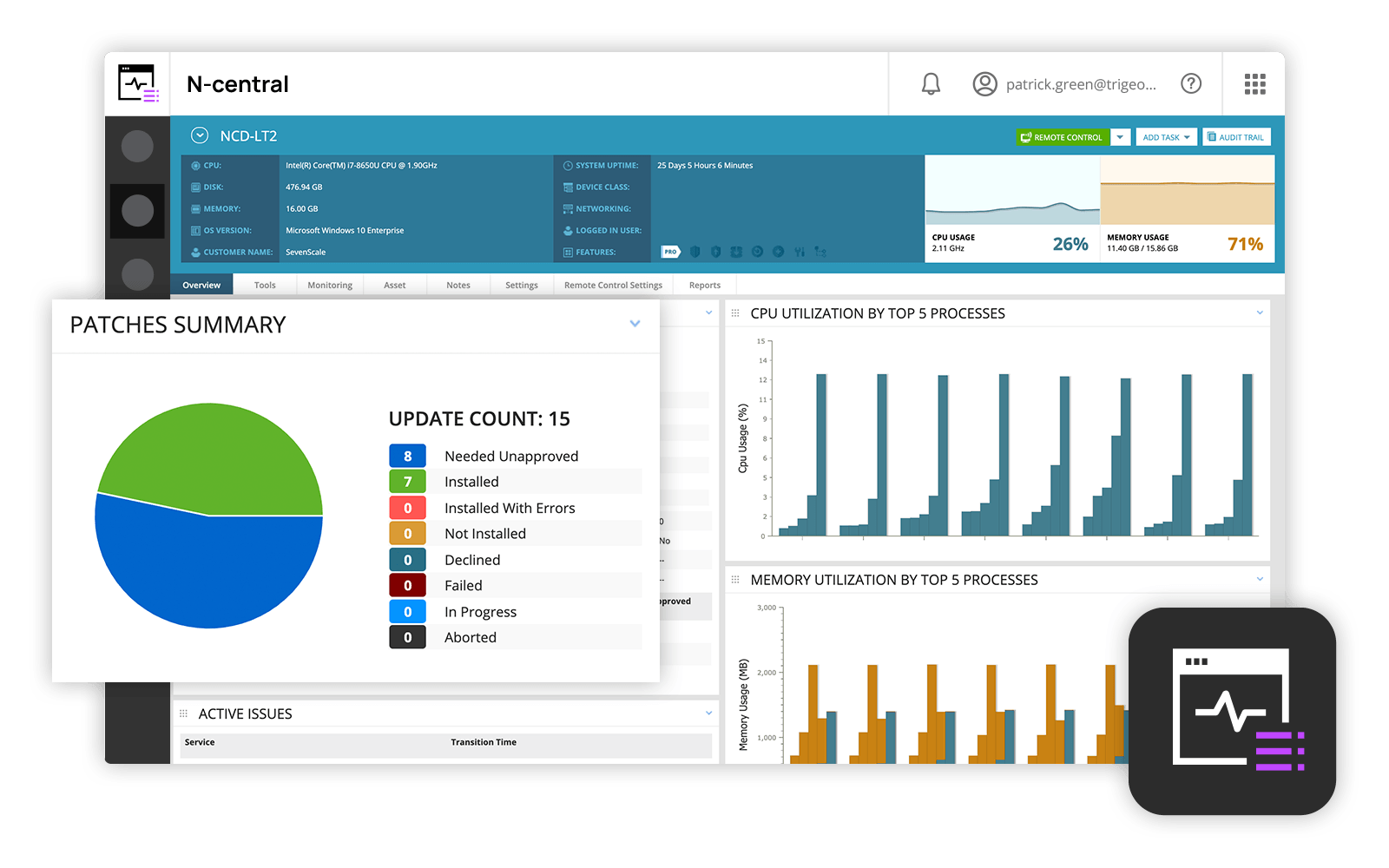  | SolarWinds Network Automation Manager (NAM) Screenshots      |


