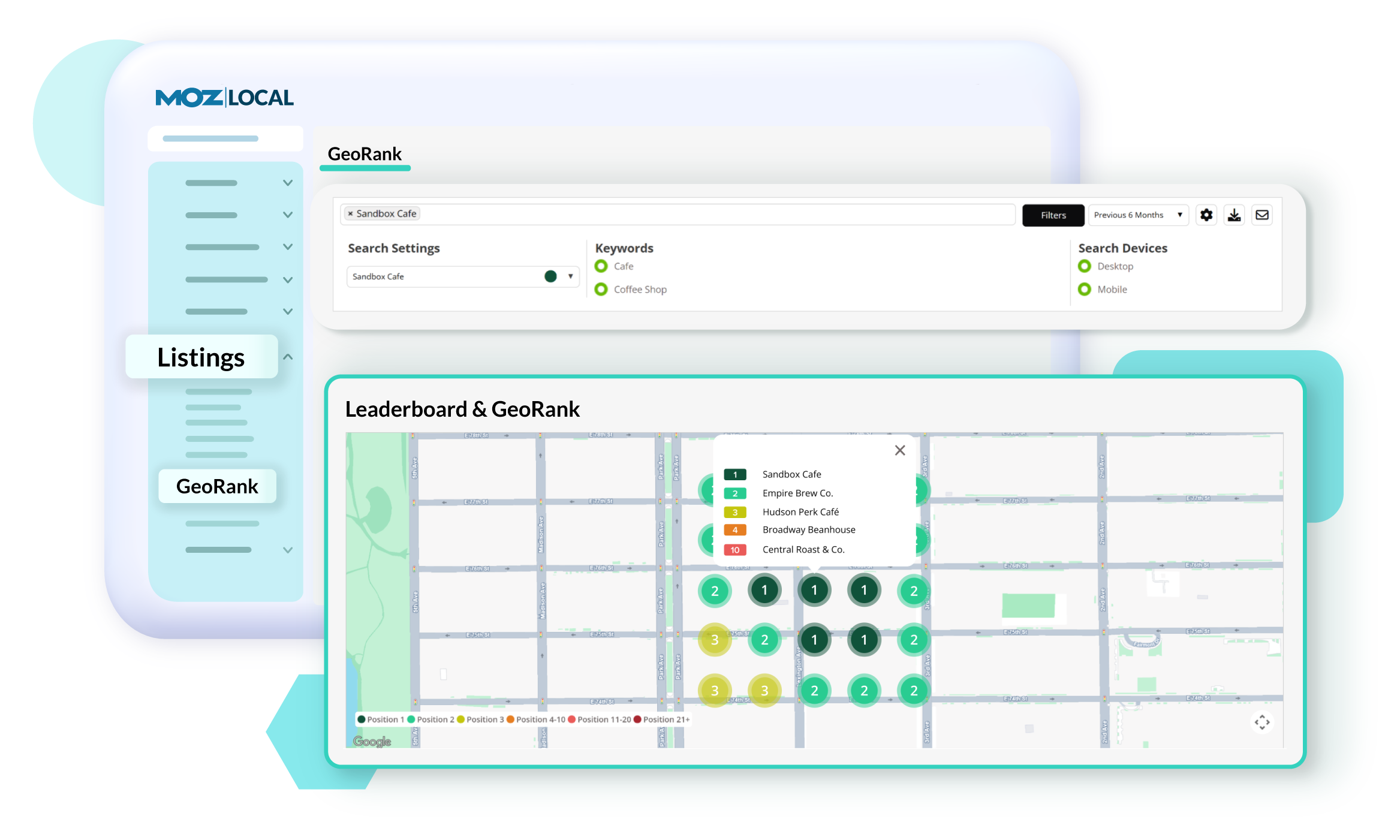
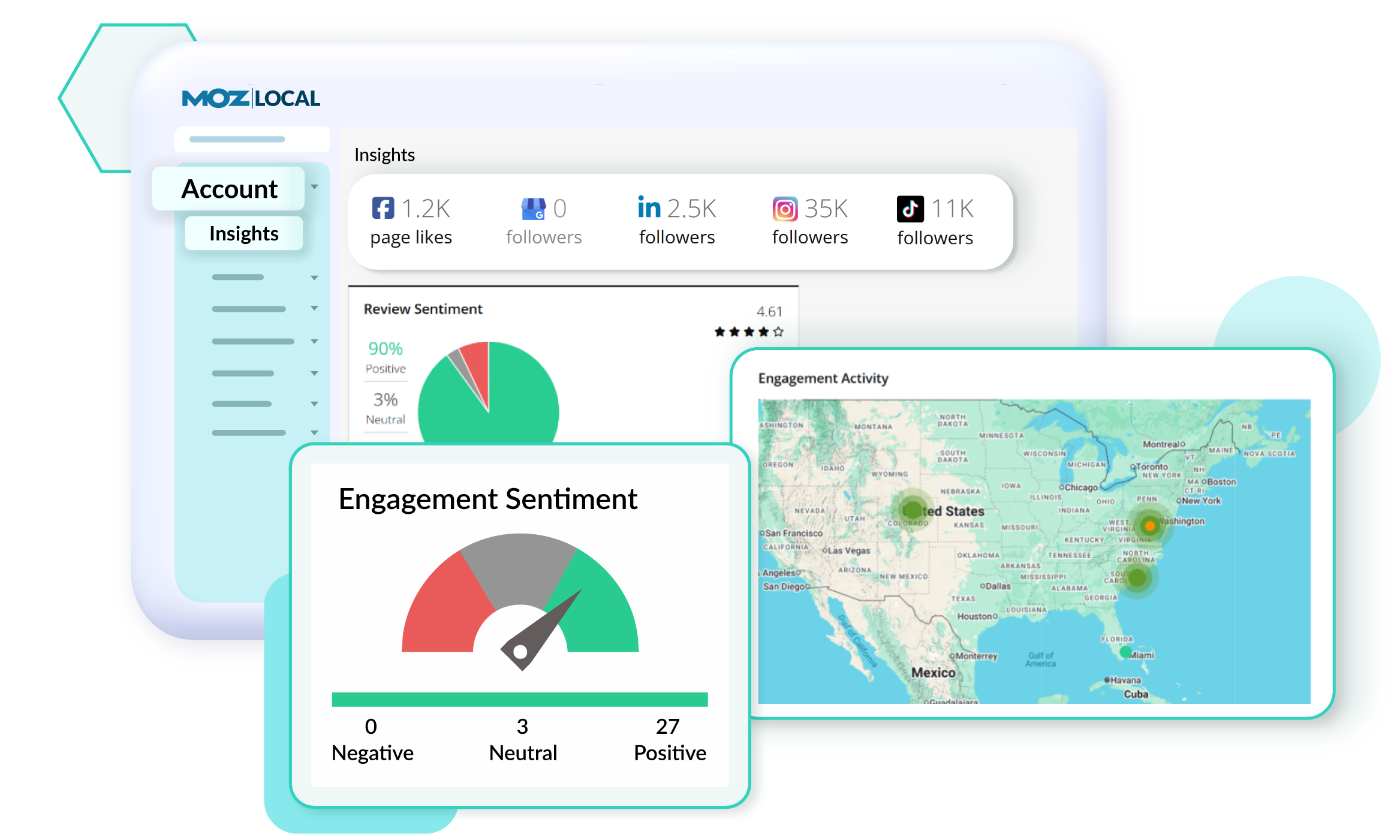
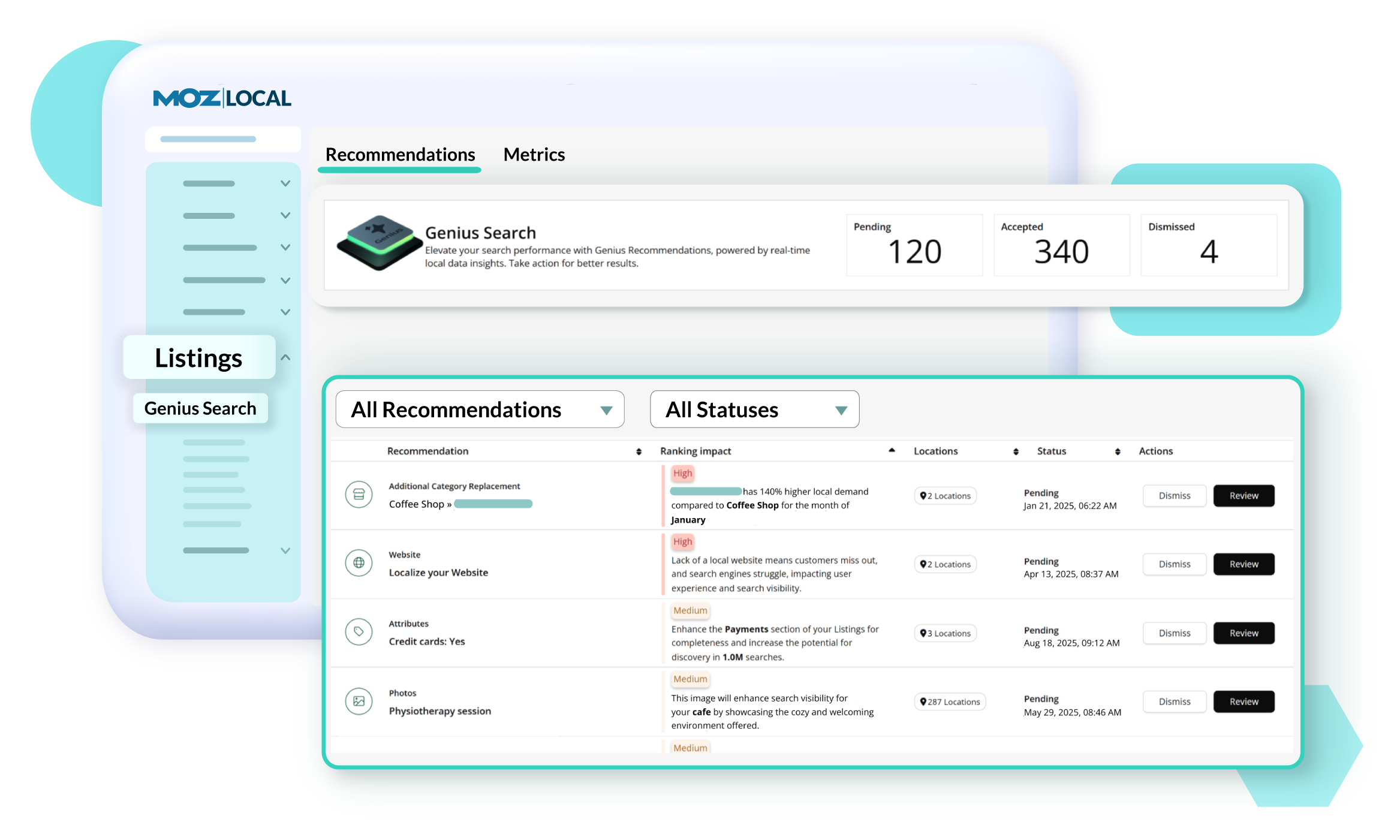
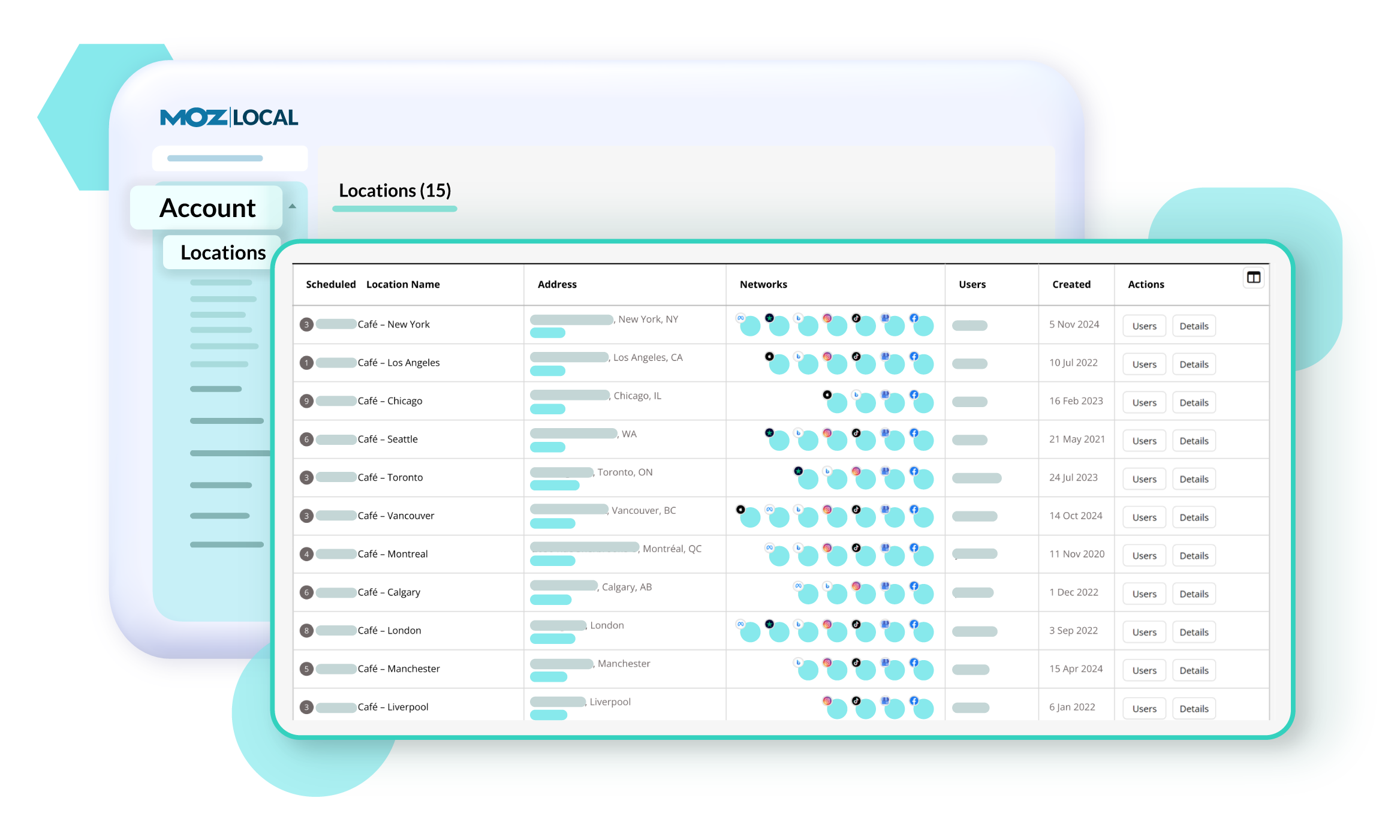
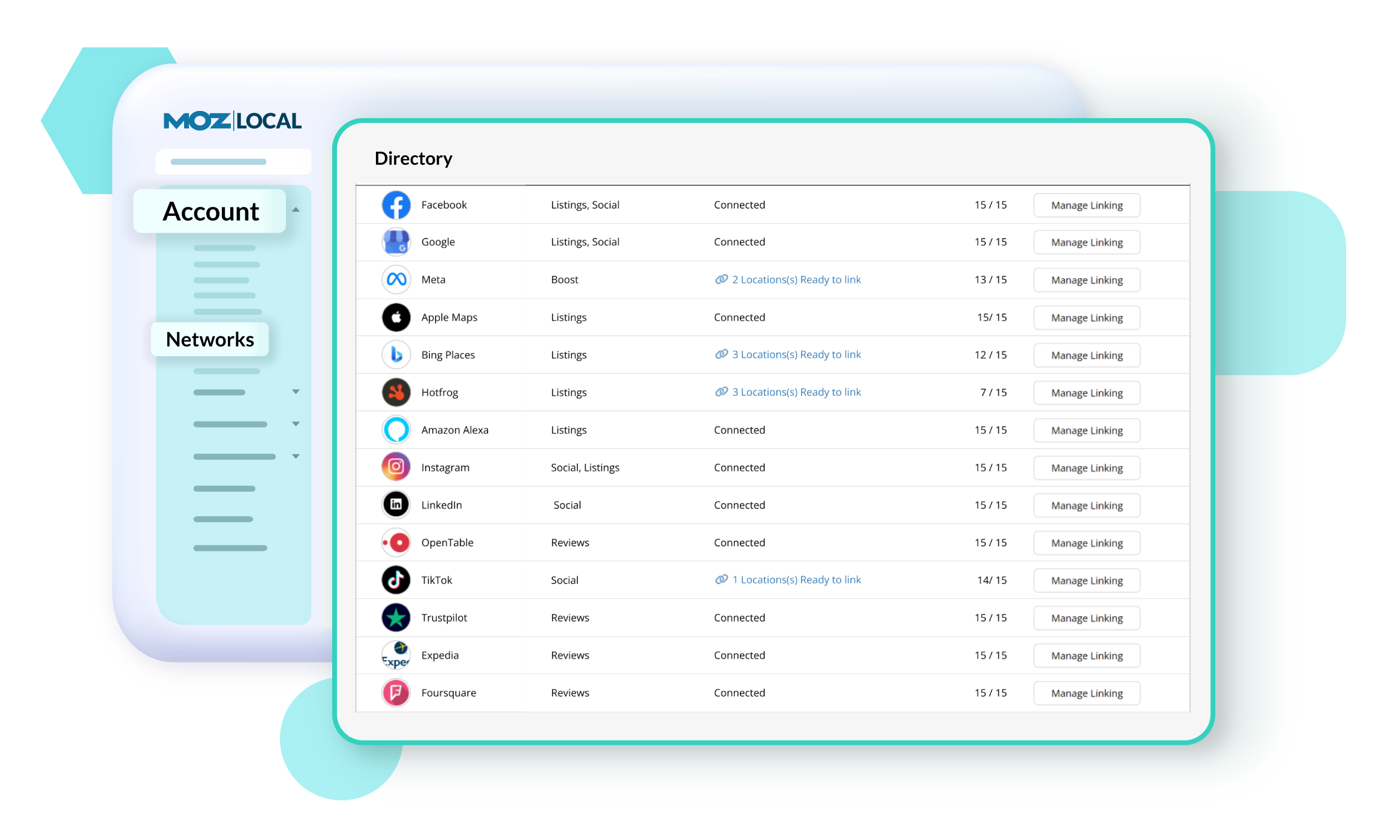
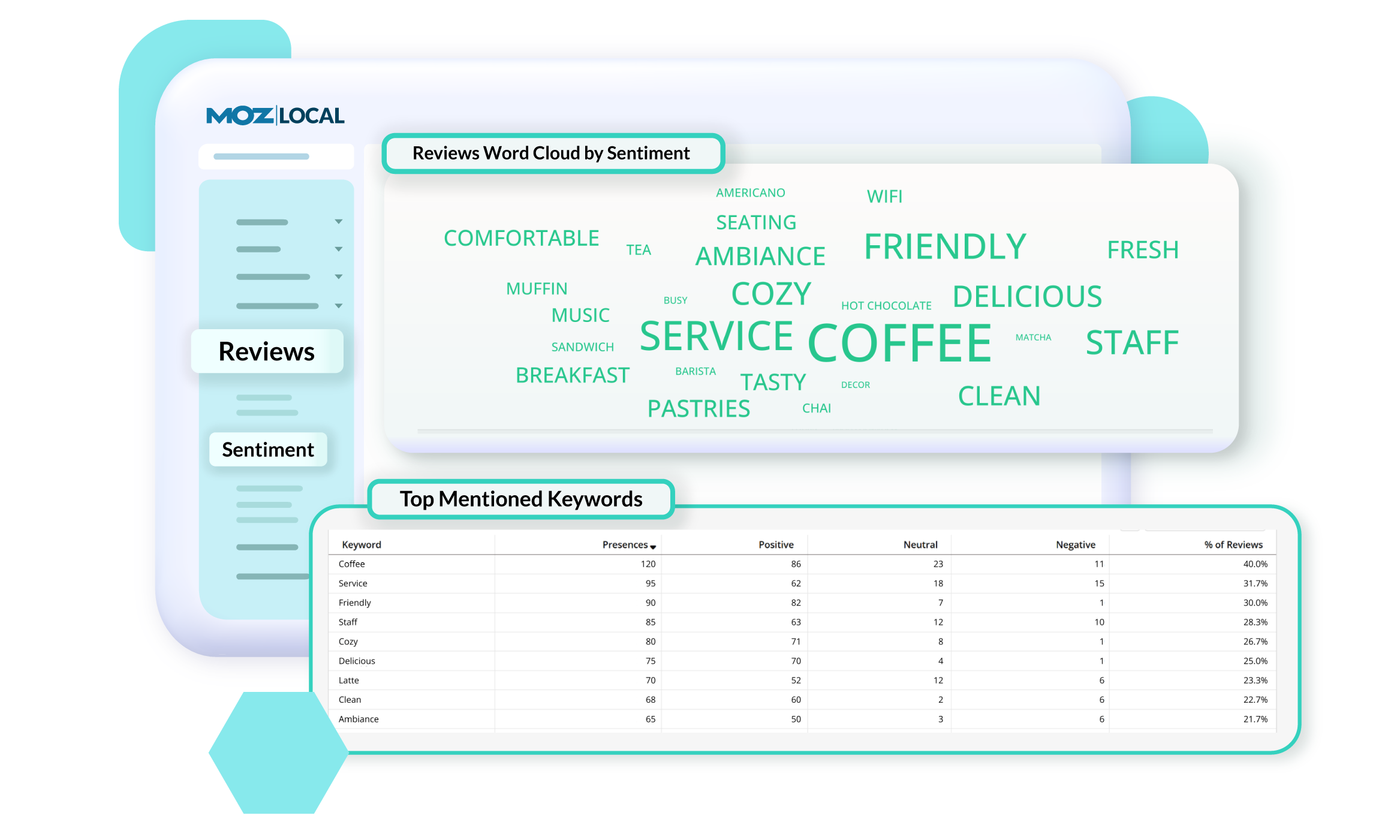
Moz Local is a Listing Management & Distribution software solution that enables users to actively manage location data to optimize local search performance. The solution also enables users to respond to reviews and analyze review sentiment on the most popular sites without having to visit them individually, delete duplicate listings, and engage with consumers to share news, offers, and updates across Google, Facebook and other directories.
$20
per month
Viralheat (Discontinued)
Score5.1 out of 10
N/A
Viralheat was acquired by Cision in 2015 and rebranded Cision Social Edition. It was later discontinued.
N/A
Pricing
Moz Local
Viralheat (Discontinued)
Editions & Modules
Lite
$20
per month
Preferred
$30
per month
Elite
$40
per month
No answers on this topic
Offerings
Pricing Offerings
Moz Local
Viralheat (Discontinued)
Free Trial
No
No
Free/Freemium Version
No
No
Premium Consulting/Integration Services
No
No
Entry-level Setup Fee
No setup fee
No setup fee
Additional Details
Discounts are available for annual billing. Add-ons like Reviews AI and Listings AI are available on certain plans. A discount of up to 20% is available for annual billing.
—
More Pricing Information
Best Alternatives
Moz Local
Viralheat (Discontinued)
Small Businesses
No answers on this topic
Sendible
Score7.6 out of 10
Medium-sized Companies
No answers on this topic
Vista Social
Score9.5 out of 10
Enterprises
No answers on this topic
Salesforce Marketing Cloud Social Studio (discontinued)
Moz Local is a great alternative as well as a compliment to Yext. The service has a smaller network but is just as powerful. The dashboard is super easy to load your location information into and allows the product to do the work by distributing the data across platforms. Issues are easily identifiable and can easily be corrected. Depending on your service level package, you also can have access to reviews and be able to monitor those as you see fit. I would strongly recommend this service to anyone who has a local business they are looking to get seen across the web. For a larger business, I'd consider a larger company with a bigger network.
A de minimis incentive was given to thank the reviewer for their time. The incentive was not used to bias or drive a particular response, nor was the incentive contingent on a positive endorsement. More Info
If social is a big part of your business in more departments than just marketing and communications (marcom), make sure to let the team know and ask how Viralheat can accommodate multiple users and departments. Viralheat was great during the evaluation process because they were willing to show us exactly what they could do for our company - they even customized accounts for us to show us the true value of signing on.
A de minimis incentive was given to thank the reviewer for their time. The incentive was not used to bias or drive a particular response, nor was the incentive contingent on a positive endorsement. More Info
Viralheat’s reporting feature delivers analytics in presentation-grade spreadsheets. I include these images in reports or presentations to different teams.
Monitoring is definitely a strong point. I am not limited by a conversation or mention limitation, which is especially important when tracking high-volume products or brands. We are able to quickly identify trends and act accordingly.
The user experience is a pleasant one. Viralheat offers many comprehensive features but the layout of the product is simple and intuitive. I’m able to access any feature without having to click around into multiple places.
A de minimis incentive was given to thank the reviewer for their time. The incentive was not used to bias or drive a particular response, nor was the incentive contingent on a positive endorsement. More Info
Viralheat provided our team with the kind of monitoring tool we were looking for. As an added bonus, they had a member of their team brainstorm the best ways for us to set up our account to ensure we weren’t missing anything. Great customer service.
I found it really easy to use and I use it on a daily basis and can easily find my way around. It has the usability of a consumer application for an Enterprise product that does very complex things in a very elegant manner.
The customer success team clearly cares about how well we do. They are quick to get back to us and they always offer to jump on a screen share so we can understand and learn new features.
A de minimis incentive was given to thank the reviewer for their time. The incentive was not used to bias or drive a particular response, nor was the incentive contingent on a positive endorsement. More Info
We chose Viralheat because it allowed us to do multiple things from one tool. We were able to monitor our brand mentions after each video, song, or album release - this provided us with valuable feedback abouout our brand and music. We were also able to connect our accounts and engage directly with our fans as well as post new content. We monitored the analytics around each release and campaign and were able to determine which were successful.
A de minimis incentive was given to thank the reviewer for their time. The incentive was not used to bias or drive a particular response, nor was the incentive contingent on a positive endorsement. More Info