monday.com Work OS is an open platform designed so that anyone can create the tools they need to run all aspects of their work. It includes ready-made templates or the ability to customize any work solution ranging from sales pipelines to marketing campaigns, CRMs, and project tracking.
$12
per month per user
ProjectManager
Score 8.7 out of 10
N/A
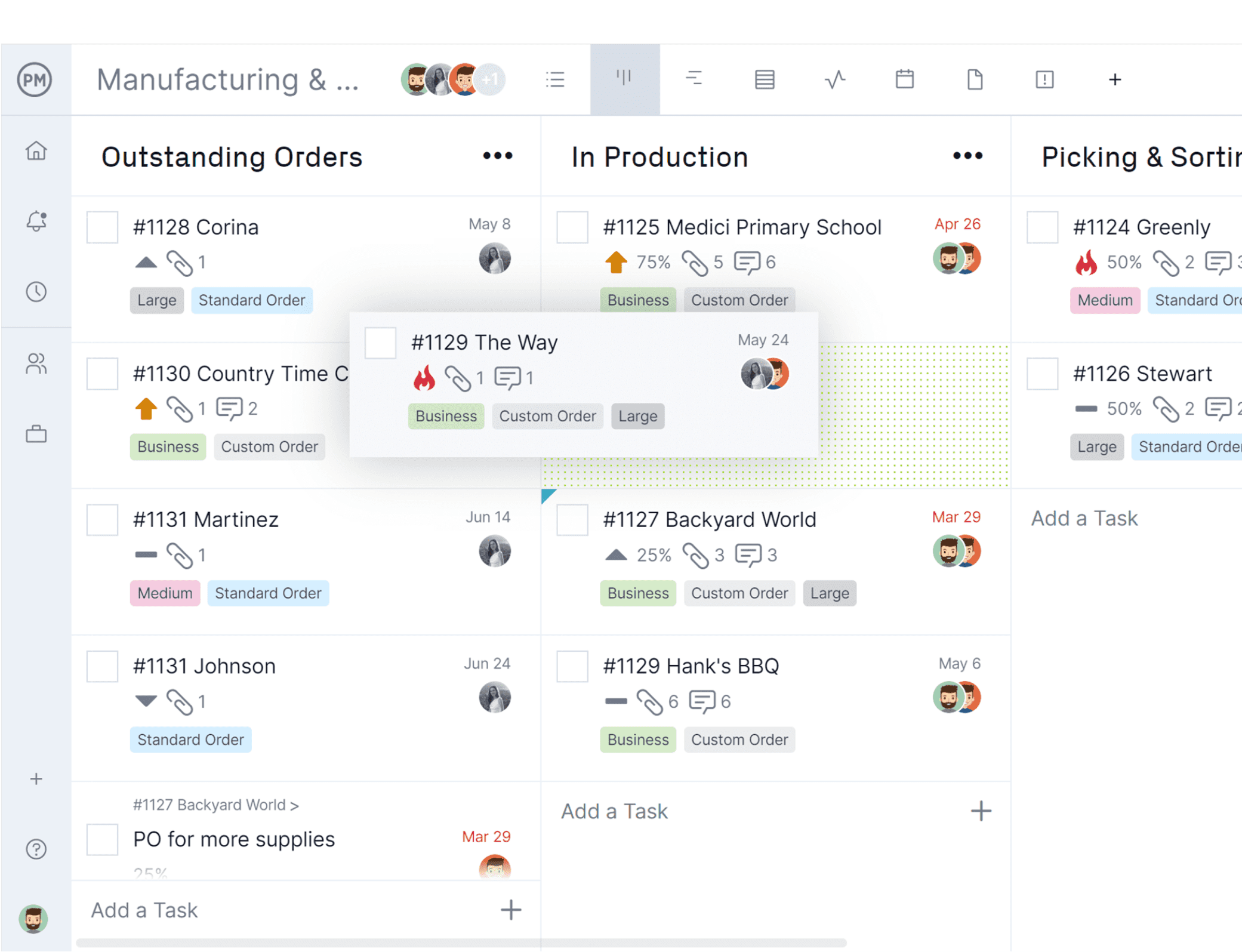
ProjectManager is a cloud-based project management software. Features include file storage, client logins, unlimited projects and integration with Google Apps, Microsoft Word, Excel and Project.
$17
per month per user
Pricing
monday.com
ProjectManager
Editions & Modules
Basic
$12
per month per user
Standard
$14
per month per user
Pro
$24
per month per user
Enterprise
Contact Sales
Contact us
Team
$17
per month per user
Business
$30
per month per user
Enterprise
Custom
Offerings
Pricing Offerings
monday.com
ProjectManager
Free Trial
Yes
Yes
Free/Freemium Version
Yes
No
Premium Consulting/Integration Services
No
No
Entry-level Setup Fee
No setup fee
Optional
Additional Details
Yearly plan: Save 18%
Monthly plan also available
Discount available for annual billing.
More Pricing Information
Community Pulse
monday.com
ProjectManager
Features
monday.com
ProjectManager
Project Management
Comparison of Project Management features of Product A and Product B
monday.com
8.9
Ratings
15% above category average
ProjectManager
9.2
Ratings
18% above category average
Task Management
9.50 Ratings
9.00 Ratings
Resource Management
9.30 Ratings
9.00 Ratings
Gantt Charts
8.40 Ratings
8.50 Ratings
Scheduling
8.60 Ratings
8.50 Ratings
Workflow Automation
9.60 Ratings
8.50 Ratings
Team Collaboration
9.40 Ratings
8.50 Ratings
Support for Agile Methodology
8.80 Ratings
8.50 Ratings
Support for Waterfall Methodology
7.00 Ratings
8.50 Ratings
Document Management
8.50 Ratings
10.00 Ratings
Email integration
9.40 Ratings
10.00 Ratings
Mobile Access
8.60 Ratings
10.00 Ratings
Timesheet Tracking
9.00 Ratings
00 Ratings
Change request and Case Management
9.60 Ratings
10.00 Ratings
Budget and Expense Management
9.20 Ratings
10.00 Ratings
Professional Services Automation
Comparison of Professional Services Automation features of Product A and Product B
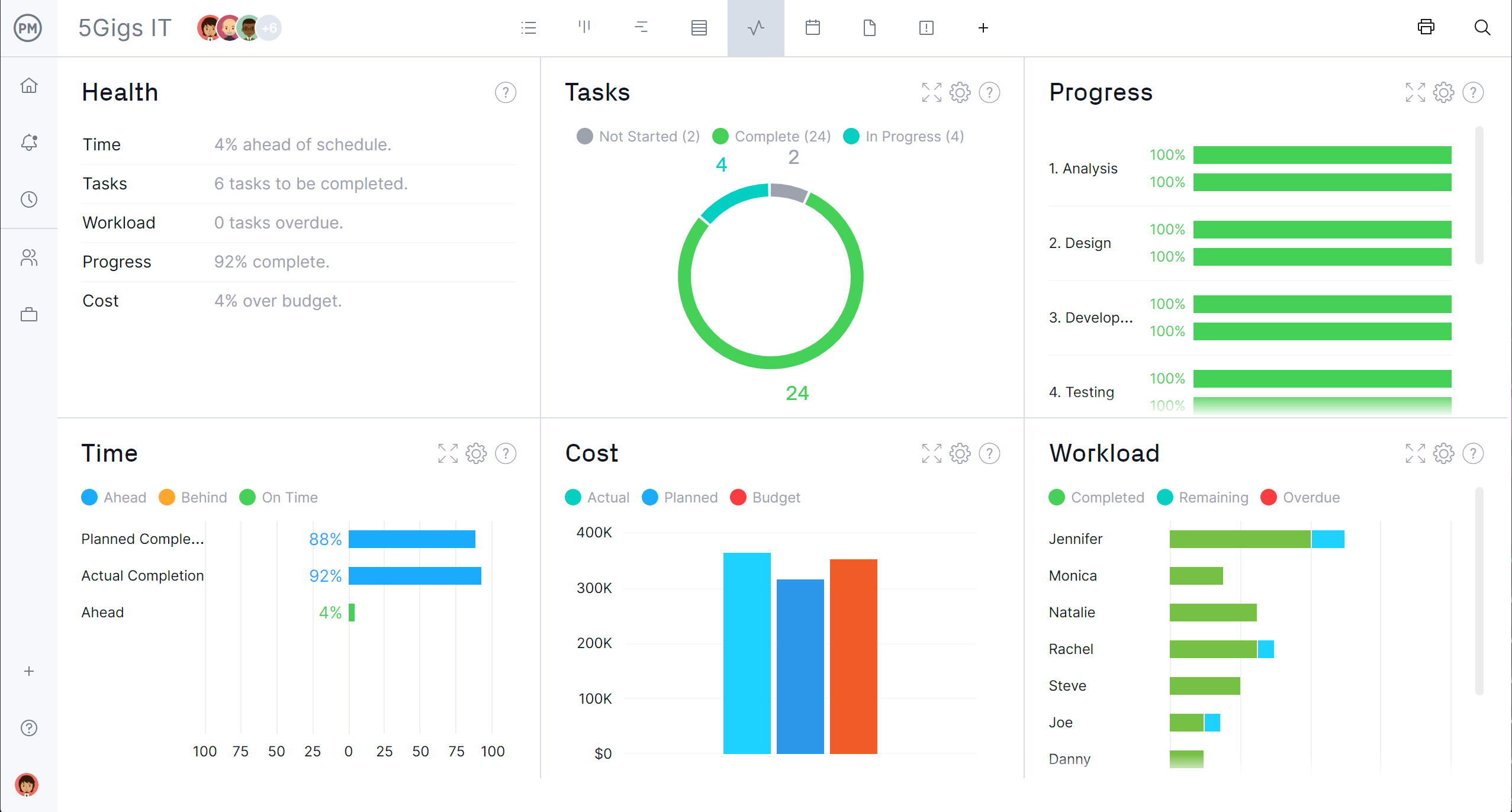
Here, I will suggest that it is best to create employees, clients, or project reports. Easy to track with the dashboards. I did many integrations and developments. I can not list each of them here. I will say the best tool for management. I couldn't see criteria of unsuitable. But yes It will depend on the client's requirements. I will suggest it as very user-friendly tool for CEOs, CTOs, Managers, and company owners also for team.
ProjectManager.com is a very helpful tool for managing any job, no matter the size or scheduled length to completion. But it is also another added step in the process. So you either have to implement it as part of your standard operating procedure, or you may not utilize it to its full potential.
Creating job schedules and milestones, which we provide to our clients as well as our vendors.
A one stop shop for downloading/uploading any job/site specific documents (issues, daily reports, photos, signoffs, etc.).
Real time communication with your clients. As soon as an issue has been raised within ProjectManager.com, everyone attached to that job with get an email notification of what has been communicated or what document has been uploaded.
Ensuring I have set up a Private board vs public board is not clear - it would be useful to have an additional alert when creating a board as I work with sensitive information. It will eventually be used in a team based environment but while I test the boards, they needs to be private.
Time tracking is clumsy, could be easier to record
Teams involved in content creation, such as marketing or editorial teams, could use monday.com to manage the entire content lifecycle. Boards might track content ideas, assignments, drafts, reviews, approvals, and publication schedules, helping teams collaborate and keep content production on track.
It's straightforward to use and simple to understand. They have tutorials on different elements of the system that you can learn. The workflow there is very intuitive, drag and drop, which doesn't require a learning curve for most people. Templates that also make things more accessible can be found.
Everything performs fairly well. Every now and then there are user errors where an employee will not click "ok" on a note they've created and simply exit out (I do wish that something was in place to prevent this, such as a pop "are you finished?")
monday.com only really care about accounts that have 20 seats or more. While this is great for monday.com, it pushes smaller organisations to evaluate alternatives. We rate monday.com highly in our organisation because key staff have already got good experience with the application and we know we will get to 20+ seats one day. But, till then the billing model and lack of permanent enterprise features is a dread.
To have someone walk you thru the features and capabilities of Monday.com is priceless. Someone also coming along later in the contract to see if you are maximizing the program to suit your company needs is beyond helpful. The staff that have provided this training are fun, creative and very patient.
We signed up for the accounts. Created the accounts. Ran the trial version and tested it live while we were running multiple projects and found that it was fitting our needs perfectly. When the trial ended and we were asked to purchase the full version, we did. We have found other ways to use it and it's a breeze.
We decided to go with monday.com because they offered a free tier for nonprofits and because they are easier to use and offered additional features that we could not find on the other choices. Hands down, there was no better choice for us than monday.com.
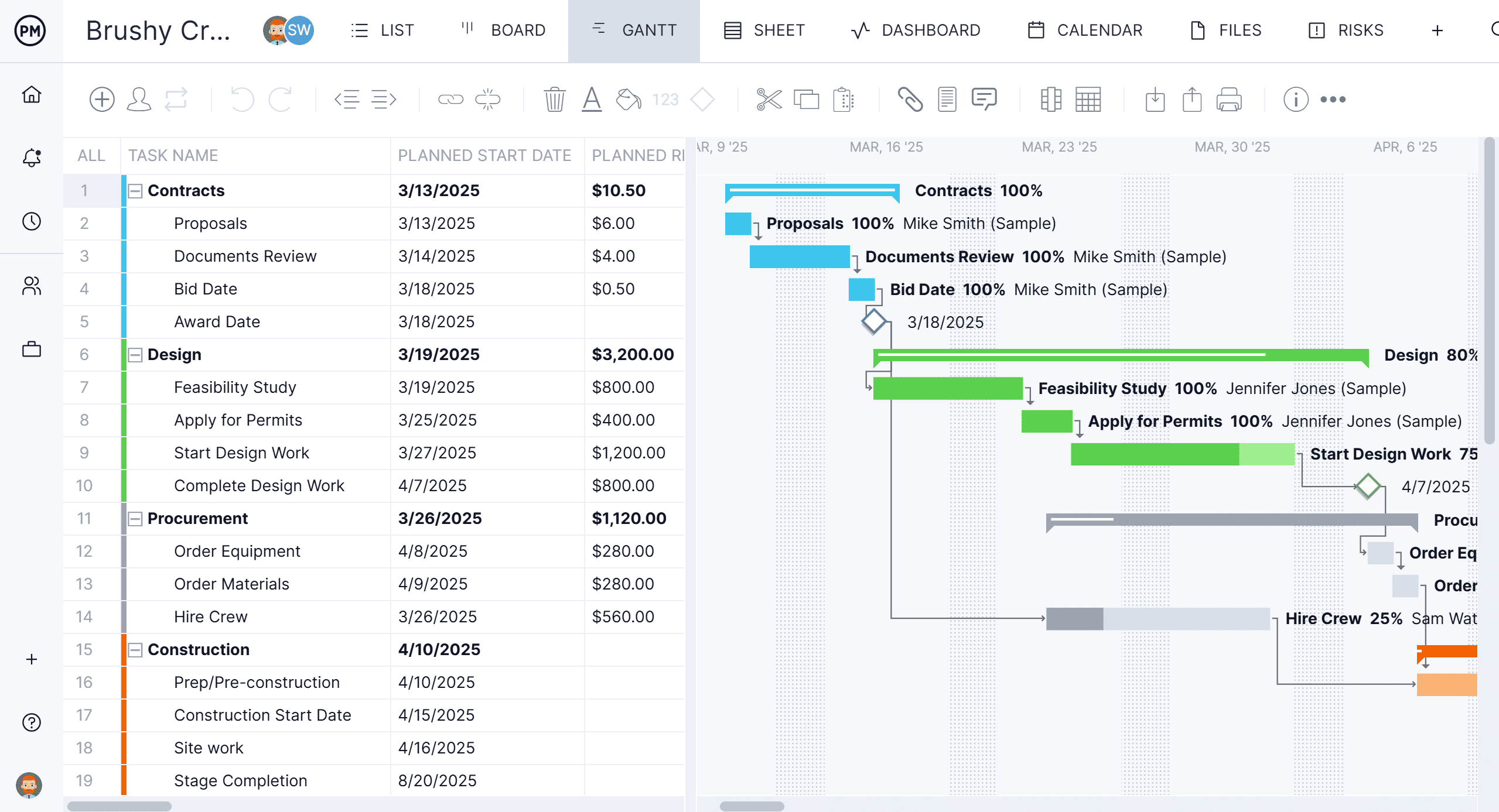
Wanted more than what the Gantt project offered and still needed to maintain the low price point. Gantt chart tracking is an important feature, and both offer it well, but Project Manager.com offers additional features like Trello integration which made it easy for us to transfer that info from our existing projects.
For it to work across multiple departments and sites, I would like to see improvements made with integrations and automation. For this question, I am acknowledging not only the addition of internal triggers/automation, but also an expansion on external ones.
By using monday.com as an enablement tool for templated onboarding plans, we have been able to begin calculating the number of manager hours saved through our work (not defined yet).
monday.com's reporting tools also allow us to more easily report on the productivity and output of our team since we keep up with all projects and subitems in monday.com.