MobiPDF vs. Soda PDF

Overview
ProductRatingMost Used ByProduct SummaryStarting Price
MobiPDF
Score 0.0 out of 10
Small Businesses (1-50 employees)
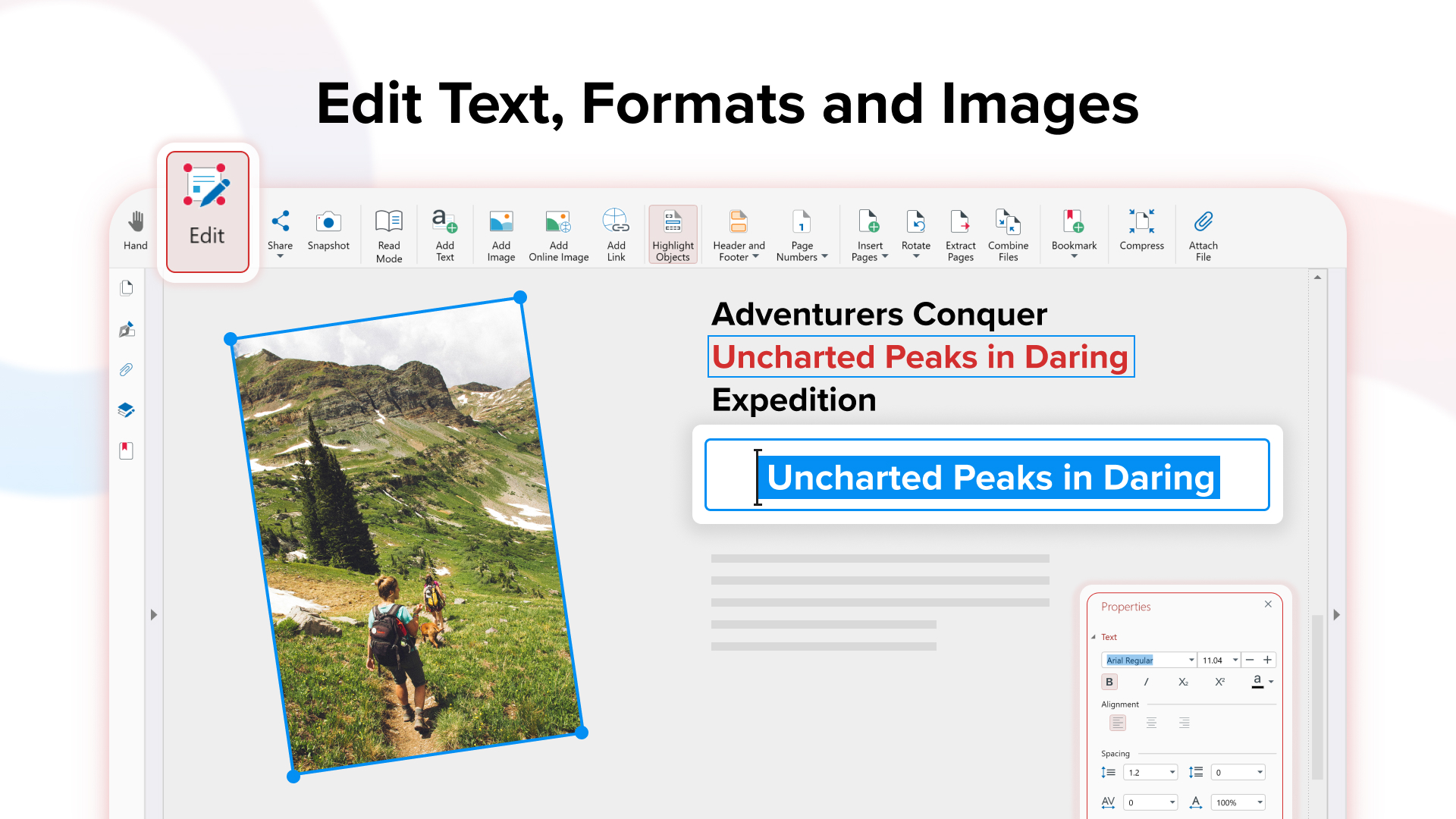
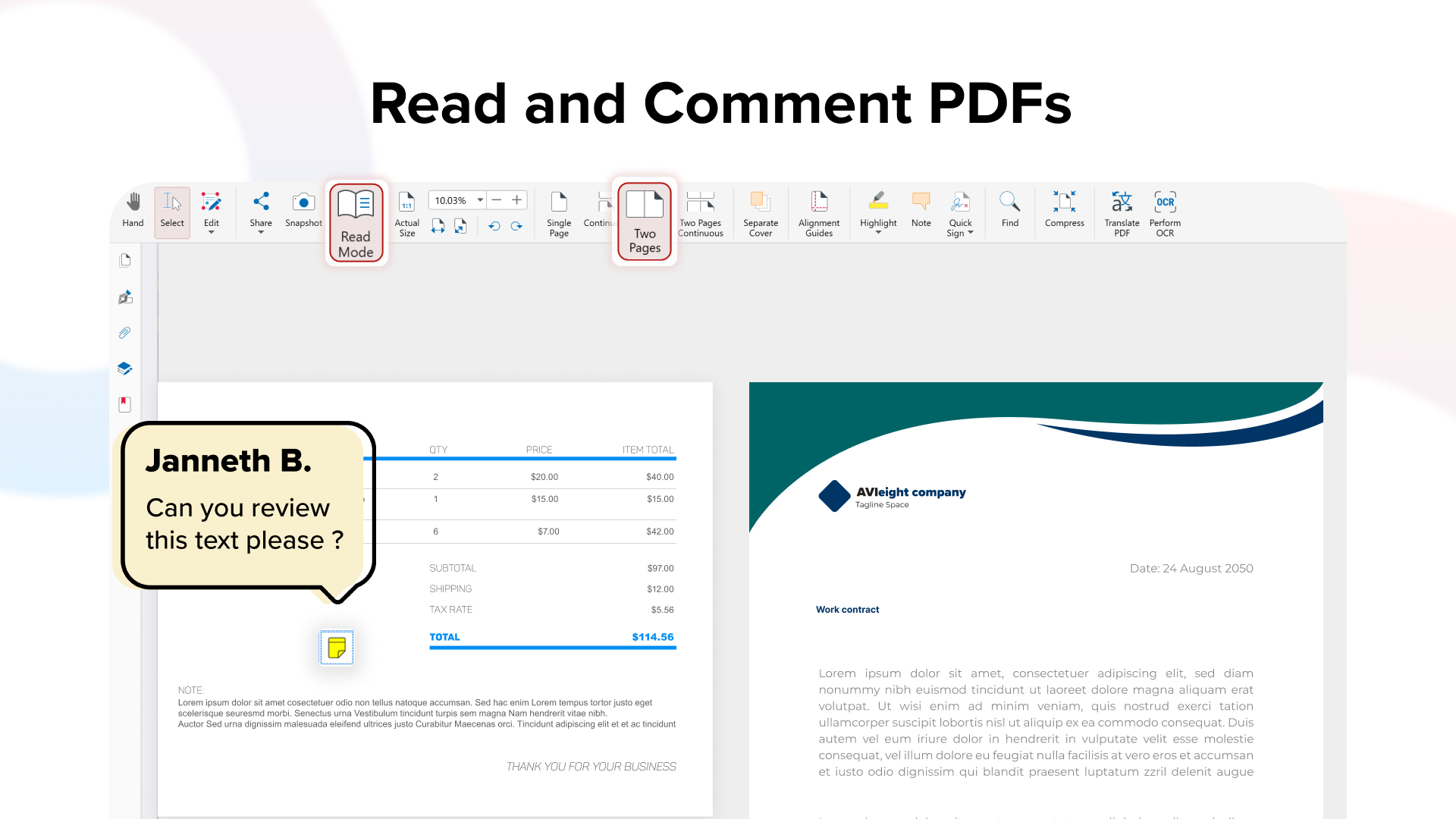
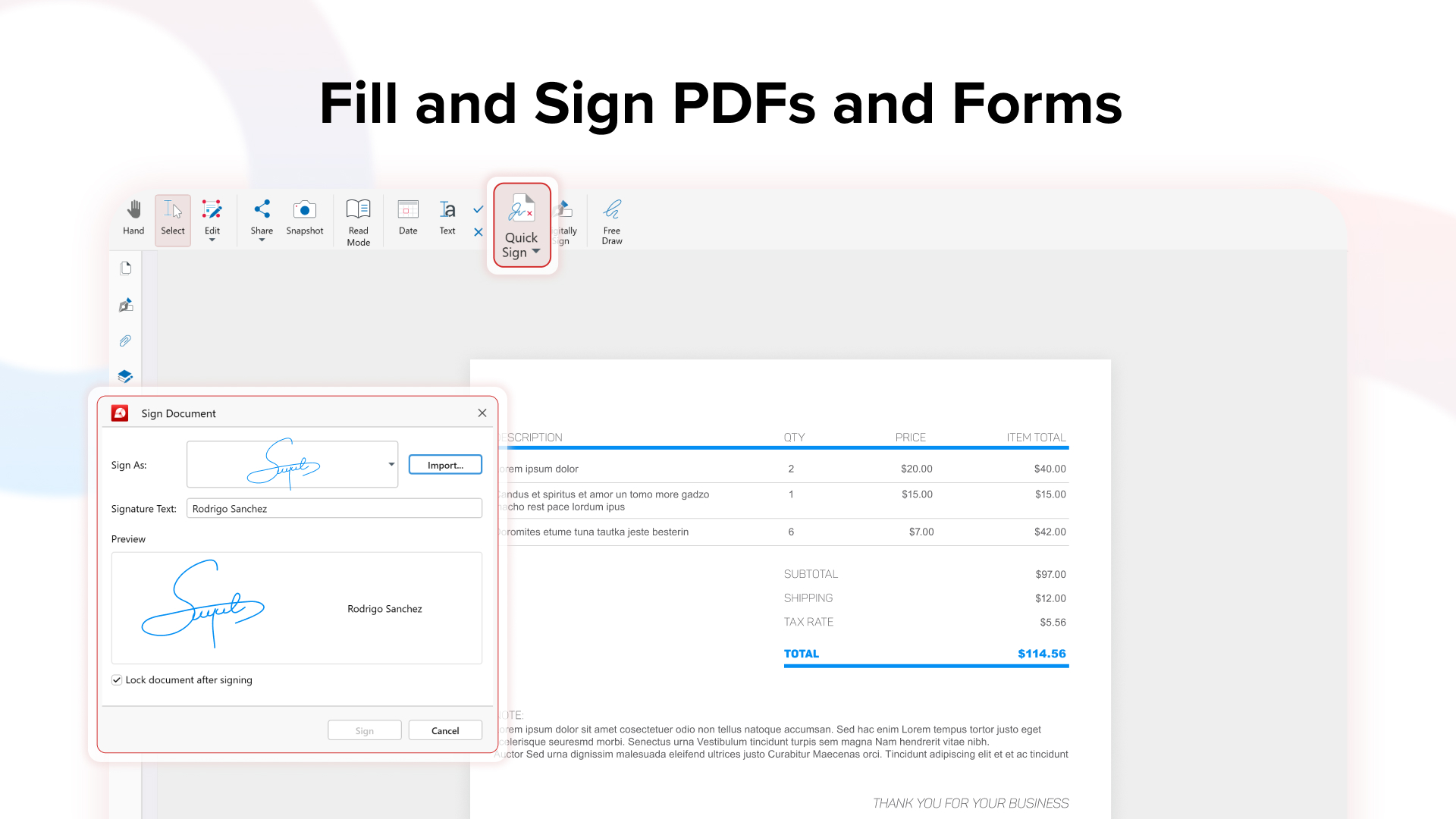
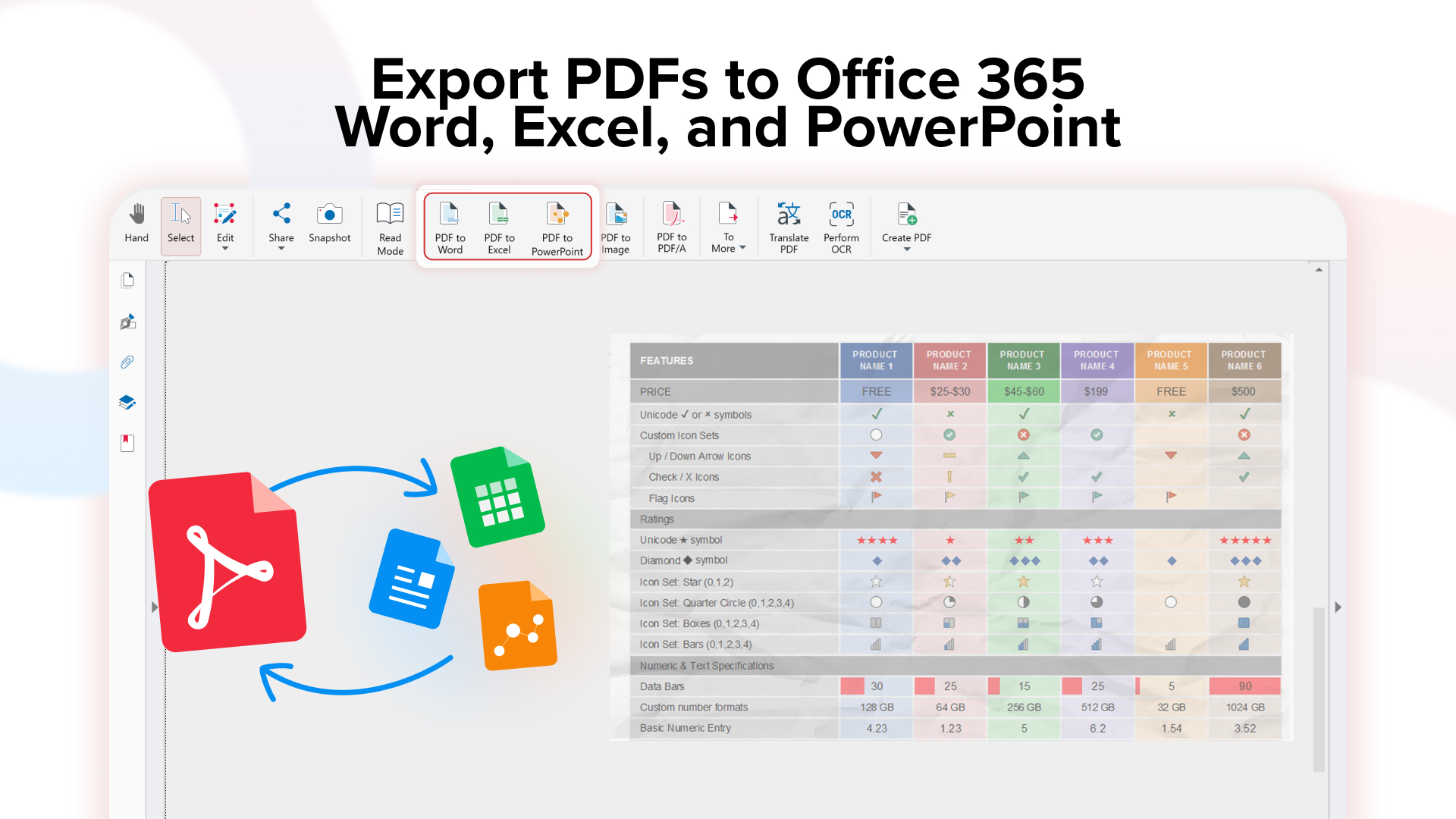
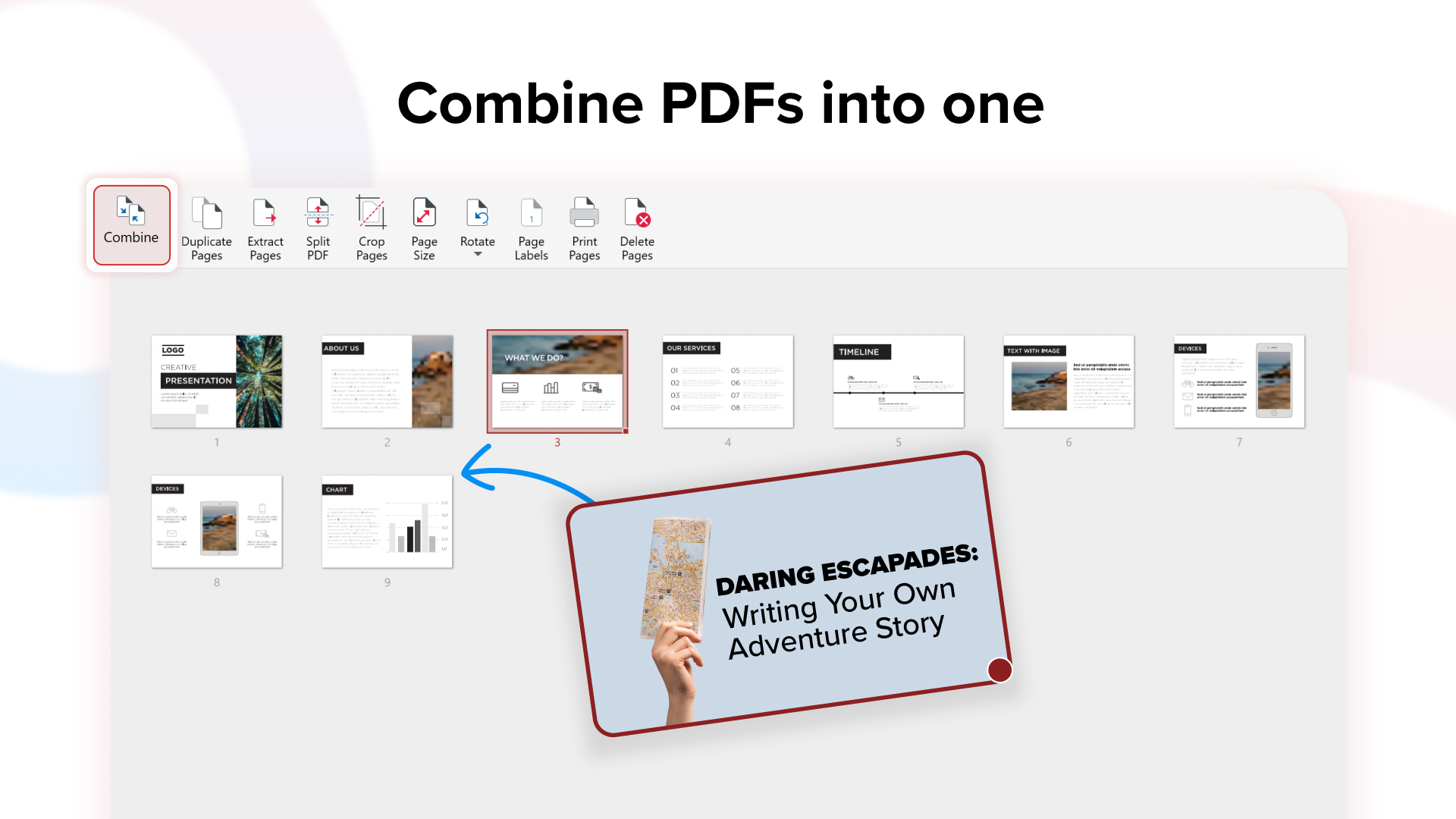
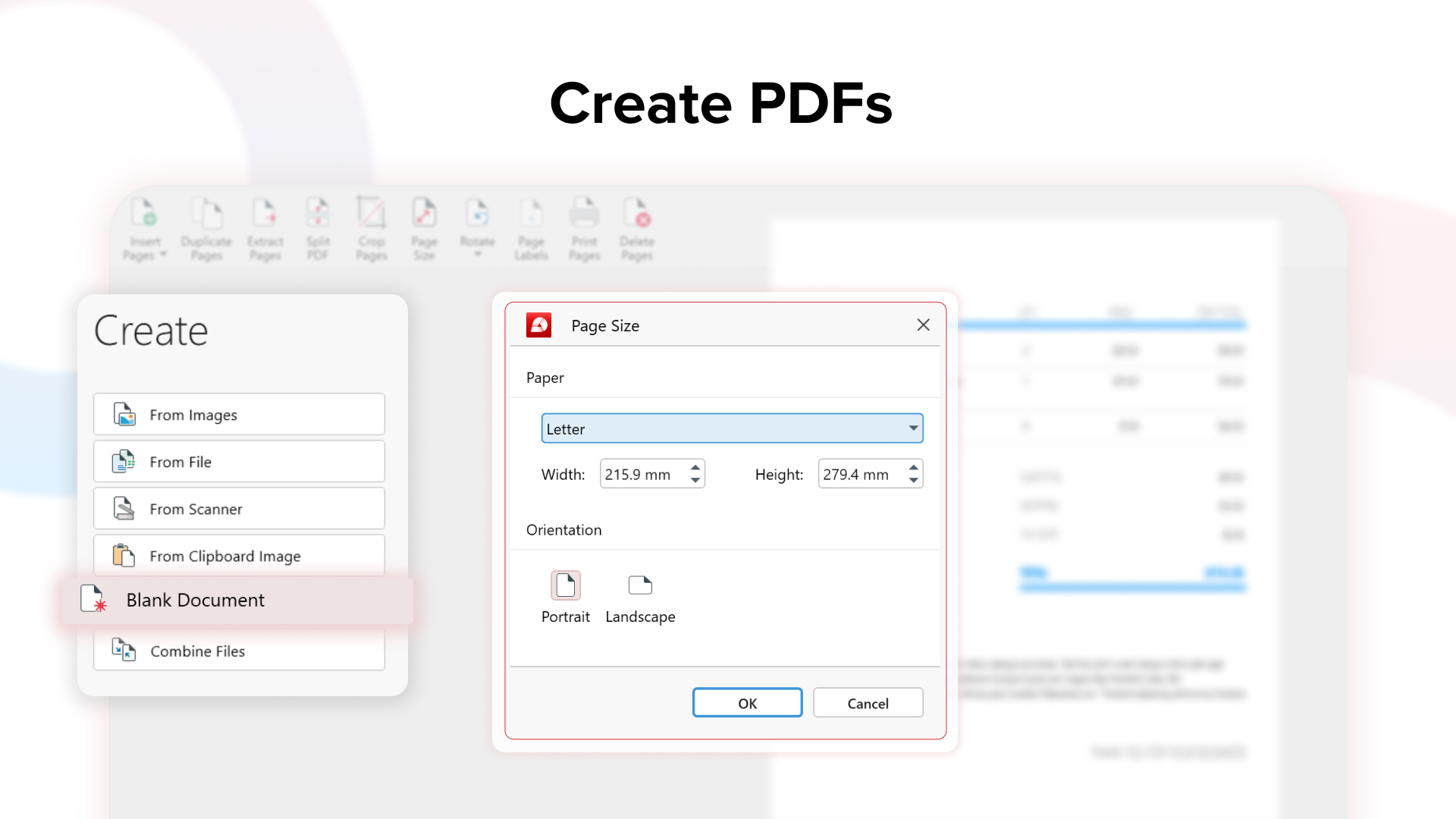
MobiPDF is a PDF tool used to read, edit, create, annotate, fill, sign, convert and share PDFs. It includes PDF features for everyday PDF handling. Presented as a Adobe Acrobat Pro replacement, MobiPDF boasts a focus on user experience and simplicity. Read and Comment Advanced reading and choose between different layouts with PDF viewer and reader Make comments on PDFs using sticky notes and drawing…
$3.99
per month (billed annually) per user (6 minimum)
Soda PDF
Score 9.9 out of 10
N/A
LULU Software in Montreal offers Soda PDF Anywhere, their flagship product, a full-featured desktop and online PDF solution.N/A
Pricing
MobiPDFSoda PDF
Editions & Modules
Small Business
$3.99
per month (billed annually) per user (6 minimum)
Premium
$50.28
per year per user
Ultimate
$80.28
per year per user
No answers on this topic
Offerings
Pricing Offerings
MobiPDFSoda PDF
Free Trial
YesNo
Free/Freemium Version
NoNo
Premium Consulting/Integration Services
NoNo
Entry-level Setup FeeOptionalNo setup fee
Additional Details
More Pricing Information
Community Pulse
MobiPDFSoda PDF
Best Alternatives
MobiPDFSoda PDF
Small Businesses
Tungsten Power PDF
Tungsten Power PDF
Score 9.4 out of 10
Tungsten Power PDF
Tungsten Power PDF
Score 9.4 out of 10
Medium-sized Companies
pdfFiller
pdfFiller
Score 9.0 out of 10
pdfFiller
pdfFiller
Score 9.0 out of 10
Enterprises
Bluebeam
Bluebeam
Score 9.1 out of 10
Bluebeam
Bluebeam
Score 9.1 out of 10
All AlternativesView all alternativesView all alternatives
User Ratings
MobiPDFSoda PDF
Likelihood to Recommend
-
(0 ratings)
8.4
(0 ratings)
User Testimonials
MobiPDFSoda PDF
Likelihood to Recommend
No answers on this topic
The ease of use of My Soda PDF makes it the go-to software for anything PDF-related. I love all the features - converting documents to PDF, PDF to MSWord, or other types of Microsoft Office files. Forms creation keeps documents professional looking instead of having them handwritten. We use SODA to upload forms sent to us, then fill in via the PDF filler. I love how easy SODA is to use via Mac/PC, tablets, and phones. Now that the work environment has changed, remote staff at home or on the road—we can access SODA to ensure our work continues seamlessly. PDFs created can be saved to the Cloud, Desktop, or even e-mailed.
Read full review
Pros
No answers on this topic
  • OCR comes in handy when you need to scan a document image for embedded text for edits. This feature is a common tool but the accuracy of OCR helps for quick edits.
  • Conversion options are a plus and a must-have when you need to convert between Microsoft Office and PDF.
  • During the pandemic, the ability to offer digital signing with personalized signatures is a major plus. Glad to have this tool available when needed.
Read full review
Cons
No answers on this topic
  • After the edit when I see my documents in full screen view, I find the header of my documents blocked by editing tools.
  • Its Url to PDF creator doesn't work well.
  • It does not have mobile application for PDF editing
Read full review
Alternatives Considered
No answers on this topic
I tried Smallpdf for sometime. It is also a very good tool for pdf related tasks but it doesn't provide a comprehensive functionality to edit a pdf document. I couldn't modify the text of my pdf documents in Smallpdf. But SodaPDF gives me the functionality to edit/change the text of my pdf documents. So I shifted from Smallpdf to this software.
Read full review
Return on Investment
No answers on this topic
  • It saves our printing cost for signing documents. We sign our documents electronically.
  • It creates a very good impact on our clients when we send them documents in PDF formats. All the documents in PDF formats look neat and clean.
  • Password protection of our confidential documents is our necessity and this software is able to achieve it.
Read full review
ScreenShots

MobiPDF Screenshots

Screenshot of Screenshot of Screenshot of Screenshot of Screenshot of Screenshot of