MicroStation vs. RSECTION 1

Overview
ProductRatingMost Used ByProduct SummaryStarting Price
MicroStation
Score 6.0 out of 10
Enterprise companies (1,001+ employees)
Bentley Systems offers the MicroStation application and product family as a 3D and 2D modeling and computer-aided design (CAD) solution for engineers and designers.
$250
Per User Per Month
RSECTION 1
Score 0.0 out of 10
N/A
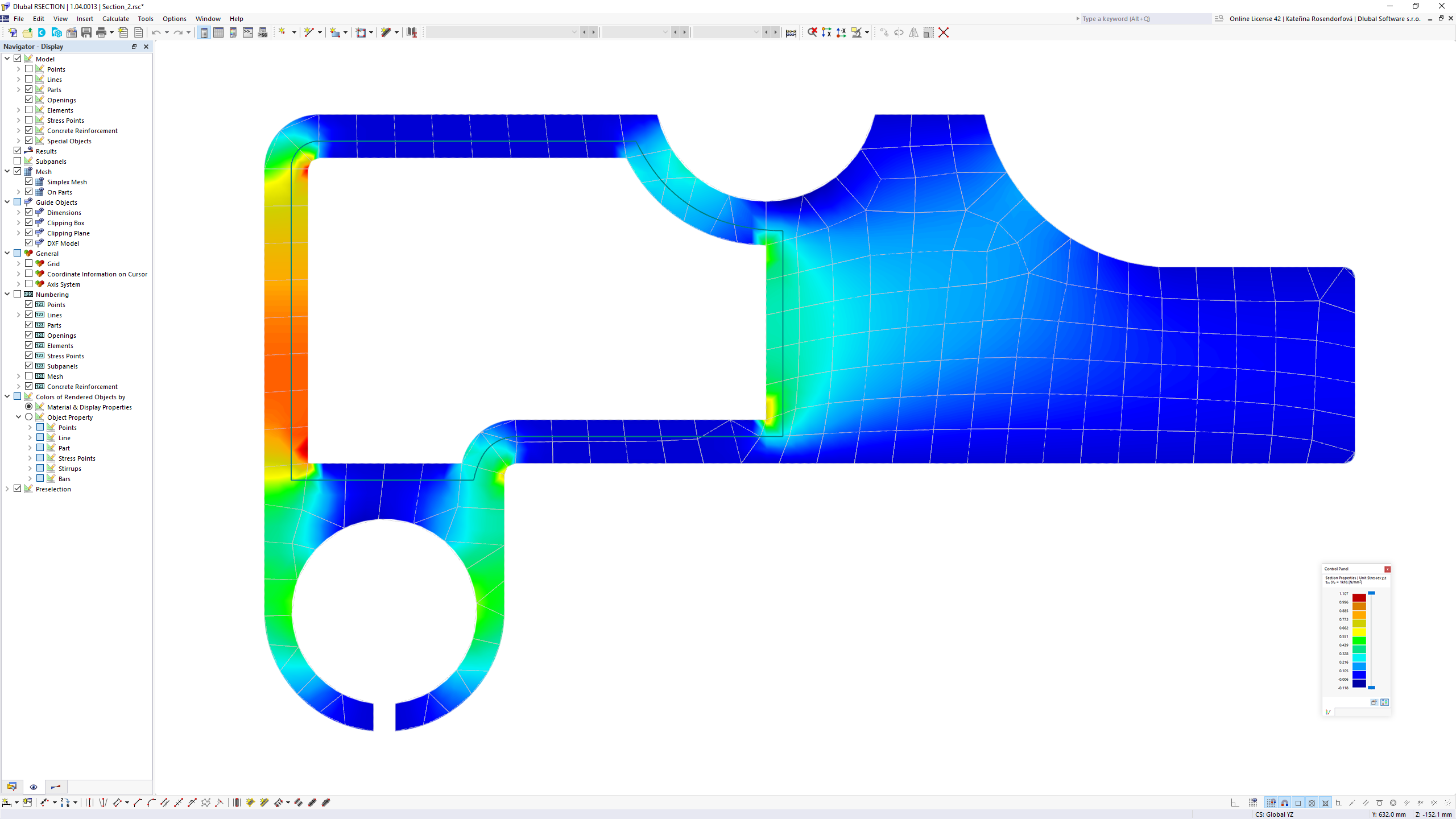
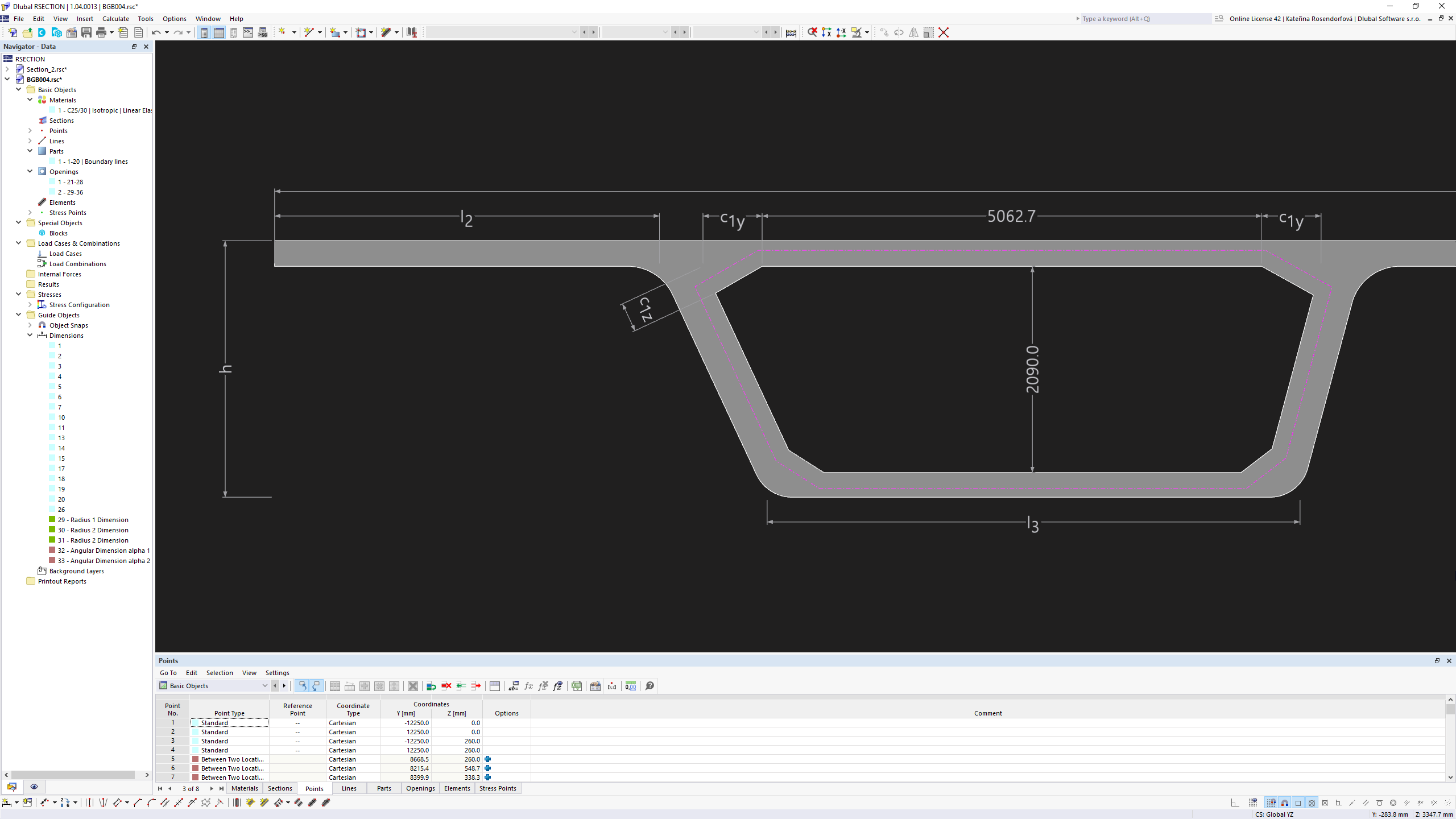
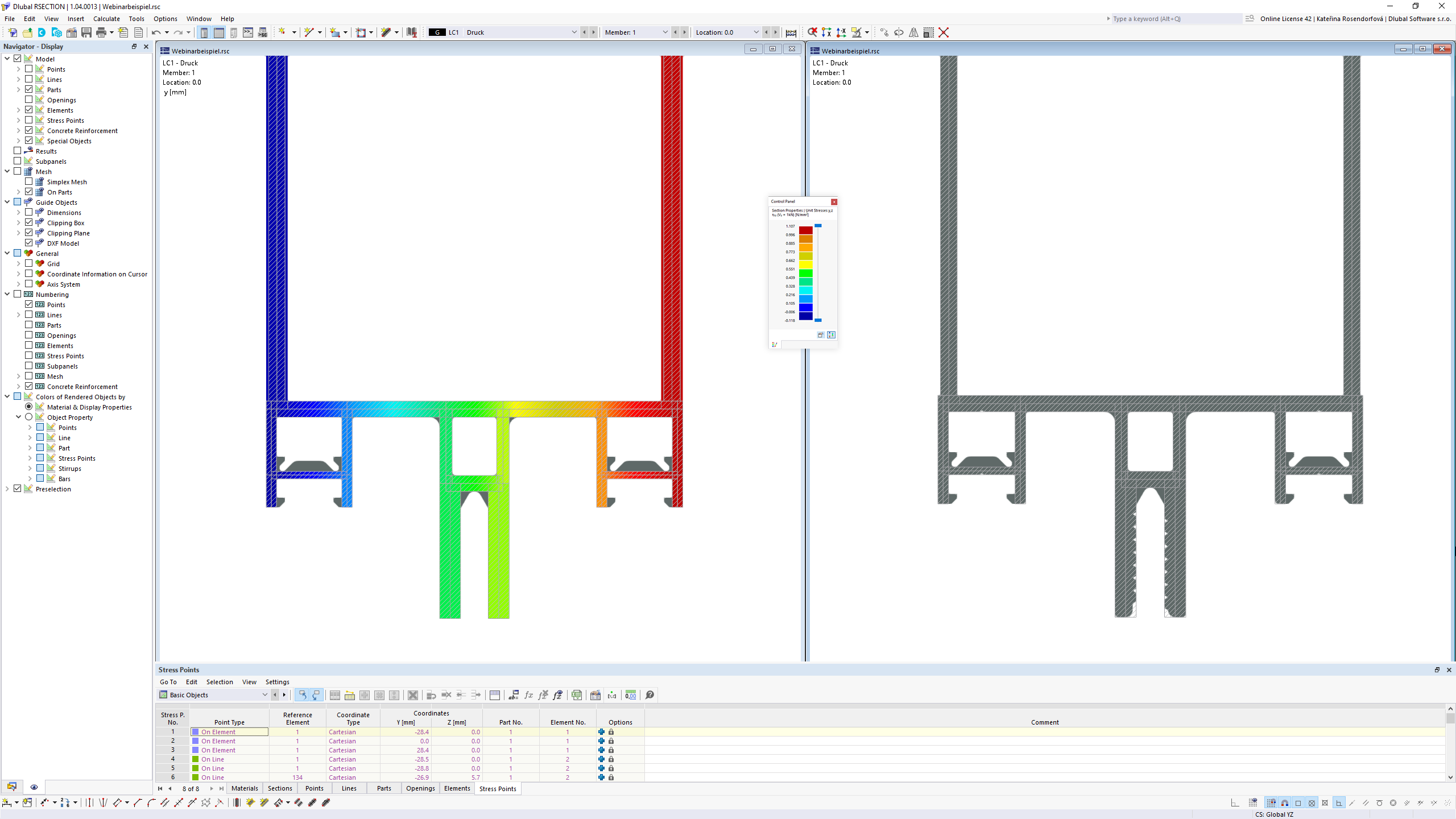
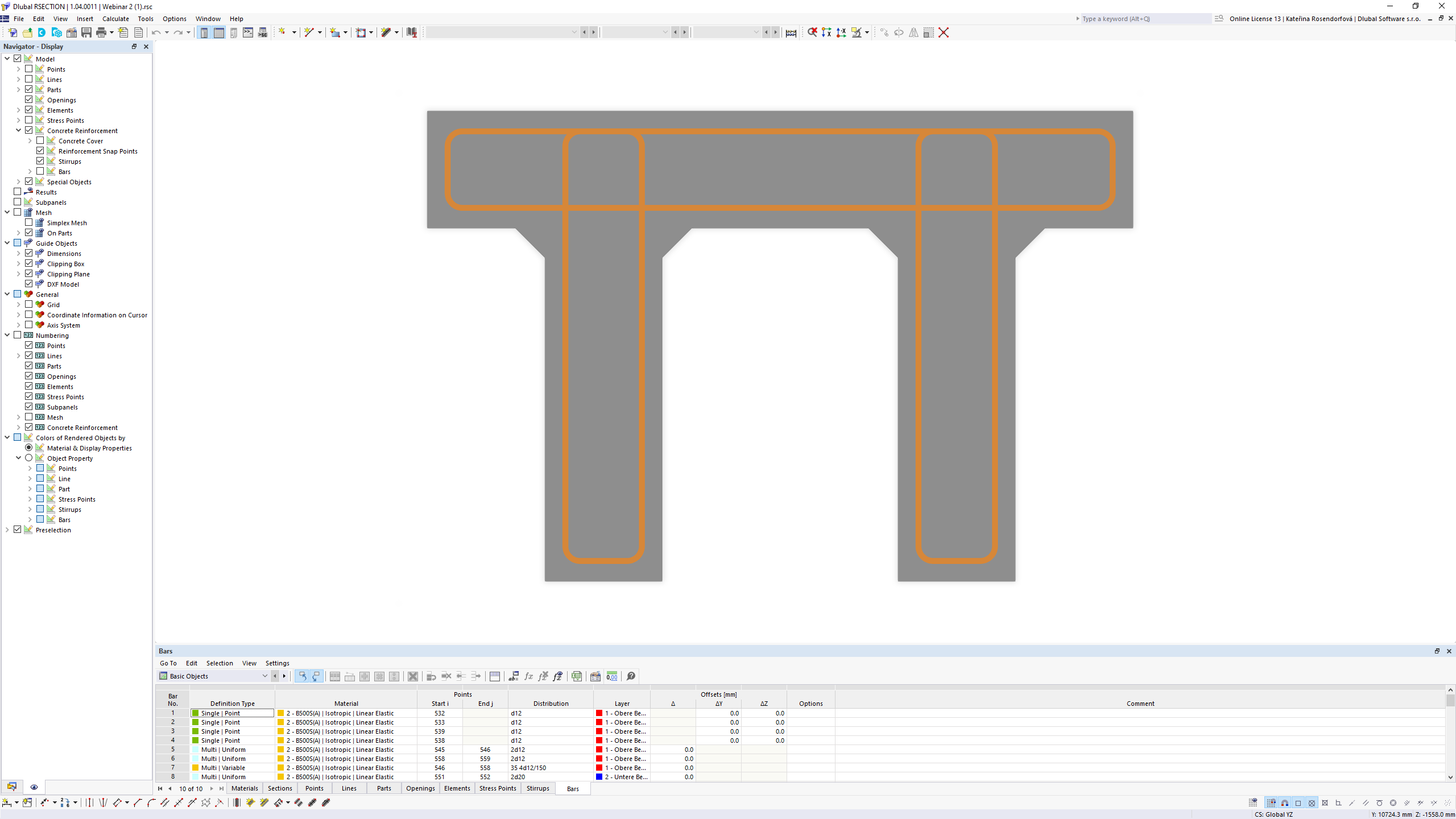
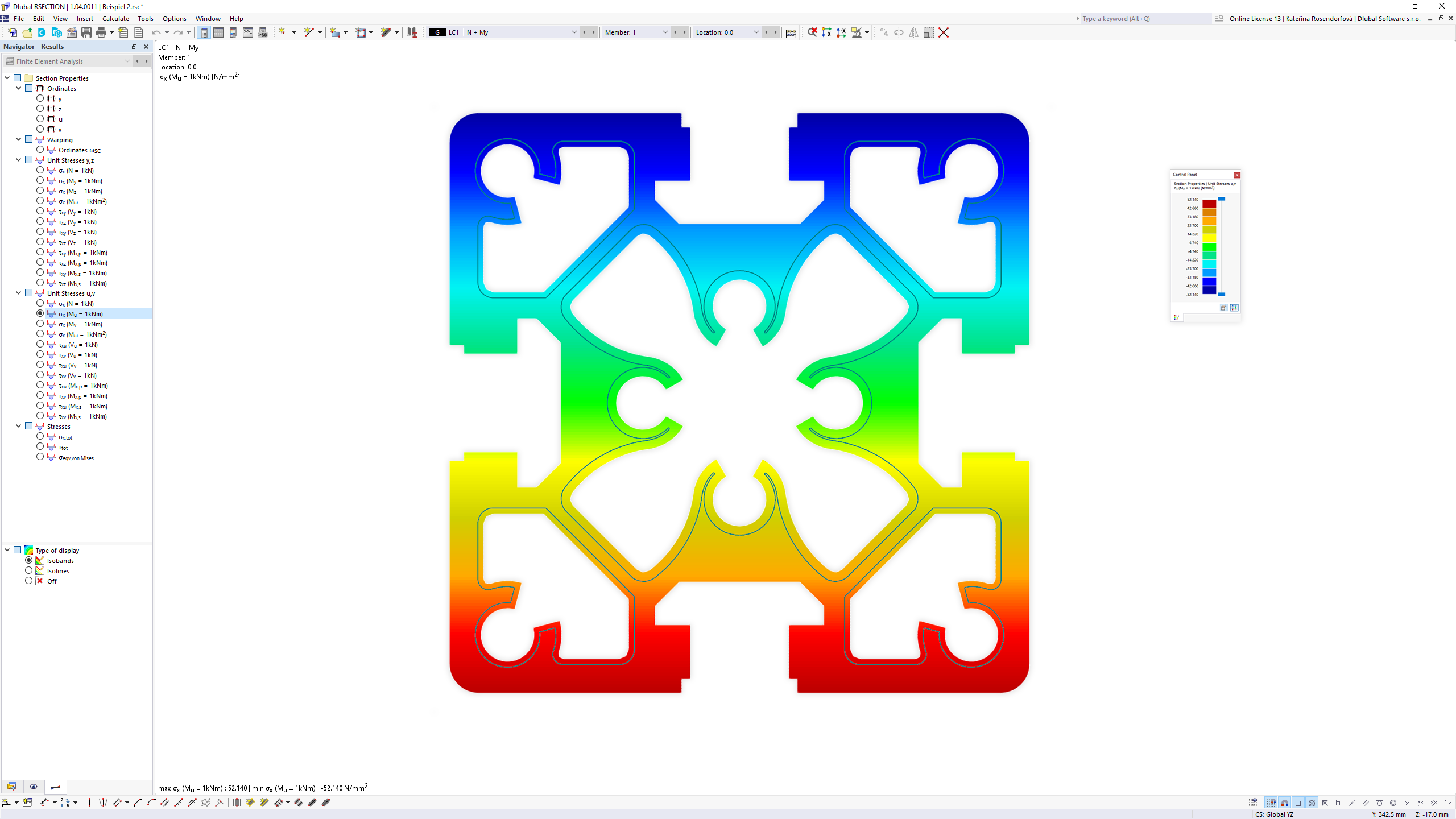
The stand-alone program RSECTION determines the section properties for any thin-walled and massive cross-sections and performs a stress analysis. RSECTION can be connected to the FEA software RFEM and the structural frame analysis software RSTAB. Sections from RSECTION are also available in the RFEM and RSTAB library. Conversely, internal forces from RFEM and RSTAB can be imported into RSECTION. Data can be entered graphically, in tables, by…N/A
Pricing
MicroStationRSECTION 1
Editions & Modules
Microstation
$250.00
Per User Per Month
No answers on this topic
Offerings
Pricing Offerings
MicroStationRSECTION 1
Free Trial
YesYes
Free/Freemium Version
NoNo
Premium Consulting/Integration Services
NoNo
Entry-level Setup FeeNo setup feeNo setup fee
Additional Details
More Pricing Information
Community Pulse
MicroStationRSECTION 1
Best Alternatives
MicroStationRSECTION 1
Small Businesses
Revit
Revit
Score 9.4 out of 10
Revit
Revit
Score 9.4 out of 10
Medium-sized Companies
Revit
Revit
Score 9.4 out of 10
Revit
Revit
Score 9.4 out of 10
Enterprises
Revit
Revit
Score 9.4 out of 10
Revit
Revit
Score 9.4 out of 10
All AlternativesView all alternativesView all alternatives
User Ratings
MicroStationRSECTION 1
Likelihood to Recommend
7.2
(0 ratings)
-
(0 ratings)
Usability
2.0
(0 ratings)
-
(0 ratings)
Support Rating
10.0
(0 ratings)
-
(0 ratings)
User Testimonials
MicroStationRSECTION 1
Likelihood to Recommend
MicroStation is well suited for environments where animation and 3D modelling is required for designs. It perfectly fits into scenarios where Building Information Modelling (BIM) is used. One should avoid this platform if the budget is low and the overall length of the project is not huge.
Read full review
No answers on this topic
Pros
  • MicroStation, as a stand-alone CAD package, is a great plan production tool.
  • MicroStation makes a very good base to build other applications on top of.
  • It has at least, in my opinion, a very easy to use interface.
Read full review
No answers on this topic
Cons
  • MicroStation's graphic interface appears data in comparison to other CAD software.
  • MicroStation has a tendency to crash if not managed properly during design.
  • MicroStation's transportation design component is separated from the main system which causes occasional complications.
Read full review
No answers on this topic
Usability
MicroStation is very hard to use for our newest employees. It is not intuitive, and you need to know where to find the buttons to perform the commands you would like to perform instead of typing in the commands like other similar modeling programs. Also, it has no good traffic turning add-ins. We continue to run ALL our turning in Autoturn, since this is not a usable feature with MicroStation.
Read full review
No answers on this topic
Support Rating
We haven't had to use it for many years, so not able to comment.
Read full review
No answers on this topic
Alternatives Considered
Microstation is not intuitive. It is almost impossible for our newest employees to use effectively, and I strongly prefer to start them with Civil 3D, where possible. With MicroStation, you really need to be an intermediate to advanced user to use the program and know where the buttons to do what you want are located. They need to make their program more command based. Things like snapping to a near point or correcting text size universally are not intuitive like they are in Civil 3D or SOLIDWORKS. For other programs you can just type in commands like "LINE" and draw a line. In Microstation, you need to select between a polyline or smartline from the tools>geometry menu. Why does it need to be so complicated? We ONLY use this program, because we are required to deliver our models in the DGN format to our client. Otherwise, we would use Civil 3D for everything.
Read full review
No answers on this topic
Return on Investment
  • Been beneficial in the current office to have a copy for information exchange.
  • Some of the more "die-hard MicroStation users" often do markups in it over our current software.
Read full review
No answers on this topic
ScreenShots

MicroStation Screenshots

Screenshot of Take advantage of built-in support for 100+ common formats and data types for 2D and 3D raster and vector geometry and associated BIM information, including trusted RealDWGScreenshot of Supporting hundreds of coordinate systems and dozens of geospatial data types, users can reliably integrate existing data quickly and confidently.Screenshot of Produce better documentation, faster, with fully integrated 2D and 3D workflows, creating a single integrated model that allows you to view drawings and other model information directly immersed within the 3D modelScreenshot of You can ensure your design intent while speeding modeling with extremely powerful and flexible constraints and a range of solid, mesh, surface, and topological modeling toolsScreenshot of MicroStation's native support for an unmatched range of file formats and data types means you can leverage any data you have to speed drafting and modeling and decision-makingScreenshot of Turn your models into polished professional presentations to win stakeholder buy-in and speed approvals on your design projects.

RSECTION 1 Screenshots

Screenshot of RSECTION 1 | Section Properties and Stress AnalysisScreenshot of RSECTION 1 | Section Properties and Stress AnalysisScreenshot of RSECTION 1 | Section Properties and Stress AnalysisScreenshot of RSECTION 1 | Section Properties and Stress AnalysisScreenshot of RSECTION 1 | Section Properties and Stress Analysis