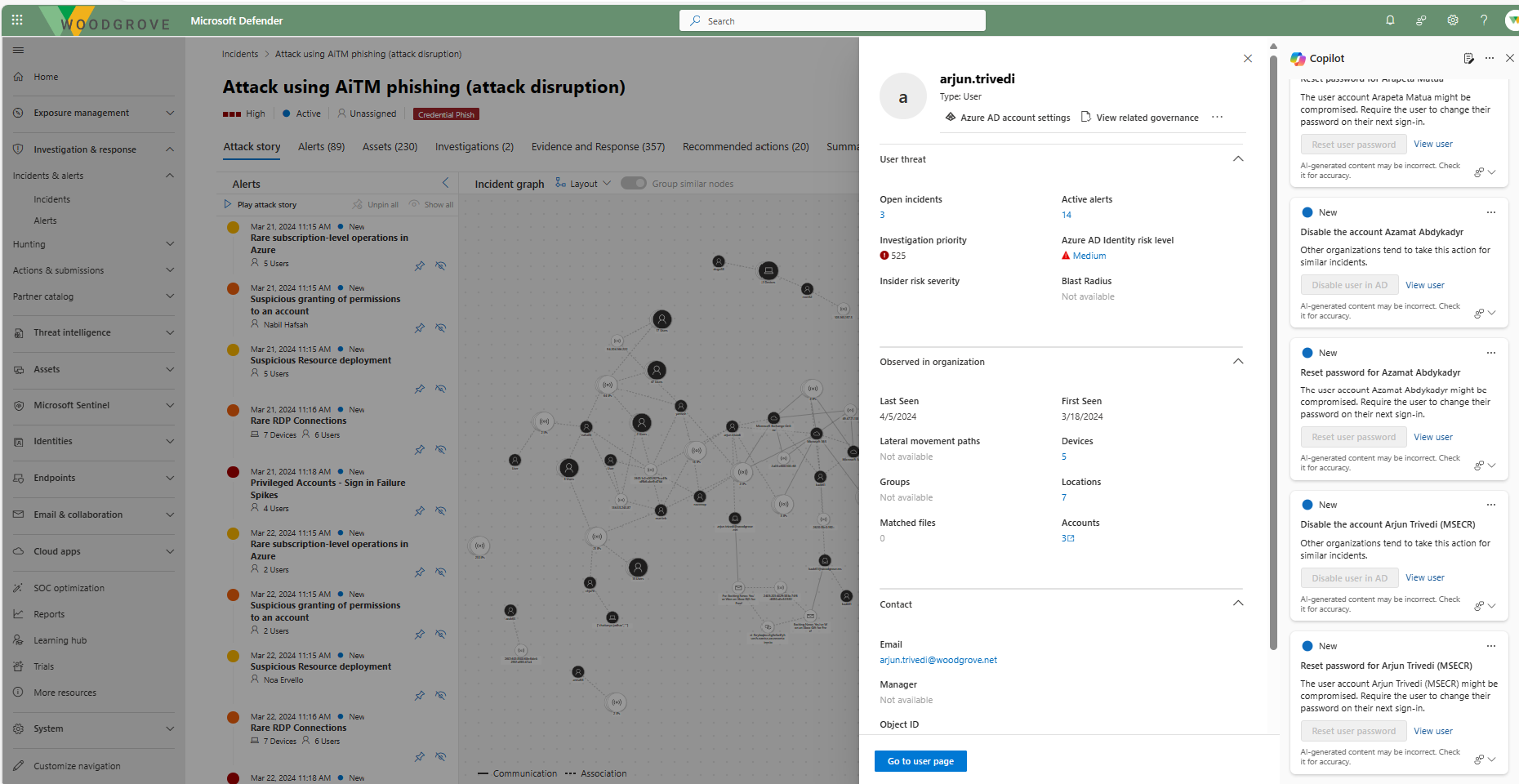
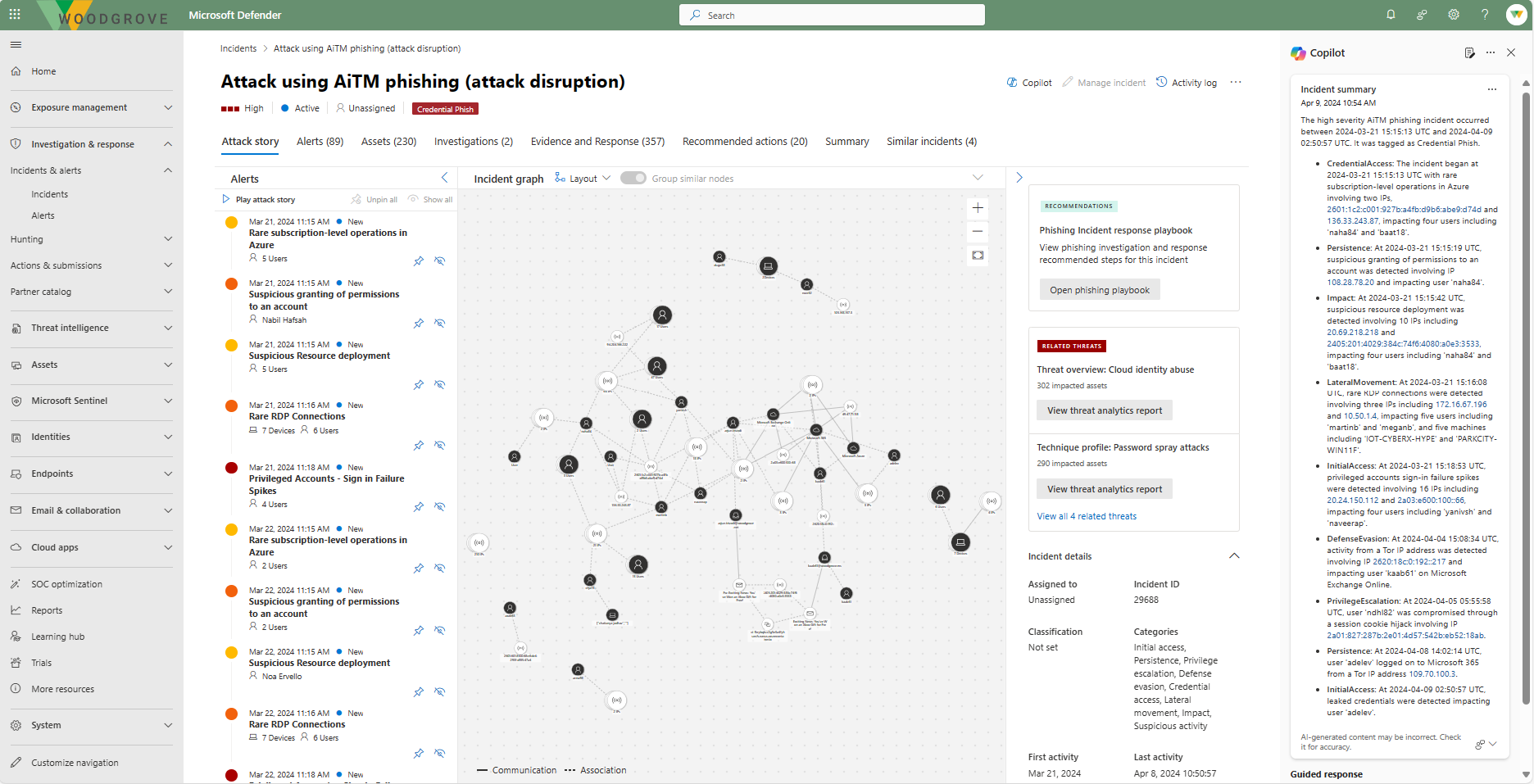
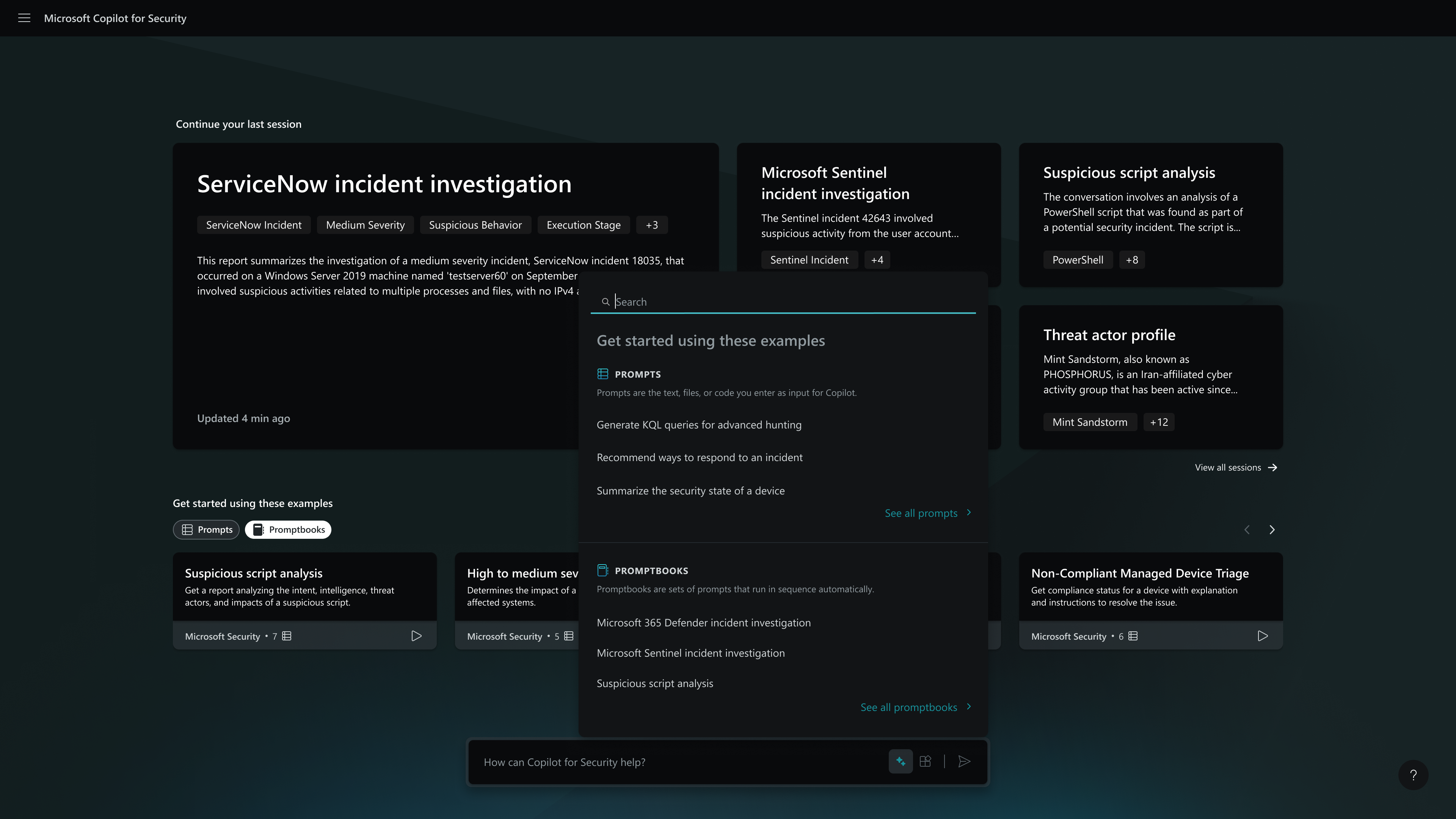
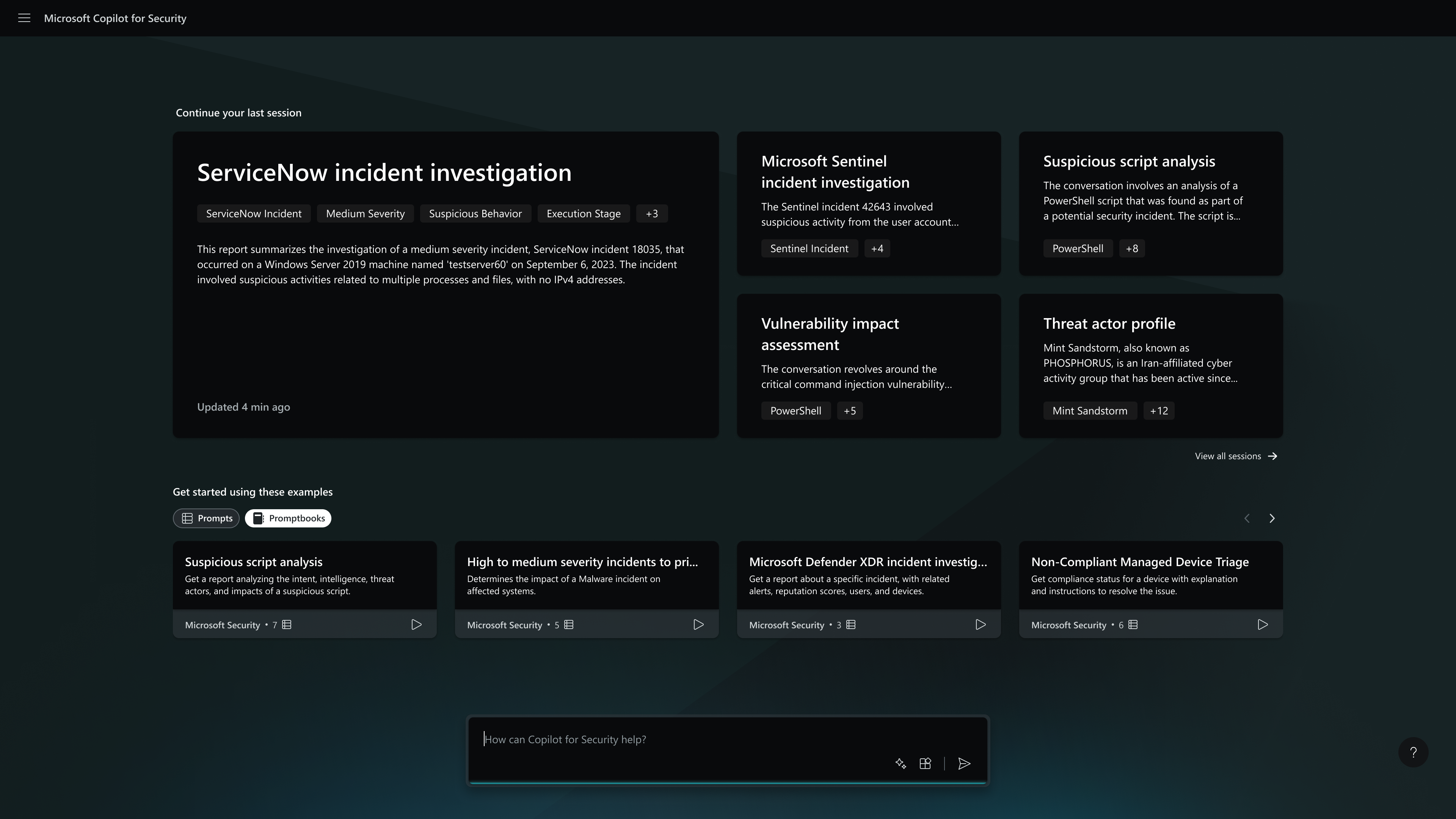
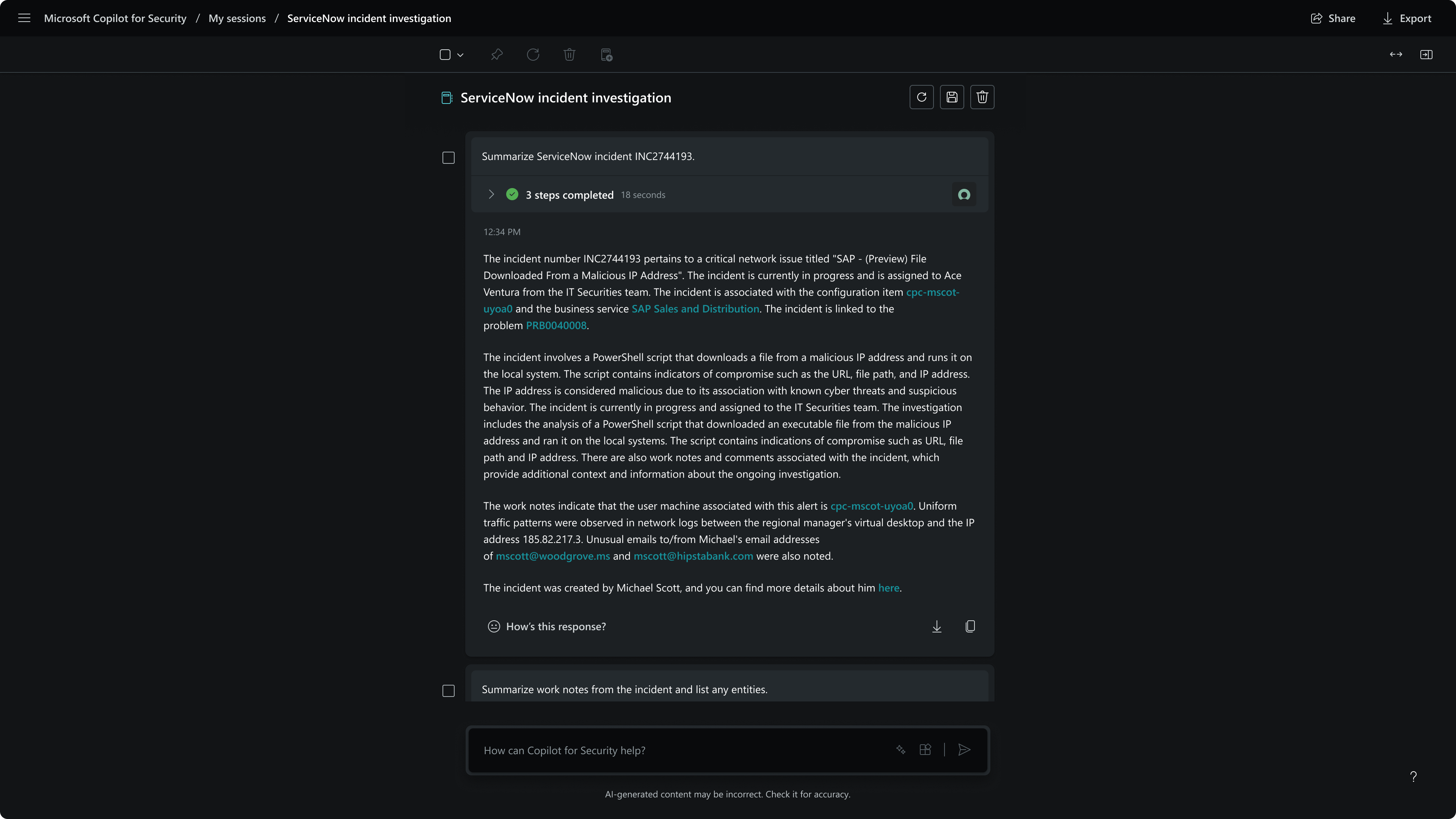
Microsoft Security Copilot helps security and IT teams to protect organizations at the speed and scale of AI. It is available in a standalone experience or embedded into other Microsoft Security products.
N/A
Trellix Intelligent Sandbox
Score7.1 out of 10
N/A
Trellix Intelligent Sandbox (formerly McAfee Advanced Threat Defense) enables organizations to detect advanced, evasive malware and convert threat information into immediate action and protection. It includes additional inspection capabilities that broaden detection and expose evasive threats. Integration between security solutions—from network and endpoint to investigation—enables instant sharing of threat information across the environment, enhancing protection and investigation. Deployment…
Microsoft Security Copilot is well-suited for environments where security teams face high alert volumes and need rapid triage. It is effective during active threat response, helping us establish timelines and suggest remediation steps quickly. Copilot also excels in executive reporting, generating clear summaries for leadership without much effort. Security Copilot is less effective outside of Microsoft's ecosystem because it doesn't integrate well with other products.
A de minimis incentive was given to thank the reviewer for their time. The incentive was not used to bias or drive a particular response, nor was the incentive contingent on a positive endorsement. More Info
McAfee Advanced Threat Defense is great in large enterprise environments with large, highly segmented networks. The administrator can create exceptions for specific applications as well as create exceptions through HAS which is very convenient for applications created in house. I do not recommend installing it on a computer with little ram memory, since this product demands a lot of resources and can be clearly distinguished in the Windows task monitor.
A de minimis incentive was given to thank the reviewer for their time. The incentive was not used to bias or drive a particular response, nor was the incentive contingent on a positive endorsement. More Info
A de minimis incentive was given to thank the reviewer for their time. The incentive was not used to bias or drive a particular response, nor was the incentive contingent on a positive endorsement. More Info
A de minimis incentive was given to thank the reviewer for their time. The incentive was not used to bias or drive a particular response, nor was the incentive contingent on a positive endorsement. More Info
A de minimis incentive was given to thank the reviewer for their time. The incentive was not used to bias or drive a particular response, nor was the incentive contingent on a positive endorsement. More Info
A de minimis incentive was given to thank the reviewer for their time. The incentive was not used to bias or drive a particular response, nor was the incentive contingent on a positive endorsement. More Info
Anyone can use it. Easy to prompt, also capabilities to become advance with custom agents. It can become custom to your workflow. Many people will have their unique experiences to share and results are generally positive. This is a growth in the product from the effect of community and adoption/usage.
A de minimis incentive was given to thank the reviewer for their time. The incentive was not used to bias or drive a particular response, nor was the incentive contingent on a positive endorsement. TR verified that a representative sample of customers was invited. More Info
Personally, I have only called our internal IT team about needing changes to permissions, not McAfee itself, but our IT team can make the changes though it seems to take them longer than I would think it needs to take. As someone who administers a different program, with different permissions, I would feel they should be able to make the exceptions faster and easier.
A de minimis incentive was given to thank the reviewer for their time. The incentive was not used to bias or drive a particular response, nor was the incentive contingent on a positive endorsement. More Info
My usage of other products is based on SIEM tools. So far, Microsoft Security Copilot is the only product I've seen that works across multiple technologies/products to provide full visibility into security tooling using AI. I know other vendors are working towards this, but Microsoft has definitely taken a lead.
A de minimis incentive was given to thank the reviewer for their time. The incentive was not used to bias or drive a particular response, nor was the incentive contingent on a positive endorsement. More Info
McAfee brand is used, mcafee antivirus scan, mcafee drive encryption, mcafee DLP, mcafee cloud proxy. He Kaspersky at the corporate level and used his admin dashboard is a bit rough. I recommend mcafee since the graphical environment is very friendly with the administrator. We selected it because at the administration level it is more comfortable, support for end users is very easy, the administration console can create roles and segregate permissions.
A de minimis incentive was given to thank the reviewer for their time. The incentive was not used to bias or drive a particular response, nor was the incentive contingent on a positive endorsement. More Info
Helps reduce time spent creating a baseline script.
Some errors get corrected but then get reintroduced while adding functionality.
I noticed that when using this for PowerShell it will sometimes have you install the module in the script without verifying if it is already installed. You must read the script before executing.
A de minimis incentive was given to thank the reviewer for their time. The incentive was not used to bias or drive a particular response, nor was the incentive contingent on a positive endorsement. More Info
A de minimis incentive was given to thank the reviewer for their time. The incentive was not used to bias or drive a particular response, nor was the incentive contingent on a positive endorsement. More Info