Microsoft BI is a business intelligence product used for data analysis and generating reports on server-based data. It features unlimited data analysis capacity with its reporting engine, SQL Server Reporting Services alongside ETL, master data management, and data cleansing.
$14
per month per user
Yurbi
Score8 out of 10
N/A
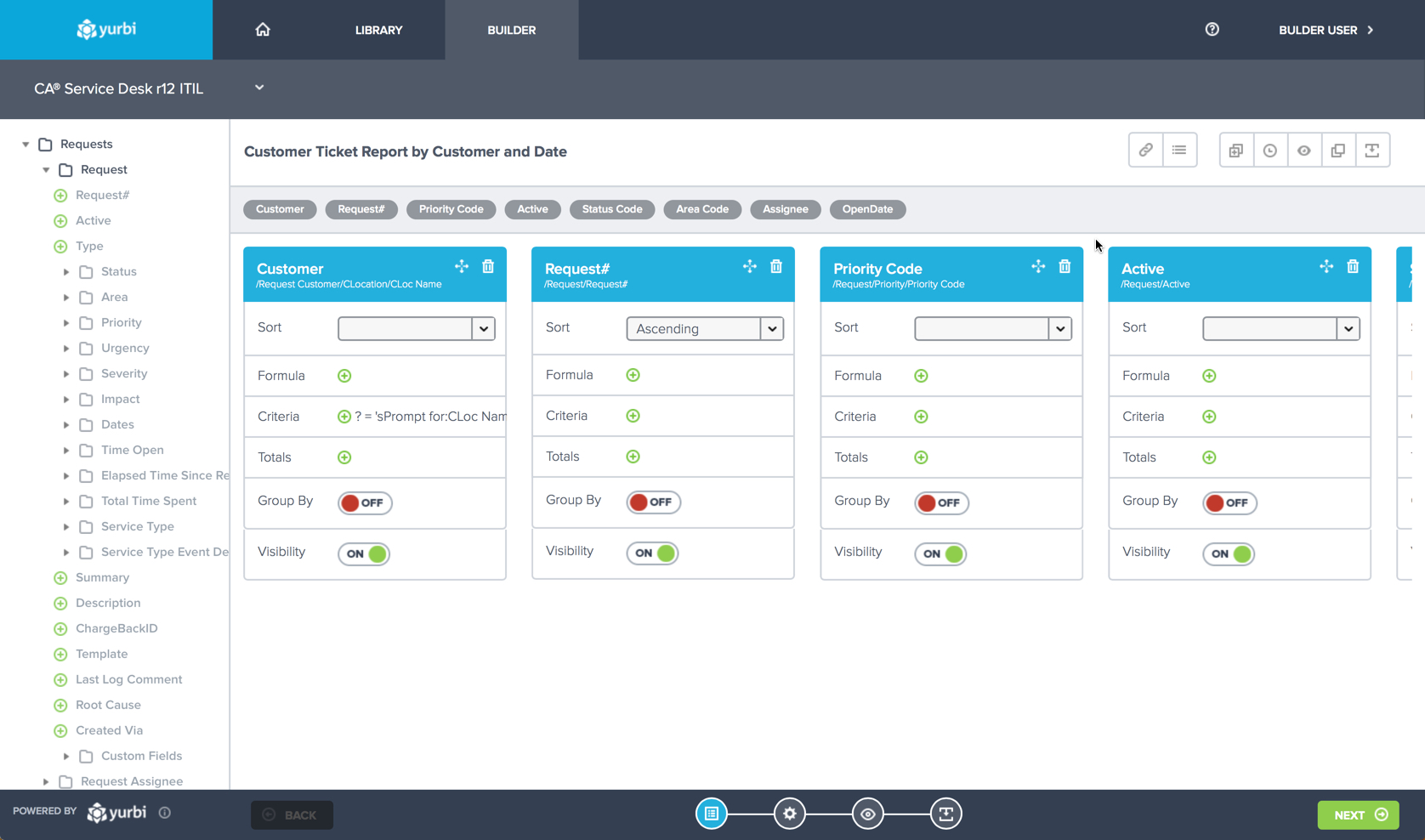
Yurbi is a business intelligence solution that is designed to bridge the gap between business users and intelligent data. It provides the business user with the ability to connect, secure, and collaborate with data to make better business decisions. According to the vendor, Yurbi brings the powerful reporting and analytical capabilities of traditional BI, but takes out the coding jargon – so that people can actually use it themselves.
As a 100% HTML5 application, Yurbi gives users and…
$24,000
per year
Pricing
Microsoft BI (MSBI)
Yurbi
Editions & Modules
Power BI Pro
$14
per month per user
Power BI Premium
$24
per month per user
Yurbi
24,000
per year
Offerings
Pricing Offerings
Microsoft BI (MSBI)
Yurbi
Free Trial
No
Yes
Free/Freemium Version
Yes
No
Premium Consulting/Integration Services
No
Yes
Entry-level Setup Fee
No setup fee
No setup fee
Additional Details
—
Yurbi's pricing model is simple and predictable. User licenses start at just $495 per year and that includes all the powerful features of our platform. We offer named users, concurrent users, and public view or anonymous report licensing options. We also offer custom/hybrid pricing for vendors looking to OEM Yurbi.
The Yurbi Poduct is extremely well suited for organizations looking for a mature Business Intelligence and ad-hoc reporting tool. The strength of Yurbi is that it is highly customizable and can work in various environments.
A de minimis incentive was given to thank the reviewer for their time. The incentive was not used to bias or drive a particular response, nor was the incentive contingent on a positive endorsement. More Info
A de minimis incentive was given to thank the reviewer for their time. The incentive was not used to bias or drive a particular response, nor was the incentive contingent on a positive endorsement. More Info
Yurbi allows us to build customized Dashboards for specific users. Once the initial Dashboard is created, the user themselves have permissions to customize the Dashboard to suit their needs. The flexibility is there for a wide set of users.
Yurbi product is highly customizable. We looked for a Business Intelligence product for quite some time that could be customized to work with different types of data sets. When we started considering Yurbi, it was evident from the beginning that the product could be customized very quickly to work within our environment and our specific data types.
The Yurbi product stays a step ahead with the changing market being focused more for the tablet and smart phone user population. As our customers first started to use iPADs and iPhones, it was great to see that an upgraded Yurbi product was readily available for use for the iPAD/iPhone set of users.
A de minimis incentive was given to thank the reviewer for their time. The incentive was not used to bias or drive a particular response, nor was the incentive contingent on a positive endorsement. More Info
While the Yurbi Developer tool is highly mature, there have been cases where building specific complex reports within Yurbi required extensive support directly from the vendor (and even some Yurbi product customizations). It would be great if the Yurbi Developer tool could be slightly refreshed to make it easier for more non-technical users to build more complex reports within Yurbi.
Over years of usage of the Yurbi product with growing set of available reports to run for users, it's easy to get unorganized in terms of being able to find the correct report to run. It's highly adviseable if future releases of Yurbi began offering features to organize all reports a little better within the product (including an audit trail of reports that users typically run to make it easier for them to go back to the right reports).
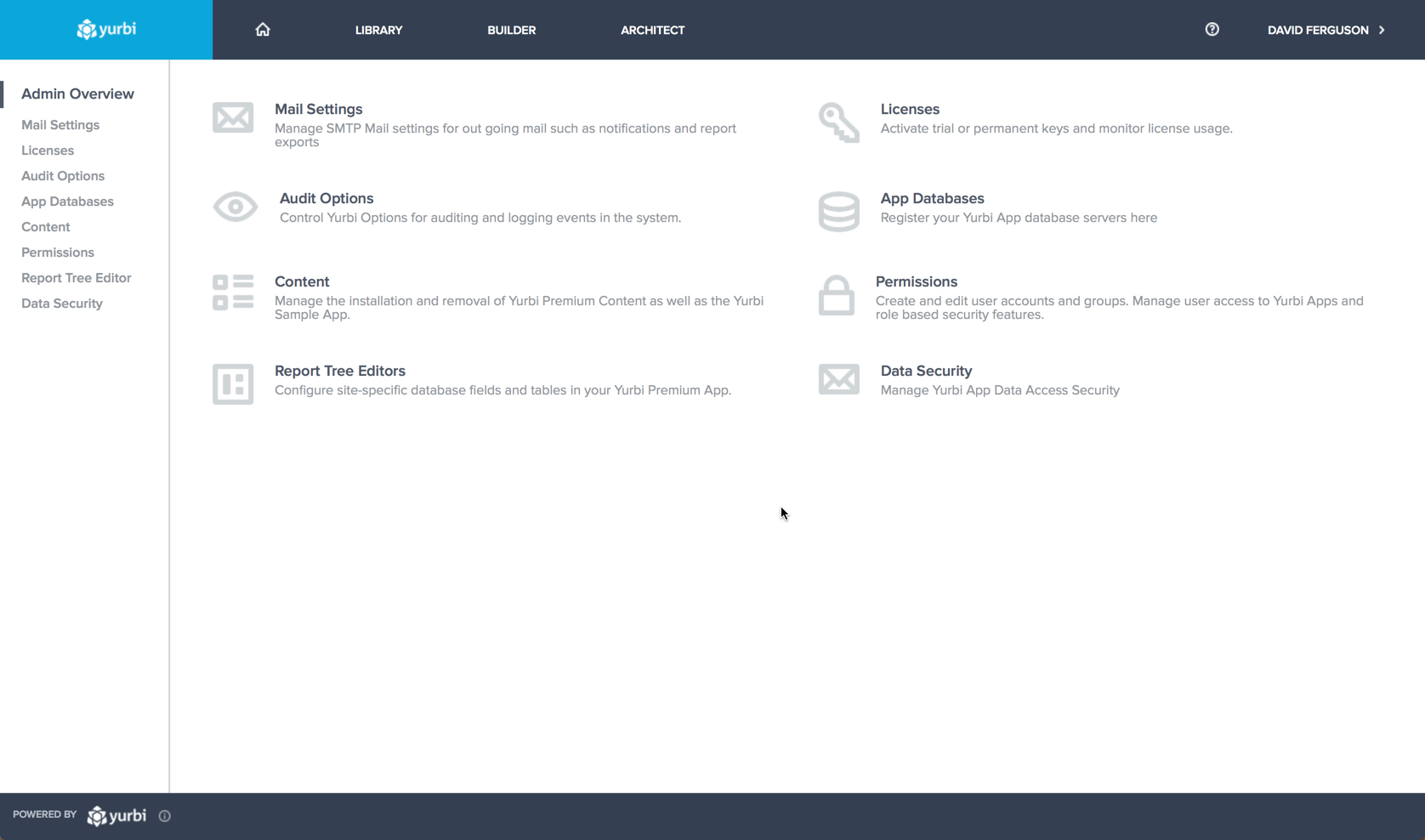
We heavily use the SMTP configuration within Yurbi to set up auto-email notifications to specific set of users with requested reports. At times, the SMTP service becomes unavailable and Yurbi product is unable to send these emails to the users. Besides not receiving the email, it's easily evident that the SMTP service connection failed. It would be great if future versions of the Yurbi product would alert the user of the failed SMTP connection on initial Yurbi login so the administrator becomes aware of the issue and can take action to resolve the problem.
A de minimis incentive was given to thank the reviewer for their time. The incentive was not used to bias or drive a particular response, nor was the incentive contingent on a positive endorsement. More Info
Microsoft BI is fundamental to our suite of BI applications. That being said, Northcraft Analytics is focused on delighting our customers, so if the underlying factors of our decision change, we would choose to re-write our BI applications on a different stack. Luckily, mathematics are the fundamental IP of our technology... and is portable across all BI platforms for the foreseeable future.
The Yurbi product has been perceived very well by our customers. They have continued to use it for years and the user population has only expanded. Customers love the flexibility and large set of Dashboards and reports that can be made available within the product quickly and efficiently.
A de minimis incentive was given to thank the reviewer for their time. The incentive was not used to bias or drive a particular response, nor was the incentive contingent on a positive endorsement. More Info
The Yurbi product is incredibly easy to use and very intuitive for the user. The environment is highly customizable to the user's own preferences which is the best part.
A de minimis incentive was given to thank the reviewer for their time. The incentive was not used to bias or drive a particular response, nor was the incentive contingent on a positive endorsement. More Info
SQL Server Reporting Services (SSRS) can drag at times. We created two report servers and placed them under an F5 load balancer. This configuration has worked well. We have seen sluggish performance at times due to the Windows Firewall.
While support from Microsoft isn't necessarily always best of breed, you're also not paying the price for premium support that you would on other platforms. The strength of the stack is in the ecosystem that surrounds it. In contrast to other products, there are hundreds, even thousands of bloggers that post daily as well as vibrant user communities that surround the tool. I've had much better luck finding help with SQL Server related issues than I have with any other product, but that help doesn't always come directly from Microsoft.
I have used on-line training from Microsoft and from Pragmatic Works. I would recommend Pragmatic Works as the best way to get up to speed quickly, and then use the Microsoft on-line training to deep dive into specific features that you need to get depth with.
We are a consulting firm and as such our best resources are always billing on client projects. Our internal implementation has weaknesses, but that's true for any company like ours. My rating is based on the product's ease of implementation.
A de minimis incentive was given to thank the reviewer for their time. The incentive was not used to bias or drive a particular response, nor was the incentive contingent on a positive endorsement. More Info
We have used the built in ConnectWise Manager reports and custom reports. The reports provide static data. PowerBI shows us live data we can drill down into and easily adjust parameters. It's much more useful than a static PDF report.
A de minimis incentive was given to thank the reviewer for their time. The incentive was not used to bias or drive a particular response, nor was the incentive contingent on a positive endorsement. More Info
A de minimis incentive was given to thank the reviewer for their time. The incentive was not used to bias or drive a particular response, nor was the incentive contingent on a positive endorsement. More Info
As a SaaS provider we see being able to provide self-service BI to our client users as a competitive advantage. In fact the MSSQL enabled BI is a contributing factor to many winning RFPs we have done for prospective client organisations.
However MSSQL BI requires extensive knowledge and skills to design and develop data warehouses & data models as a foundation to support business analysts and users to interrogate data effectively and efficiently. Often times we find having strong in-house MSSQL expertise is a bless.
A de minimis incentive was given to thank the reviewer for their time. The incentive was not used to bias or drive a particular response, nor was the incentive contingent on a positive endorsement. More Info