Microsoft 365 (formerly Office 365) is a Microsoft Cloud subscription service that includes Microsoft Office products (Word, Excel, PowerPoint, OneNote, Outlook, Publisher, and Access). The software can be installed across multiple devices and ensures that users always have the most up-to-date version of the included Office applications.
$5
Per User Per Month
Zoho Calendar
Score 9.8 out of 10
N/A
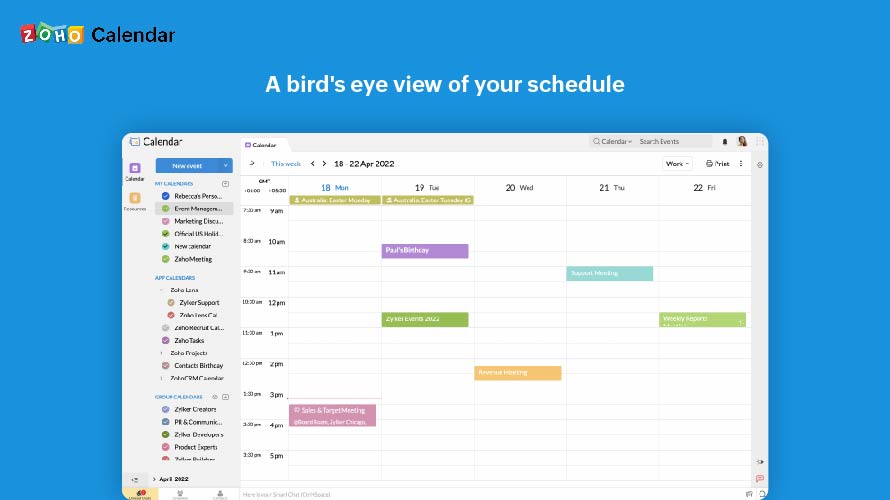
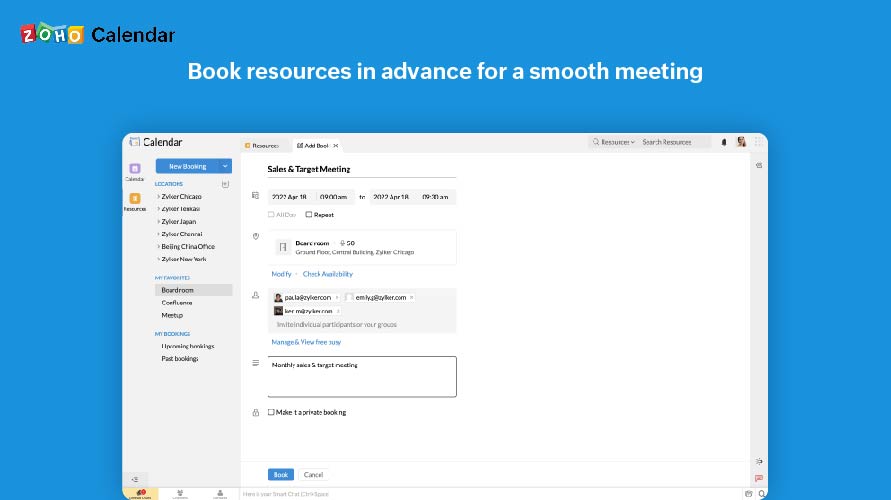
Zoho Calendar is an online business calendar designed to make scheduling easy. It can be used to stay on top of a schedule, or to share scheduled events with peers.
I usually recommend Microsoft 365 to my clients to keep them away from the Exchange server (sorry!) Our business has a lot of issues with exchange email functions and copy machines. I always recommend they download the desktop version and use the online version as needed. You never know when you will be without an internet connection, but you can usually trust your laptop will have a decent charge, and you can still be productive! Let it sync when the powers are back on - or your connection is alive.
Zoho Calendar is appropriate for every scenario because it reminds you of your upcoming meetings. I am using the product to manage my team meetings in my current project and also in the past projects as well. It integrates well with other applications well and cross functional tool to manage your schedule.
keeps me extremely organized. It is so easy to link calendars, emails, and documents.
keeps me well connected. It is so easy to send a quick message on teams or send an email to a group (for example, my particular team within the company).
easy to use. Everything is straightforward, making it easy to find an answer to a question. There is even a search option to figure out how to do something within Microsoft.
I wish it was a little simpler to integrate things from one Microsoft Feature into another one. Perhaps I just don't know the tricks for that yet...after all these years of using it.
I didn't like how it defaulted to saving the document automatically with changes, like Google Docs, but it seems that has now changed, and is better now.
Generally, I really like how the suite works as is.
I am completely satisfied with the product, and helps me on a daily basis. I do not the exact cost (it is not a cheap suite) but on the medium and long term the return on investment is guaranteed.
I subscribe to Zoho One so I use many of the modules that come with that single subscription. I've had intermittent issues with scheduled Zoho Meetings through Zoho CRM not appearing in my Zoho Calendar. Zoho has been working on the issue but it will be fixed for a while and then I'll miss a meeting because it wasn't appearing.
Since there are lots of preference options, it can be a little confusing when setting up. It does integrate with other calendars where you can choose one or two way syncing which is helpful if you keep separate personal and work calendars. You can set your start day of the week which for me I have it set to Monday. There are also time zone options which are great but still a bit confusing to me.
Over the past 8 years of using Microsoft 365, I have noticed that they change vendors often. This always leads to a poor experience in the beginning, then levels out after some time for the company to get things worked out. As a customer, it is really frustrating because I don't have time when something isn't working to have them "look into my issue" and get back with me. They have even closed a ticket I specifically told them to keep open. Your applications are only as good as the support.
Support has been excellent. As always, they are quickly responsive, and I feel they genuinely wish to address and fix any issues. It's unfortunate that my issues with meetings created in Zoho CRM don't always appear in my Zoho Calendar. While they mostly appear, my confidence level on any given week that I can see what is on my schedule is decidedly lacking.
BTE, this search bar is not the best; I couldn't find Google Suite. In any case, it's challenging to find a suite with advanced tools that serves as an office. Google comes close, no one uses OpenOffice (hyperbole), and there isn't much else to use. If you add to that the recent collaborative functionalities, nothing really stacks up or compares; this has everything a person in an office (oversimplifying) needs to get work done.
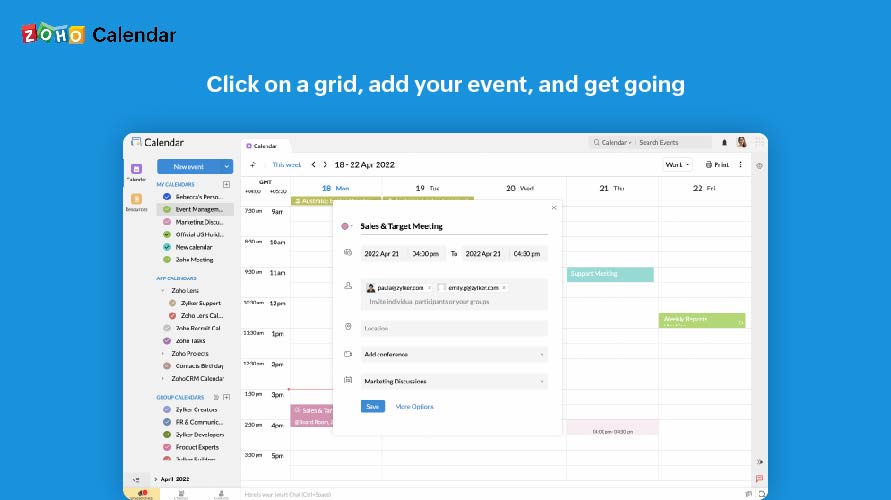
It as easy access, it provides platform for every member to collaborate, and it makes event management easier It sends invitations easily. It helps to schedule meetings easily with SMART ADD. We can set the reminder for events each and every member of team has access to Zoho Calendar It is easy to understand and use it is not that complicated .