Mattermost from the company of the same name in Palo Alto is a messaging, collaboration and communication platform providing high security and compliance for the businesses that need it.
$0
per month per user
Zimbra
Score7 out of 10
N/A
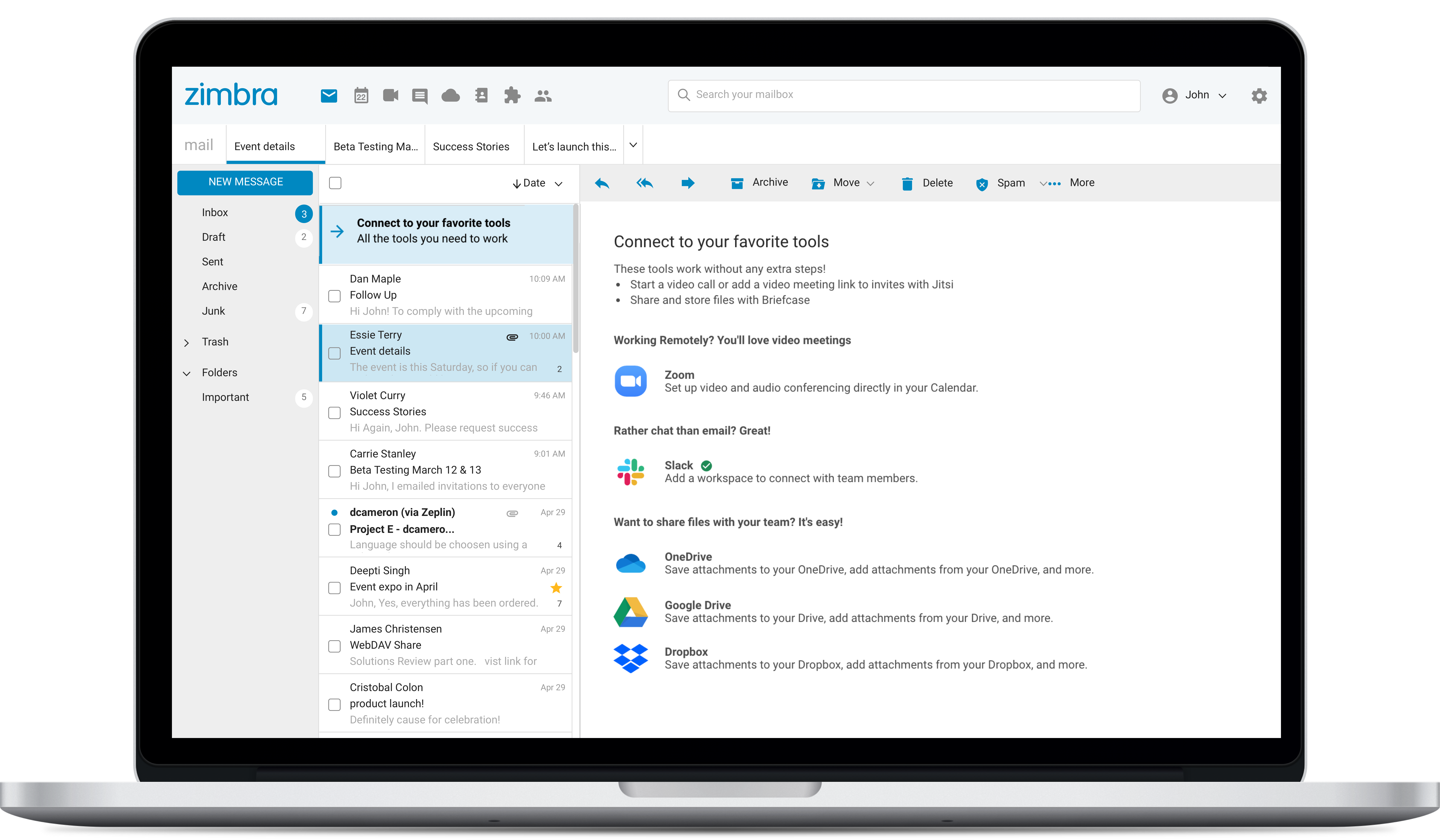
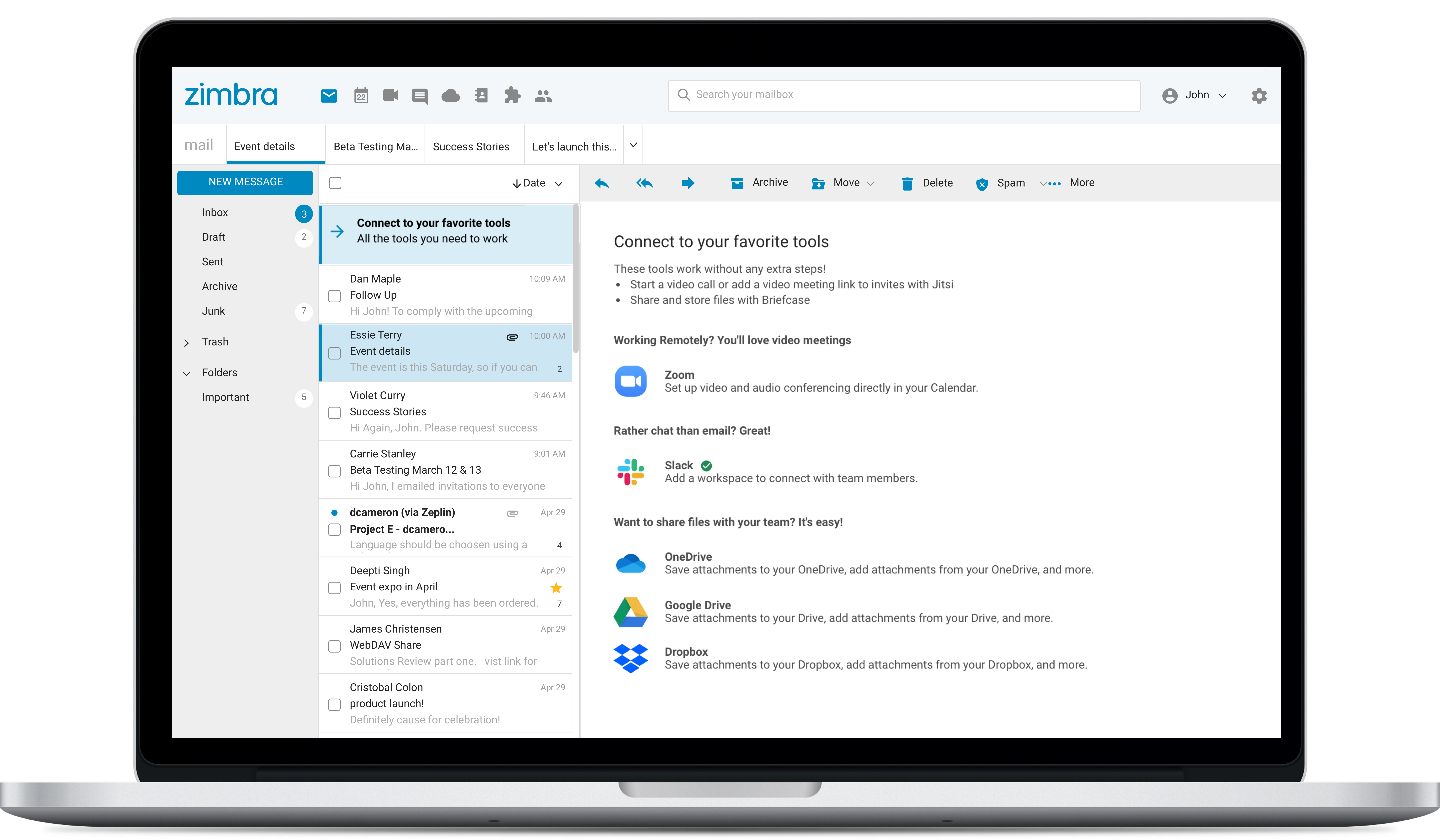
Zimbra is an email and collaboration platform and productivity suite that includes contacts, calendar, tasks, chat and file sharing, plus videoconferencing, document editing, and file storage.
I used Mattermost on a full remote company and it perfectly suited our collaboration and communication culture. The company dealt with privileged and personal information of a huge data base of users, so it was a significant advantage for our need to comply with industry regulations.
A de minimis incentive was given to thank the reviewer for their time. The incentive was not used to bias or drive a particular response, nor was the incentive contingent on a positive endorsement. More Info
Zimbra is great for an email system for a medium or large organization with appropriate IT staffing. The system is easy to use for end-users, and has a fantastic web interface. Unfortunately, it is overly complex, when considering staffing requirements and price, when compared with Office 365 or Google Apps for smaller organizations. For other education customers, it is hard to compete with Microsoft and Google providing their services for "Free" now though
A de minimis incentive was given to thank the reviewer for their time. The incentive was not used to bias or drive a particular response, nor was the incentive contingent on a positive endorsement. More Info
A de minimis incentive was given to thank the reviewer for their time. The incentive was not used to bias or drive a particular response, nor was the incentive contingent on a positive endorsement. More Info
A de minimis incentive was given to thank the reviewer for their time. The incentive was not used to bias or drive a particular response, nor was the incentive contingent on a positive endorsement. More Info
Zimbra's mobile application leaves much to be desired; it is its weakest point.
This forces the use of third-party applications on smartphones, which only offer a more or less complete integration with the ActiveSync protocol.
Zimbra allows for an on-premise scenario, which is not for everyone, especially considering that the trend nowadays is to outsource email; in any case, it also offers this alternative.
The cost of Zimbra as a SaaS solution comes too close to that of more widely adopted competing options.
Zimbra lacks a robust integrated chat system, which its competitors offer.
A de minimis incentive was given to thank the reviewer for their time. The incentive was not used to bias or drive a particular response, nor was the incentive contingent on a positive endorsement. More Info
Mattermost has been an excellent tool for our business, allowing for a very cost-effective means of communicating, collaborating, and sharing project and business documentation and resources. The free community edition allows for simple installation on existing cloud server resources which results in significantly lower recurring costs compared to the competition
A de minimis incentive was given to thank the reviewer for their time. The incentive was not used to bias or drive a particular response, nor was the incentive contingent on a positive endorsement. More Info
It's an extremely easy to use software, and I would recommend it to every company that is growing. I think they could improve their notification system, as it gets a little spammy sometimes and important notifications get lost. Also needs to improve the number of private chats that you are allowed to create.
A de minimis incentive was given to thank the reviewer for their time. The incentive was not used to bias or drive a particular response, nor was the incentive contingent on a positive endorsement. More Info
The web usability of the solution is adequate, with all functions integrated into a single interface. However, it is important to note that in the desktop environment, it lacks its own application and relies on ActiveSync synchronization with reference solutions like Outlook or Thunderbird. Some features, such as the briefcase, will be excluded. The same happens on smartphones.It is also common for competing solutions to include integrated chat or video call tools, which Zimbra lacks. These shortcomings are among the most frequently requested by users.
A de minimis incentive was given to thank the reviewer for their time. The incentive was not used to bias or drive a particular response, nor was the incentive contingent on a positive endorsement. More Info
We have not had to contact support for Mattermost ever. All that we have needed has been available in the documentation or website. One of our DevOps team members set it up in a couple of hours. The whole team was using Mattermost that same day. No support needed.
A de minimis incentive was given to thank the reviewer for their time. The incentive was not used to bias or drive a particular response, nor was the incentive contingent on a positive endorsement. More Info
A de minimis incentive was given to thank the reviewer for their time. The incentive was not used to bias or drive a particular response, nor was the incentive contingent on a positive endorsement. TR verified that a representative sample of customers was invited. More Info
Overall, we were satisfied with the implementation. We perhaps should have spent more time consulting with Zimbra or others regarding best practices but as we got to know the system better we were able to make changes relatively easily after the fact.
A de minimis incentive was given to thank the reviewer for their time. The incentive was not used to bias or drive a particular response, nor was the incentive contingent on a positive endorsement. More Info
I feel slack is a bit more difficult to use overall than Mattermost. Mattermost makes the tasks of communicating across departments and team members easier, as well as giving the ability to share information via hyper links, attachments, and other forms of communication among every body here. Also, easier user interface
A de minimis incentive was given to thank the reviewer for their time. The incentive was not used to bias or drive a particular response, nor was the incentive contingent on a positive endorsement. More Info
Zimbra is a significantly cheaper option than one of the Microsoft solutions, such as Exchange. It is able to run in a free environment, as it is in the case of Linux. It offers the advantages of a powerful mail manager, such as indexed searches and the integration of contacts and notes, all in one platform. It is constantly updated and the operation of its connection in mobile equipment is remarkable and very efficient. Additionally, it is able to easily integrate with Outlook solutions with its connector, which brings all the benefits of Zimbra to the user under the interface known as "mail manager." So far, I have been using Zimbra for several years and I have not missed my previous work platforms.
A de minimis incentive was given to thank the reviewer for their time. The incentive was not used to bias or drive a particular response, nor was the incentive contingent on a positive endorsement. More Info
A de minimis incentive was given to thank the reviewer for their time. The incentive was not used to bias or drive a particular response, nor was the incentive contingent on a positive endorsement. More Info
Zimbra is a cheaper email service than other similar platforms and in my point of view offers better features, that's why the company migrated services to this platform several years ago and without a doubt, it has been the best investment.
Zimbra has a more user-friendly interface for employees, this has improved response times to external customers of the company.
The implementation of Zimbra in the company motivated the IT engineering department to make improvements in open source to adapt it to the needs of the company.
A de minimis incentive was given to thank the reviewer for their time. The incentive was not used to bias or drive a particular response, nor was the incentive contingent on a positive endorsement. More Info