
Markup Hero vs. SurFlex Screen Recorder
| Product | Rating | Most Used By | Product Summary | Starting Price |
|---|---|---|---|---|
 Markup Hero | Score9 out of 10 | Small Businesses (1-50 employees) | Screenshot, Annotate & Share Markup Hero is an annotation and screenshot tool designed to allow users to capture ideas, communicate clearly, and save time. Features Include: Screenshots Desktop app for Mac, Windows & Linux Works on any device including mobile Chrome extension Annotate screenshots, PDF's, images and URL's Always editable - annotations do not flatten permanently Arrow, text, rectangle, oval,… | $5 all features, unlimited markups, unlimited storage, unlimited bandwidth |
 SurFlex Screen Recorder | N/A | N/A | SurFlex Screen Recorder is a screen-capturing tool that captures on-screen activities. It can record the screen with GPU acceleration, whether it be full screen, a selected area of the screen, or a specific app or game window. It allows users to include audio from the system, microphone, or both to the recorded videos, while recording on-screen actions. The screen recording can be exported in 4K quality for an ultimate visual experience. An extra copy of the audio can also be saved. … | $9.95 per month per user |
| Markup Hero | SurFlex Screen Recorder | |||||||||||||||
|---|---|---|---|---|---|---|---|---|---|---|---|---|---|---|---|---|
| Editions & Modules |
| No answers on this topic | ||||||||||||||
| Offerings |
| |||||||||||||||
| Entry-level Setup Fee | No setup fee | No setup fee | ||||||||||||||
| Additional Details | — | — | ||||||||||||||
| More Pricing Information | ||||||||||||||||
| Markup Hero | SurFlex Screen Recorder | |
|---|---|---|
| Small Businesses |  Sendspark Score10 out of 10 | Sendspark Score10 out of 10 |
| Medium-sized Companies |  Snagit Score9.3 out of 10 | Snagit Score9.3 out of 10 |
| Enterprises | Snagit Score9.3 out of 10 | Snagit Score9.3 out of 10 |
| All Alternatives | View all alternatives | View all alternatives |
| Markup Hero | SurFlex Screen Recorder | |
|---|---|---|
| Likelihood to Recommend | 9.6 | - |
| Markup Hero | SurFlex Screen Recorder | |
|---|---|---|
| Likelihood to Recommend |
| No answers on this topic |
| Pros |
| No answers on this topic |
| Cons |
| No answers on this topic |
| Alternatives Considered |
| No answers on this topic |
| Return on Investment |
| No answers on this topic |
| ScreenShots | Markup Hero Screenshots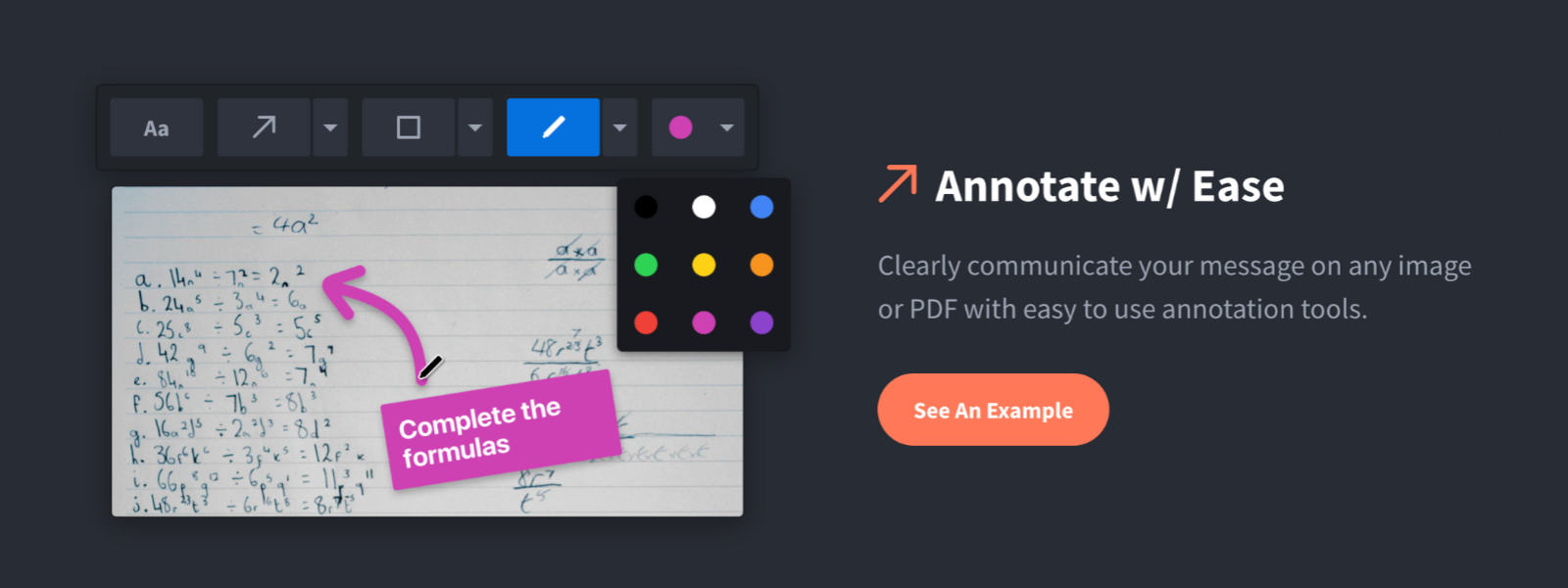 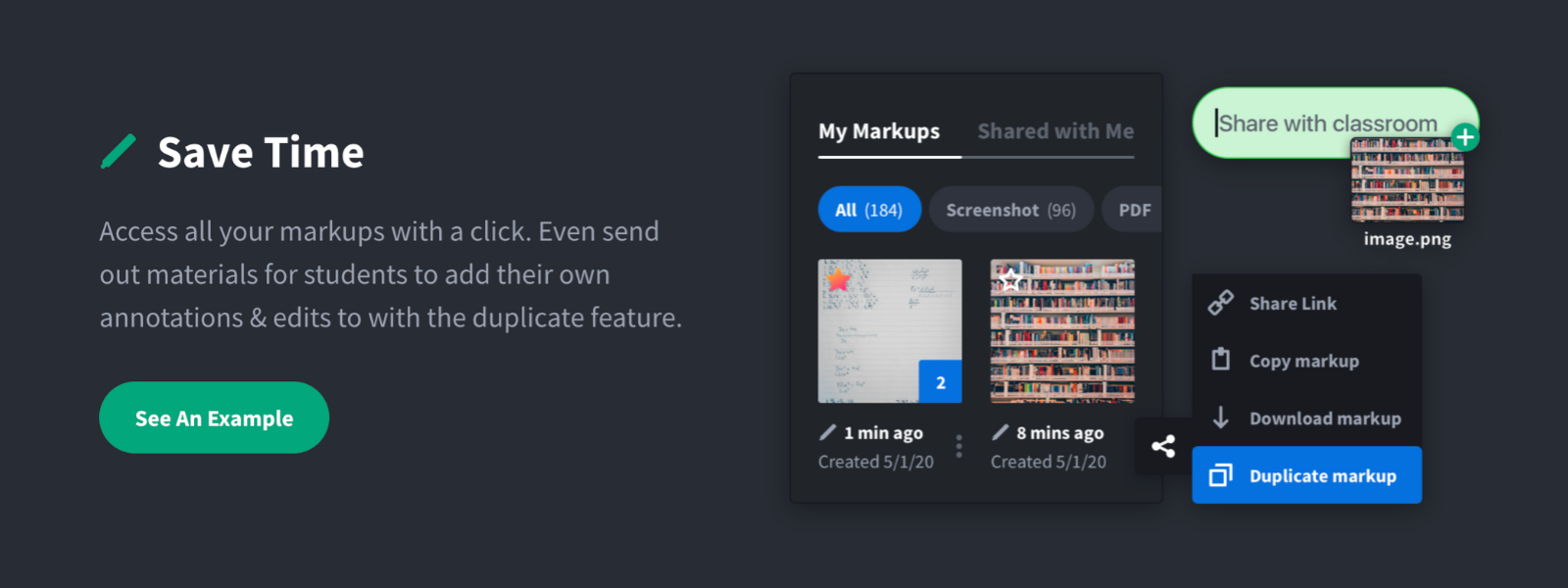     | SurFlex Screen Recorder Screenshots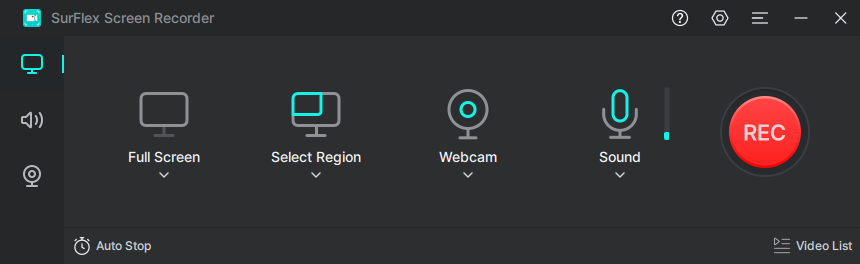 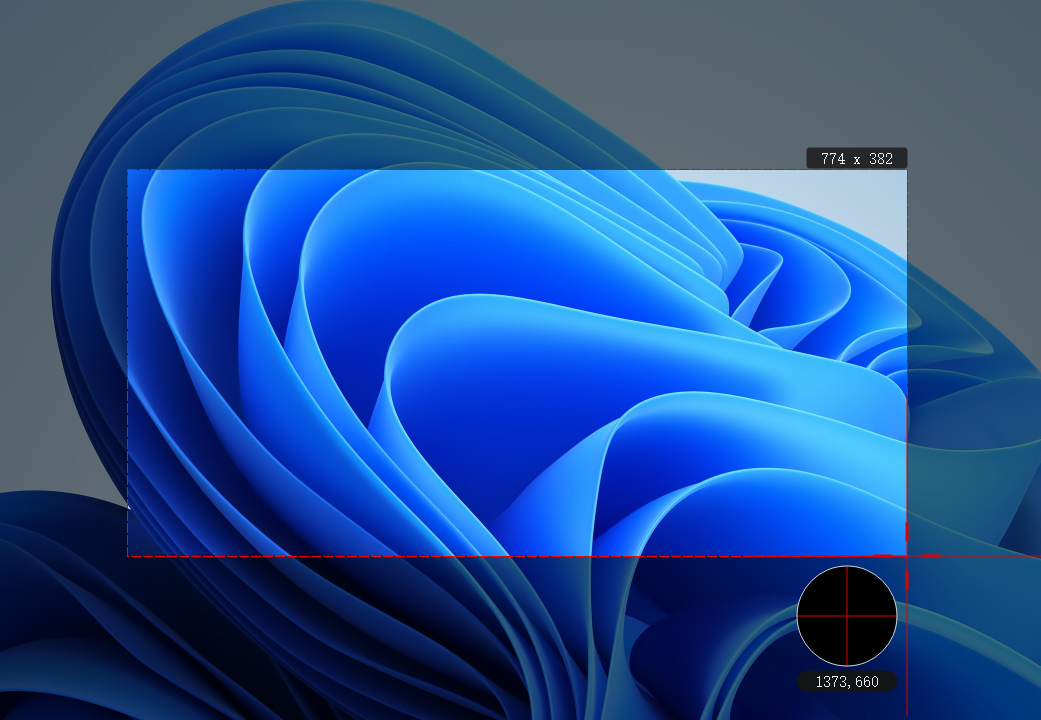     |