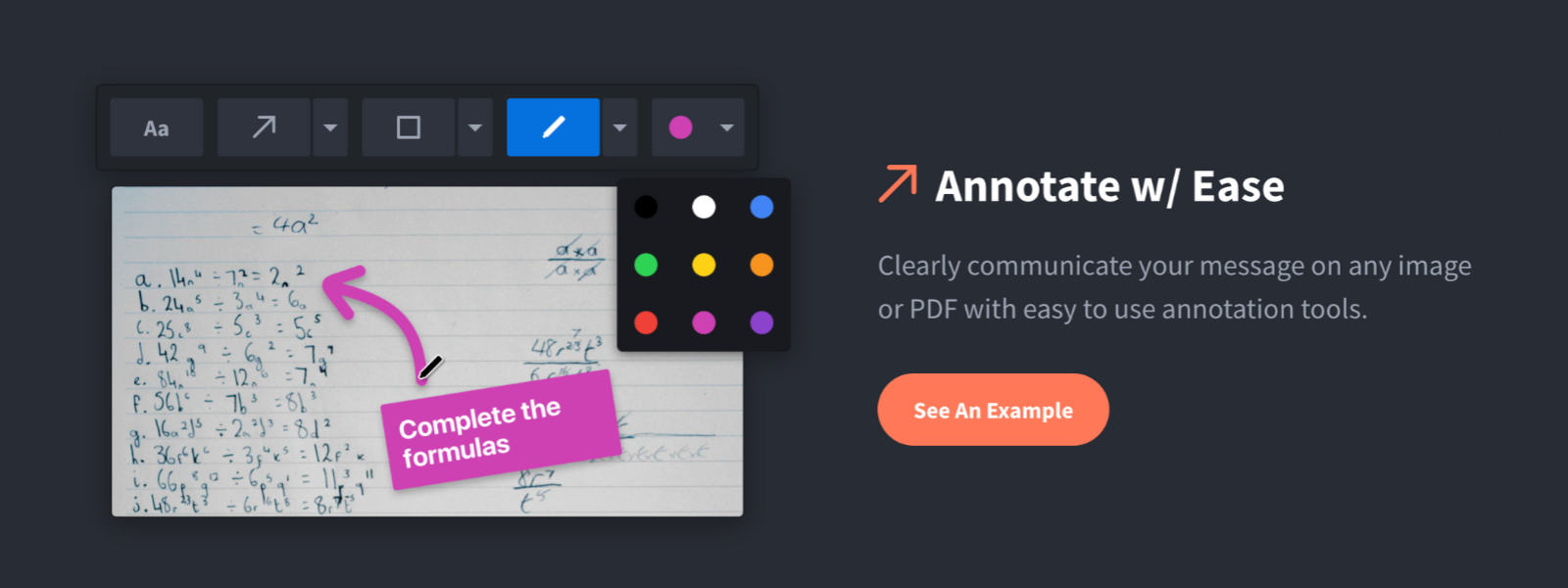
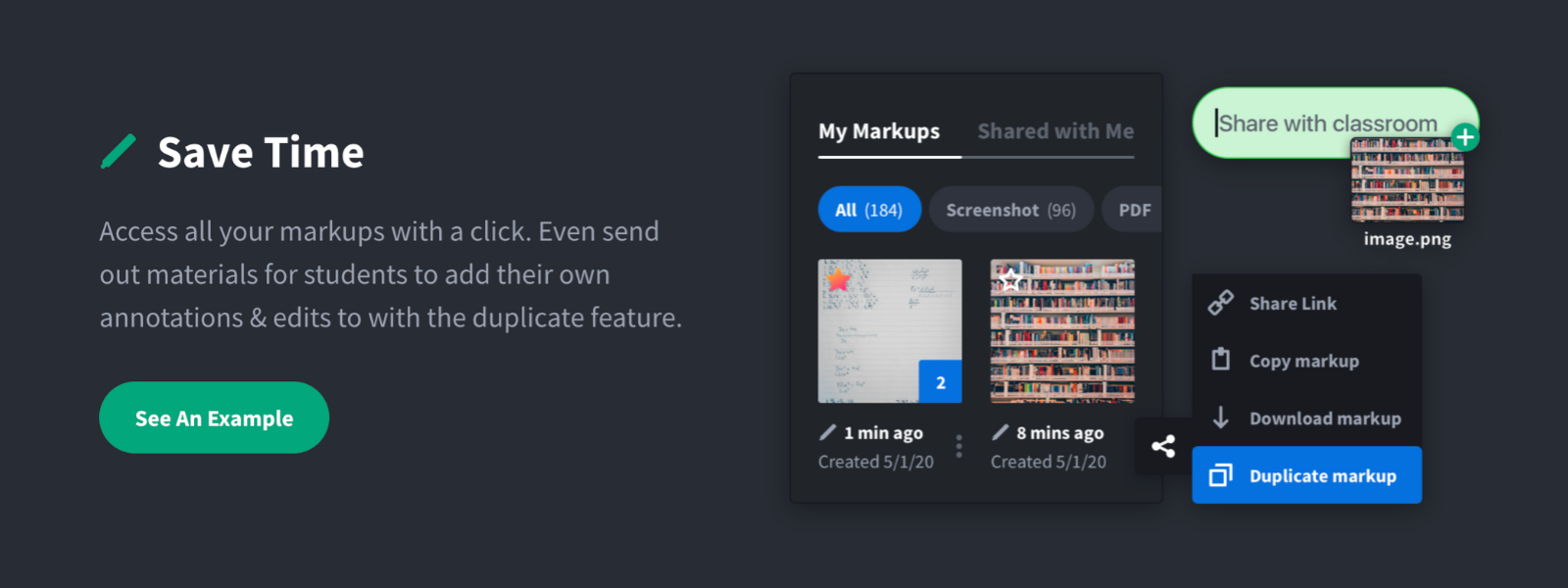
Screenshot, Annotate & Share Markup Hero is an annotation and screenshot tool designed to allow users to capture ideas, communicate clearly, and save time. Features Include: Screenshots Desktop app for Mac, Windows & Linux Works on any device including mobile Chrome extension Annotate screenshots, PDF's, images and URL's Always editable - annotations do not flatten permanently Arrow, text, rectangle, oval,…
$5
all features, unlimited markups, unlimited storage, unlimited bandwidth
Sendspark
Score 10.0 out of 10
N/A
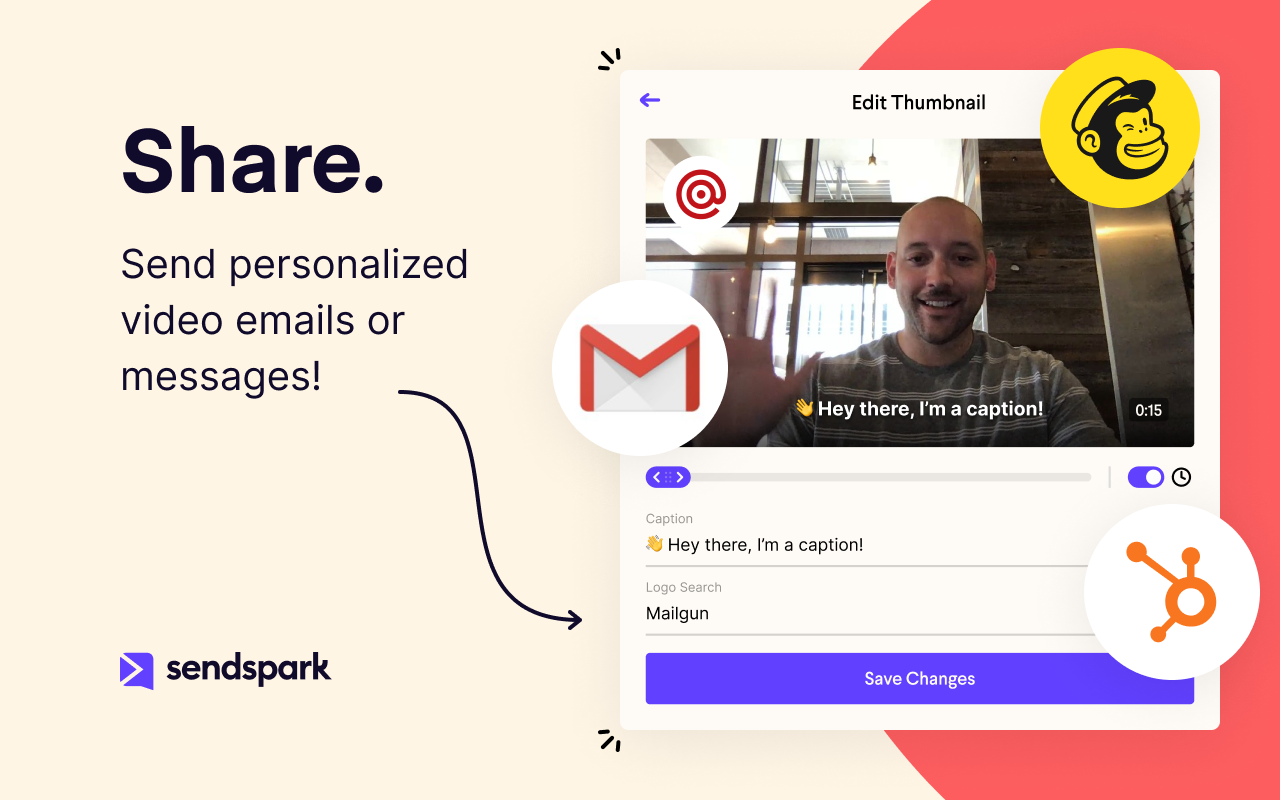
Sendspark helps businesses connect to customers with personalized video messages. Whether the user is an individual, manager, or enterprise, Sendspark can be used to create polished videos for demand generation, sales, or customer success. Videos can be shared in Gmail, LinkedIn, or email marketing platforms — wherever communication with customers is happening — to drive higher engagement.
$0
per month per user
Pricing
Markup Hero
Sendspark
Editions & Modules
Superhero
$5/month
all features, unlimited markups, unlimited storage, unlimited bandwidth
For us, it's sending real estate setup sheets with multiple properties and lots of comments and feedback. It's great for quick feedback and shares. If I need to make a custom graphic tho its not quite powerful enough as Photoshop or other tools. The former is about 90% of my use cases, the latter only 10% so it's still worth it. But I can see they are adding more and more design oriented features so I suspect I won't need Photoshop much longer.
In my experience, Sendspark is particularly well-suited for sales and marketing professionals who need to create and send personalized videos at scale. The platform makes it easy to quickly record and share videos, which can be a great way to stand out in a crowded market and provide a more engaging and personal experience for clients. Additionally, the branding and marketing features of Sendspark are handy for maintaining a consistent and professional image. On the other hand, I think Sendspark may be less appropriate for organizations that require more robust collaboration and video editing features. The platform is designed for simplicity and speed, so it may not be the best choice for users who need more advanced editing tools or the ability to work on videos with multiple users simultaneously. Additionally, the limited customization options for video themes may not be suitable for users who need more flexibility in terms of design and layout. Other video recording and sharing platforms may be a better fit in these cases.
Because with such a contribution it is possible to reach customers much better than with many other expensive tools. It is comparatively cheaper to do marketing with emails. So you should make your email campaigns as effective as possible. What really works with Sendspark. I think Sendspark will implement many more things. Which is why I am currently convinced to continue using Sendspark.
Acutally we didnt have had any problems so far. Everything works since we use it. The Servers are fast, and creating videos is a breeze. The Dashboard works properly and we can work very Smooth with Sendspark so far.
Support is very fast. I actually get Support between 8-24 Hours which is Important for us. The website tend to slow down sometimes, but will not affect the overall usage. I think they have a good Server Plan, which runs smooth. Until now we didnt had any serious problems with saving our Video Files or Uploading.
Markup Hero stands out because it is truly web based and supports PDFs (among a host of other file types). The annotation tools are significantly smoother and always editable. I don't know of any other products that provide a web experience that allows for edits at anytime. Plus the team is clearly working hard to iterate the product and regularly delivering new features.
Loom provides all basic features of screen recording software but because they are established now, they sometimes fail to work on customer feedback while Sendspark is always innovative e.g one of the life-saving features is a link to share with customers to record their testimonials which other software are not doing.
I think there is a lot of space for scaling. But for a Company like us there is plenty enough of capabilites to use Sendspark without any lack of performance issues. Maybe Sendspark could be limited for very Big Companys. But since they are a Startup, maybe they will grow and dive us to a better overall experience.
A member of my sales team went 10 for 10 on receiving replies from outreach prospects when leading with a Sendspark video message.
Received a PO for $109K on the last day of the quarter after messaging a customer with a polite and earnest Sendspark video to get the PO that day.
Supported a team member closing a sale by creating a Sendspark demo/explanation video of "this is how it would work" for the owner of a prospect company.