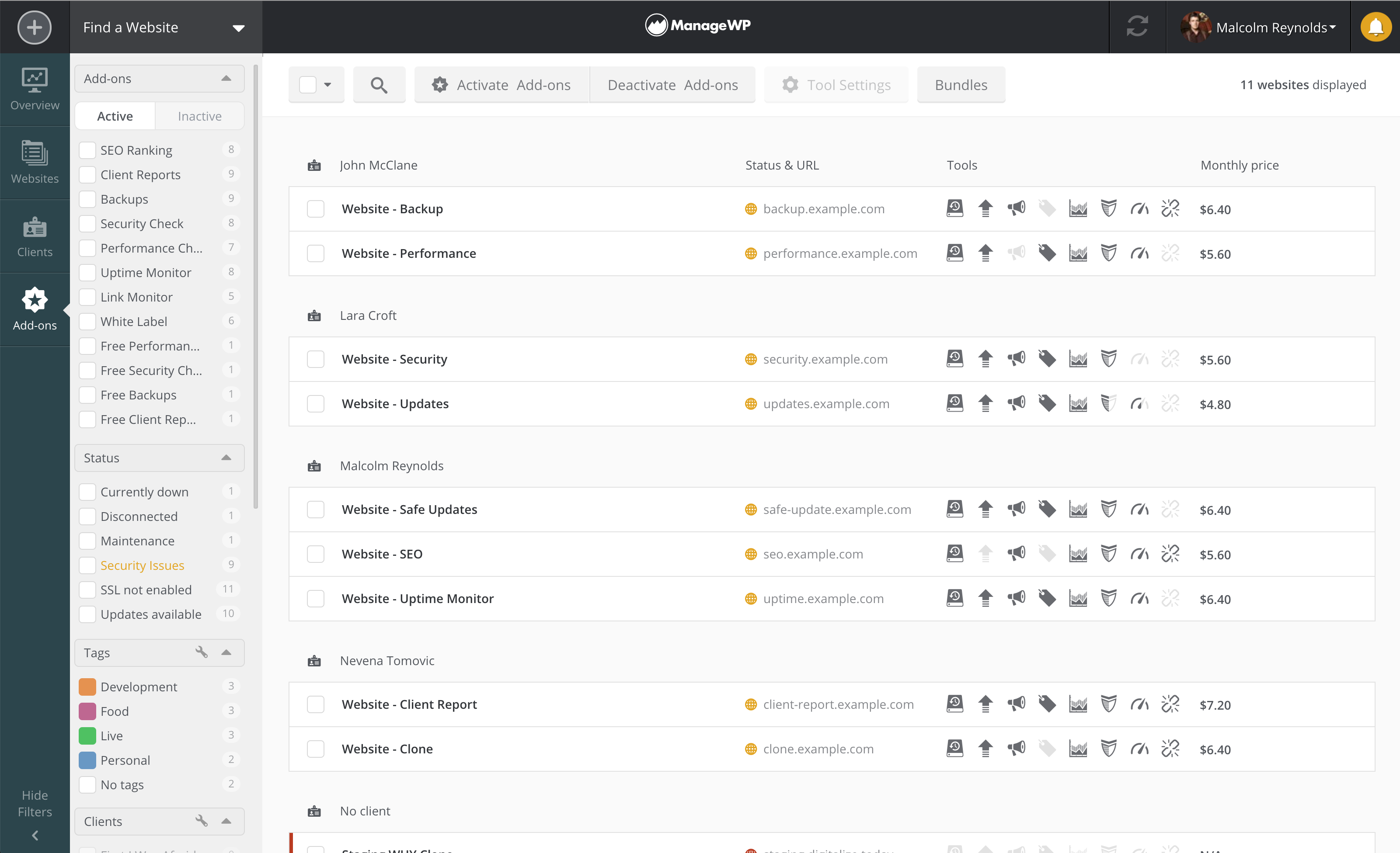
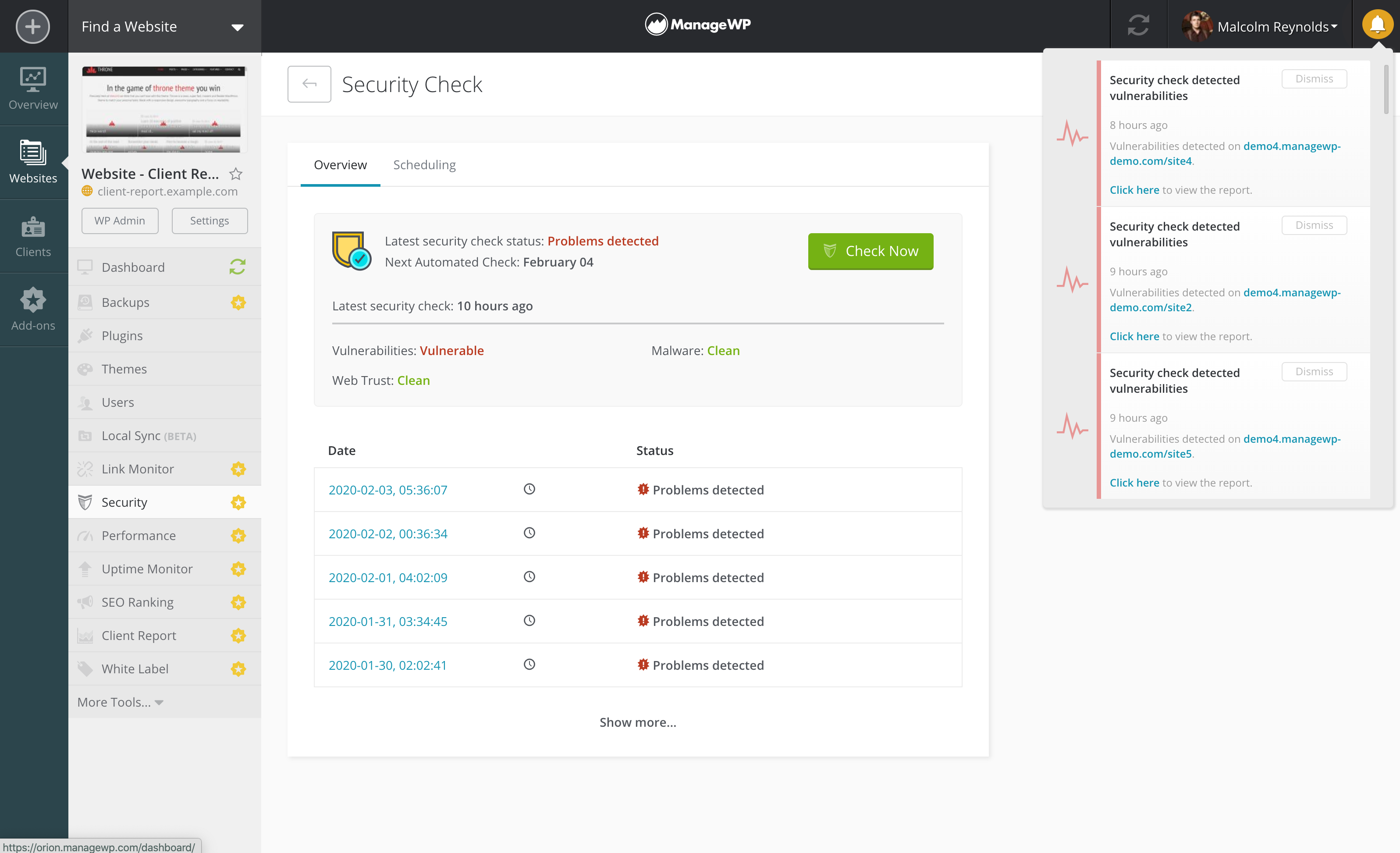
ManageWP is a WordPress management console that allows users to manage multiple WordPress sites with ease.
N/A
Titan CMS
Score 8.0 out of 10
Mid-Size Companies (51-1,000 employees)
Titan CMS is a web content management system (CMS) used to build public websites, intranets, extranets and portals. Powered by Northwoods, it leverages industry standard MVC for .NET Framework and provides a content management workstation interface to produce performance-driven websites.
$9,500
one-time fee
Pricing
ManageWP
Titan CMS
Editions & Modules
No answers on this topic
Base License
$9,500
one-time fee
Professional License
Contact Sales for Details
one-time fee
Corporate License
Contact Sales for Details
one-time fee
Enterprise License
Contact Sales for Details
one-time fee
Offerings
Pricing Offerings
ManageWP
Titan CMS
Free Trial
No
Yes
Free/Freemium Version
Yes
No
Premium Consulting/Integration Services
No
No
Entry-level Setup Fee
No setup fee
$5,000 null
Additional Details
Starting is easy and free. Premium upgrades are there for those that need more. If you want to free up your time and let ManageWP do the heavy lifting - we are there for you with a number of automations (safe updates, automated backups, scheduled security and performance checks, etc.), site migration tools, website templates and more.
Special bundles were built for agencies and companies creating affordable discounts for customers with large number of websites.
—
More Pricing Information
Community Pulse
ManageWP
Titan CMS
Features
ManageWP
Titan CMS
Security
Comparison of Security features of Product A and Product B
ManageWP
9.5
Ratings
16% above category average
Titan CMS
3.0
Ratings
92% below category average
Role-based user permissions
9.50 Ratings
3.00 Ratings
Platform & Infrastructure
Comparison of Platform & Infrastructure features of Product A and Product B
ManageWP
10.0
Ratings
27% above category average
Titan CMS
4.0
Ratings
62% below category average
API
10.00 Ratings
4.00 Ratings
Internationalization / multi-language
10.00 Ratings
4.00 Ratings
Web Content Creation
Comparison of Web Content Creation features of Product A and Product B
ManageWP
8.2
Ratings
6% above category average
Titan CMS
4.6
Ratings
51% below category average
WYSIWYG editor
8.00 Ratings
8.00 Ratings
Code quality / cleanliness
8.00 Ratings
3.00 Ratings
Admin section
9.80 Ratings
6.00 Ratings
Page templates
8.00 Ratings
2.00 Ratings
Library of website themes
9.00 Ratings
8.00 Ratings
Mobile optimization / responsive design
7.50 Ratings
2.00 Ratings
Publishing workflow
7.00 Ratings
3.00 Ratings
Form generator
00 Ratings
5.00 Ratings
Web Content Management
Comparison of Web Content Management features of Product A and Product B
It is well suited to anyone that has a Wordpress website, whether it be an individual or a company managing multiple clients sites, its an easy way to manage, maintain and keep your website running smoothly and secure.
Titan CMS is a good full featured CMS if users are fairly tech savvy. It is under active development and has added significant features through the years.
It gets easier, after taking a couple starter courses and really digging into detail with what Titan could do, it became super user-friendly and I actually enjoyed learning new things about the product.
The support group for Titan was extremely helpful. Whenever I had a question or needed some assistance they were always ready and willing to go the extra mile to make sure everything was accounted for.
Titan made it super easy to be able to preview and save recent work before making it live on the website. This really helped in getting an idea of how to improve simple texts and pictures.
Titan requires some training and users should have fairly good technology skills. Our organization has moved toward more central editing of web content because distributed staff using Titan struggled too much and so it was easier to have more centralized editing than distributed editing. The problem is that administrative staff didn't have enough technology skills. Titan could improve by having two level of editors... full editors using Titian as it is now and then basic editors that would interact with a page similar to interacting with a Facebook page.
Can be slow at times when you want to quickly move between screens in Titan. This may be the result of our specific hardware that Titan is implemented on.
Sometimes need to edit HTML directly to fix font/formatting problems.
Wish CMS integrated Google Web Analytics to allow viewing of page analytics while editing.
Wish CMS provided help during a responsive design migration by inspecting HTML and highlighting elements (such as tables) that require modification.
Titan CMS had a great support system and they helped make my experience go smooth. They offer courses to help people get acquainted, offer support over the phone and are more than willing to make your experience a great one. Once I was familiar with Titan I always found myself wanting to learn more and do more to improve upon the website. Titan makes CMS fun and exciting!
Everything we've needed to accomplish, Titan CMS has been able to accomplish. From multiple levels of user rights, document rights, tagging pages and documents to make filters do the work of content displayed on a page - it's all easy to set up too. Creating a content rich product detail page template and customizing a ecommerce cart to work for those using a dealer network - needing a request for quote, to go to dealers instead of a self checkout.
I understand that our Web Development Team is very busy, however, sometimes there is a delay in response and a followup email is needed to determine the progress of the issue/question
It was customized to include screen shots of our site and how users can access the content that only pertains to them as well as advanced training sessions for admin duties and everything that goes along with it. Training is in small groups and can be private (your company only) if you like too.
Talk to your project manager for Titan early on in development about minimalizing customizations. It seems obvious, but many times they do what you ask in the respect of "This is how we do it now, make that happen in Titan" vs. think of how Titan can deliver the same results within the confines of the base software. It's not a fault, just human nature.
ManageWP is definitely the best in class product for WordPress website management. There are other tools such as InfiniteWP that do similar things, but don't have as complete an offering. Other options like WPEngine are also for hosting and we are not interested in that element. I think that ManageWP is the best tool out there for what it does.
I am a super fan of WordPress and would have suggested having our website built within that platform in a heartbeat, however, I began my employment here after the website had already been built within Titan. Essentially, Titan was chosen as our CMS because we needed something that could work in relationship with our CRM, and the Web Development Team needed to be local (within a reasonable distance). Titan and WordPress are very similar in many different ways, and I think that at some point, Titan could be as "smooth" as WordPress, but there are still a few other weaknesses that it needs to overcome
Reduced update times - allows me to check for updates on all our sites once a week without spending countless time logging in and updating each one manually.
Free backups - allows me to have redundant backups just in case other systems fail, without any effort.
Free platform - many of the provided features are free, making it very useful for companies who want to keep costs low.
Positive ROI by allowing content contributors embedded within departments with the department domain knowledge to update the site directly. More efficient and less centralized spending.
Requirement for investment in training users of CMS cuts into ROI. Would recommend a two-step workflow where department content contributors enter information into CMS and then approval step is done by webmaster team to ensure content meets standard formatting guidelines. This workflow functionality exists in the Titan CMS.
Positive ROI experienced during projects such as moving to a responsive design because much of the content can migrate untouched. Also positive when updating graphics in template to give site new look.