
ManageEngine Site24x7 vs. Microsoft System Center Operations Manager (SCOM)
| Product | Rating | Most Used By | Product Summary | Starting Price |
|---|---|---|---|---|
 ManageEngine Site24x7 | Score9.8 out of 10 | N/A | Site24x7 from ManageEngine is a full-stack application, website, server, cloud and network monitoring tool. Site24x7 offers code-level diagnostics and customizable error thresholds, end-to-end monitoring with topology visualization tools, and mobile accessibility. | $9 10 monitors |
 Microsoft System Center Operations Manager (SCOM) | Score7.5 out of 10 | N/A | Microsoft's System Center Operations Manager (SCOM) is a monitoring and application performance management option, with the core datacenter and cloud-based systems monitoring. | N/A |
| ManageEngine Site24x7 | Microsoft System Center Operations Manager (SCOM) | |||||||||||||||
|---|---|---|---|---|---|---|---|---|---|---|---|---|---|---|---|---|
| Editions & Modules |
| No answers on this topic | ||||||||||||||
| Offerings |
| |||||||||||||||
| Entry-level Setup Fee | $1 monitors | No setup fee | ||||||||||||||
| Additional Details | Each Pack will also support additional benefits such as Network interfaces, Applogs, Alert credits etc. You can also, purchase add-ons to create custom pricing options. Please visit the vendor's pricing page, for more information. | — | ||||||||||||||
| More Pricing Information | ||||||||||||||||
| ManageEngine Site24x7 | Microsoft System Center Operations Manager (SCOM) | |
|---|---|---|
| Considered Both Products | No answer on this topic | No answer on this topic |
| Key User Insights | ||
| Would buy again | ||
100% Would buy again 5 Answers | 92% Would buy again 11 Answers | |
| Delivers good value for the price | ||
100% Delivers good value for the price 5 Answers | 92% Delivers good value for the price 11 Answers | |
| Happy with the feature set | ||
100% Happy with the feature set 5 Answers | 83% Happy with the feature set 10 Answers | |
| Lived up to sales and marketing promises | ||
100% Lived up to sales and marketing promises 5 Answers | 86% Lived up to sales and marketing promises 6 Answers | |
| Implementation went as expected | ||
100% Implementation went as expected 5 Answers | 100% Implementation went as expected 11 Answers | |
| ManageEngine Site24x7 | Microsoft System Center Operations Manager (SCOM) | ||||||||||||||||||||||||||||||||||||||||
|---|---|---|---|---|---|---|---|---|---|---|---|---|---|---|---|---|---|---|---|---|---|---|---|---|---|---|---|---|---|---|---|---|---|---|---|---|---|---|---|---|---|
| Monitoring Tasks |
| ||||||||||||||||||||||||||||||||||||||||
| Management Tasks |
| ||||||||||||||||||||||||||||||||||||||||
| Reporting |
| ||||||||||||||||||||||||||||||||||||||||
| Security |
| ||||||||||||||||||||||||||||||||||||||||
| Application Performance Management |
| ||||||||||||||||||||||||||||||||||||||||
| ManageEngine Site24x7 | Microsoft System Center Operations Manager (SCOM) | |
|---|---|---|
| Small Businesses | No answers on this topic | No answers on this topic |
| Medium-sized Companies |  ManageEngine ADAudit Plus Score9.2 out of 10 |  SolarWinds AppOptics Score8.2 out of 10 |
| Enterprises | ManageEngine ADAudit Plus Score9.2 out of 10 |  SolarWinds Server & Application Monitor Score6.8 out of 10 |
| All Alternatives | View all alternatives | View all alternatives |
| ManageEngine Site24x7 | Microsoft System Center Operations Manager (SCOM) | |
|---|---|---|
| Likelihood to Recommend | 8.6 | 8.0 |
| Support Rating | 8.0 | 7.3 |
| ManageEngine Site24x7 | Microsoft System Center Operations Manager (SCOM) | |
|---|---|---|
| Likelihood to Recommend |
|
|
| Pros |
|
|
| Cons |
|
|
| Likelihood to Renew | No answers on this topic |
|
| Usability | No answers on this topic |
|
| Support Rating |
|
|
| Implementation Rating | No answers on this topic |
|
| Alternatives Considered |
|
|
| Return on Investment |
|
|
| ScreenShots | ManageEngine Site24x7 Screenshots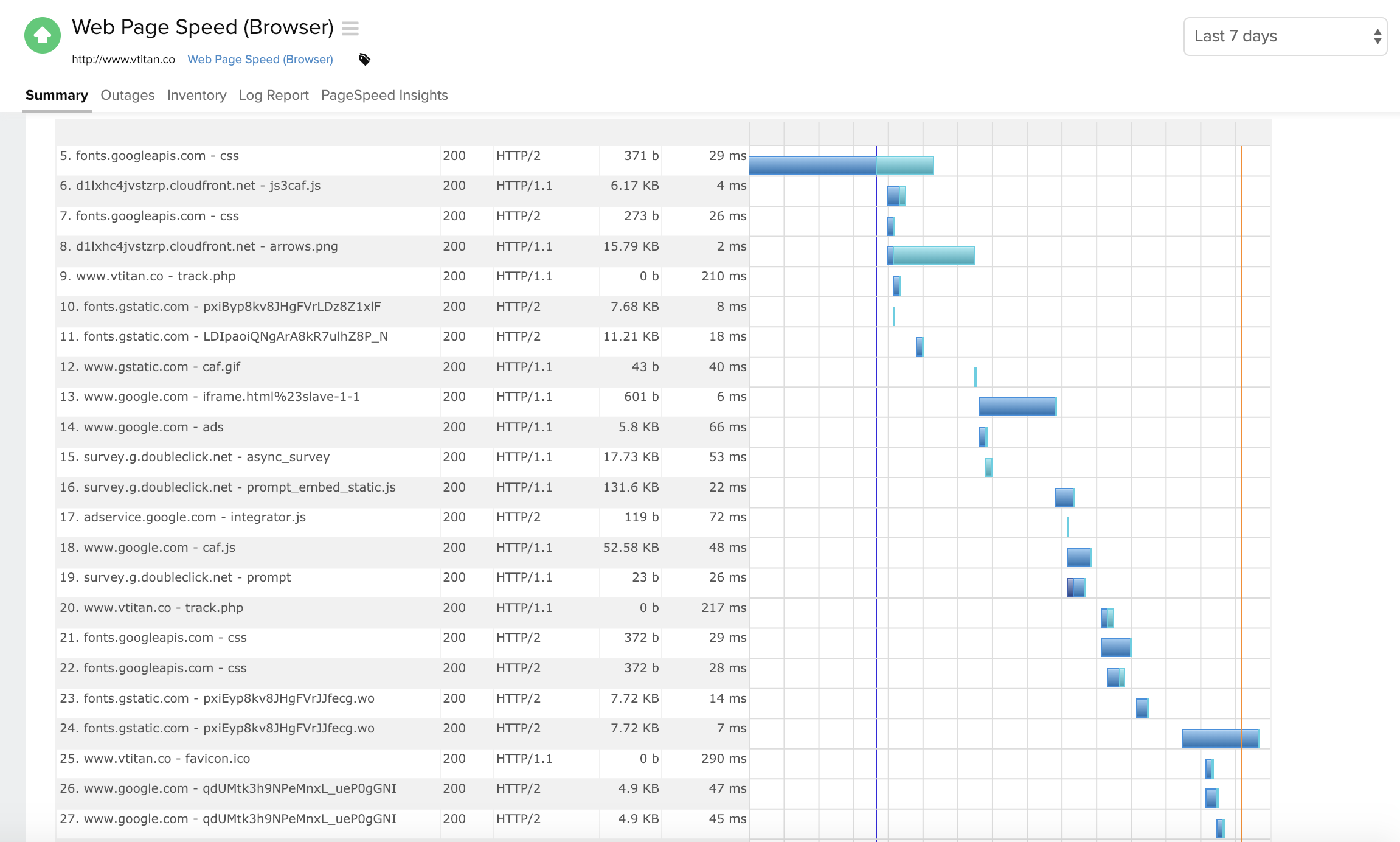      |


