ManageEngine Password Manager Pro vs. Passwork

Overview
ProductRatingMost Used ByProduct SummaryStarting Price
ManageEngine Password Manager Pro
Score 8.4 out of 10
N/A
ManageEngine Password Manager Pro is the Zoho Corporation's password management solution for small and medium sized businesses and enterprises alike.N/A
Passwork
Score 0.0 out of 10
N/A
A self-hosted password manager for businesses. Passwork supports teamwork by keeping corporate passwords in a safe environment where employees can quickly access their passwords, while the rights and actions are closely supervised and managed by local system administrators. All data is encrypted using the AES-256 algorithm while being securely stored on an on-premise server and managed solely by system administrators. Passwork runs on PHP and…
$480
one-time fee Flat Rate
Pricing
ManageEngine Password Manager ProPasswork
Editions & Modules
No answers on this topic
Standard license type for 50 users
1 560
one-time fee Flat Rate
Advanced license type for 25 users
1 380
one-time fee Flat Rate
Standard license type for 100 users
2 880
one-time fee Flat Rate
Advanced license type for 50 users
2 520
one-time fee Flat Rate
Advanced license type for 100 users
4 560
one-time fee Flat Rate
Standard license type for 10 users
$480
one-time fee Flat Rate
Standard license type for 25 users
$840
one-time fee Flat Rate
Standard license type for more than 100 users
On request
one-time fee Flat Rate
Advanced license type for more than 100 users
On request
one-time fee Flat Rate
Offerings
Pricing Offerings
ManageEngine Password Manager ProPasswork
Free Trial
NoYes
Free/Freemium Version
NoNo
Premium Consulting/Integration Services
NoNo
Entry-level Setup FeeNo setup feeNo setup fee
Additional DetailsThe payment for the software is a one-time fee, which also includes a one-year subscription to updates and technical support. You can extend your subscription or increase the number of users for a fee.
More Pricing Information
Community Pulse
ManageEngine Password Manager ProPasswork
Best Alternatives
ManageEngine Password Manager ProPasswork
Small Businesses
RoboForm
RoboForm
Score 9.9 out of 10
RoboForm
RoboForm
Score 9.9 out of 10
Medium-sized Companies
Dashlane Password Manager
Score 8.9 out of 10
Dashlane Password Manager
Score 8.9 out of 10
Enterprises
KeePass
KeePass
Score 8.7 out of 10
KeePass
KeePass
Score 8.7 out of 10
All AlternativesView all alternativesView all alternatives
User Ratings
ManageEngine Password Manager ProPasswork
Likelihood to Recommend
9.0
(0 ratings)
-
(0 ratings)
Likelihood to Renew
10.0
(0 ratings)
-
(0 ratings)
Usability
9.0
(0 ratings)
-
(0 ratings)
Support Rating
8.0
(0 ratings)
-
(0 ratings)
Implementation Rating
10.0
(0 ratings)
-
(0 ratings)
User Testimonials
ManageEngine Password Manager ProPasswork
Likelihood to Recommend
Password Manager does a good job of segregating passwords in to different categories which then can be aligned to different users or different job roles within the organization or department. I think the user interface looks a little dated, however, is perfectly functional for retrieving passwords. In adding the passwords initially, I found it a bit clunky, but of course, you don't need to do that too often.
Read full review
No answers on this topic
Pros
  • Once we got used to the application specific terminology, the tool is fairly straight forward.
  • Has all the basic functionality for password management.
  • Its cost effective. For an enterprise tool, it is the lowest cost.
Read full review
No answers on this topic
Cons
  • In some browsers the copy password function does not work well
  • The search engine sometimes returns blank results (all browsers included: Chrome, IE11)
  • New upgrades are not visible in the tool itself, like in other third party tools
Read full review
No answers on this topic
Likelihood to Renew
We are really pleased with ManageEngine Password Manager Pro. It is great software!
Read full review
No answers on this topic
Usability
ManageEngine Password Manager Pro has an amazing interface for all kind of users. It is easy to use over different ambient and for anybody. T he privileges use have much more control over his password databases and its action for its teams. The auditors have many reports on differents formats, type of reports, filters o action and more.
Read full review
No answers on this topic
Support Rating
The contact is very easy. It is by mail. The resolution isn't easy because the support don't speak spanish and its english isn't good. In my opinion, ManageEngine Password Manager Pro should be have a Spanish Call Center for America.
Read full review
No answers on this topic
Implementation Rating
Planning the implementation with the Team leader of end users. At the begining start with two server in High Availability. Organice the data base structure of resources and users access before that to deploy in production.
Read full review
No answers on this topic
Alternatives Considered
Both Google and Microsoft offer a lot of SSO options with their products, but ManageEngine Password Manager Pro has kept competitive by offering its own integrations, and has the added feature of being self-hosted, which allows greater control of the environment compared to a cloud solution. While normally I am a cloud-first believer, in this case the ability to directly tie into local apps as well as cloud apps, and to integrate into the GINA over the LAN and WAN, has proved its value to me.
Read full review
No answers on this topic
Return on Investment
  • PMP has made it easier for us to store and share important credentials with other team members in a secure manner.
  • PMP has eliminated the need for using personal credential management tools that can be insecure and could put data at risk.
  • Integrating PMP with SSO has made it easier for everyone to access the tool quickly.
Read full review
No answers on this topic
ScreenShots

Passwork Screenshots

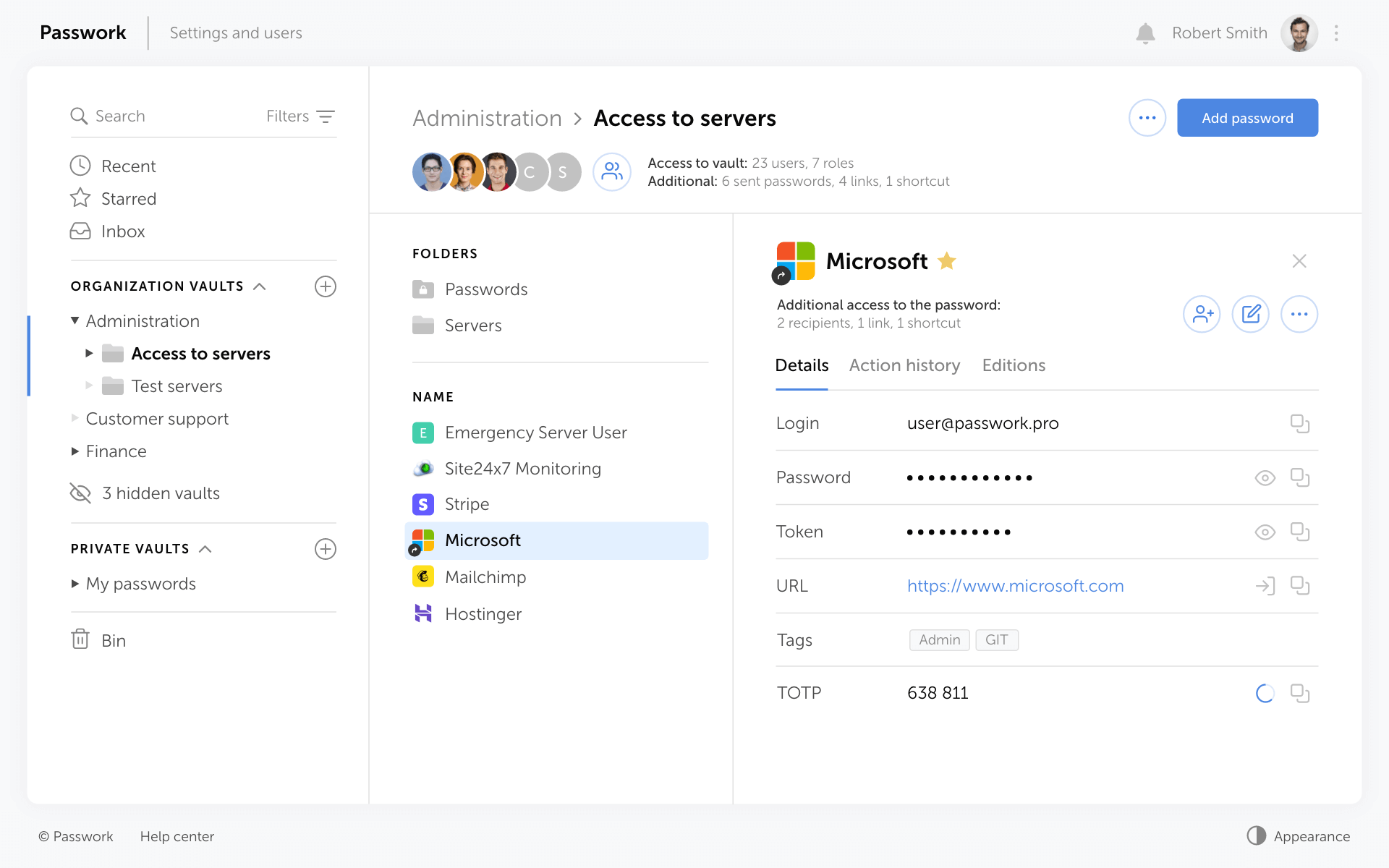
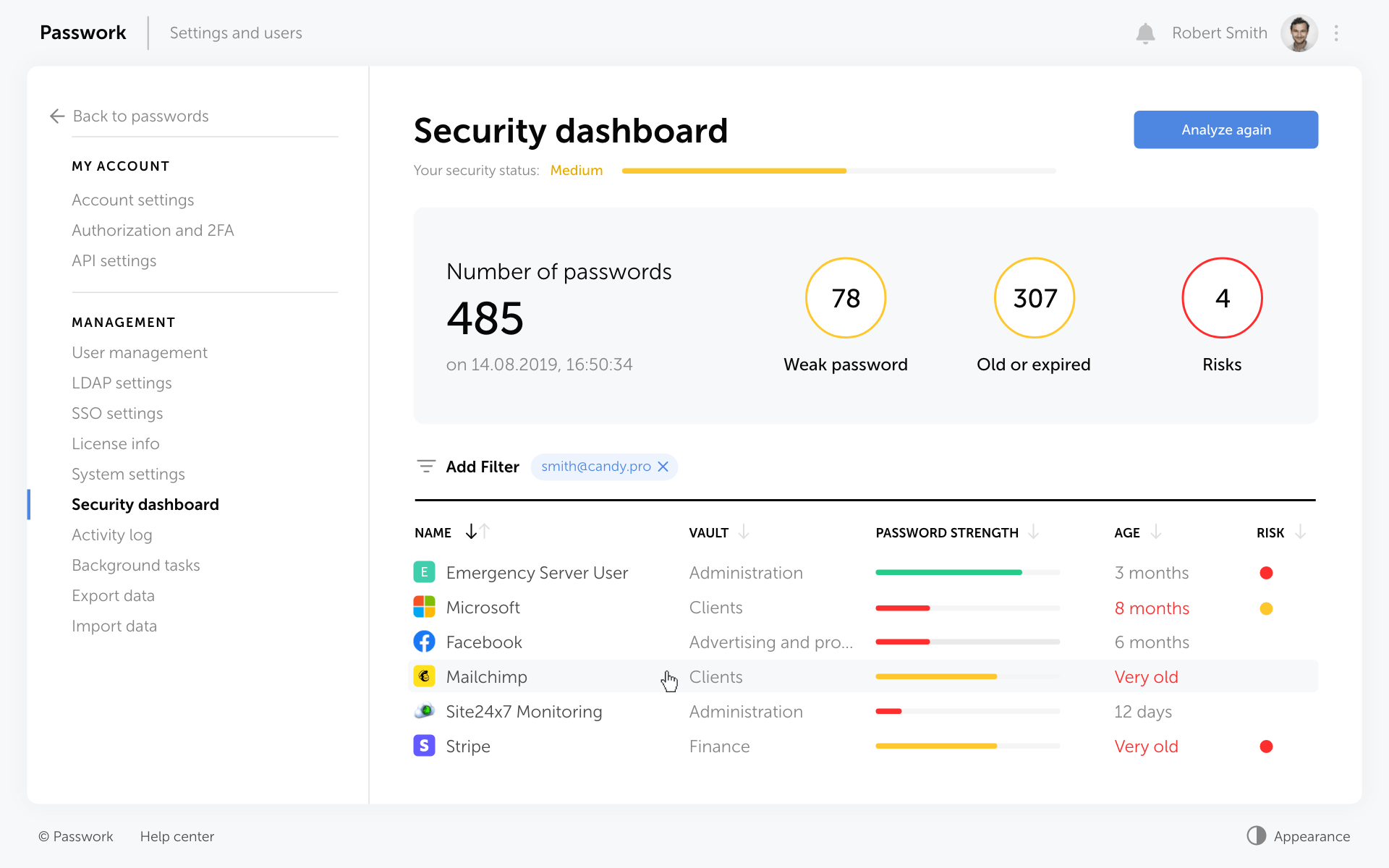
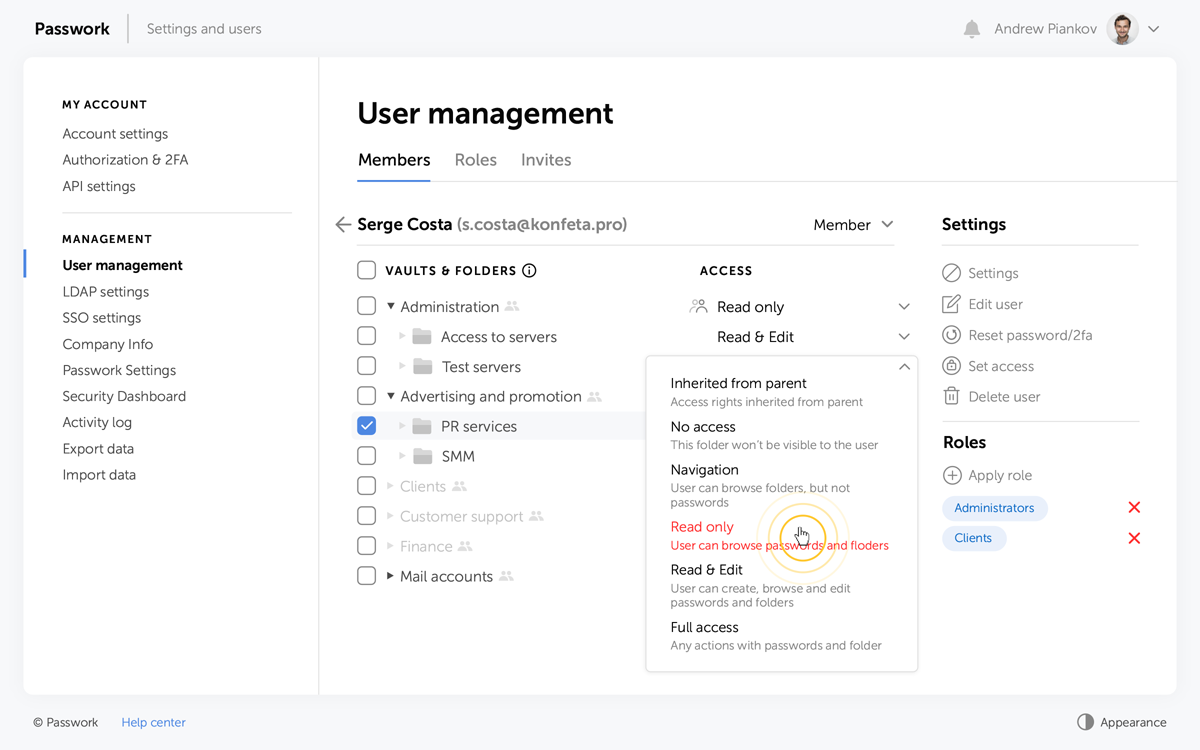
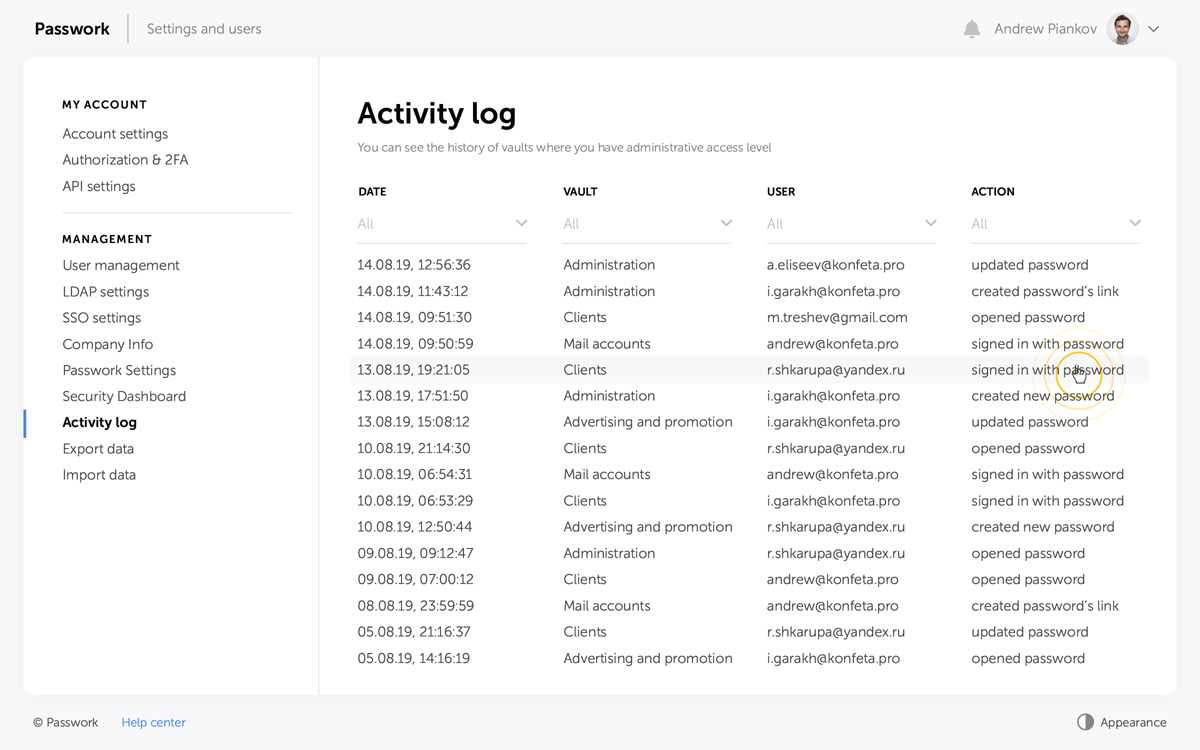
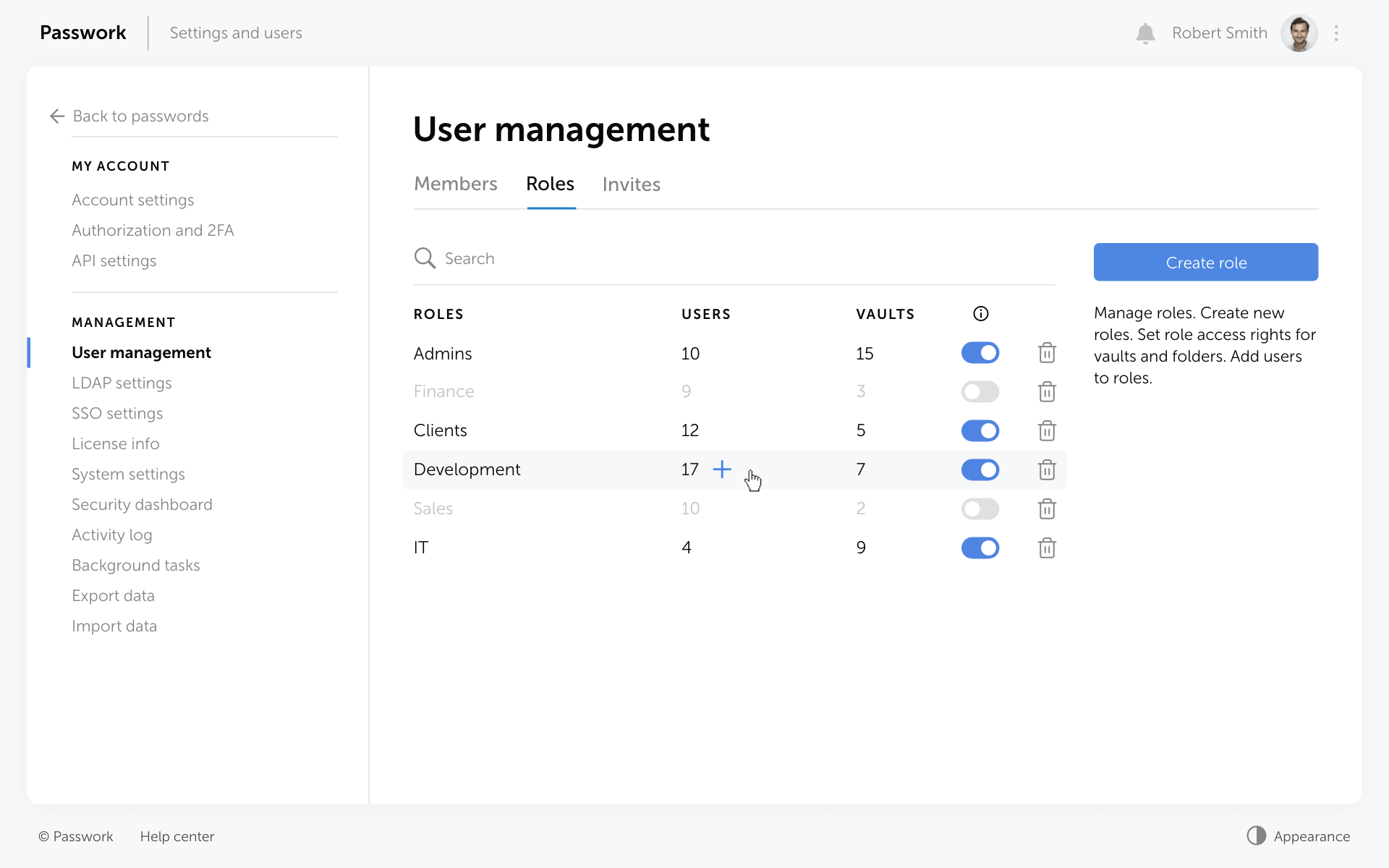
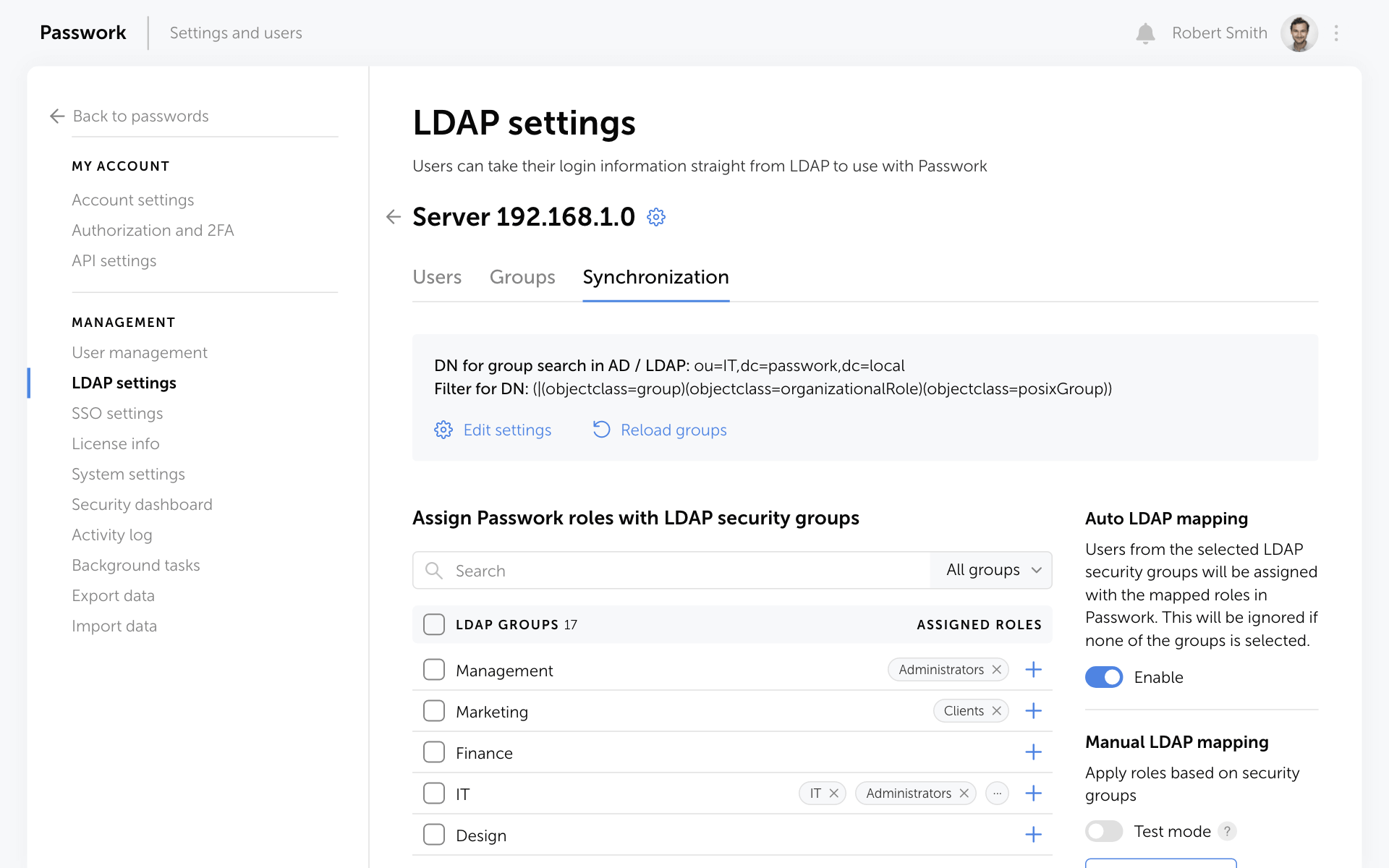
Screenshot of Passwork structured password storageScreenshot of Passwork security dashboard, which helps eliminate unsecured, old, weak, or compromised passwordsScreenshot of the custom permissions available for vaults and foldersScreenshot of activity tracking, and the interface to switch back to old passwords if necessaryScreenshot of role-based access controlScreenshot of the integration with AD, Azure AD and LDAP