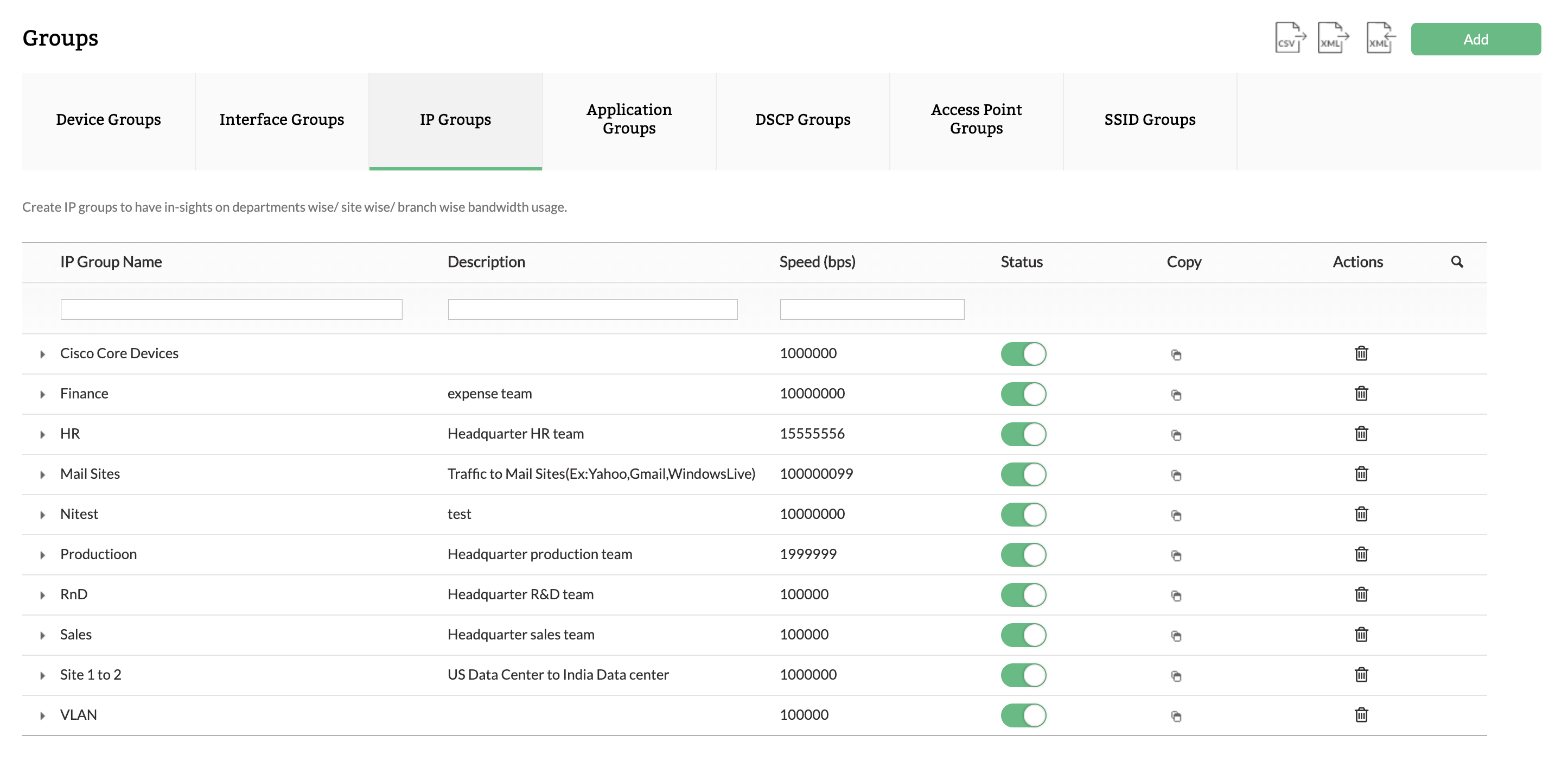
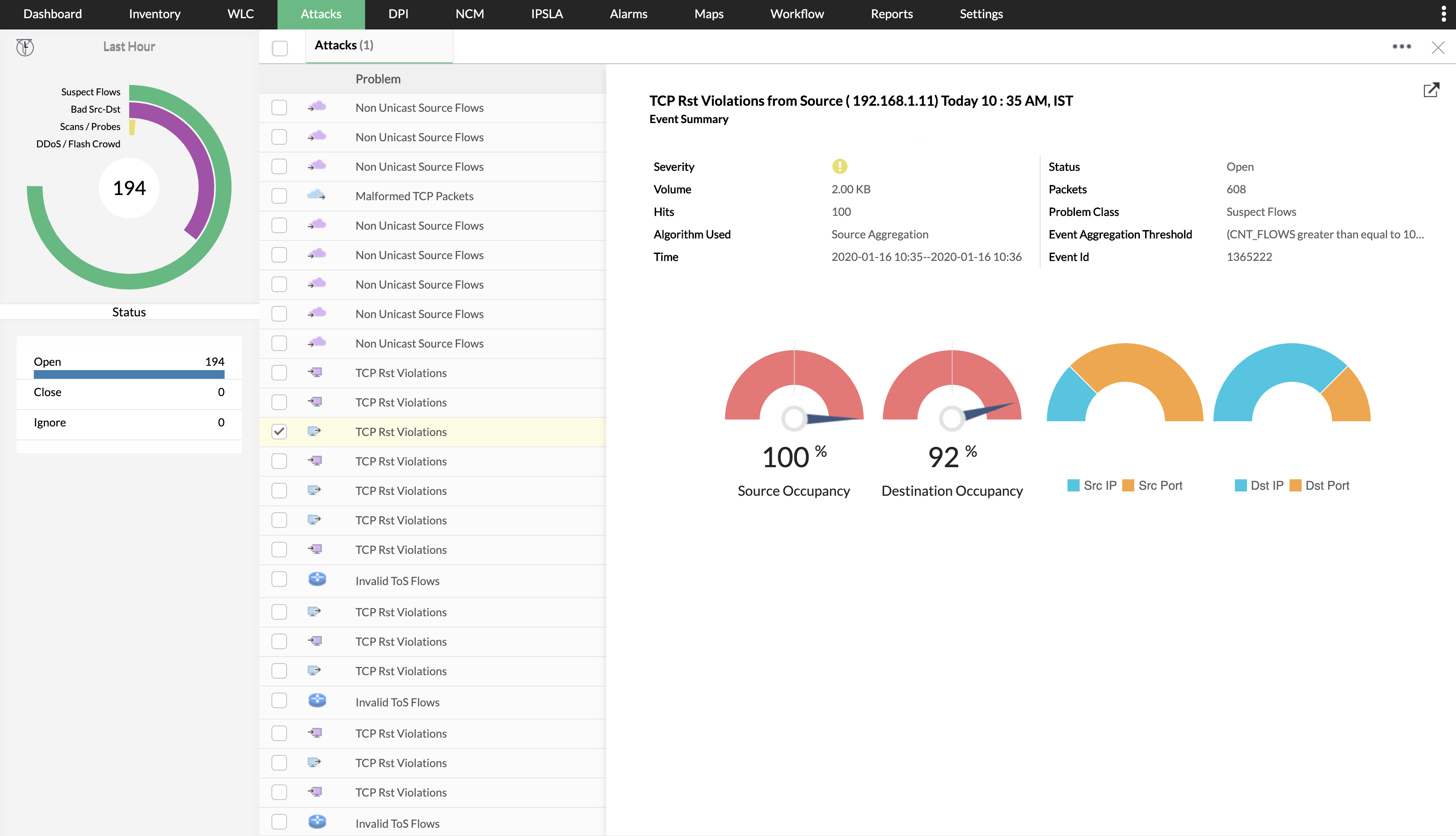
NetFlow Analyzer is a complete bandwidth monitoring tool that utilizes flow technology to monitor and analyze network bandwidth usage. It helps users identify and avoid bandwidth delays and bottlenecks with customized reports, and set threshold-based email and SMS alerts to help understand the severity of an issue. This analytics tool detects, diagnoses, and troubleshoots network anomalies and zero-day intrusions, and plans future bandwidth needs based on application growth to…
N/A
Wireshark
Score 9.5 out of 10
N/A
Wireshark is a free and open source network troubleshooting tool.
If you need to monitor traffic, this is a good choice of application for the price. It does that very well. If you need to take a deep deep dive into the traffic, you will have to use something else but that is just standard with network troubleshooting... it takes multiple applications to get a complete picture... or a lot of money on 1 application. Beyond that, this application does what it is designed to do and does it very well. So to answer this question directly, this application is well suited for time when you need a high-level view of traffic and not suited well for times when you need to see more detailed information of what exactly is being sent.
Wireshark is great for enterprise networks with large amounts of data traversing the network that need a way to filter and inspect specific traffic by specific parameters (i.e. destination / source IP address, host, or type). There are use-cases for smaller environments, but the amount of time needed to learn how to effectively use the tool may not be beneficial for home / small office users.
It is beginner-friendly as far as installation, but it could use a tutorial.
Perhaps there is a way to do this already, but I haven't yet seen it. It would be nice if it could be integrated with a network package that could detect network anomalies, fire up an automated packet analysis, and send a report to an administrator.
It's very simple and easy to use, although individuals not used to managing and administering networks would take some time to get familiar with it. Once they have mastered use of the application, it's easy to stay knowledgeable about it, iteration after iteration. It is well supported online through an open-source community network of professionals who are helpful in imparting knowledge and in providing assistance.
The support is always on point, fast, reliable, and their employees go above and beyond to help when we need it. I have yet to call them on any product we use and not get the issue resolved in a fast and timely manner. Also, they are also very pleasant while on the phone and/or in teh email chain. Overall I just couldn't ask for better.
I don't believe Wireshark has "true" support as the software is open source. However, there is an active & friendly community around Wireshark that are more than happy to help answer questions. From a comprehensive Wiki and FAQ section on the site to the Ask a Question forum and bug tracker section, there's plenty of support options to make sure your questions and issues are addressed.
Each of these solutions does what they aim to do. Based off of cost and need, ManageEngine fit better with our organization. We already use multiple ManageEngine products so bundling was a no brainer.
[Wireshark] is just the go-to application. It's the tool that is taught with in school and at trade conferences. We have not had a need to even look at other tools. It's free, it had a ton of functionality, and it just works without complaint.