
Kaseya VSA vs. ManageEngine Endpoint Central MSP
| Product | Rating | Most Used By | Product Summary | Starting Price |
|---|---|---|---|---|
 Kaseya VSA | Score7.7 out of 10 | N/A | Kaseya Virtual System Administrator (VSA) is a cloud-based Remote Monitoring and Management software. VSA unifies the monitoring of system infrastructure and endpoints and is designed for use by IT teams and MSP’s. It offers a robust crowd-source automation scripts library, as well as antivirus and malware capabilities with real-time threat alerts. | N/A |
 ManageEngine Endpoint Central MSP | N/A | N/A | ManageEngine Endpoint Central MSP is a web-based endpoint management software that helps managed service providers manage and secure their clients' end devices across Windows, Mac, and Linux from a central console. Available both in the cloud and on-premises, it simplifies the process of endpoint management for MSPs with easier and flexible onboarding of customers, automated patch management, real-time asset management, remote troubleshooting, mobile device management,… | $1,195 per year per user |
| Kaseya VSA | ManageEngine Endpoint Central MSP | |||||||||||||||
|---|---|---|---|---|---|---|---|---|---|---|---|---|---|---|---|---|
| Editions & Modules | No answers on this topic | No answers on this topic | ||||||||||||||
| Offerings |
| |||||||||||||||
| Entry-level Setup Fee | No setup fee | No setup fee | ||||||||||||||
| Additional Details | — | ManageEngine also offers a customized price quote. | ||||||||||||||
| More Pricing Information | ||||||||||||||||
| Kaseya VSA | ManageEngine Endpoint Central MSP | |
|---|---|---|
| Considered Both Products | No answer on this topic | No answer on this topic |
| Key User Insights | ||
| Would buy again | ||
81% Would buy again 13 Answers | No answers on this topic | |
| Delivers good value for the price | ||
88% Delivers good value for the price 14 Answers | No answers on this topic | |
| Happy with the feature set | ||
88% Happy with the feature set 14 Answers | No answers on this topic | |
| Lived up to sales and marketing promises | ||
93% Lived up to sales and marketing promises 13 Answers | No answers on this topic | |
| Implementation went as expected | ||
93% Implementation went as expected 14 Answers | No answers on this topic | |
| Kaseya VSA | ManageEngine Endpoint Central MSP | |||||||||||||||||||
|---|---|---|---|---|---|---|---|---|---|---|---|---|---|---|---|---|---|---|---|---|
| Application Performance Management |
| |||||||||||||||||||
| Monitoring Tasks |
| |||||||||||||||||||
| Management Tasks |
| |||||||||||||||||||
| Remote Access |
| |||||||||||||||||||
| Kaseya VSA | ManageEngine Endpoint Central MSP | |
|---|---|---|
| Small Businesses |  Panda Systems Management Score9.8 out of 10 | Panda Systems Management Score9.8 out of 10 |
| Medium-sized Companies |  N-able N-sight RMM Score8.7 out of 10 | N-able N-sight RMM Score8.7 out of 10 |
| Enterprises | No answers on this topic | No answers on this topic |
| All Alternatives | View all alternatives | View all alternatives |
| Kaseya VSA | ManageEngine Endpoint Central MSP | |
|---|---|---|
| Likelihood to Recommend | 8.0 | - |
| Likelihood to Renew | 10.0 | - |
| Usability | 8.0 | - |
| Support Rating | 5.5 | - |
| Kaseya VSA | ManageEngine Endpoint Central MSP | |
|---|---|---|
| Likelihood to Recommend |
| No answers on this topic |
| Pros |
| No answers on this topic |
| Cons |
| No answers on this topic |
| Likelihood to Renew |
| No answers on this topic |
| Usability |
| No answers on this topic |
| Support Rating |
| No answers on this topic |
| Alternatives Considered |
| No answers on this topic |
| Return on Investment |
| No answers on this topic |
| ScreenShots | ManageEngine Endpoint Central MSP Screenshots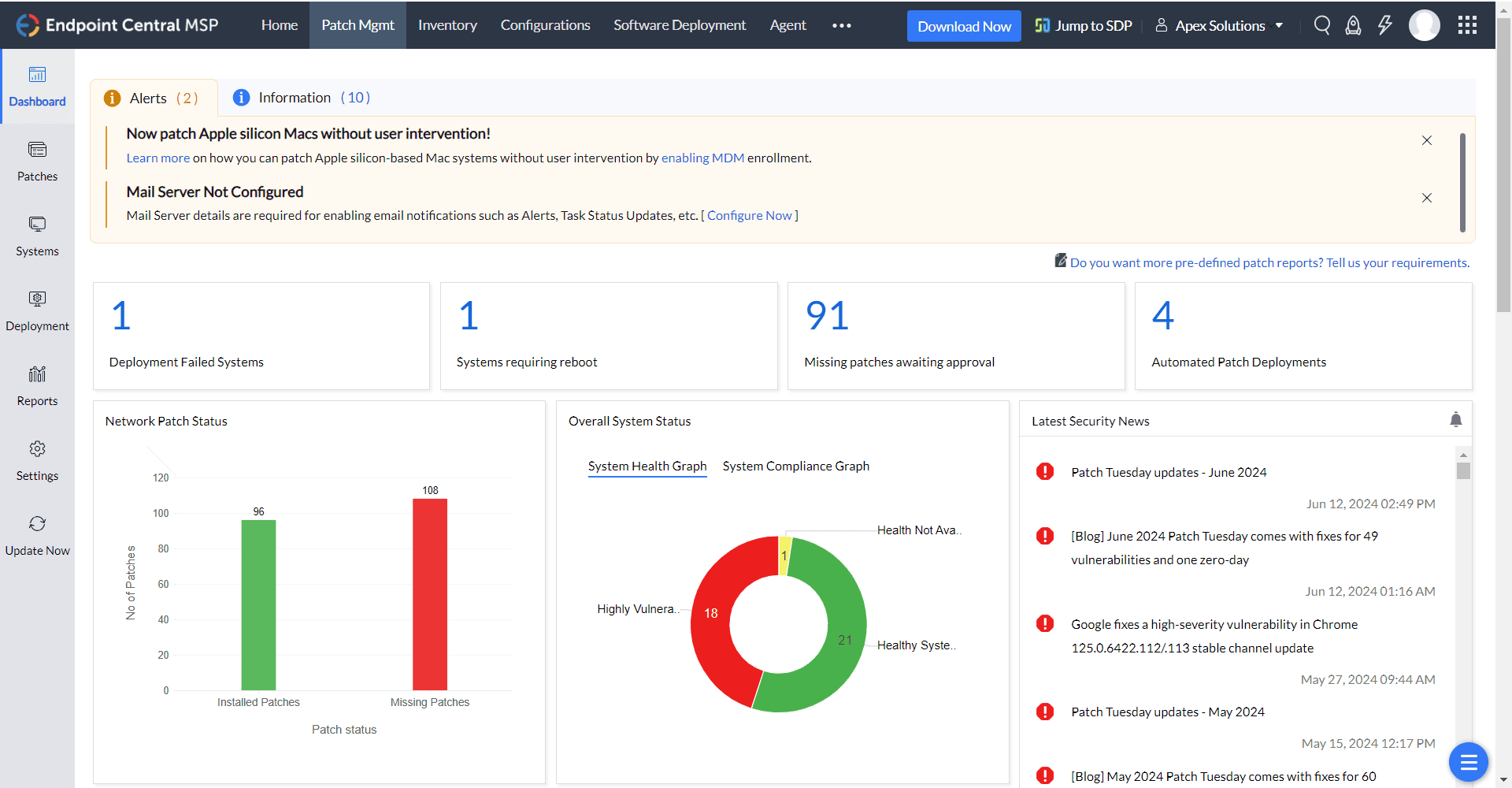 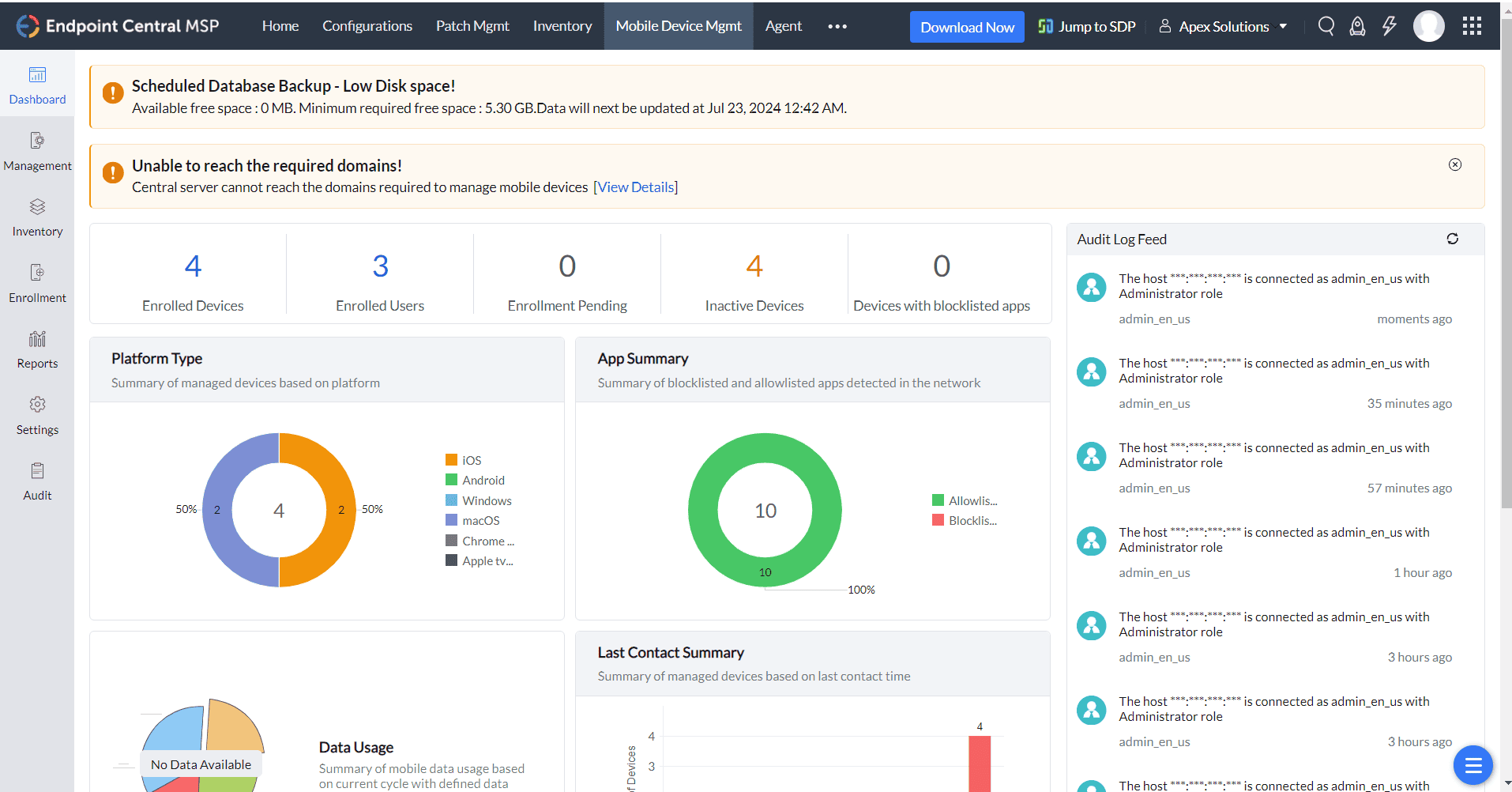 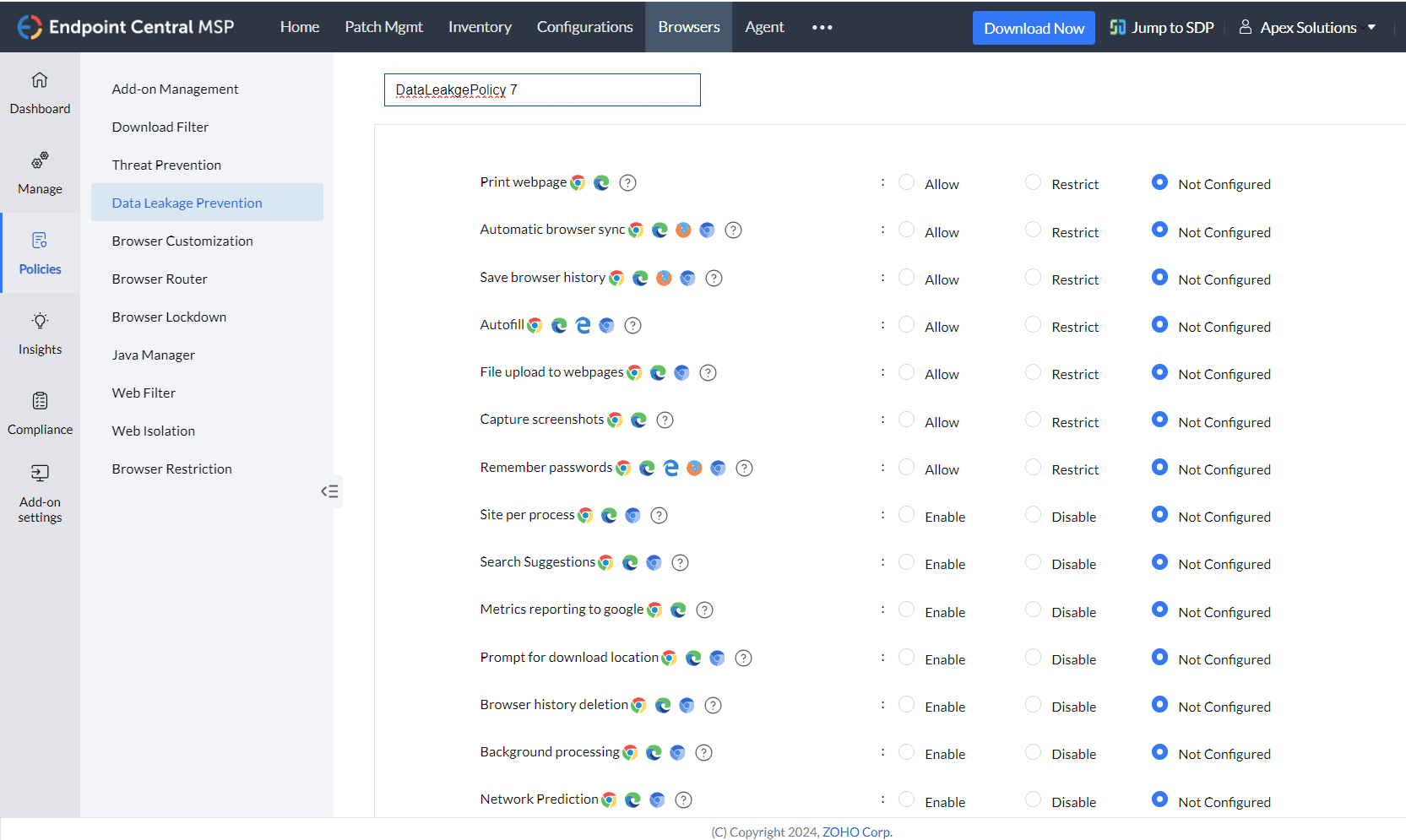 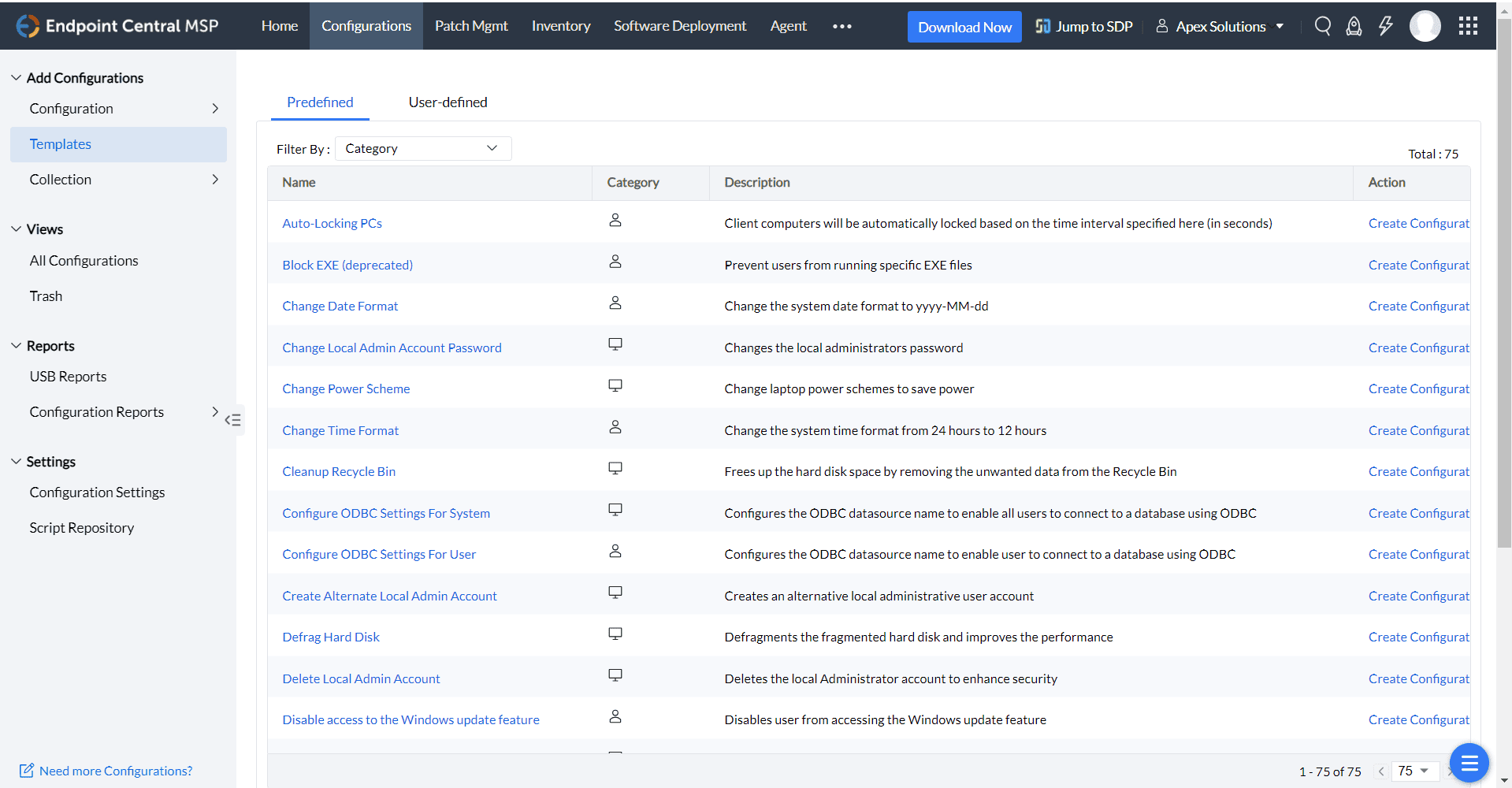 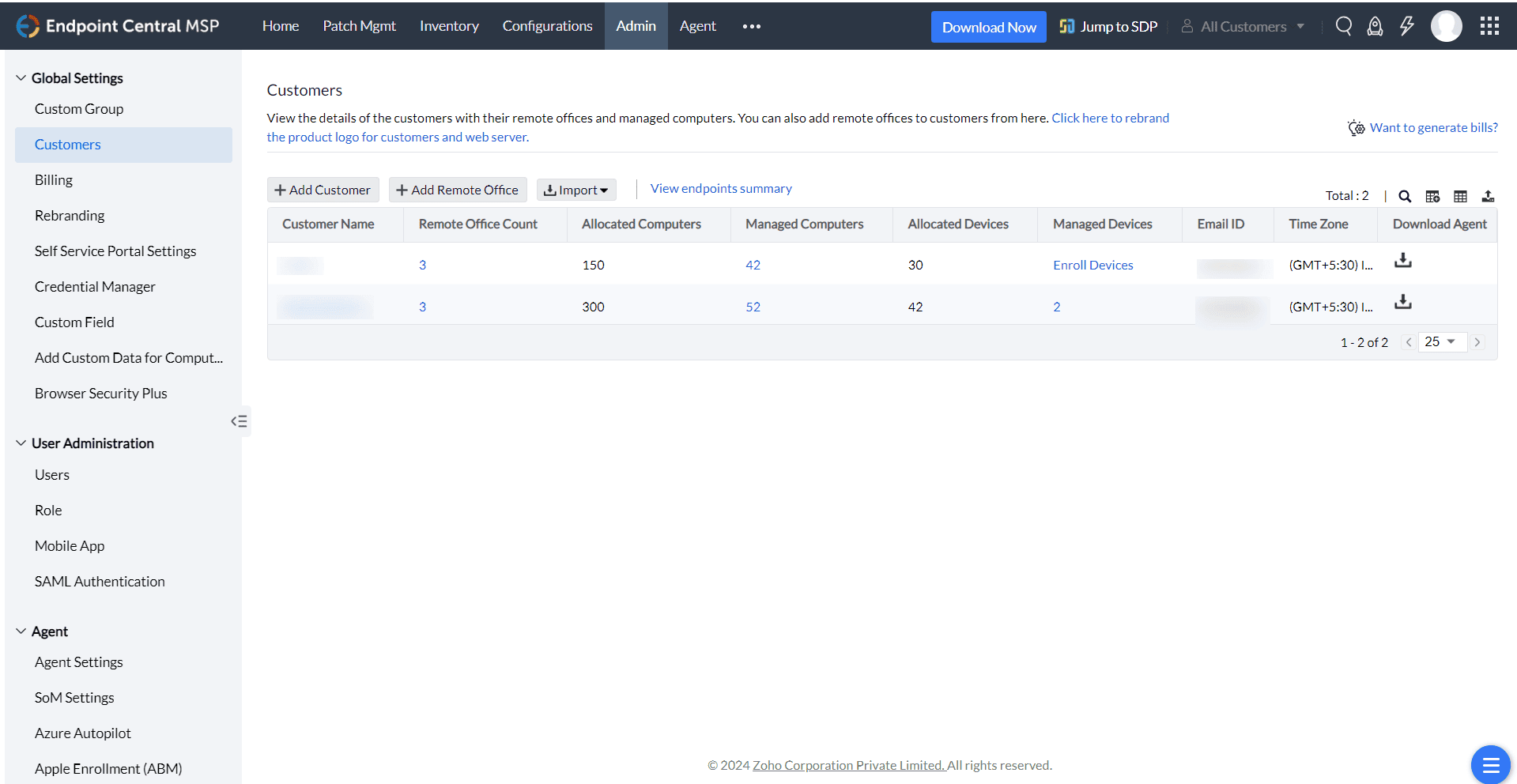 |



