ThreatDown (formerly Malwarebytes for Business), combines Malwarebytes' endpoint security capabilities in four bundles. The basic Core tier includes incident response, Next-gen AV, device control, vulnerability assessments, and the ability to block unwanted application.
$345
per year per endpoint (minimum 5)
ManageEngine Patch Manager Plus
Score 9.0 out of 10
N/A
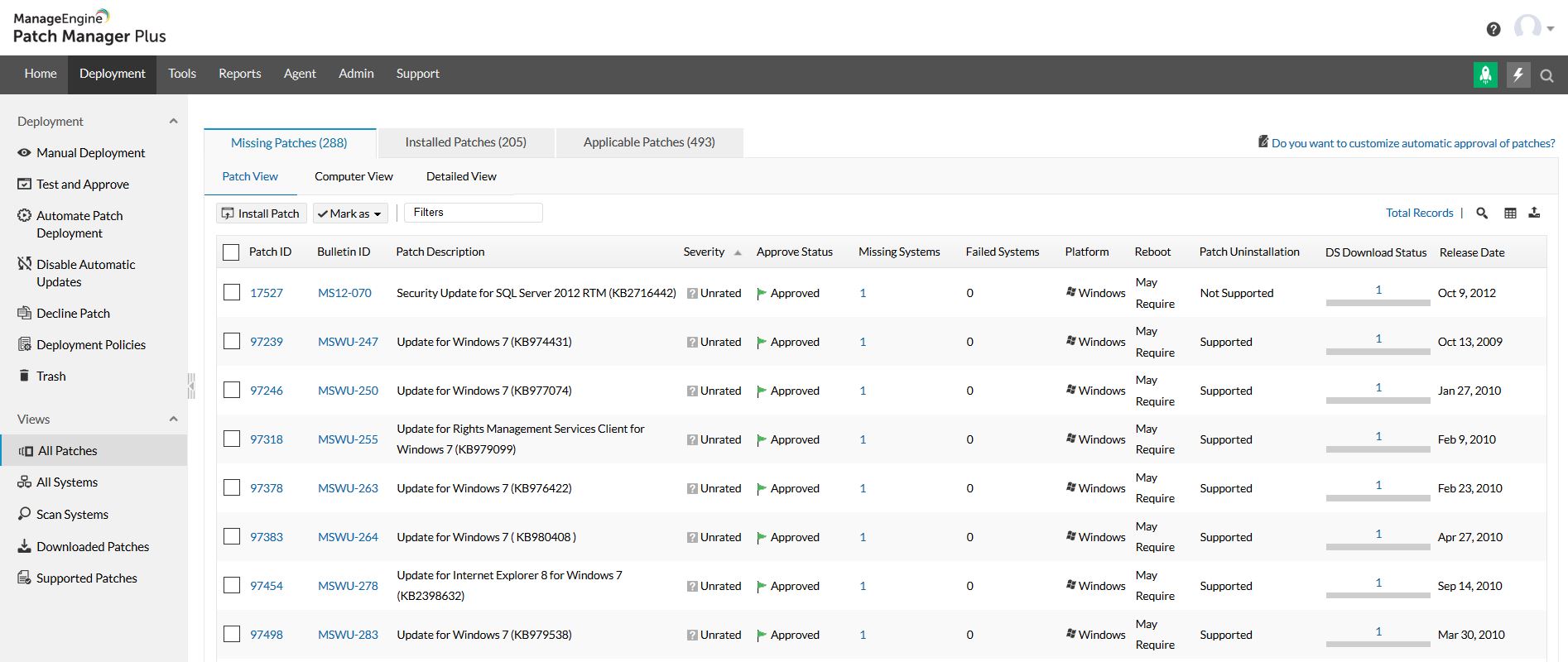
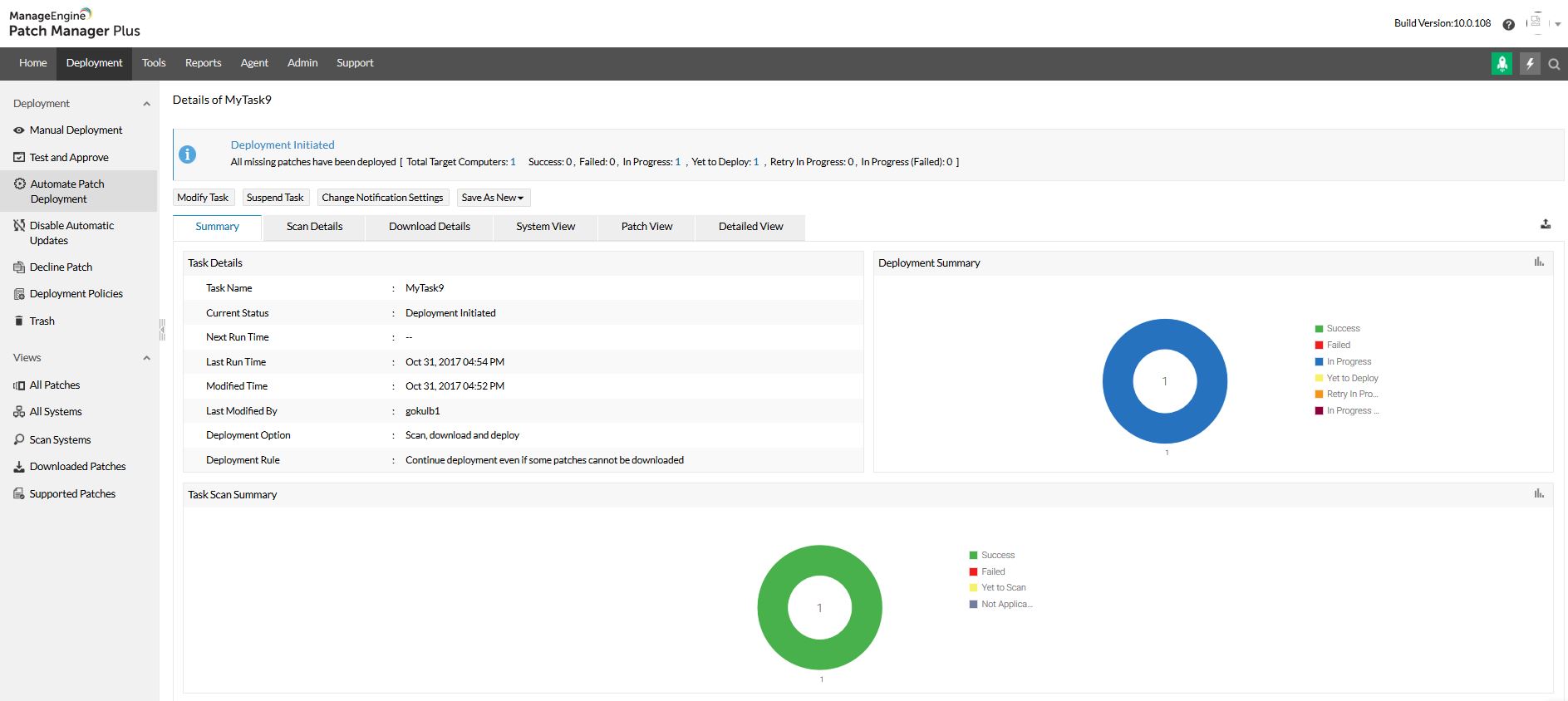
Patch Manager Plus is an automated patch management software that provides enterprises with a single interface for all patch management tasks. The vendor claims it works across platforms, helping users patch Windows, Mac, Linux & 300+ third-party applications. With Automated Patch Deployments, users can automate the entire process of patch management:…
$245
50 endpoints
Pricing
ThreatDown, powered by Malwarebytes
ManageEngine Patch Manager Plus
Editions & Modules
Core
$345
per year per endpoint (minimum 5)
Advanced
$395
per year per endpoint (minimum 5)
Elite
$495
per year per endpoint (minimum 5)
Ultimate
$595
per year per endpoint (minimum 5)
Professional
$245.00
50 endpoints
Enterprise
$345.00
50 endpoints
Professional
$345.00
50 endpoints
Enterprise
$445.00
50 endpoints
Offerings
Pricing Offerings
ThreatDown, powered by Malwarebytes
ManageEngine Patch Manager Plus
Free Trial
Yes
Yes
Free/Freemium Version
No
Yes
Premium Consulting/Integration Services
No
No
Entry-level Setup Fee
No setup fee
Optional
Additional Details
Optional Add-Ons include server and mobile device protection. Server protection ranges from $129 to $179 per annum depending on service tier. Mobile security is $10 per device, no matter the service tier. A 10% discount is offered for choosing a two-year billing plan.
—
More Pricing Information
Community Pulse
ThreatDown, powered by Malwarebytes
ManageEngine Patch Manager Plus
Features
ThreatDown, powered by Malwarebytes
ManageEngine Patch Manager Plus
Endpoint Security
Comparison of Endpoint Security features of Product A and Product B
I would absolutely recommend Malwarebytes Endpoint Protection to a colleague and I have recommended it to many of my peers in the IT world. Malwarebytes is well suited for any environment that requires protection from mal/ransomware which is most companies these days. In particular for companies that host their own big data that the operation of the company relies on. The only place Malwarebytes Endpoint Protection may not be AS appropriate would be one where there is near zero reliance on computers, networks and data.
Its a best tool for managing and patching an corporate environment, specially the dashboards and the UI which is relatively easy to adapt for someone without prior knowledge of Patching as well. If a company has Secure Gateway Server, then the remote deployment is a plus, it helps to even remotely deploy patches to the remote employees.
The biggest plus with this software is that you can manage all the clients from a management console. You can push the install/updates through it. If the client cannot connect to the management console, then it will update directly from their website. This means you are always up to date and protected.
The software on the client machine has very low overhead so it doesn't affect the performance.
You can create policies based on the types of users or by the department. You can customize these policies so it will let you micro-manage the clients.
When I first used the tool in my home systems MANY years ago, I wished for a Business version. I was once at a focus group for a major antivirus company, and one attendee’s feedback to “what could we do better?” was “buy out MalwareBytes and add it to your tool”. I’ve used the Business version since it first became available, and have continued to be a dedicated user through the many iterations and improvements
It simply works. It doesn't require the hand-holding and monitoring that some other solutions do. It's simple to deploy and maintain, and adding custom content such as Exceptions require minimal effort. I’ve had to add a few exceptions for internal-use, in-house-developed tools, but it’s quite simple to do so within the online interface
Very easy to use once you get used to it. It can be a little overwhelming at first since there is so many thing you can do. But as soon as you get use to it, it works like a charm.
Whenever I've had a query for the support team, they have got back to me very quickly, and given me very well detailed advice on fixing whatever the issue I had was. They also pointed me to help documents and such where I could find more information if I needed
The support team at Patch Manager Plus has been awesome. Very responsive and knowledgeable. There are times when there is confusion between different tickets but there is still good service.
I first implemented this more than 10 years ago, when it required an in-site setup with SQL Server (or SQL Express), and even that was pretty easy. With the move to centralized web management some treats ago, it’s become even easier to deploy
I think Malwarebytes Endpoint Protection is hands down better from any point of view other than price. Malwarebytes is a little bit more costly than Webroot. However, Malwarebytes detects more threats, protects against more malicious URL's, allows more in customization of policies, has better administration GUI, and has better means of implementation.
SolarWinds was not selected because it runs on top of SCCM which in itself is problematic and unreliable. We need an application that runs in standalone mode and does not rely on any other application. SolarWinds is also one of the most expensive. Kaseya and GFI LanGuard are overkill as they contain functionality that we do not need or already have. GFI LanGuard for instance does security auditing the same as Qualys that we already have. Kaseya is a full management and automation solution.