
LT Browser vs. BitBar
| Product | Rating | Most Used By | Product Summary | Starting Price |
|---|---|---|---|---|
 LT Browser | Score9.5 out of 10 | N/A | LT Browser allows users to test the mobile view of a website on different screen sizes and resolutions. With over 50+ devices to choose from, LT Browser aims to make mobile website testing easier, and ensure that a website is mobile responsive. Users can create their own custom devices and save it for future uses. Create new mobile, tablet or desktop devices and test a website on various devices, screen resolution and perform screen resolution test for website on different screen… | N/A |
 BitBar | Score7 out of 10 | N/A | BitBar allows users to test applications across the latest and most popular real browsers and devices. Users can scale testing by increasing test coverage and decreasing test execution time by running automated tests in parallel across browsers and devices. BitBar integrates with the user's current tech stack or CI/CD pipeline. Key Features: * BitBar offers one cloud for all testing platforms whether it be web, native, or hybrid applications. * Test an application across real… | $39 per month |
| LT Browser | BitBar | |||||||||||||||
|---|---|---|---|---|---|---|---|---|---|---|---|---|---|---|---|---|
| Editions & Modules | No answers on this topic | No answers on this topic | ||||||||||||||
| Offerings |
| |||||||||||||||
| Entry-level Setup Fee | No setup fee | No setup fee | ||||||||||||||
| Additional Details | Unlimited Access To LT Browser For Everyone | Enterprise packages are available for larger teams and customers. | ||||||||||||||
| More Pricing Information | ||||||||||||||||
| LT Browser | BitBar | |
|---|---|---|
| Considered Both Products | No answer on this topic | No answer on this topic |
| Key User Insights | ||
| Would buy again | ||
100% Would buy again 10 Answers | 80% Would buy again 4 Answers | |
| Delivers good value for the price | ||
90% Delivers good value for the price 9 Answers | No answers on this topic | |
| Happy with the feature set | ||
100% Happy with the feature set 10 Answers | 100% Happy with the feature set 5 Answers | |
| Lived up to sales and marketing promises | ||
100% Lived up to sales and marketing promises 9 Answers | No answers on this topic | |
| Implementation went as expected | ||
100% Implementation went as expected 10 Answers | 100% Implementation went as expected 5 Answers | |
| LT Browser | BitBar | |
|---|---|---|
| Small Businesses |  LambdaTest Score8.6 out of 10 | LambdaTest Score8.6 out of 10 |
| Medium-sized Companies | LambdaTest Score8.6 out of 10 | LambdaTest Score8.6 out of 10 |
| Enterprises | LambdaTest Score8.6 out of 10 | LambdaTest Score8.6 out of 10 |
| All Alternatives | View all alternatives | View all alternatives |
| LT Browser | BitBar | |
|---|---|---|
| Likelihood to Recommend | 9.5 | 8.2 |
| LT Browser | BitBar | |
|---|---|---|
| Likelihood to Recommend |
|
|
| Pros |
|
|
| Cons |
|
|
| Alternatives Considered |
|
|
| Return on Investment |
|
|
| ScreenShots | LT Browser Screenshots  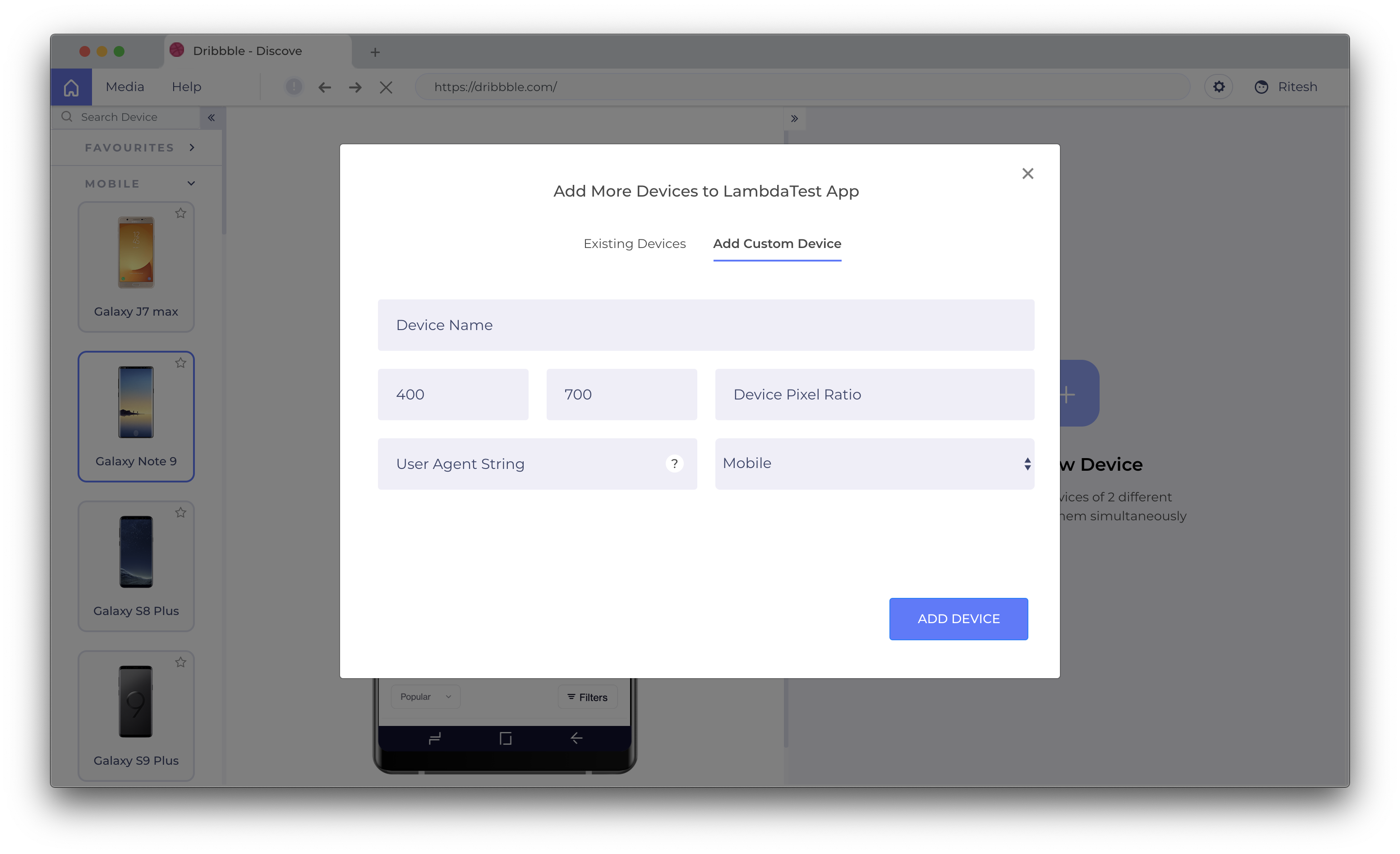   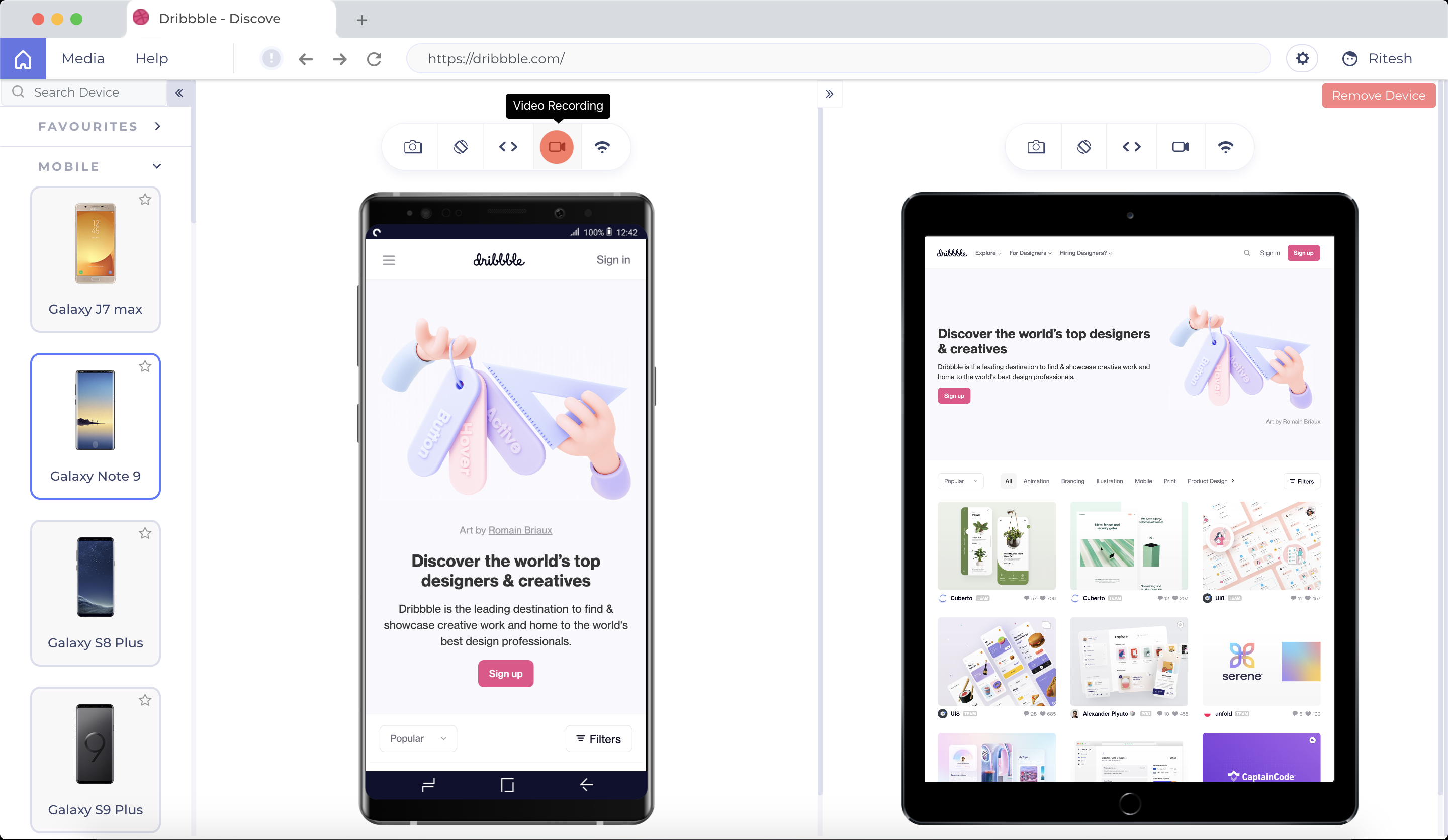 |


