Lookout, from the San Francisco-based company of the same name, is a platform offering mobile endpoint security.
$2.99
Per Device Per Month
OneSpan Sign
Score 8.0 out of 10
Enterprise companies (1,001+ employees)
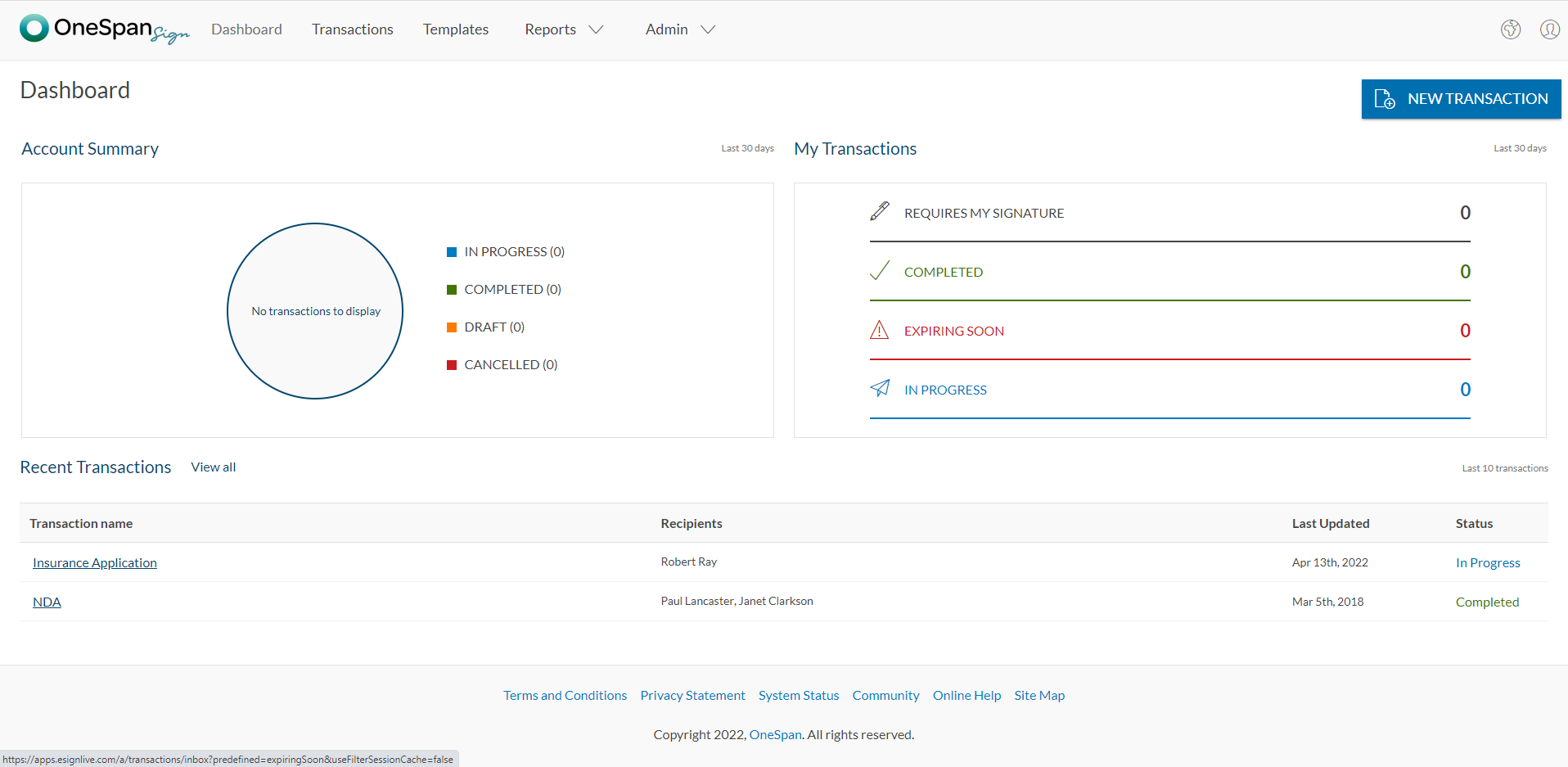
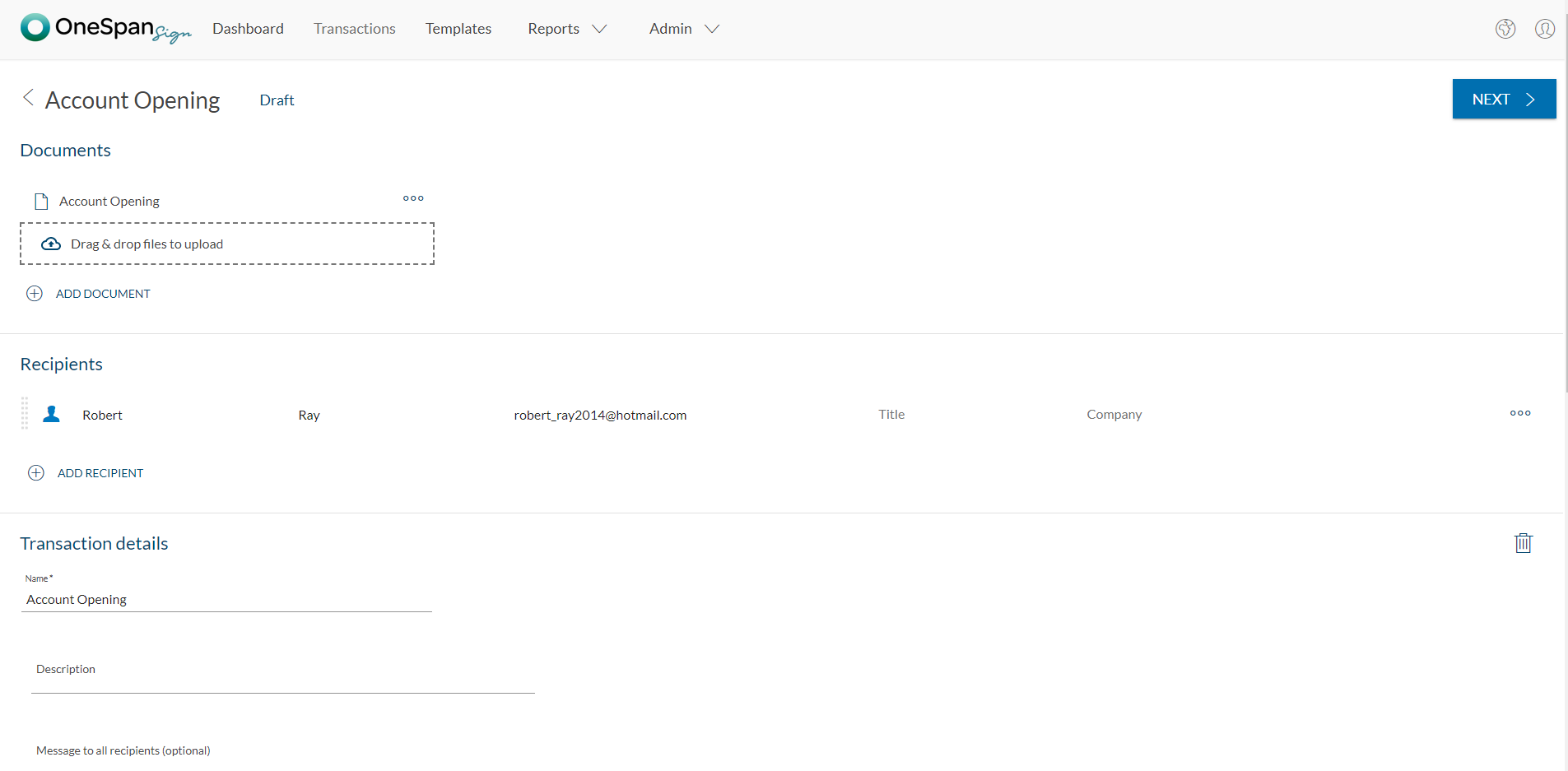
OneSpan Sign (formerly eSignLive) is an e-signature solution for secure document signing processes that enables organizations to digitize business processes and eliminate costly paper and inconvenient “wet” signatures.
Protecting personal or corporate devices from virus attacks, protecting privacy, safe browsing experience, and wifi & network security requirements. It can be used for personal devices like iPhone or Android. It can also help with locating device features for protecting devices from being stolen .it also has features to backup your phone, calls, and contacts. Overall complete package to protect your device in the online and offline world
It is well suited for financial professional field. At the moment, i cannot think of area that will be less appropriate. It all comes down to if the admin office or head office can accept OneSpan as authorized software. Often enough, program can be very good but not recognized by head office due to its compliance issue. For example, in the Canadian regulatory rules for investments, sometimes it requires companies to process/store documents in the same country. If there is a cross border issue, it will be a big compliance issue.
A key strength is their proactive cybersecurity posture. That's not nearly as common as it should be, especially with the level of awareness of the scope of the problem these days.
Another key strength is their global network. That level of visibility makes all the difference, in today's cyber wars where, and you can quote me: "When an Advanced Persistent Threat (APT) attack is just a matter of time, when even zero day detection is too late, radically different approaches are required if we are ever to win these cyberwars." That's exactly what Lookout has done, and continues to do.
One of the greatest cyber risks in mobile is what every one uses - apps! Apps from Starbucks to Nordstroms to banking to the myriad of productivity tools we all use everyday to exceed our business/productivity goals. Now with the ability of threat actors to trojanized apps, those Lookout scans that don't require you to do any upgrades, and their proactive cybersecurity posture are business critical for everyone.
I don't see any reasons to change as their solution covers all my need for now. I could make even more integrations but that might be something that I will do down the road. I'm used to working with the interface and my data is all there as well.
The product is so well designed and built that we rarely need to reach out to customer service. But we have reached out to them in case of downtime, and we have always gotten a satisfactory response. We never had to follow up, as customer service executives were very responsible.
Lookout was chosen by T-Mobile, Sprint, and AT&T which many employees have chosen as their mobile network provider. From that standpoint, it made it a simple decision. Its cloud based technology gives insight across almost all mobile code in the world. Lookout identifies connections that would otherwise go unseen without deep investigation. It helps prevent cybercriminals from sneaking into mobile devices and that's the key component for any mobile security solution. MobileIron and other competitor solutions have a similar offering, but based on network provider support I haven't need to look into the competition extensively.
My experience with OneSpan in the customer service has been very positive. However, since my experience with OneSpan is much more recent, most of my technical experience with OneSpan includes technical areas that were not available in other products at the time I was working with other products.