Lookback vs. UserBob

Overview
ProductRatingMost Used ByProduct SummaryStarting Price
Lookback
Score 7.9 out of 10
N/A
Lookback is a UX research platform for mobile & desktop moderated and unmoderated research, from the company of the same name in Palo Alto.N/A
UserBob
Score 6.5 out of 10
N/A
UserBob provides remote user testing. The vendor recruits users to try out an organization's website and records the tester's screen and feedback. Organizations can provide instructions on what will be tested and can also select the demographic groups from which the users will be chosen.N/A
Pricing
LookbackUserBob
Editions & Modules
No answers on this topic
Offerings
Pricing Offerings
LookbackUserBob
Free Trial
NoYes
Free/Freemium Version
NoNo
Premium Consulting/Integration Services
NoNo
Entry-level Setup FeeNo setup feeNo setup fee
Additional DetailsPricing is $1 per requested user testing minutes.
More Pricing Information
Community Pulse
LookbackUserBob
Best Alternatives
LookbackUserBob
Small Businesses
Smartlook
Smartlook
Score 8.2 out of 10
Smartlook
Smartlook
Score 8.2 out of 10
Medium-sized Companies
Optimal
Optimal
Score 9.0 out of 10
Optimal
Optimal
Score 9.0 out of 10
Enterprises
Optimal
Optimal
Score 9.0 out of 10
Optimal
Optimal
Score 9.0 out of 10
All AlternativesView all alternativesView all alternatives
User Ratings
LookbackUserBob
Likelihood to Recommend
9.0
(0 ratings)
6.5
(0 ratings)
Usability
8.0
(0 ratings)
-
(0 ratings)
User Testimonials
LookbackUserBob
Likelihood to Recommend
Using Lookback for a variety of types of User Interviews and user testing sessions is very valuable. it allows you to organize your interviews in a way thats really team accessible. Making highlight reels that you can share with the rest of the team to show video insights from real customers is really powerful.
Read full review
It's one size fits all for now. If you need someone very very specific, it may be less helpful, but those cases are few and far between. I think this service would work for 90% of user testing scenarios.
Read full review
Pros
  • Organization of user interviews
  • Sharing of interviews across the team
  • Creating highlights of insights
Read full review
  • It is quick to get results
  • It was cheap to purchase
  • Its easy to use
Read full review
Cons
  • Unmoderated interviews is still under cooked as a feature
  • The process of how participants have to download an app to start an interview is a large friction point for us
Read full review
  • that can change the language
  • more payment options
  • Could recruit Latino users to test the apps and sites
Read full review
Usability
Once you understand how the interface works, it works great, but there is a learning curve
Read full review
No answers on this topic
Alternatives Considered
Zoom was way more expensive and it o is designed to other things apart from just running qualitative interviews. It also requires a different kind of approval and different approval processes to go through when trying to get it simply for qualitative research purposes.
Lookback records, scribes, helps observe and provides a sentiment check as well in the price that it does
Read full review
Both sites seek the same thing, which is to record real users to test applications and sites, however, UserBob was selected because it is more accessible, faster, and more agile, and it offers a guarantee that it will return 100% of the money in case of not being satisfied With the service.
Read full review
Return on Investment
  • It allows stakeholder engagement and that’sa huge plus especially if it’s happening discretely in the background and theyre not interrupting the interview
Read full review
  • UserBob has significantly reduced the time it would take us to review our platform.
  • UserBob has allowed us to find and fix bugs before actual users ran into issues.
Read full review
ScreenShots

UserBob Screenshots

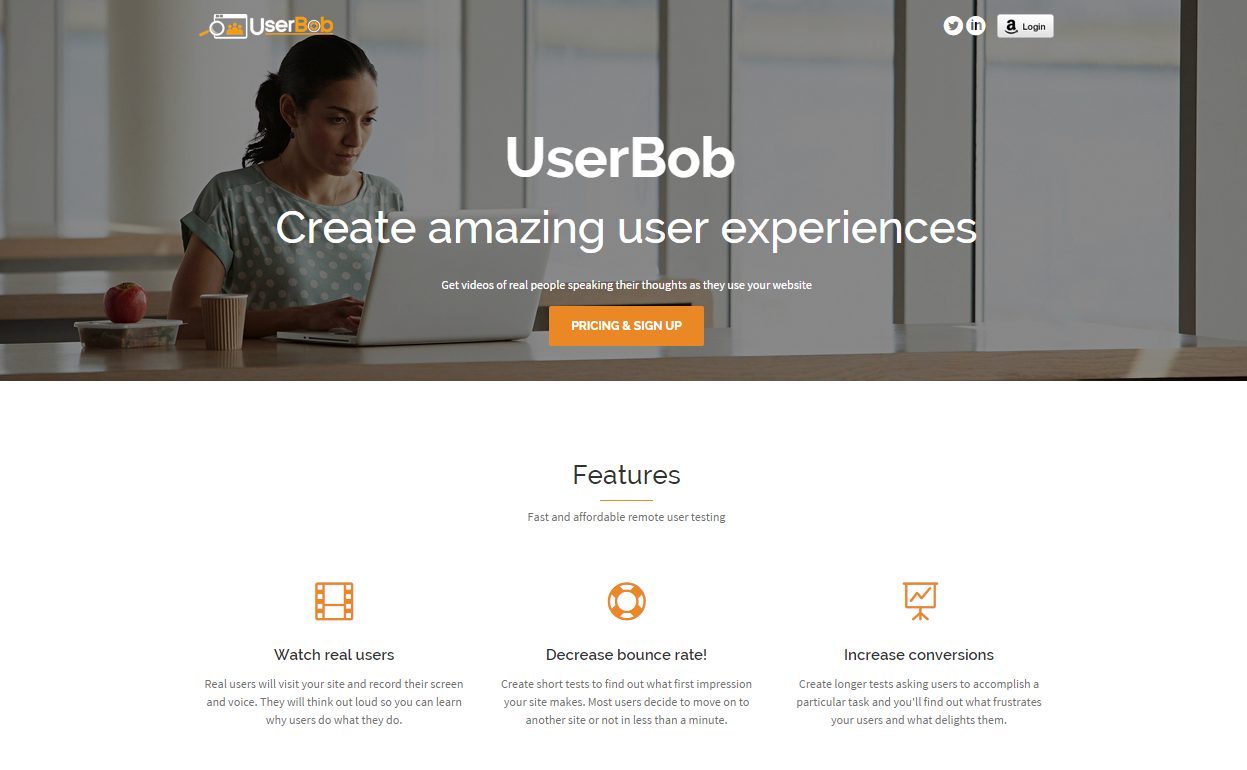
Screenshot of Home screen