LiveWebinar vs. Webinars OnAir

Overview
ProductRatingMost Used ByProduct SummaryStarting Price
LiveWebinar
Score 9.0 out of 10
N/A
LiveWebinar is a cloud-based tool that helps users manage online webinars, meetings, training, live streaming, chats, screen sharing, social media broadcasting and high definition (HD) recording via web browsers. It is a customizable solution that allows users to change logos, room colors, and design layouts, as well as create personalized registration forms to match their business's brand identity, and control email delivery and report designs. LiveWebinar allows users to broadcast…N/A
Webinars OnAir
Score 7.0 out of 10
N/A
Webinars OnAir is an all-in-one webinar suite for Google+ Hangouts. It is designed to be simple, affordable, and easy to use.N/A
Pricing
LiveWebinarWebinars OnAir
Editions & Modules
No answers on this topic
Offerings
Pricing Offerings
LiveWebinarWebinars OnAir
Free Trial
NoNo
Free/Freemium Version
YesNo
Premium Consulting/Integration Services
NoNo
Entry-level Setup FeeOptionalNo setup fee
Additional Details
More Pricing Information
Community Pulse
LiveWebinarWebinars OnAir
Features
LiveWebinarWebinars OnAir
Reporting & Analytics
Comparison of Reporting & Analytics features of Product A and Product B
LiveWebinar
7.3
Ratings
2% below category average
Webinars OnAir
-
Ratings
Dashboards6.70 Ratings00 Ratings
Data exportability8.00 Ratings00 Ratings
Performance & Compatibility of Online Events Software
Comparison of Performance & Compatibility of Online Events Software features of Product A and Product B
LiveWebinar
9.0
Ratings
12% above category average
Webinars OnAir
-
Ratings
High quality audio10.00 Ratings00 Ratings
Mobile support8.00 Ratings00 Ratings
Online Meetings / Events
Comparison of Online Meetings / Events features of Product A and Product B
LiveWebinar
9.0
Ratings
11% above category average
Webinars OnAir
-
Ratings
Calendar integration9.00 Ratings00 Ratings
Record meetings / events9.00 Ratings00 Ratings
Slideshows9.00 Ratings00 Ratings
Event registration9.00 Ratings00 Ratings
Online Events Collaboration
Comparison of Online Events Collaboration features of Product A and Product B
LiveWebinar
8.5
Ratings
2% above category average
Webinars OnAir
-
Ratings
Audience polling8.00 Ratings00 Ratings
Q&A9.00 Ratings00 Ratings
Online Events Security
Comparison of Online Events Security features of Product A and Product B
LiveWebinar
8.5
Ratings
3% above category average
Webinars OnAir
-
Ratings
Participant roles & permissions8.00 Ratings00 Ratings
Confidential attendee list9.00 Ratings00 Ratings
Online Events Marketing
Comparison of Online Events Marketing features of Product A and Product B
LiveWebinar
8.5
Ratings
10% above category average
Webinars OnAir
-
Ratings
Branding options9.00 Ratings00 Ratings
Integration to Marketing Automation8.00 Ratings00 Ratings
User Ratings
LiveWebinarWebinars OnAir
Likelihood to Recommend
9.0
(0 ratings)
-
(0 ratings)
Likelihood to Renew
10.0
(0 ratings)
-
(0 ratings)
Usability
9.0
(0 ratings)
-
(0 ratings)
Support Rating
10.0
(0 ratings)
-
(0 ratings)
User Testimonials
LiveWebinarWebinars OnAir
Likelihood to Recommend
LiveWebinar is well suited for training where the visual materials are easy to see and not overly detailed. LiveWebinar is not as easy when there is a lot of chatter going on, so if the material is complex, or likely to have numerous questions by the viewer, a different modality would be better
Read full review
No answers on this topic
Pros
  • LiveWebinar makes it easy to share video clips and offer explanations simultaneously.
  • LiveWebinar allows the host to turn off the chat function so individuals are not distracted during the teaching.
  • LiveWebinar offers the ability to switch between teacher visuals, videos and power points, just as if doing 'in person.'
Read full review
No answers on this topic
Cons
  • Call-in feature for meeting participants should be a standard feature. With my plan, I cannot access this.
  • Account assistant login is cumbersome.
  • Paintbrushes for whiteboard/presentation annotations could be improved and should include stamps (checkmarks, red big arrow, etc.).
Read full review
No answers on this topic
Likelihood to Renew
Absolutely love the features of Livewebinar and it's probably the most advanced Live webinar solution that I have used. Even with the absence of a native mobile app, the platform is useable on mobile or tablet screen sizes. There's no noticeable lags during the presentation and users find it easy to use and navigate during the presentations / webinars.
Read full review
No answers on this topic
Usability
LiveWebinar is an all in one solution for daily meetings and events. I made it a 9 as it is almost perfect in its current form. However, there were some reported issues on mobile connectivity as there is no native app of LiveWebinar for both iOS and Android. Moreover, I'm hoping that LiveWebinar could connect to my Google, Outlook, or iCal calendar to synch events regularly. I'd love to see my calendar inside LiveWebinar which makes it to the top of the feature wishlist for this platform. Further, if LiveWebinar is able to handle multiple day events or meetings with just a few clicks, that would make this platform, a 11/10 rating!
Read full review
No answers on this topic
Support Rating
Customer support of LiveWebinar is top notch. They are available almost 24x7x365. I rarely wait for the next response and given that people are not suppose to work on holidays or weekends, their support agents are always there to lend a helping hand. The responses are spot on. It's not that I need help with platform having some issues or anything, but for general account questions, they quickly respond to each and every query I raise over to support. Definitely one of the best things with LiveWebinar.
Read full review
No answers on this topic
Alternatives Considered
  • Lower cost of ownership
  • Same or superior features
  • No additional software needs to be installed to join the meeting since everybody has already a web browser.
Read full review
No answers on this topic
Return on Investment
  • With the lifetime plan, we paid off this investment in 3-5 months vs. having a subscription-based solution. After that, the application is "free."
  • We spent quite some time researching and testing all the features before we could make a decision.
  • Positive effect on client relationships, as we don't have any additional cost to arrange another meeting.
Read full review
No answers on this topic
ScreenShots

LiveWebinar Screenshots

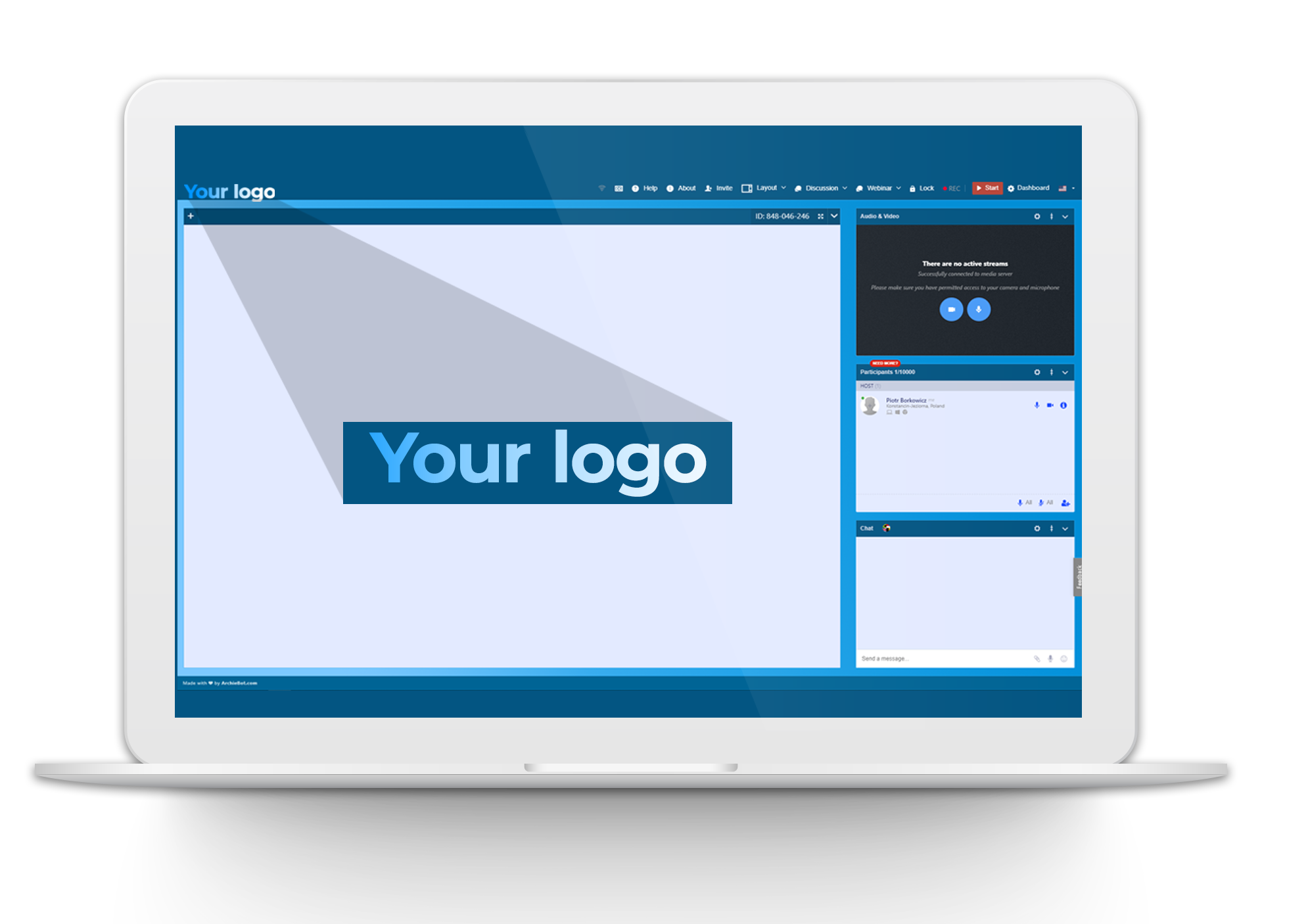
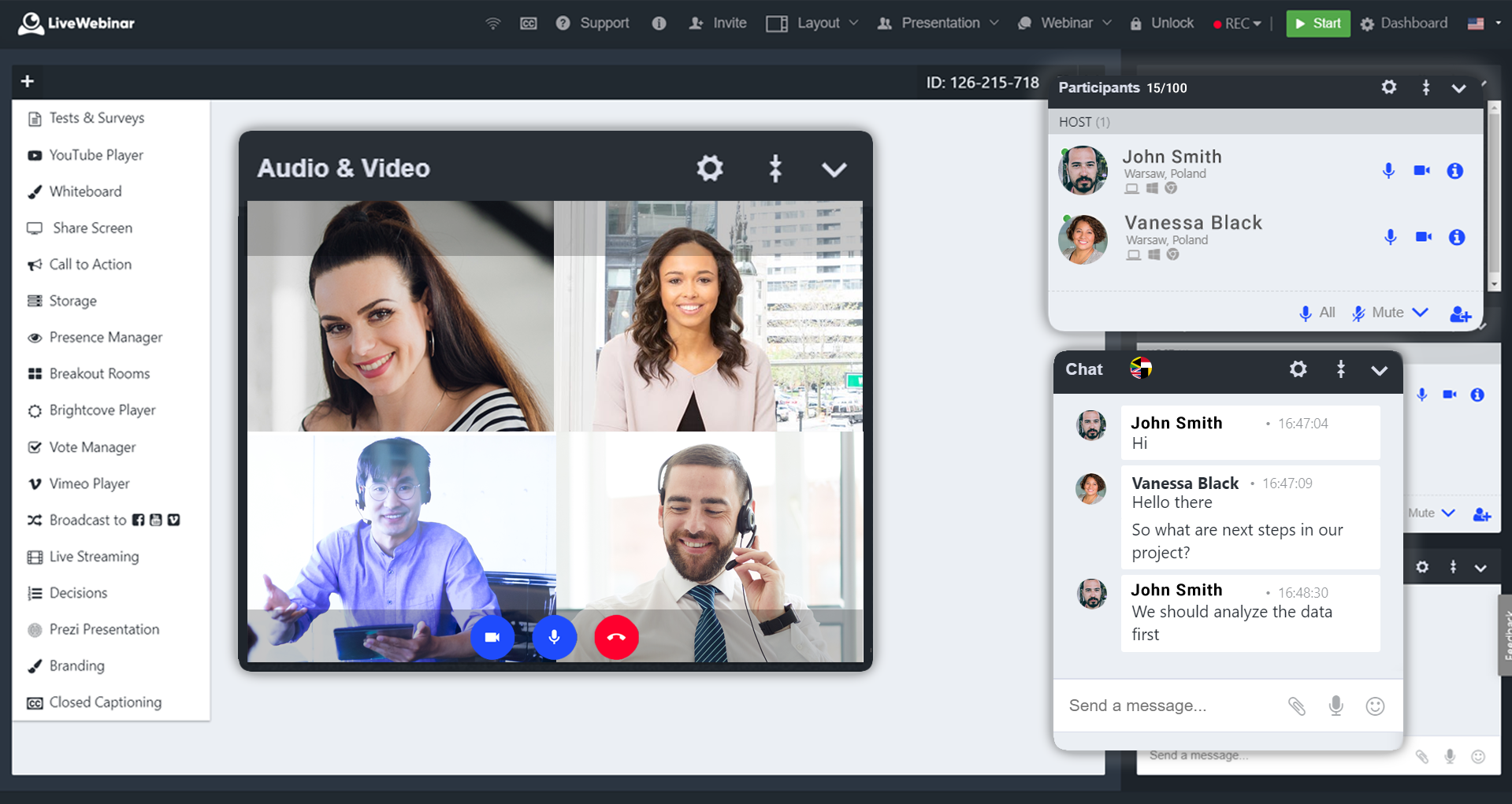
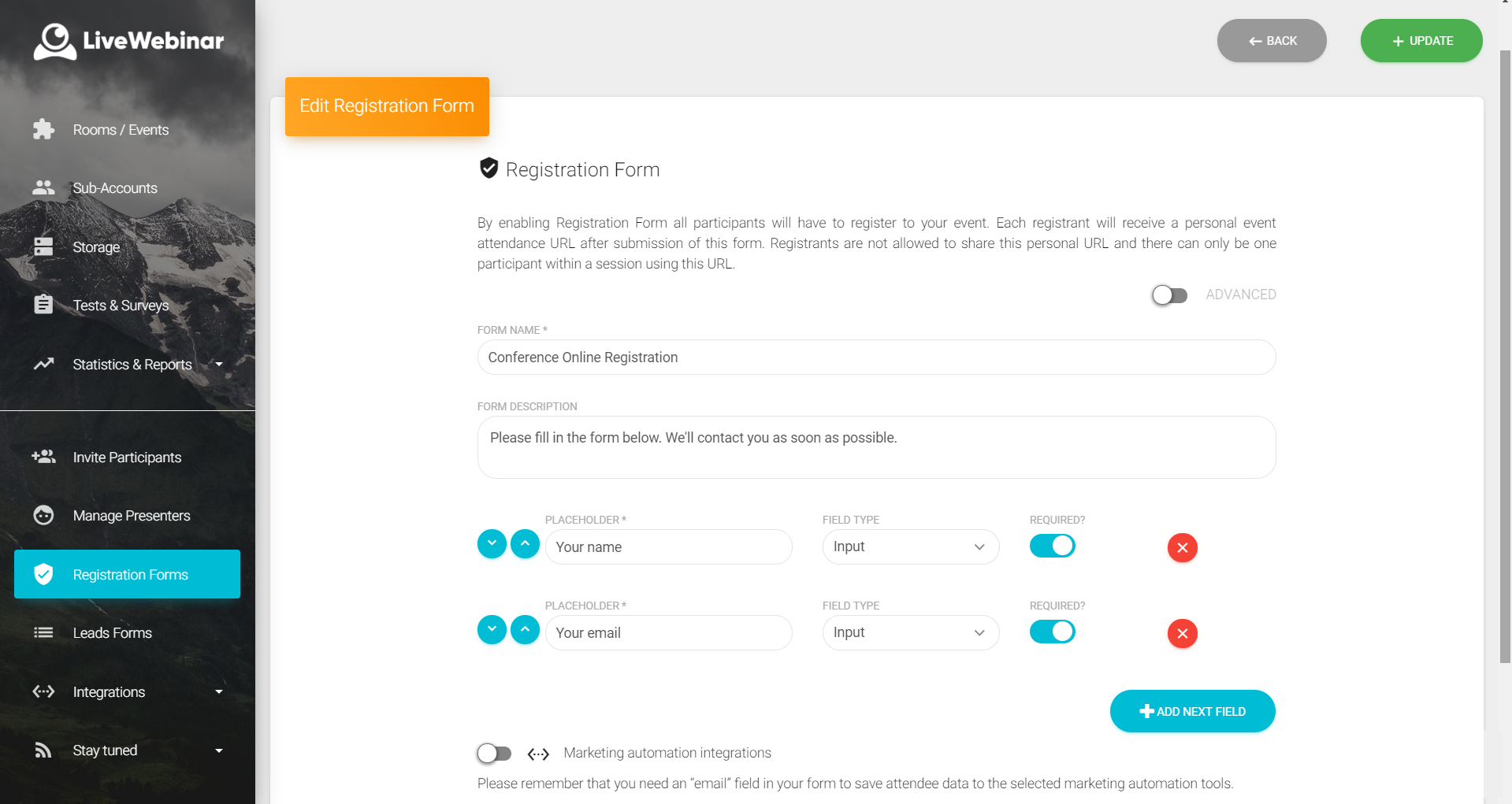
Screenshot of live streamingScreenshot of LiveWebinar brandingScreenshot of Room view on laptop and mobileScreenshot of Room view with live chat and participantsScreenshot of Room view YouTube PlayerScreenshot of User panel - registration forms + automation