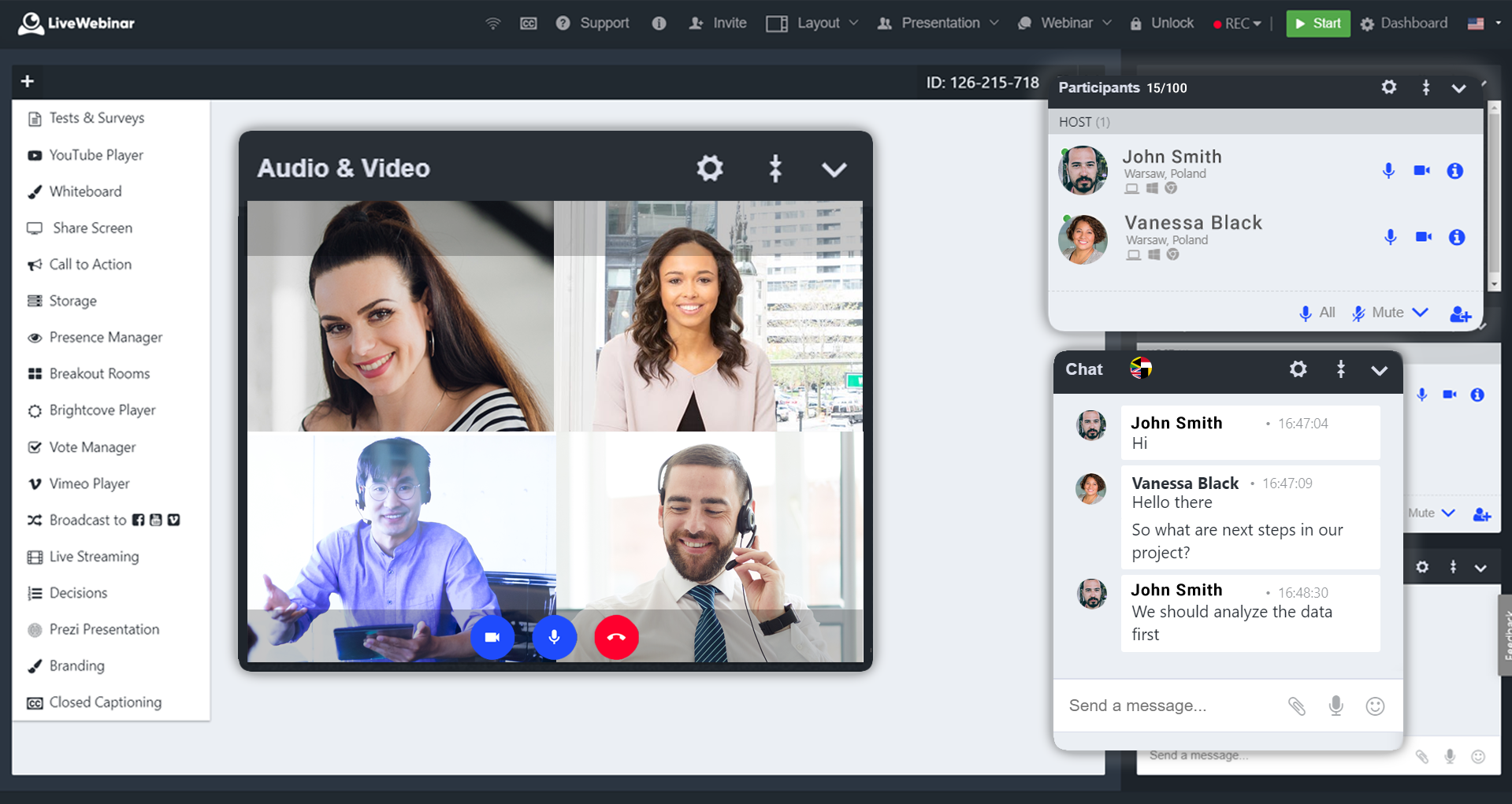
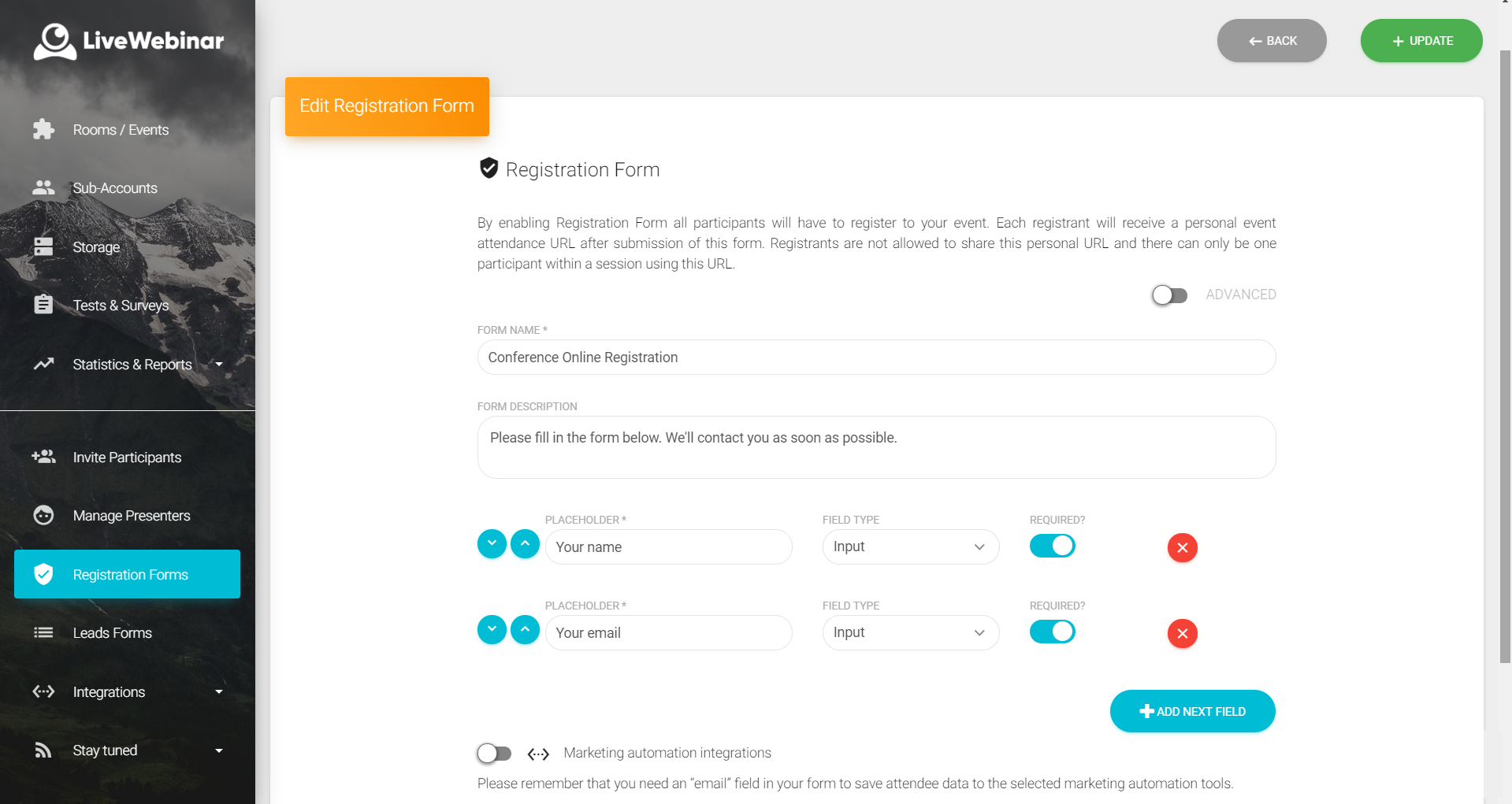
LiveWebinar is a cloud-based tool that helps users manage online webinars, meetings, training, live streaming, chats, screen sharing, social media broadcasting and high definition (HD) recording via web browsers. It is a customizable solution that allows users to change logos, room colors, and design layouts, as well as create personalized registration forms to match their business's brand identity, and control email delivery and report designs. LiveWebinar allows users to broadcast…
$17.99
per month per user
webinar.net
Score 6.7 out of 10
N/A
Webinar.net launched in 2019, designed to be a modern alternative to the dated Meeting tools that are often used for marketing and training applications, presented as a powerful, easy-to-use online presentation platform with polished user interfaces.
Webinar.net is fully hosted in the cloud. The vendor states this architecture allows users to reach very large audiences without capacity concerns, and enjoy simple, cost-effective pricing.
With it, brands are fully represented when…
N/A
Pricing
LiveWebinar
webinar.net
Editions & Modules
No answers on this topic
No answers on this topic
Offerings
Pricing Offerings
LiveWebinar
webinar.net
Free Trial
No
Yes
Free/Freemium Version
Yes
No
Premium Consulting/Integration Services
Yes
Yes
Entry-level Setup Fee
Optional
$329 per account
Additional Details
—
—
More Pricing Information
Community Pulse
LiveWebinar
webinar.net
Features
LiveWebinar
webinar.net
Reporting & Analytics
Comparison of Reporting & Analytics features of Product A and Product B
LiveWebinar
7.3
3 Ratings
2% below category average
webinar.net
4.5
1 Ratings
50% below category average
Dashboards
6.72 Ratings
6.01 Ratings
Data exportability
8.01 Ratings
3.01 Ratings
Performance & Compatibility of Online Events Software
Comparison of Performance & Compatibility of Online Events Software features of Product A and Product B
LiveWebinar
9.0
3 Ratings
12% above category average
webinar.net
7.0
1 Ratings
13% below category average
High quality audio
10.03 Ratings
8.01 Ratings
Mobile support
8.03 Ratings
6.01 Ratings
Online Meetings / Events
Comparison of Online Meetings / Events features of Product A and Product B
LiveWebinar
9.0
3 Ratings
11% above category average
webinar.net
8.8
1 Ratings
9% above category average
Calendar integration
9.01 Ratings
9.01 Ratings
Record meetings / events
9.03 Ratings
8.01 Ratings
Slideshows
9.03 Ratings
10.01 Ratings
Event registration
9.02 Ratings
8.01 Ratings
Online Events Collaboration
Comparison of Online Events Collaboration features of Product A and Product B
LiveWebinar
8.5
3 Ratings
2% above category average
webinar.net
8.5
1 Ratings
2% above category average
Audience polling
8.02 Ratings
9.01 Ratings
Q&A
9.03 Ratings
8.01 Ratings
Online Events Security
Comparison of Online Events Security features of Product A and Product B
LiveWebinar
8.5
2 Ratings
3% above category average
webinar.net
8.0
1 Ratings
3% below category average
Participant roles & permissions
8.02 Ratings
6.01 Ratings
Confidential attendee list
9.01 Ratings
10.01 Ratings
Online Events Marketing
Comparison of Online Events Marketing features of Product A and Product B
LiveWebinar is best for individuals holding quick meetings or daily scheduled events. Having friction less meetings for teams which does not require prior app installation or setup makes this the perfect webinar platform for persons with techphobia. Schedule, Send, and Start the meeting. There's even built in surveys and tests which makes the meeting or event more engaging and interactive. Unfortunately for multi-day events, it is very hard to use LiveWebinar for this purpose. Let's say for virtual conferences which has defined dates and times for each session, LiveWebinar won't fit this purpose, or at least, it is very hard to execute this scenario using the platform.
If price is not an object, I would always prefer ON24 rather than webinar.net. However, ON24 is much more expensive. Webinar.net is owned by 6Connex, so the integration of webinar.net in 6Connex is recommended if you need to host a webinar in a 6Connex environment. Support staff is nice, but not knowledgeable enough and takes too long. When a presenter plays a video they get muted automatically, even if the video has no sound! So you then have to either unmute the speaker yourself or having him/her doing it which adds to the stress of the moment. We have had a few cases when email reminders didn't go out, even if programmed and saved correctly.
Absolutely love the features of Livewebinar and it's probably the most advanced Live webinar solution that I have used. Even with the absence of a native mobile app, the platform is useable on mobile or tablet screen sizes. There's no noticeable lags during the presentation and users find it easy to use and navigate during the presentations / webinars.
LiveWebinar is an all in one solution for daily meetings and events. I made it a 9 as it is almost perfect in its current form. However, there were some reported issues on mobile connectivity as there is no native app of LiveWebinar for both iOS and Android. Moreover, I'm hoping that LiveWebinar could connect to my Google, Outlook, or iCal calendar to synch events regularly. I'd love to see my calendar inside LiveWebinar which makes it to the top of the feature wishlist for this platform. Further, if LiveWebinar is able to handle multiple day events or meetings with just a few clicks, that would make this platform, a 11/10 rating!
The audience screen doesn't adjust automatically, not even on mobile phones; connection for presenters is difficult, taking time to support them and many times leaving them a bit frustrated. For us, it is not ideal the time it takes to publish content and also the time and quality of the support team replies. However, it has great potential for improvement.
Customer support of LiveWebinar is top notch. They are available almost 24x7x365. I rarely wait for the next response and given that people are not suppose to work on holidays or weekends, their support agents are always there to lend a helping hand. The responses are spot on. It's not that I need help with platform having some issues or anything, but for general account questions, they quickly respond to each and every query I raise over to support. Definitely one of the best things with LiveWebinar.
They are very kind and readily available online and off-line; however they hardly know the answers and always need to check, making it very lengthy process and sometimes it feels like a bit of a waste of time too. I would suggest they are given more training to start with
webinar.net was adopted by our company to replace ON24 since it is much cheaper. We use it in combination with Slido, sometimes. It serves large one-way webinars (up to 1,000 attendees) with limited interaction (polls and Q&A), while for smaller and more interactive online events we keep using Microsoft Teams Meetings or Webinars and Zoom Meetings.