
Litera Draft vs. Web Highlights - PDF & Web Highlighter
| Product | Rating | Most Used By | Product Summary | Starting Price |
|---|---|---|---|---|
 Litera Draft | Score9.3 out of 10 | N/A | Litera Desktop is a single toolbar designed to include everything a lawyer needs to draft documents and create an integrated, seamless experience that ensures user adoption and consolidates vendors. | N/A |
 Web Highlights - PDF & Web Highlighter | Score8 out of 10 | N/A | Web Highlights - PDF & Web Highlighter is a tool designed for individuals who frequently engage in online reading and research, designed to offer a way to highlight text on websites and PDFs directly in the browser, making it a versatile choice for students, professionals, and researchers. Key Features: Website & PDF Highlighting: Highlights text on any website or PDF. Multiple Colors for Organization: Offers… | $3.99 per month per installation |
| Litera Draft | Web Highlights - PDF & Web Highlighter | |||||||||||||||
|---|---|---|---|---|---|---|---|---|---|---|---|---|---|---|---|---|
| Editions & Modules | No answers on this topic | No answers on this topic | ||||||||||||||
| Offerings |
| |||||||||||||||
| Entry-level Setup Fee | No setup fee | No setup fee | ||||||||||||||
| Additional Details | — | Most of Web Highlights is free and can even be used without creating an account. More features are available to Premium or Ultimate plans to sync highlights to the cloud and access them in the webapp. | ||||||||||||||
| More Pricing Information | ||||||||||||||||
| Litera Draft | Web Highlights - PDF & Web Highlighter | |
|---|---|---|
| Small Businesses | No answers on this topic | No answers on this topic |
| Medium-sized Companies |  Ginger Business Score7.9 out of 10 | Ginger Business Score7.9 out of 10 |
| Enterprises | Ginger Business Score7.9 out of 10 | Ginger Business Score7.9 out of 10 |
| All Alternatives | View all alternatives | View all alternatives |
| Litera Draft | Web Highlights - PDF & Web Highlighter | |
|---|---|---|
| Likelihood to Recommend | 10.0 | - |
| Usability | 10.0 | - |
| Performance | 10.0 | - |
| Ease of integration | 10.0 | - |
| Litera Draft | Web Highlights - PDF & Web Highlighter | |
|---|---|---|
| Likelihood to Recommend |
| No answers on this topic |
| Pros |
| No answers on this topic |
| Cons |
| No answers on this topic |
| Usability |
| No answers on this topic |
| Performance |
| No answers on this topic |
| Alternatives Considered |
| No answers on this topic |
| Return on Investment |
| No answers on this topic |
| ScreenShots | Web Highlights - PDF & Web Highlighter Screenshots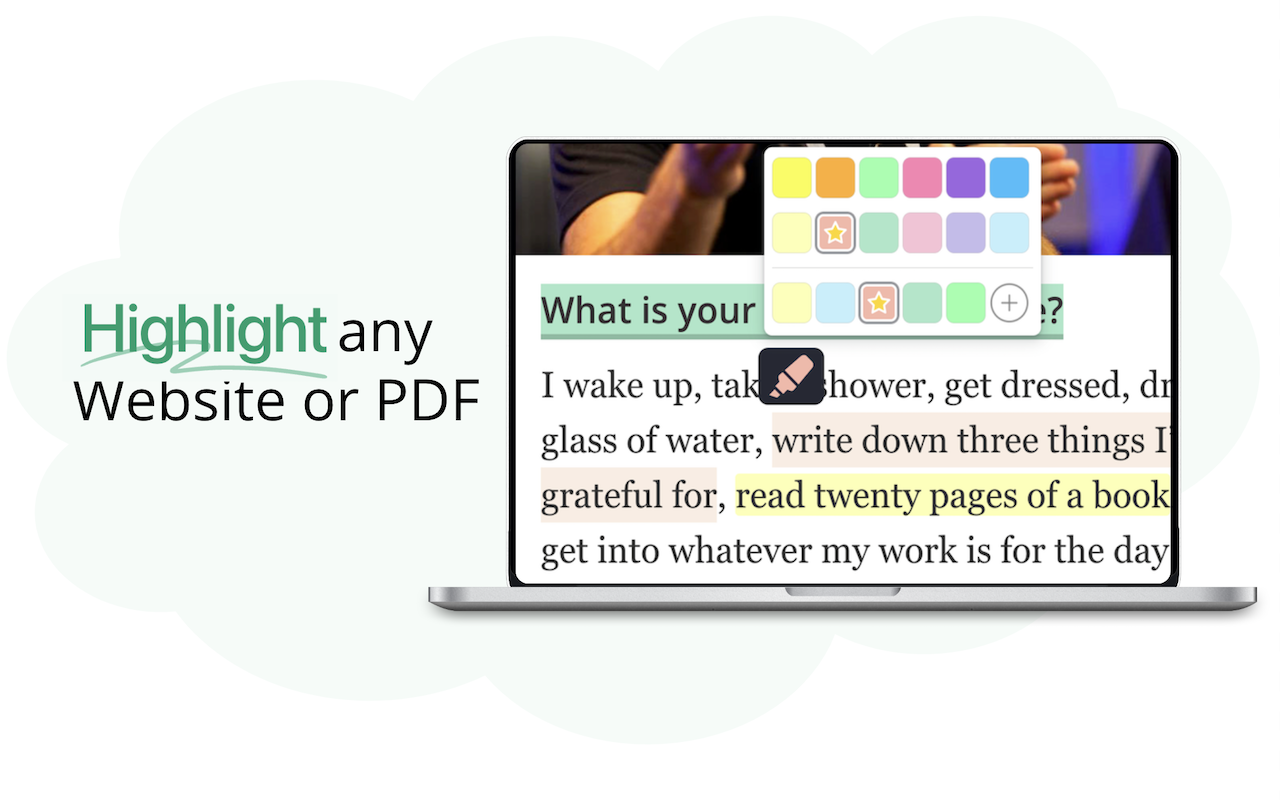 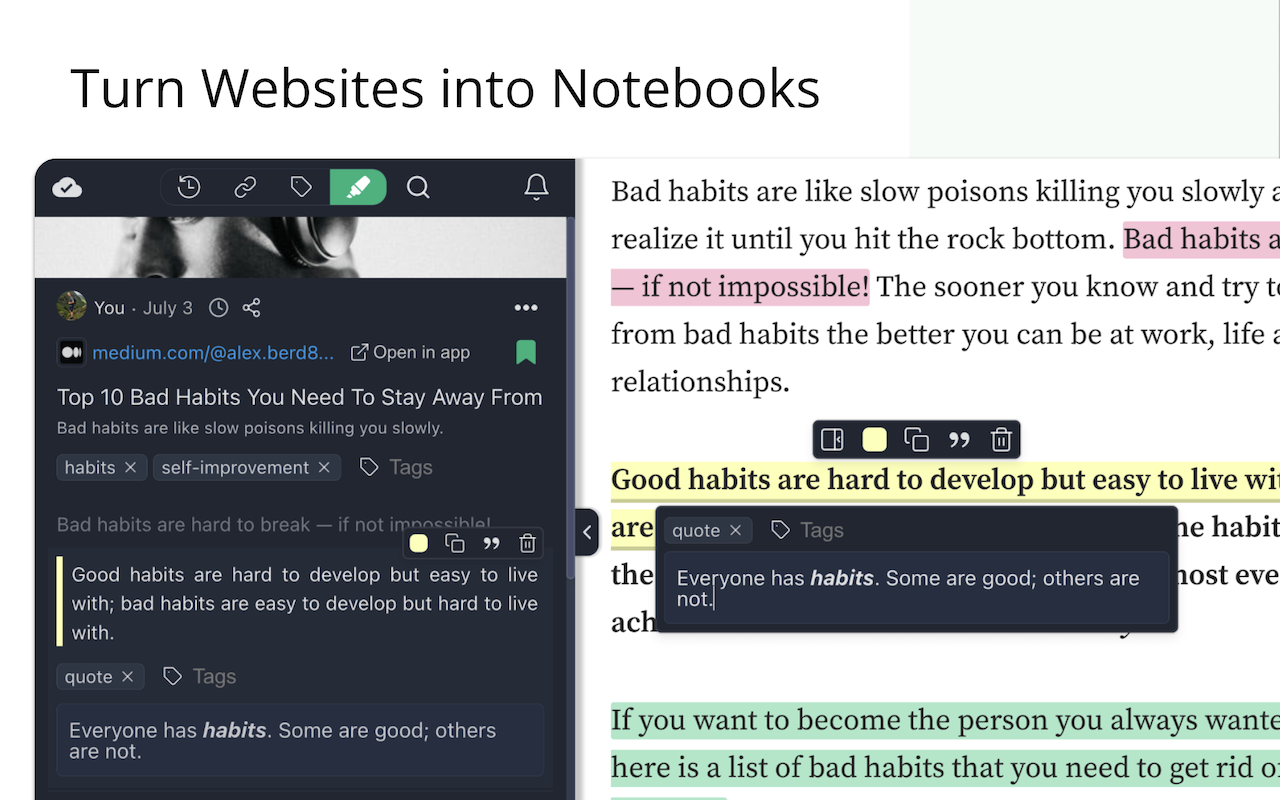 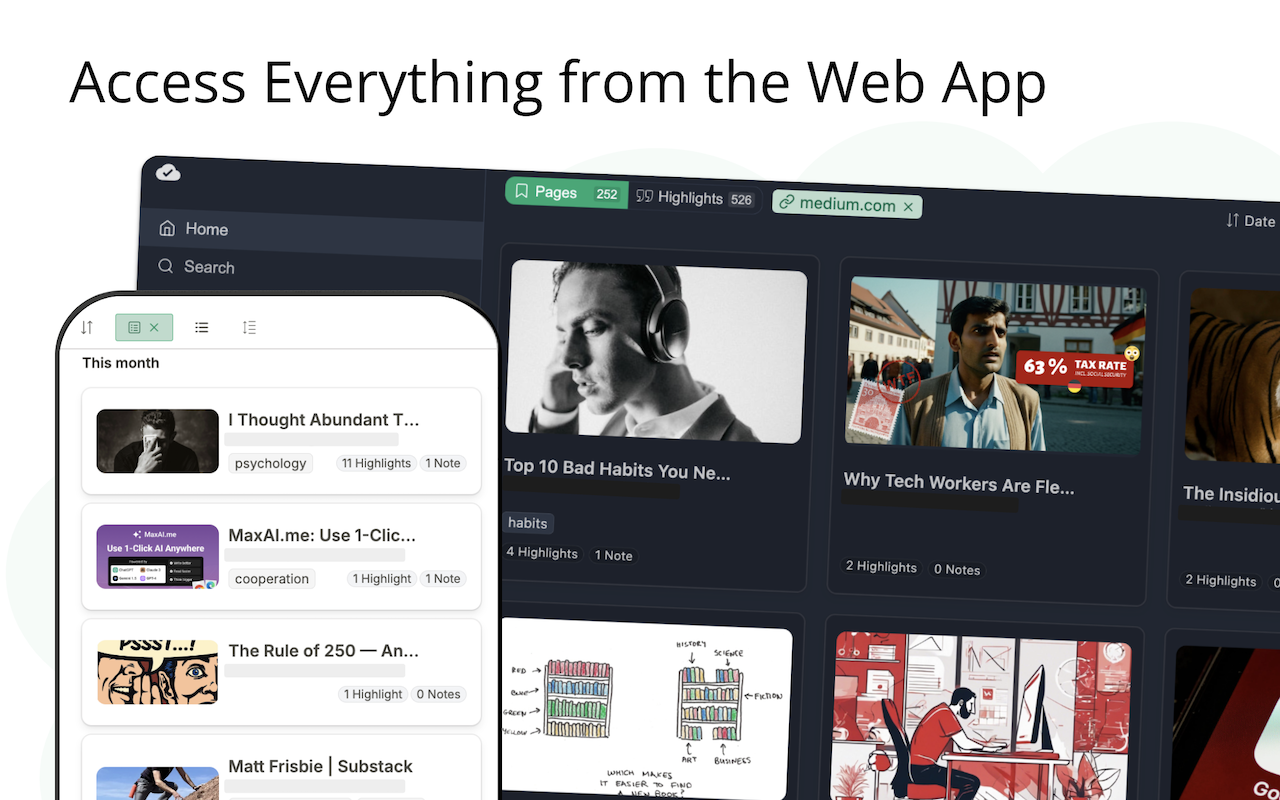  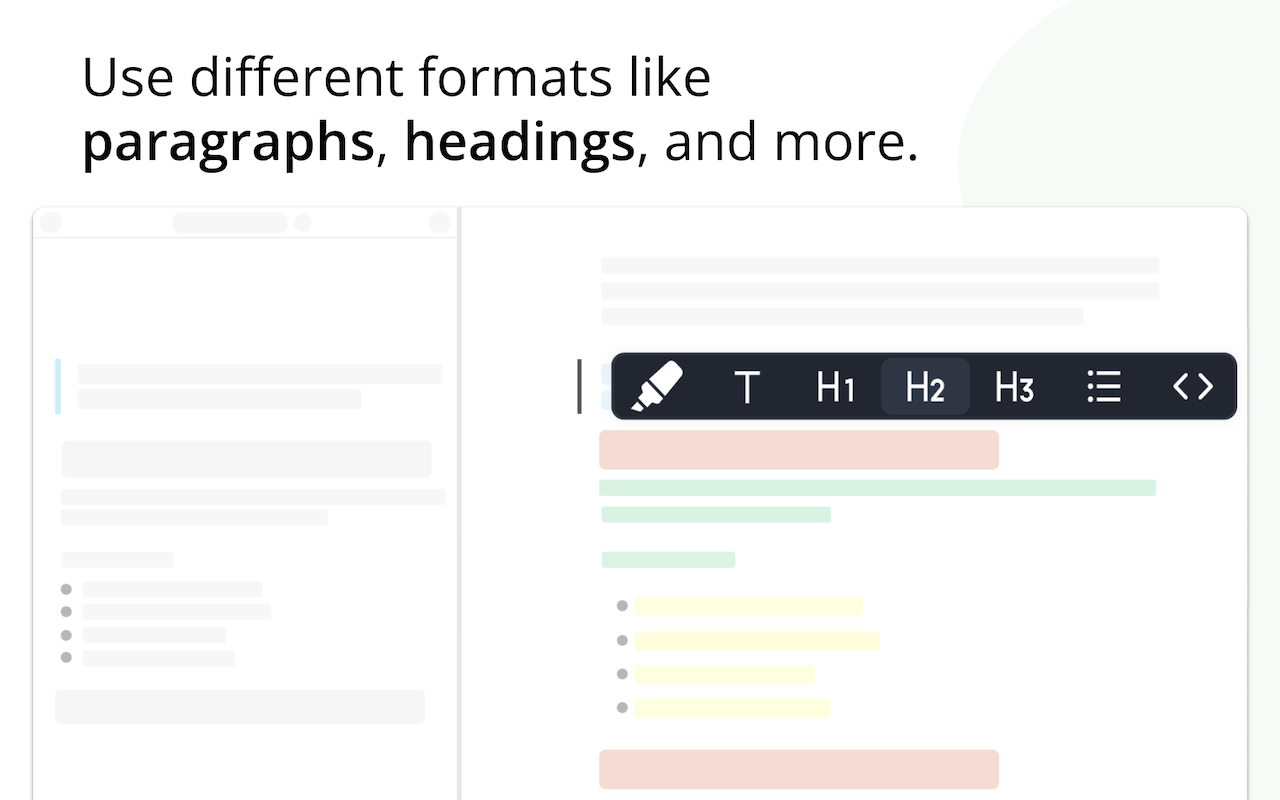 |


