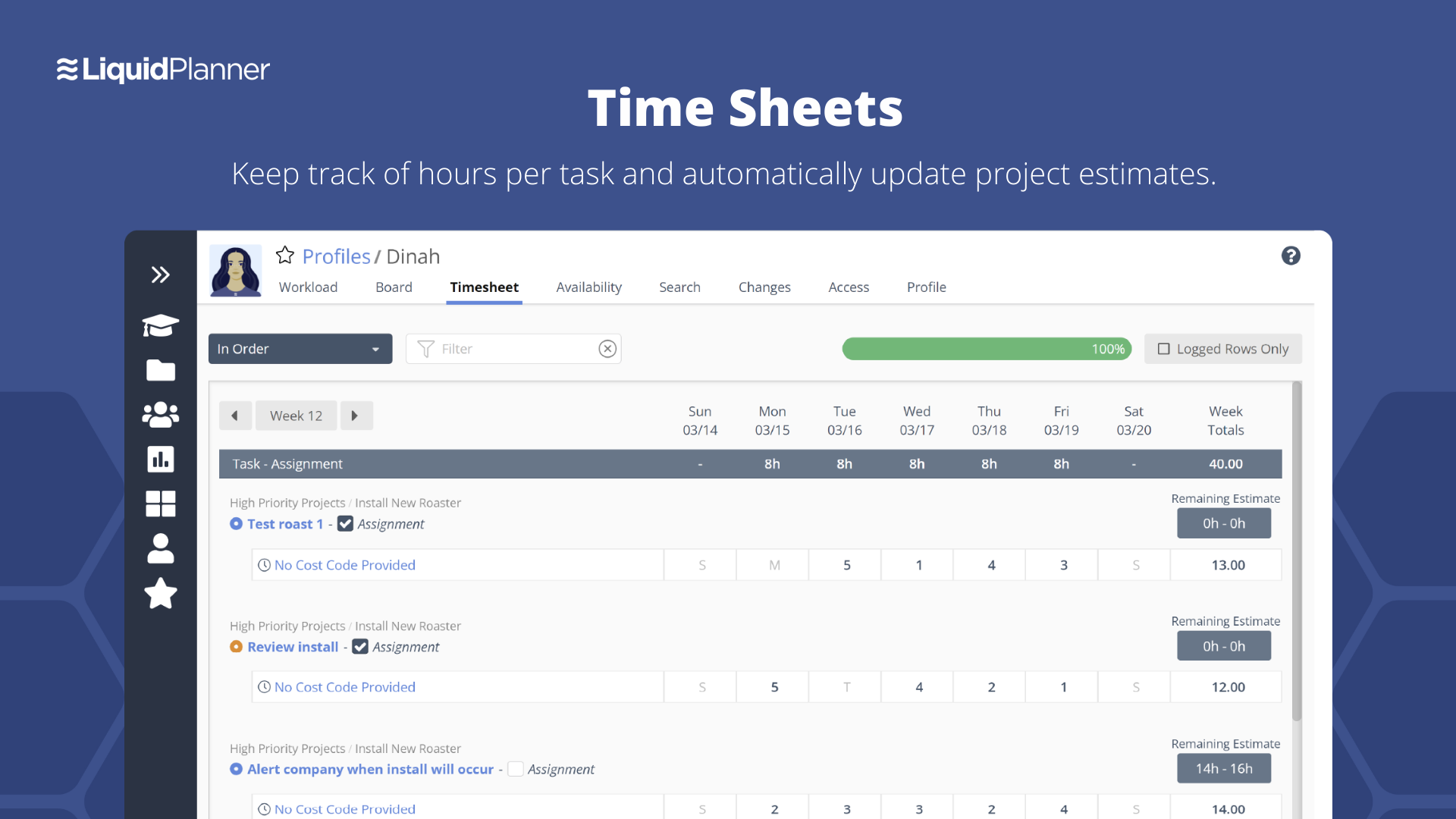
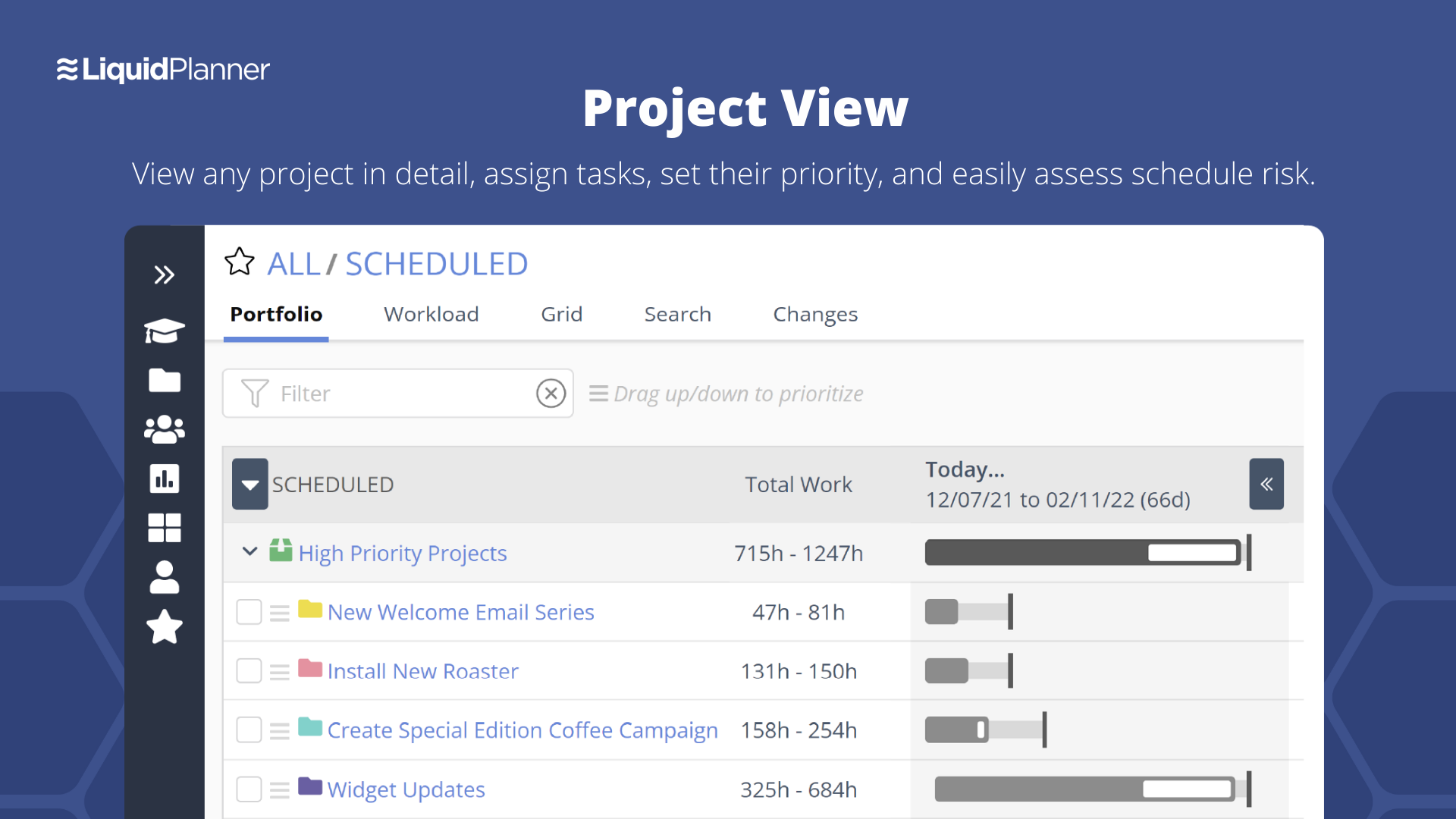
LiquidPlanner is a cloud based predictive project management solution. Some key features include: Dynamic Timeline View, Workload View, and Real-Time Activity Stream.
$0
per month per user
Zoho Projects
Score 8.8 out of 10
N/A
Zoho Project is online project management and planning software that provides project teams with a web-based collaborative environment. Zoho Projects can also include a bug tracking module specifically design to support software development project. It is integrated with other Zoho products including Zoho CRM.
$0
Pricing
LiquidPlanner
Zoho Projects
Editions & Modules
Free
$0
per month per user
Essentials
$15.00
per month per user
Professional
$25
per month per user
Ultimate
$35
per month per user
Enterprise
CALL FOR VOLUME PRICING
Free
$0
Premium
$5
per month per user
Enterprise
$10
per month per user
Project Plus
Contact Sales
Offerings
Pricing Offerings
LiquidPlanner
Zoho Projects
Free Trial
Yes
Yes
Free/Freemium Version
Yes
Yes
Premium Consulting/Integration Services
No
No
Entry-level Setup Fee
No setup fee
Optional
Additional Details
—
Discount offered for annual billing.
More Pricing Information
Community Pulse
LiquidPlanner
Zoho Projects
Features
LiquidPlanner
Zoho Projects
Project Management
Comparison of Project Management features of Product A and Product B
LiquidPlanner
8.1
Ratings
6% above category average
Zoho Projects
6.6
Ratings
15% below category average
Task Management
8.70 Ratings
7.50 Ratings
Resource Management
8.60 Ratings
7.00 Ratings
Gantt Charts
8.60 Ratings
6.50 Ratings
Scheduling
8.80 Ratings
5.50 Ratings
Workflow Automation
8.40 Ratings
6.00 Ratings
Team Collaboration
8.90 Ratings
7.50 Ratings
Support for Agile Methodology
7.70 Ratings
6.30 Ratings
Support for Waterfall Methodology
8.40 Ratings
8.00 Ratings
Document Management
9.90 Ratings
6.00 Ratings
Email integration
7.90 Ratings
6.00 Ratings
Mobile Access
4.80 Ratings
5.00 Ratings
Timesheet Tracking
7.20 Ratings
7.50 Ratings
Budget and Expense Management
7.60 Ratings
6.00 Ratings
Change request and Case Management
00 Ratings
6.90 Ratings
Professional Services Automation
Comparison of Professional Services Automation features of Product A and Product B
LiquidPlanner is amazing for any time of project management scenario where you have to manage several teams and details. Running a project through LiquidPlanner is so easy because it lets you break down the project into sections and folders and small tasks that you can assign to specific people. With a small to medium size team-- LiquidPlanner is amazing for organizing and tracking details. If you have a huge team or not a ton of details to track LiquidPlanner might not be right for you because it is a software that requires some good training to learn and has tons of functions that can be utilized so it seems better suited to be used by a smaller group looking to coordinate or for people who have lots of details that can be difficult to track.
My work involves projects of 5-15 people with numerous projects running simultaneously. Prior to Zoho, I did not have a central location from which to view all project statuses at once. Zoho looks to provide this and also looks like it will deliver. I am anxious to see how our organization's use of it develops. At this time, I feel I am likely to recommend Zoho Projects because my organization has made great software decisions in the past so I have a level of trust already that the research has been done that Zoho is the best solution for our line of work.
Priority based planning. Every other planning software we've used relies on dates and therefore needs constant attention. Priority based planning means that the plan is always up to date.
Ease of use. LiquidPlanner has a very short learning curve. This is critical to getting team members to use it.
Forecasting. LiquidPlanner makes it very easy to run scenarios by simply dragging and dropping projects and reassigning resources.
Awesome Support. I get personal responses very fast. Usually within a couple hours. And, they listen and ask for more information.
Swiss Army Knife: The suite of Zoho projects can be tailored to fit the needs of any business. It's great to have a bunch of different software offerings that will work together seamlessly.
Task Customization: Zoho allows you to customize your tasks more than other platforms (add start dates, due dates, dependencies, subtasks...)
LiquidPlanner's mobile app definitely needs some work. It doesn't display properly, having many things on the right hand side cut off. It doesn't update/refresh well. I can't imagine the mobile app will ever have the functionality of the Web version, but it needs to come a lot closer.
LiquidPlanner requires that everyone actively participate in order to maximize its benefit. However, it can be difficult for everyone to be on top of all of their responsibilities all of the time. Not sure on a solution, but it can be a lot to manage.
More flexibility on making the user interface more compact (like Excel or MSP). Current interface is well spaced, but some users may like a more compact view.
More simplified Gantt Charts that help us understand progress and dependencies.
Ability to export projects to Excel for sharing with others we can't/don't want to bring on to Zoho projects
We may not renew LiquidPlanner's contract, but only because my company has recently been acquired and we'll be adopting some of the software that they're using to standardize process. LiquidPlanner's development team releases new features pretty often, so it seems like the gaps and inefficiencies are slowly getting smaller/less frequent
Zoho has been able to fit the needs of our Engineering organization. The employees and management that are using it have not found a 'catastrophic' reason to discontinue use. Although certain features and better support mechanisms would be much better, it has been able to keep with both basic needs and more advanced ones. A majority of the company has enjoyed the basic interface it offers, the apps it has for iPhone and Blackberry, the mobility of updating a project without needing to be connected to any type of server. There are still improvements that can be made in future releases but as the person who originally purchased the solution for our company, I have found it to be an excellently priced solution in the functionality it offers.
Zoho Projects is an easy project management tool to use. It provides all the functionality that we required for handling projects. We can easily create personal forms for projects and tasks, allowing us to add and report on our own desire. Apart from this we can create and edit documents in real time which saves our time. This allows us to share text docs, presentations, tables with the whole team and we can work on them together
They have been great in trying to come up with creative solutions to help us do what we want to do with the platform. I would say their support has been exceptional because we have hit them with some complex requests.
Although it might lack intuitiveness, once you get a hang of how Zoho Projects works, you can do a LOT. The impact good project management has on profitability is huge, and it has helped not only improve communication and coordination when working on a project, but more importantly have adequate tracking of time, due dates and potential bottle necks
We had a "homebrew" time track program previously. It did one thing and it did it well--track time spent on an individual tactic or project, and it was deployed across all departments. It did not, however, capture the conversations or the work that could shed light on where problems occurred or issues were encountered.
Zoho Projects provides a more limited set of functionality and customization options than other task/bug trackers on the market, but what it lacks in functionality it makes up for in ease of use. It probably has 80-90% of the features of its competitors but takes about a third of the time to get up and running and realizing value.
LiquidPlanner has improved everybody's visibility into tasks, decreasing the communication load required and increasing client communication and status updates, effectively increasing client satisfaction and likely helping to generate more business.
LiquidPlanner has improved our estimation and communication about changing estimates. Allowing us to keep a running estimate of the remaining work lets our account managers bill appropriately for overages ahead of time, preventing issues with customers who may not want to pay for work that was done.
LiquidPlanner sometimes takes time to navigate, find the right tasks, etc. and in this way, it may have added time to our day that we are not getting paid for. However, this is fairly negligible.
Unfortunately, prior to creating Project Task Templates we'd occasionally miss a step and something that was necessary would be overlooked.
The creation of the Project Templates was a team collaborative effort to make sure that everyone had some input as different people was integral to specific projects.
It took a little while to learn some of the more tricked out features like task dependency but even starting out with the most basic of features was very significant.