LineUpr vs. Zoom Events & Webinars

Overview
ProductRatingMost Used ByProduct SummaryStarting Price
LineUpr
Score 0.0 out of 10
Mid-Size Companies (51-1,000 employees)
LineUpr is an event app solution that helps event organizers to create personalized and captivating apps for their events, regardless of whether they are hybrid, on-site, or online. LineUpr is designed to simplify the process of designing and managing event apps, eliminating the need for technical expertise. It provides real-time updates, ensuring that attendees have the most current information at their fingertips. LineUpr also offers attendee engagement features, including surveys, live…N/A
Zoom Events & Webinars
Score 8.5 out of 10
N/A
Zoom Events and Webinars are part of Zoom’s event solutions that uses existing Zoom products to produce interactive and engaging virtual experiences. It combines Zoom Meetings, Chat, and Video Webinars in one solution that enables event organizers to produce ticketed, live events for internal or external audiences of any size.
$79
per month starting with 500 attendees
Pricing
LineUprZoom Events & Webinars
Editions & Modules
No answers on this topic
Zoom Webinars
starting at $79
per month starting with 500 attendees
Zoom Sessions
starting at $99
per month starting with 100 attendees
Zoom Events
starting at $149
per month starting with 100 attendees
Offerings
Pricing Offerings
LineUprZoom Events & Webinars
Free Trial
YesNo
Free/Freemium Version
YesNo
Premium Consulting/Integration Services
NoNo
Entry-level Setup FeeOptionalNo setup fee
Additional DetailsPricing is per event, and different packages are available. Packages include different functionalities and the final price depends on the number of attendees at the event. There are also optional add-ons that enable more niche functionalties for the event app.
More Pricing Information
Community Pulse
LineUprZoom Events & Webinars
Features
LineUprZoom Events & Webinars
Online Events Marketing
Comparison of Online Events Marketing features of Product A and Product B
LineUpr
-
Ratings
Zoom Events & Webinars
9.3
Ratings
6% above category average
Branding options00 Ratings8.70 Ratings
Virtual Event
Comparison of Virtual Event features of Product A and Product B
LineUpr
-
Ratings
Zoom Events & Webinars
8.5
Ratings
7% above category average
Registration, RSVP, and ticketing00 Ratings9.10 Ratings
Email marketing00 Ratings8.20 Ratings
Livestreaming00 Ratings9.30 Ratings
Audience engagement00 Ratings7.90 Ratings
Event recording00 Ratings8.90 Ratings
Virtual booths00 Ratings8.00 Ratings
Networking00 Ratings7.60 Ratings
Event analytics00 Ratings9.30 Ratings
Best Alternatives
LineUprZoom Events & Webinars
Small Businesses
Whova
Whova
Score 8.9 out of 10
Whova
Whova
Score 8.9 out of 10
Medium-sized Companies
Cvent Event Diagramming
Score 9.5 out of 10
Whova
Whova
Score 8.9 out of 10
Enterprises
Cvent Event Diagramming
Score 9.5 out of 10
Whova
Whova
Score 8.9 out of 10
All AlternativesView all alternativesView all alternatives
User Ratings
LineUprZoom Events & Webinars
Likelihood to Recommend
-
(0 ratings)
9.3
(0 ratings)
Likelihood to Renew
-
(0 ratings)
2.0
(0 ratings)
Usability
-
(0 ratings)
7.7
(0 ratings)
Support Rating
-
(0 ratings)
7.2
(0 ratings)
Implementation Rating
-
(0 ratings)
10.0
(0 ratings)
User Testimonials
LineUprZoom Events & Webinars
Likelihood to Recommend
No answers on this topic
I had an issue with my calendar syncing to Zoom Workplace for a while, that was annoying, but it resolved itself someway. Maybe an update. The invite feature is week when in a call, my team never receives them, I manually always have to send a link. I also do not get Zoom call notifications so I am late to meetings often. Too much work to manually find that feature, wish it was a default setting like Teams. I prefer Zoom Workplace because I think it works faster, is smoother, and I prefer the video settings UI over other platforms. Everyone else makes it too complicated to change backgrounds or blur as necessary. The adjustment for low light is also a huge win.
Read full review
Pros
No answers on this topic
  • Easy data entry using imported CSV files
  • Full speaker and session images and text, with individual itineraries for attendees.
  • Duplicate the structure and format of an existing event for your next event, or create an event template to easily replicate future events
  • Automated language caption translation on-the-fly for a growing list of languages
Read full review
Cons
No answers on this topic
  • I will we could add registration disclaimer language to the Webinar templates.
  • Some of the customization and setup features are difficult to find.
  • I would like to add someone to help me run webinars without paying for them to have their own webinar platform. We should be able to buy one platform and both of us log into it and setup and run webinars from it.
Read full review
Likelihood to Renew
No answers on this topic
We will be renewing with Zoom as long as it continues to meet our needs for client and lead outreach needs in a robust manner. With little error and an easy to use interface, Zoom has met our needs and exceeded our expectations. The cost is right and with a short learning curve, Zoom has been an easy decision to make and maintain.
Read full review
Usability
No answers on this topic
Zoom [Video Webinar] is easy and secure to use. It has all those feature which can make a virtual meeting go smooth. Zoom [Video Webinar] provides one click join option and easy screen sharing. It also has strong tools to restrict meeting controls and is secure enough to let you start with it. Zoom [Video Webinar] in relation to other video webinar application is easy to use and lightweight, its mobile application is also easy to use.
Read full review
Support Rating
No answers on this topic
Zoom Video Webinar provides users with updates on their newest functions as part of an email subscribed list. They provide you with up-to-date information on all their latest changes and functions for ease [in] transition. Zoom Video Webinar can be contacted easily for any questions or concerns you may have with the platform and the response is timely.
Read full review
Implementation Rating
No answers on this topic
Implementation was very feasible during our initial usage of the Zoom after COVID-19.
Read full review
Alternatives Considered
No answers on this topic
Zoom is a good option compared to these other softwares as it is more universally accepted. The advantage of this is that most people use Zoom, making it easier to arrange a call with external stakeholders. Microsoft Teams is often very unreliable, and Zoom seems to work more consistently compared to the other options.
Read full review
Return on Investment
No answers on this topic
  • Our main need that Zoom Webinar meets is the need to have frequent company video webinars, and it's a need that Zoom meets far better than any other tool available.
  • The branding features available allow us to keep branding for internal and external webinars strong, unlike other tools which have minimal branding capabilities for webinars.
  • Zoom's new Events offering makes it easy to set up engaging and interactive hubs for multi-day webinars.
Read full review
ScreenShots

LineUpr Screenshots

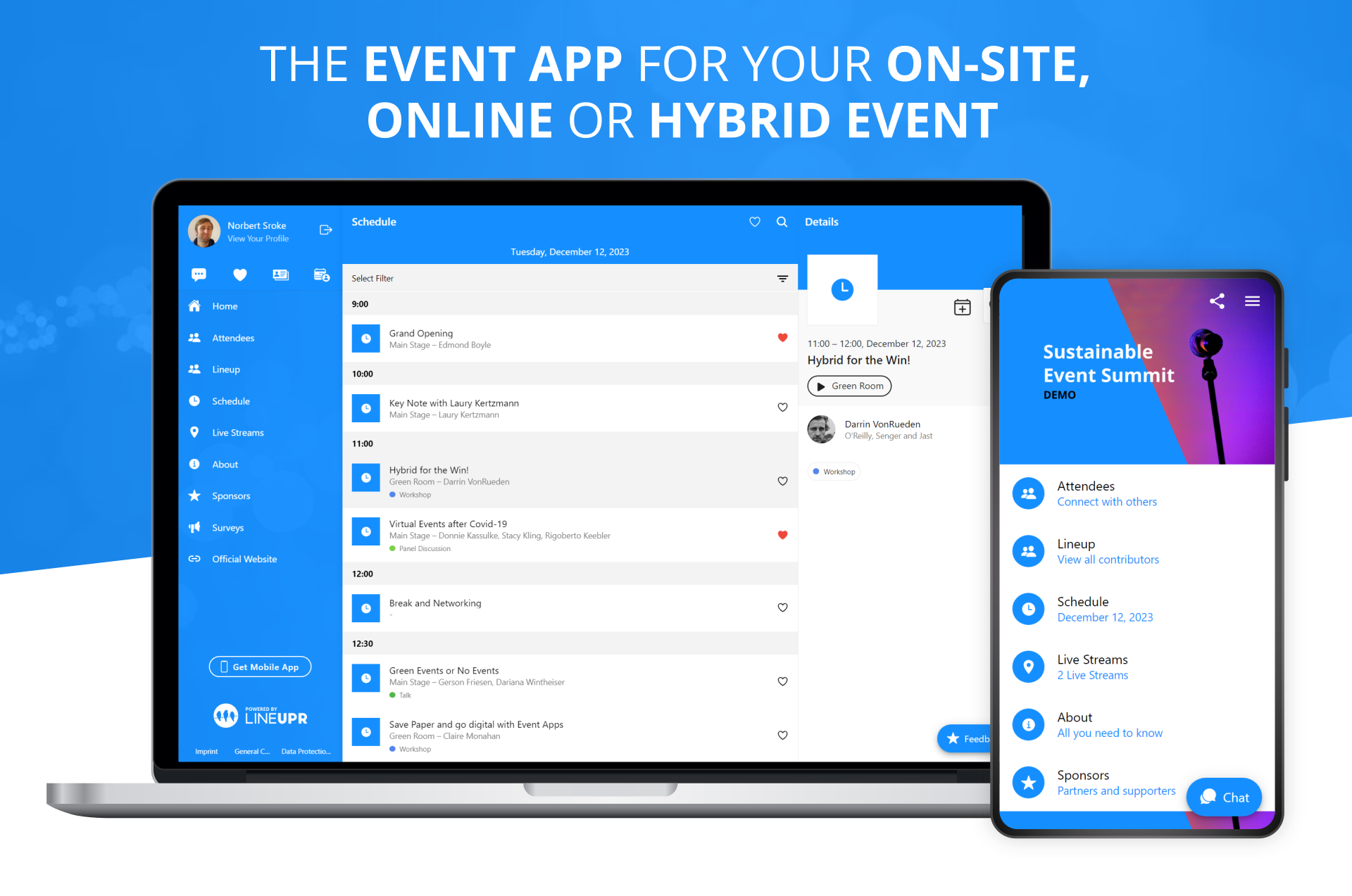
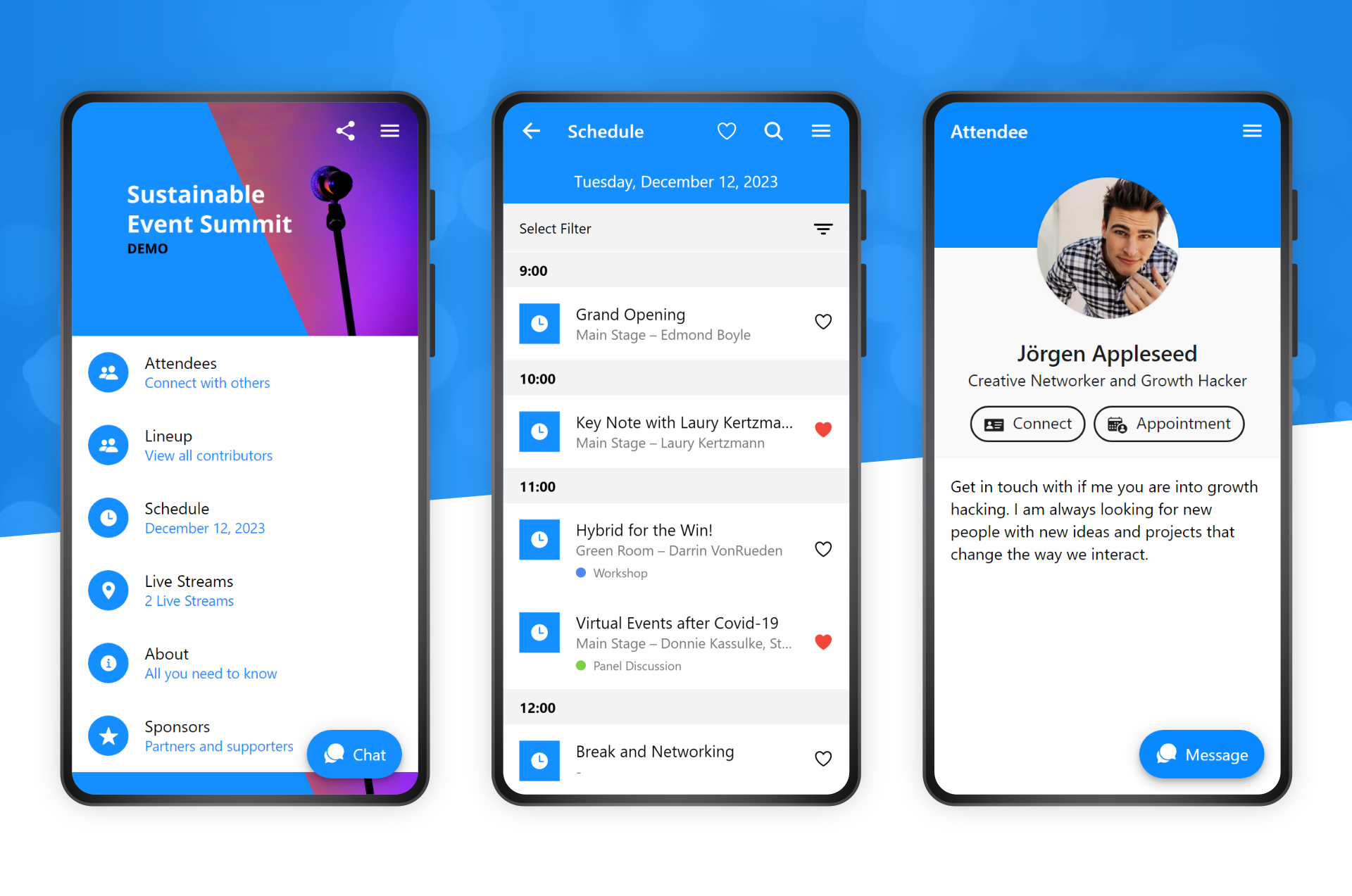
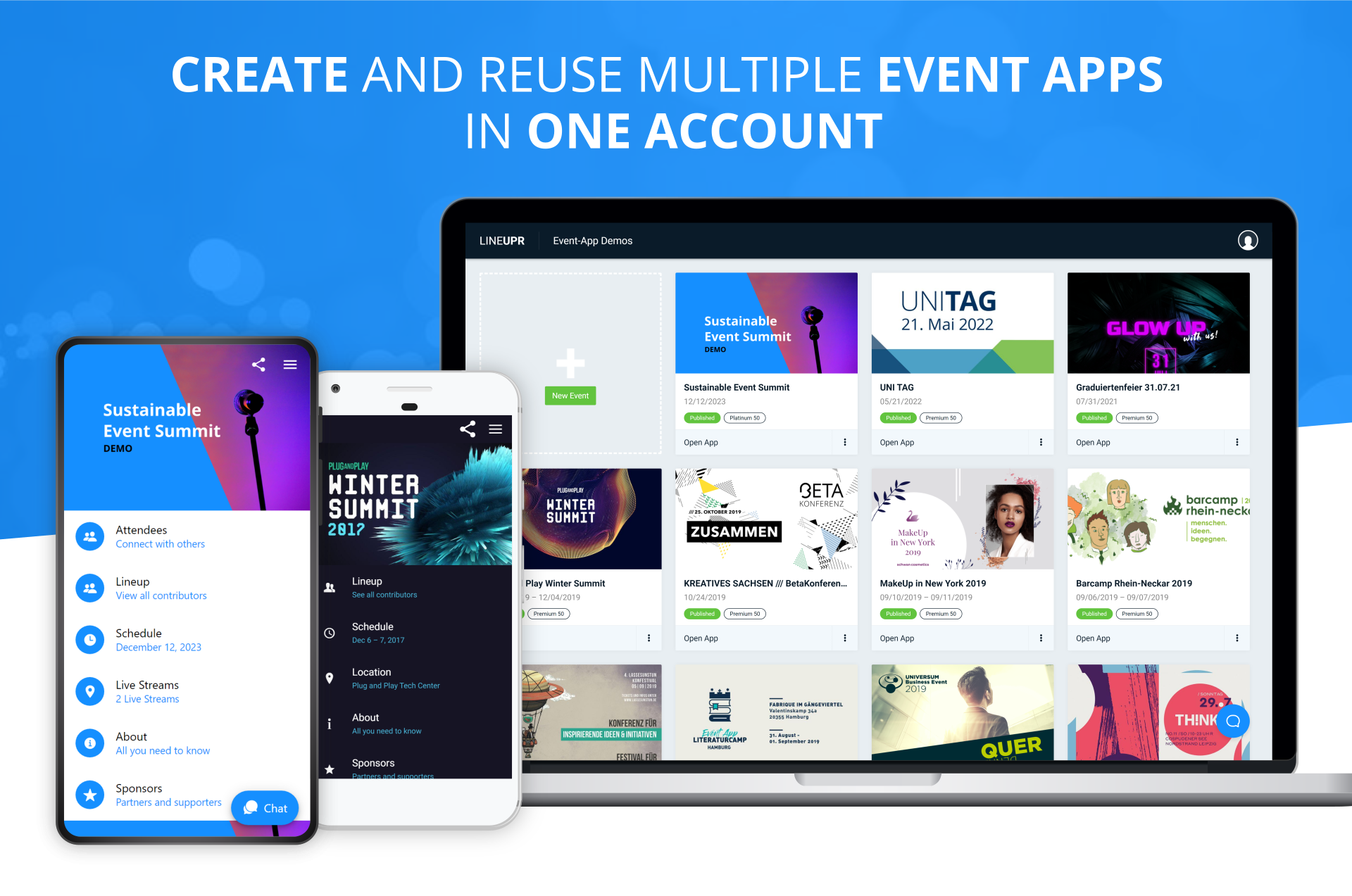
Screenshot of LineUpr offers hybrid event apps that connect attendees wherever they are. These event apps can be used for hybrid, on-site or online events.Screenshot of The event app can be configured to meet any needs and offers many functionalities like agenda, networking, and surveys.Screenshot of LineUpr users can create, update or reuse as many event apps as desired, as an option for organizers that do many events.Screenshot of The Event App Manager can be used to update and change an event app anytime.Screenshot of The event app can be customized to work for every kind of event.Screenshot of The survey feature is used to gain feedback from an audience. Live polls and Q&A sessions can be carried out during talks.

Zoom Events & Webinars Screenshots

Screenshot of features available for Zoom Events & WebinarsScreenshot of features available for Zoom EventsScreenshot of new and enhanced features