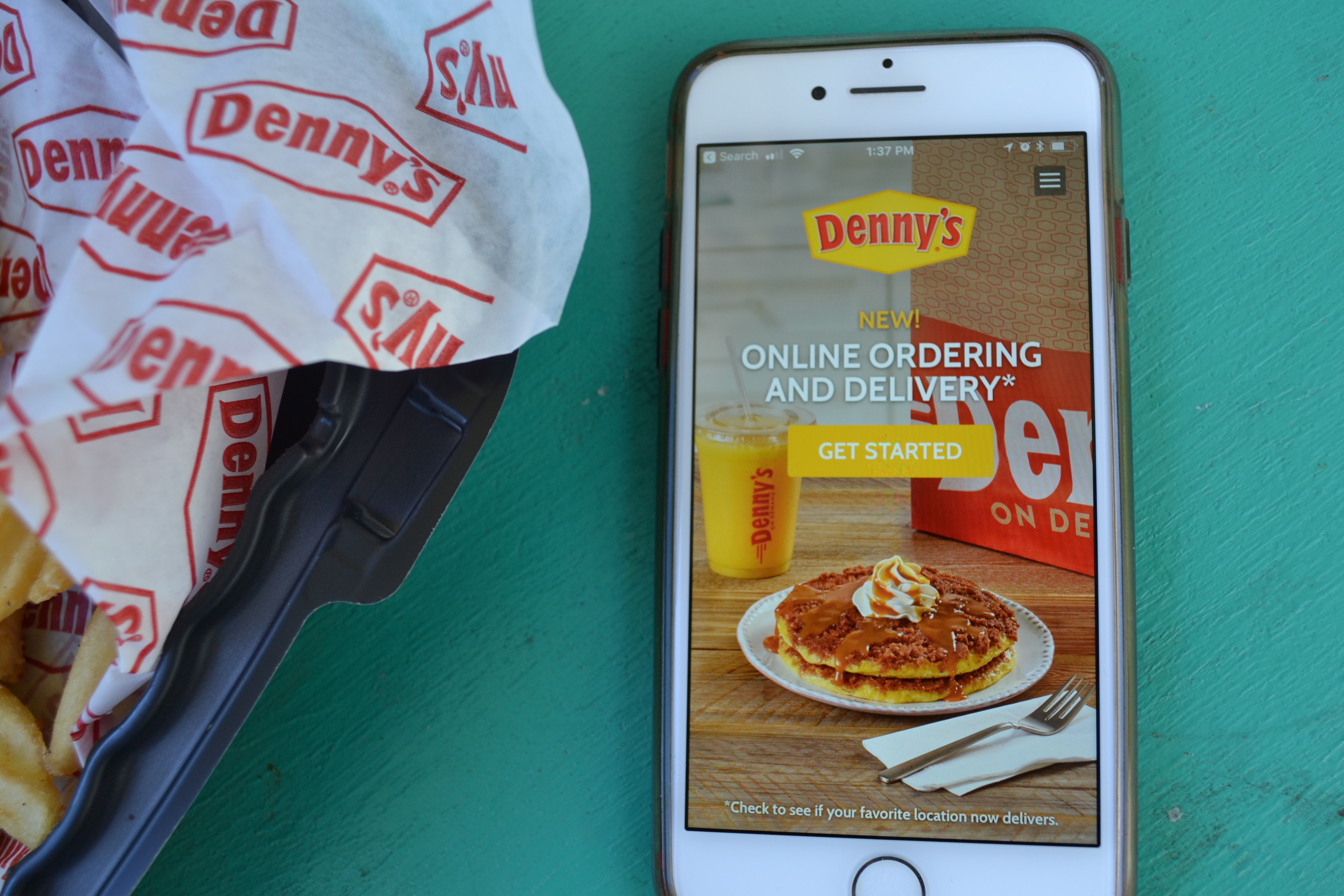
The Lightspeed Restaurant POS, from Lightspeed in Montreal, is a restaurant POS and management system designed to enable users to sync the user's menu with major food delivery apps, manage all orders and and reach new customers.
$69
per month 2.6% + 10¢
Olo
Score8.3 out of 10
N/A
Olo in New York provides an on-demand interface for the restaurant industry, designed to drive digital ordering and delivery for restaurant brands.
One thing Upserve [POS (formerly Breadcrumb)] does well is splitting customer checks is very easy and intuitive. We used to host a lot of groups (pre pandemic) and splitting checks can be a nightmare. But they let you split it evenly by number or by item. You can even split one item (say, an app) across multiple checks.
A de minimis incentive was given to thank the reviewer for their time. The incentive was not used to bias or drive a particular response, nor was the incentive contingent on a positive endorsement. More Info
After using a previous integrator, I can safely say I would recommend Olo above the competition. Olo successfully consolidates all platforms for order ingestion thus simplifying the entire process of digital ordering. Trying to do it any other way would simply be foolish. The technology works and there is a great support structure behind the scenes to make sure that if there are any questions, feature requests, or advancements that they get added to the development queue.
A de minimis incentive was given to thank the reviewer for their time. The incentive was not used to bias or drive a particular response, nor was the incentive contingent on a positive endorsement. More Info
Reporting: Upserve's backend reporting system is unparalleled in this industry. It's extremely robust and gives us eyes into every nook and cranny of our business.
Intuitive: The Upserve POS is nearly as intuitive as Square. The ease of use really helps us provide great service without spending a fortune in training.
Extras: A quality POS system is assumed with Upserve. It has all the bells and whistles and it's very effective. What takes Upserve over the top is all the added features. Our online ordering system, loyalty program, delivery platform integration, KDS system, and soon to be inventory management are all provided for free with our system. The other benefit is all these features are seamless and work really well.
A de minimis incentive was given to thank the reviewer for their time. The incentive was not used to bias or drive a particular response, nor was the incentive contingent on a positive endorsement. More Info
Olo makes the guest experience easy and understandable while placing their orders. They can easily customize their order, modifying each item to their liking using the guidelines we at our restaurant have given.
If there are issues with our equipment, Olo is quick to respond and get us back online.
A de minimis incentive was given to thank the reviewer for their time. The incentive was not used to bias or drive a particular response, nor was the incentive contingent on a positive endorsement. More Info
On the KDS, the system will re-fire tickets when we split checks and sometimes when simply closing out.
On the KDS, when someone adds onto an order that has already been bumped from the screen and doesn't put the new item at the end of the queue. It bumps it to the front and keeps the original time of the original order. This makes it difficult to process the order and determine the priority of which order should be fulfilled.
A de minimis incentive was given to thank the reviewer for their time. The incentive was not used to bias or drive a particular response, nor was the incentive contingent on a positive endorsement. More Info
A de minimis incentive was given to thank the reviewer for their time. The incentive was not used to bias or drive a particular response, nor was the incentive contingent on a positive endorsement. More Info
A de minimis incentive was given to thank the reviewer for their time. The incentive was not used to bias or drive a particular response, nor was the incentive contingent on a positive endorsement. More Info
Upserve is very intuitive. It utilizes a tab system along the left side of the screen for easy access to menu categories. After choosing the tab you want to view (i.e. Food), all the food items and/or sub categories show up instantly on the screen. once your items are chosen, you are a card swipe away from starting the payment process. Very easy. That said, there are a few minor issues with usability. For example, splitting checks is really quite difficult. You have to create new checks one at a time, then have to go searching for the checks to ring guests up. Really not intuitive on this front. Thankfully, it's not incredibly inhibitive
A de minimis incentive was given to thank the reviewer for their time. The incentive was not used to bias or drive a particular response, nor was the incentive contingent on a positive endorsement. More Info
Olo's usability is great. The only area that keeps them from being a 10 is menu management. Menu management is absolutely workable, but it could be better. The rest of the system works well and is very usable and user-friendly. To the extent that their menu management has opportunities, the Olo Expo product helps this out with the people that need it the most, and thus why they score a 9 overall. Without Olo Expo, I'd score it an 8.
A de minimis incentive was given to thank the reviewer for their time. The incentive was not used to bias or drive a particular response, nor was the incentive contingent on a positive endorsement. More Info
Seriously, if I could give a 12 rating I would. Upserve support is 24/7 and completely free. No extra fees on evenings or weekends and they are fast. You can actually start a chat support straight from your ipad screen. 90% of our support issues have been solved in just a few minutes from the chat screen. That said, I prefer the phone. Calling into Upserve support is just as easy and everyone is always friendly and fast
A de minimis incentive was given to thank the reviewer for their time. The incentive was not used to bias or drive a particular response, nor was the incentive contingent on a positive endorsement. More Info
No product is ever perfect and support is there to help when that is the case. The vast majority of time the Olo support team is quick, transparent, and resolves the issues. However, I can't say that they are absolutely perfect (but few support teams are). The only thing keeping them from a 10 is the LVL1 support teams will often not read a ticket fully and see that the troubleshooting steps they are about to give have already taken place.
A de minimis incentive was given to thank the reviewer for their time. The incentive was not used to bias or drive a particular response, nor was the incentive contingent on a positive endorsement. More Info
A de minimis incentive was given to thank the reviewer for their time. The incentive was not used to bias or drive a particular response, nor was the incentive contingent on a positive endorsement. More Info
Lavu is the worst POS system I have ever encountered. It was the most frustrating part of everyone’s shift. They were never available for customer service, Upserve is. Their system would shut down across regions, Upserve does not. Upserve (at the time Breadcrumb) was highly rated and praised for simplicity.
A de minimis incentive was given to thank the reviewer for their time. The incentive was not used to bias or drive a particular response, nor was the incentive contingent on a positive endorsement. More Info
Revel is my POS provider and they want to charge way to much for online integration so I have not tried it. What I have tried is each companies own apps on their tablets. I would rather have 3 or 4 different tablets that are good at what they do for their respective company then use your "all-in-one" solution that honestly is much worse.
A de minimis incentive was given to thank the reviewer for their time. The incentive was not used to bias or drive a particular response, nor was the incentive contingent on a positive endorsement. More Info
Bestsellers and slower items rise to the top in reporting features, making analysis quicker.
Dramatically reduced server error
Posed a challenge to continue face-to-face contact between servers and cooks; the POS tends to end conversations about special orders, special customer requests or restrictions, and generally conveys the nuances that contribute to excellent service. So we have to make a conscious effort to continue talking to each other.
A de minimis incentive was given to thank the reviewer for their time. The incentive was not used to bias or drive a particular response, nor was the incentive contingent on a positive endorsement. More Info
Time savings for employees has been a positive impact.
Our takeout business has increased from less than 10% to over 30% in the last 2 years, we could not have been as successful with this increase without the help of Olo.
A de minimis incentive was given to thank the reviewer for their time. The incentive was not used to bias or drive a particular response, nor was the incentive contingent on a positive endorsement. More Info