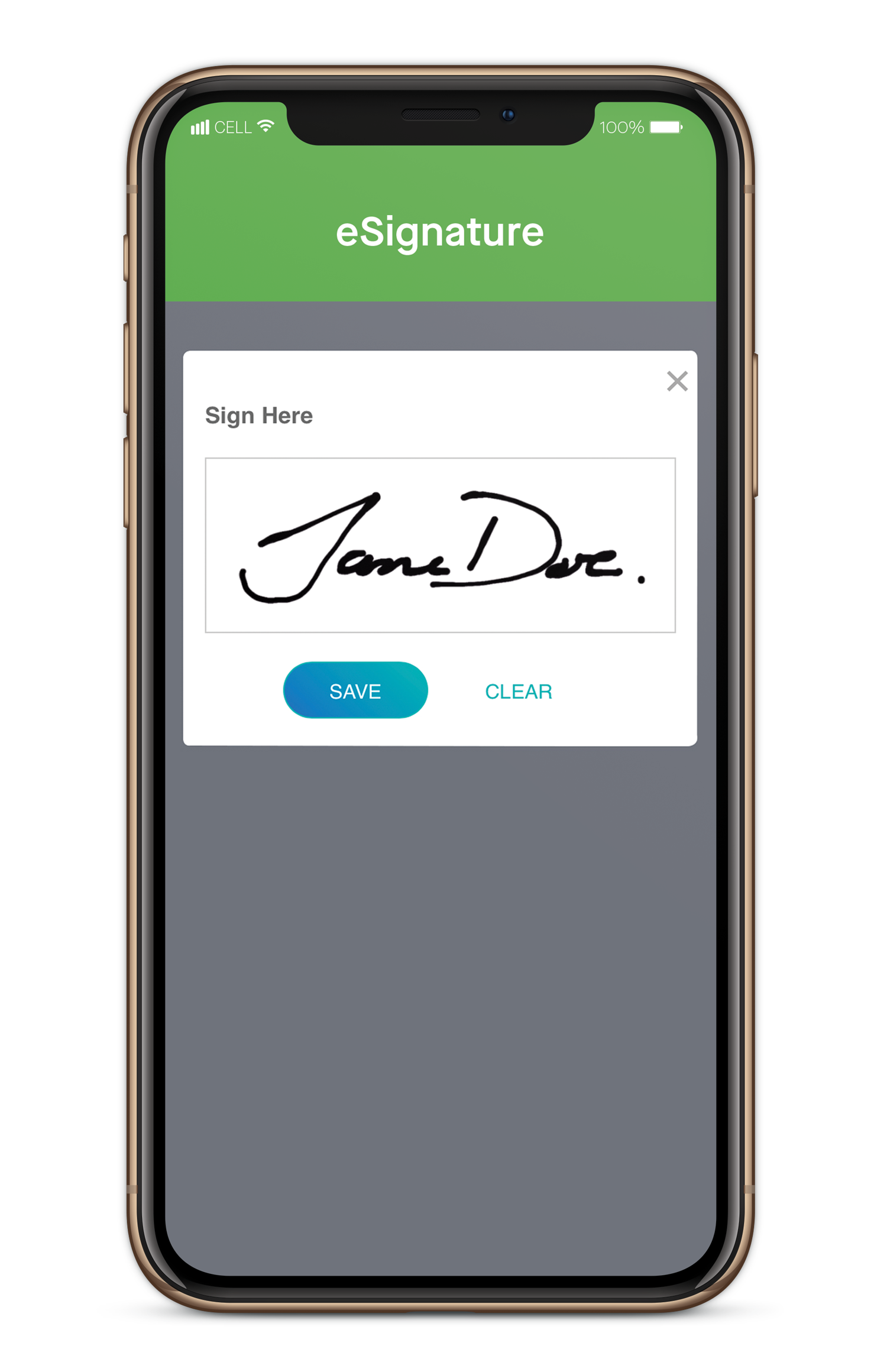
Lightico offers a simple eSign & document sharing solution for call agents to get customer IDs and signatures while speaking on phone. No app is required. According to the vendor, while speaking with customers on the phone... - call agents seamlessly capture customer IDs (drivers license, electricity bills etc) - share images & videos - complete smart forms - get customer eSignatures in real time. With Lightico, agents stop redirecting customers to email,…
N/A
pdfFiller
Score9 out of 10
N/A
pdfFiller is a cloud-based platform with a comprehensive digital toolkit used to handle PDFs, and to edit, sign, store, manage, and collaborate on documents. Documents are stored in the cloud and can be accessed anytime, anywhere, without worrying about losing data.
$20
per month (for an individual user)
Pricing
Lightico e-Signatures
pdfFiller
Editions & Modules
No answers on this topic
Basic for Enterprise
$8
per month (annual commitment) per user (minimum 20 users)
Premium for Enterprise
$10
per month (annual commitment) per user (minimum 10 users)
Basic
$20
per month single user
Plus
$30
per month single user
Premium
$40
per month single user
Offerings
Pricing Offerings
Lightico e-Signatures
pdfFiller
Free Trial
Yes
Yes
Free/Freemium Version
Yes
No
Premium Consulting/Integration Services
Yes
Yes
Entry-level Setup Fee
Optional
Optional
Additional Details
—
Up to a 70% discount on individual plans for annual billing.
With a pandemic it makes it easier to get signatures where meeting face to face isn’t possible. I’m sure where there is a wet signature required it wouldn’t be appropriate
A de minimis incentive was given to thank the reviewer for their time. The incentive was not used to bias or drive a particular response, nor was the incentive contingent on a positive endorsement. More Info
I chose to hit #9. I believe we all have abilities to broaden our needs so for the majority you may end up thinking this is a 10 if having used comparison tools or remembering those times when a certain "other" signature and document completion tool didn't go as planned or seemed less familiar. I will always welcome the clients and professionals who need my response to send their documents to me for PDF filling. On the random flip when I have to have communication rapidly flow on the go in a last minute piece of time, these people will receive my PDF™ items. And if tips and tools are necessary, they are rather easily placed where they can be worked out by anyone.
A de minimis incentive was given to thank the reviewer for their time. The incentive was not used to bias or drive a particular response, nor was the incentive contingent on a positive endorsement. More Info
User friendly UI makes document signature easy for even the most technically unsavvy people. I am shocked we don't get more calls asking us to talk customers through the documentation.
A de minimis incentive was given to thank the reviewer for their time. The incentive was not used to bias or drive a particular response, nor was the incentive contingent on a positive endorsement. More Info
A de minimis incentive was given to thank the reviewer for their time. The incentive was not used to bias or drive a particular response, nor was the incentive contingent on a positive endorsement. More Info
A de minimis incentive was given to thank the reviewer for their time. The incentive was not used to bias or drive a particular response, nor was the incentive contingent on a positive endorsement. More Info
A de minimis incentive was given to thank the reviewer for their time. The incentive was not used to bias or drive a particular response, nor was the incentive contingent on a positive endorsement. More Info
I will always be a faithful PDFfiller customer. The product has saved me a lot of time over the years and I find a great deal of value in the platform. If I move on to another company someday, PDFfiller will be going with me wherever I go.
A de minimis incentive was given to thank the reviewer for their time. The incentive was not used to bias or drive a particular response, nor was the incentive contingent on a positive endorsement. More Info
I don't fully understand all the features and I could probably be using it better, especially the templates. The organisation of exisiting files could be better (ie similar to folders on a pc/laptop). I haven't really invested much time into exploring it further than filling out forms; There possibly is an organisation solution I haven't discovered yet
A de minimis incentive was given to thank the reviewer for their time. The incentive was not used to bias or drive a particular response, nor was the incentive contingent on a positive endorsement. More Info
If you need help, you can easily search for it and find online tutorials that walk you through how to do specific things step by step. You do not have to read a 20 page manual or sit for a 10 hour training session, it is refreshing that you can take it at your own pace and learn things as you need to
A de minimis incentive was given to thank the reviewer for their time. The incentive was not used to bias or drive a particular response, nor was the incentive contingent on a positive endorsement. More Info
When I was hired on by my current company I was already a paying customer, so I just brought it with me. Once I showed our President/Founder how simple it was to use for our contracts, agreements, and NDAs, it has been a staple in our company ever since. That was almost 3 years ago. We've closed quicker because of the speed at which we can turn signed docs around.
A de minimis incentive was given to thank the reviewer for their time. The incentive was not used to bias or drive a particular response, nor was the incentive contingent on a positive endorsement. More Info
A de minimis incentive was given to thank the reviewer for their time. The incentive was not used to bias or drive a particular response, nor was the incentive contingent on a positive endorsement. More Info
I have used other editors such as Adobe Acrobat and, in my opinion, for the money Adobe costs, if the need is just to edit pdf I would go with PDFfiller. It is a really easy tool to use. It's learning curve is not that steep and it does pretty much everything I need from it.
A de minimis incentive was given to thank the reviewer for their time. The incentive was not used to bias or drive a particular response, nor was the incentive contingent on a positive endorsement. More Info
A de minimis incentive was given to thank the reviewer for their time. The incentive was not used to bias or drive a particular response, nor was the incentive contingent on a positive endorsement. More Info
all the paperwork i need to fill out is typed, not handwritten into forms which looks much more professional. Almost as if I had an assistant to type out my documents
I love the fact that I can make an edit to an existing PDF. I dont have to go back and forth and ask for editable copies of word documents, etc.
A de minimis incentive was given to thank the reviewer for their time. The incentive was not used to bias or drive a particular response, nor was the incentive contingent on a positive endorsement. More Info