TrustRadius: an HG Insights company

Save this comparison

Save this comparison

Add Product

Recommended Comparisons

    Overview
    ProductRatingMost Used ByProduct SummaryStarting Price

    LanSchool

    Score9 out of 10
    N/ALenovo offers LanSchool, a classroom management platform supporting collaboration, monitoring student activity, chat, teacher broadcasting / screen-sharing, and other features.N/A

    Securly Classroom

    Score8 out of 10
    N/ASecurly Classroom gives teachers management over all Chromebooks in the classroom through a web-based console allowing them to guide, monitor, and communicate with students. Get class started quickly by pushing sites to student devices, keep them on task with web lock and custom blacklists, communicate discreetly with students with hand-raise and chat features, and keep an eye on things with screen and tab views, and students’ browsing histories.N/A
    Pricing
    LanSchoolSecurly Classroom
    Editions & Modules
    No answers on this topic
    No answers on this topic
    Offerings
    Pricing Offerings
    LanSchoolSecurly Classroom
    Free Trial
    NoYes
    Free/Freemium Version
    NoYes
    Premium Consulting/Integration Services
    NoNo
    Entry-level Setup FeeNo setup feeNo setup fee
    Additional Details
    More Pricing Information
    Best Alternatives
    LanSchoolSecurly Classroom
    Small Businesses
    No answers on this topic
    No answers on this topic
    Medium-sized Companies
    Schoolmint Hero
    Score9.7 out of 10
    Schoolmint Hero
    Score9.7 out of 10
    Enterprises
    Schoolmint Hero
    Score9.7 out of 10
    Schoolmint Hero
    Score9.7 out of 10
    All AlternativesView all alternativesView all alternatives
    User Ratings
    LanSchoolSecurly Classroom
    Likelihood to Recommend
    9.0
    (5 ratings)
    10.0
    (1 ratings)
    User Testimonials
    LanSchoolSecurly Classroom
    Likelihood to Recommend
    Lenovo
    I have recommended it across campus and would not hesitate to do so again. It has been great in our lab environments and would like to continue using it for years to come. In the future as we move away from physical labs I will be investigating to purchase for BYOD devices, however I know that I will face pushback from students on this. However we must weigh privacy & security vs. using BYOD devices and integrity on exams.
    Incentivized
    Read full review
    Securly
    As stated earlier it is very well suited to monitor computer use in the classroom and for virtual learning. The ability to send links to students who have trouble opening them is helpful, especially when students are home and don't have a teacher present to help. It is also helpful with its individual chat rooms where students can communicate privately with the teacher.
    Incentivized
    Read full review
    Pros
    Lenovo
    • Lenovo LanSchool has a very easy to use and easy to learn interface. With software, the hardest thing to do is to teach new teachers or veteran teachers how to use technology in their classrooms. Being able to easily teach teachers to use this software is one of the best aspects of the [Lenovo LanSchool].
    • Something that LanSchool does well is to monitor student actions. On the screens, you can see all the linked computers of all students. This feature lets you see every student on one screen. The alternative is walking around the classroom or scrolling through pages of student screens, with LanSchool you can guarantee that you are seeing all screens at once.
    • Overall classroom management is a key feature on the platform. You can share files, freeze student screens, blank out student screens and share another screen to the entire class. There are far more options in terms of engaging the students than a conventional method of asking students to pay attention. Installing LanSchool is a huge asset for teachers to engage and update their lessons.
    • A cool element I seldom use is the speaking software, being able to speak through their computer screens is great to give direction or get attention quickly.
    Incentivized
    Read full review
    Securly
    No answers on this topic
    Cons
    Lenovo
    • Messaging could be improved for notification when messages are sent.
    • When multiple users use the same computer, sometimes LanSchool needs to be restarted to show changes in usernames.
    • You can save layouts, but I would like more options for how to arrange the layout you see the computers on your screen.
    Incentivized
    Read full review
    Securly
    No answers on this topic
    Alternatives Considered
    Lenovo
    VNC Connect required you to manually add the "client" workstations to the "dashboard".
    Incentivized
    Read full review
    Securly
    No answers on this topic
    Return on Investment
    Lenovo
    • Helps us serve thousands of students each year
    • Has helped us improve classroom management
    • Saves us time with technology set up (e.g. being able to do all from Lanschool, not having to set up each individual computer every day)
    Incentivized
    Read full review
    Securly
    No answers on this topic
    ScreenShots

    Securly Classroom Screenshots

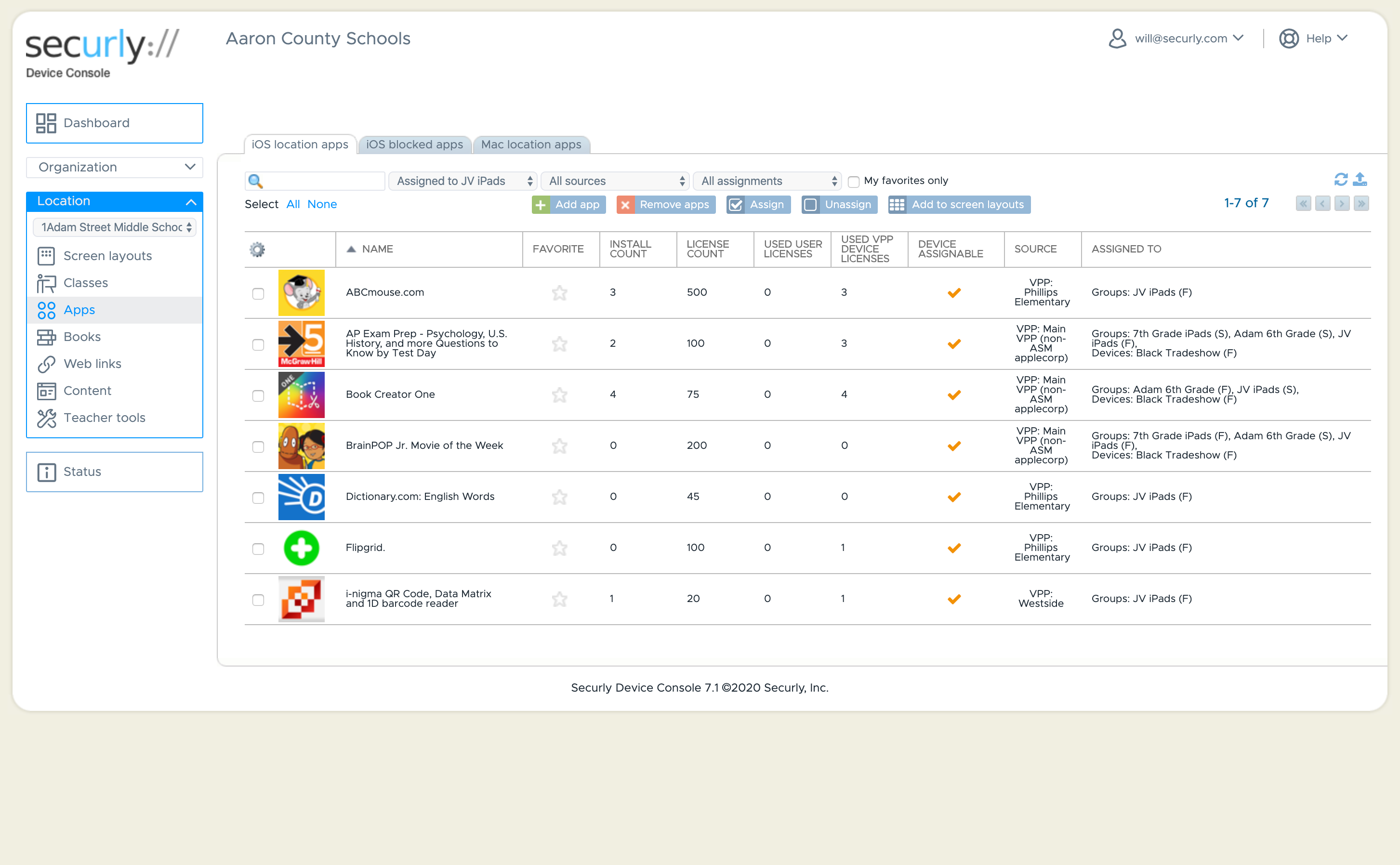
    Screenshot of Dashboard ViewScreenshot of Customize your student's iOS experienceScreenshot of Classroom Management - Screen ViewScreenshot of Classroom ManagementScreenshot of Classroom ManagementScreenshot of iOS Application Management