Legalesign is an electronic signature software offering. It includes features such as no per-user pricing and real-time tracking.
N/A
OneSpan Sign
Score8 out of 10
Enterprise companies (1,001+ employees)
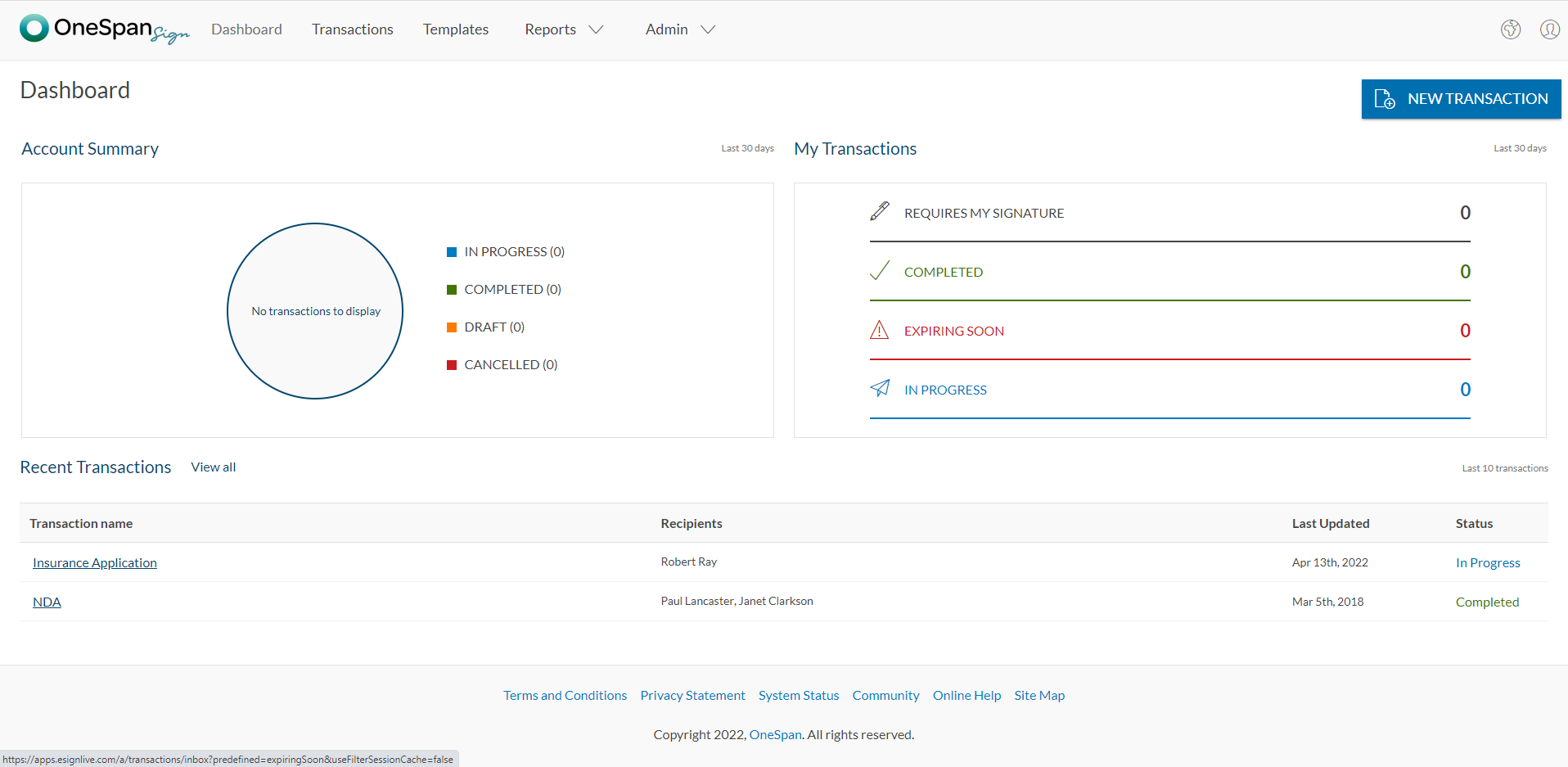
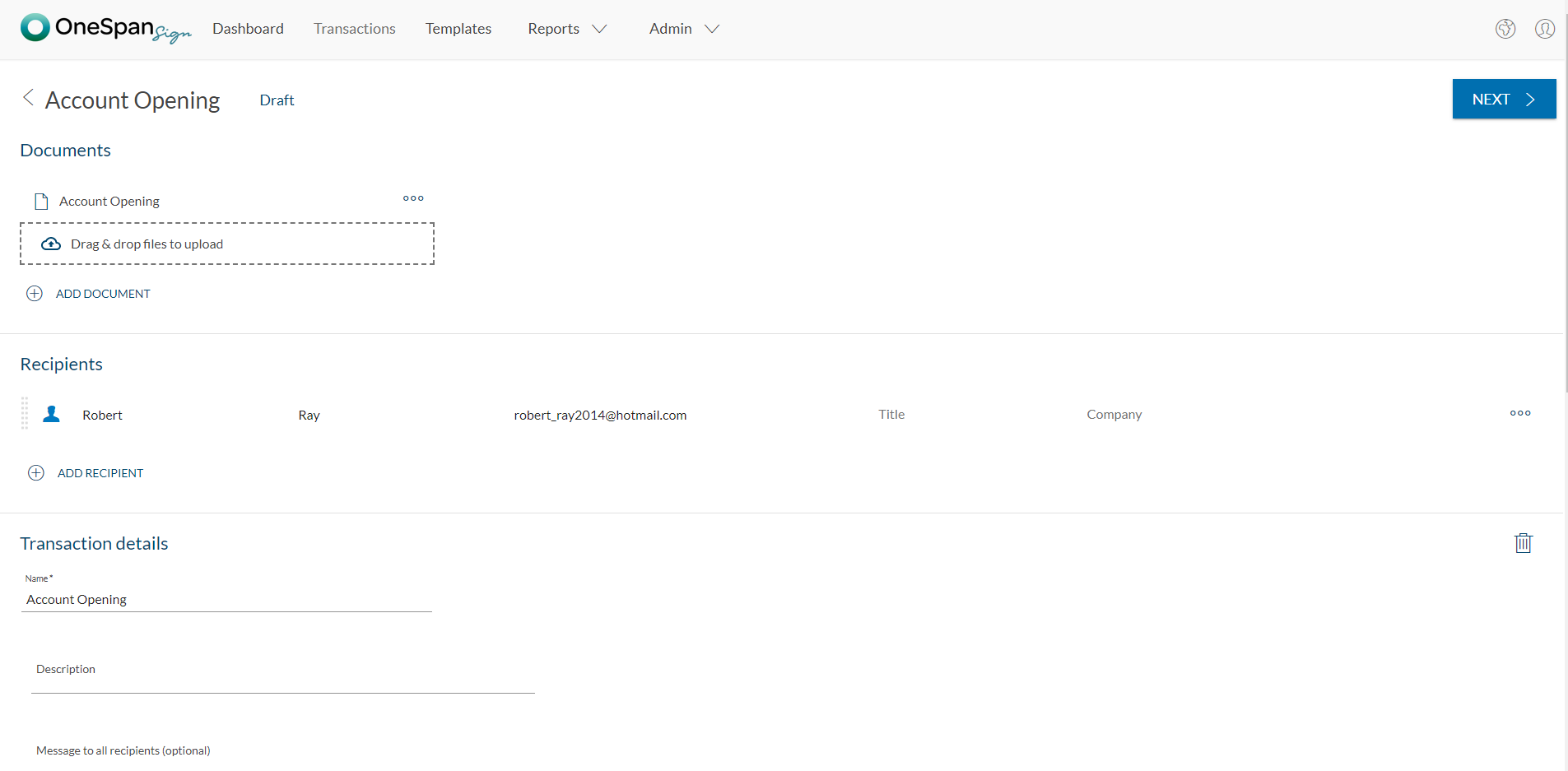
OneSpan Sign (formerly eSignLive) is an e-signature solution for secure document signing processes that enables organizations to digitize business processes and eliminate costly paper and inconvenient “wet” signatures.
Legalesign is great for obtaining multiple signatures in one go without having to send them out to one person who inevitably holds up the line for everyone. It is also useful for just obtaining one signature and saving time when so many are working from home. It can be a little bit of a pain when looking for old documents and the emails do not always make clear to the user what is intended and what is needed of them resulting in outside entities deleting the emails.
A de minimis incentive was given to thank the reviewer for their time. The incentive was not used to bias or drive a particular response, nor was the incentive contingent on a positive endorsement. More Info
OneSpan Sign is suited to many professional business situations. It is well used by the legal, security and compliance teams as well as many people within the financial functions. A lot of businesses have become very agile, and require a paperless environment to working. There are some companies and businesses who would prefer paper documents to be signed, which would not work as well as the paperless versions. I would use it in many different scenarios where I would prefer to have a paperless transaction
A de minimis incentive was given to thank the reviewer for their time. The incentive was not used to bias or drive a particular response, nor was the incentive contingent on a positive endorsement. More Info
Legalesign is very easy to use - uploading documents is simple. You just click where you want the signature box to go and can add the signer's information. Adding multiple signatures is also quite easy.
Once documents are sent, you receive live updates when the recipient opens docs, reviews, signs, etc. This is helpful when they are time sensitive.
Documents are stored within the system and can be accessed/downloaded at a later time.
I appreciate the simplicity of the design - it's not overly flashy, like other platforms.
A de minimis incentive was given to thank the reviewer for their time. The incentive was not used to bias or drive a particular response, nor was the incentive contingent on a positive endorsement. More Info
Legalesign doesn't have any glaring deficiencies, but it doesn't have the same brand name recognition that Adobe or DocuSign have. So, sometimes signers are skeptical if it's a legitimate esign document or a spam/phishing scam.
A de minimis incentive was given to thank the reviewer for their time. The incentive was not used to bias or drive a particular response, nor was the incentive contingent on a positive endorsement. More Info
I don't see any reasons to change as their solution covers all my need for now. I could make even more integrations but that might be something that I will do down the road. I'm used to working with the interface and my data is all there as well.
A de minimis incentive was given to thank the reviewer for their time. The incentive was not used to bias or drive a particular response, nor was the incentive contingent on a positive endorsement. More Info
The product is so well designed and built that we rarely need to reach out to customer service. But we have reached out to them in case of downtime, and we have always gotten a satisfactory response. We never had to follow up, as customer service executives were very responsible.
They are very similar. I think DocuSign has more use so sometimes I have to describe Legalesign as being "like DocuSign" but overall using Legalesign has been a very similar experience
A de minimis incentive was given to thank the reviewer for their time. The incentive was not used to bias or drive a particular response, nor was the incentive contingent on a positive endorsement. More Info
My experience with OneSpan in the customer service has been very positive. However, since my experience with OneSpan is much more recent, most of my technical experience with OneSpan includes technical areas that were not available in other products at the time I was working with other products.
A de minimis incentive was given to thank the reviewer for their time. The incentive was not used to bias or drive a particular response, nor was the incentive contingent on a positive endorsement. More Info
Legalesign has had a positive impact on our ability to sign new employees. It's fast and easy - which is essential when hiring top talent.
The only negative impact would be the slow pace we've experienced when trying to pull previous documents. However, we do not use this platform as our only storage option, so this issue does not arise often.
Legalesign allows for the seamless transfer of information with prospects, which has a large impact on our ROI. Having a system like this makes getting signatures from new clients quick - essentially for a busy sales team!
A de minimis incentive was given to thank the reviewer for their time. The incentive was not used to bias or drive a particular response, nor was the incentive contingent on a positive endorsement. More Info
A de minimis incentive was given to thank the reviewer for their time. The incentive was not used to bias or drive a particular response, nor was the incentive contingent on a positive endorsement. More Info