Leadpages vs. Zoho Sites

Overview
ProductRatingMost Used ByProduct SummaryStarting Price
Leadpages
Score 5.7 out of 10
Small Businesses (1-50 employees)
Leadpages is a landing page software that helps to grow small businesses without tech headaches. Leadpages can be used with or without WordPress, on Leadpages' servers or on the user's own. Leadpages aims to eliminate the high cost of website developers and freelancers when creating a company's most important marketing web pages. Included in all plans: Unlimited landing pages, pop-ups, and alert bars for lead generation and sales Website builder for a…
$49
per month
Zoho Sites
Score 10.0 out of 10
N/A
Zoho Sites is a zero-code website builder that contains key features that helps online businesses to create professionally designed websites within minutes. It helps users to: Create Create a website with designer-made templates that are free and optimized to look great on any screen. Customize Customize every aspect of a website with a drag & drop editor. Access the HTML & CSS editor for more in-depth customizations if needed. …
$5
per month per site, billed annually
Pricing
LeadpagesZoho Sites
Editions & Modules
Standard
$49
per month
Pro
$99
per month
Advanced
$399
per month
Standard Annual
$444
per year
Pro Annual
$888
per year
Starter
$5
per month Per site, Billed Annually
Pro
$17
per month Per site, Billed Annually
Offerings
Pricing Offerings
LeadpagesZoho Sites
Free Trial
YesYes
Free/Freemium Version
NoNo
Premium Consulting/Integration Services
YesYes
Entry-level Setup FeeNo setup feeNo setup fee
Additional DetailsSave 25% by choosing an annual plan (3 months free). Standard ($444), Pro ($888), Advanced (Call Us)Zoho sites offers a free trial for 15 days after which the software is available across 2 pricing tiers. Pricing details are outlined below: Starter: $5/site/month (billed annually) Pro: $17/site/month (billed annually)
More Pricing Information
Community Pulse
LeadpagesZoho Sites
Features
LeadpagesZoho Sites
SEO and Conversion Optimization
Comparison of SEO and Conversion Optimization features of Product A and Product B
Leadpages
1.0
2 Ratings
144% below category average
Zoho Sites
-
Ratings
Landing page A/B testing:1.02 Ratings00 Ratings
Real-time analytics dashboard1.02 Ratings00 Ratings
SEO tools1.02 Ratings00 Ratings
Optimization recommendations1.02 Ratings00 Ratings
Best Alternatives
LeadpagesZoho Sites
Small Businesses
Zoho LandingPage
Zoho LandingPage
Score 9.4 out of 10
Ecwid by Lightspeed
Ecwid by Lightspeed
Score 10.0 out of 10
Medium-sized Companies
LocaliQ
LocaliQ
Score 9.0 out of 10
10Web
10Web
Score 5.3 out of 10
Enterprises
Adobe Marketo Engage
Score 8.1 out of 10
Adobe Experience Manager
Score 8.2 out of 10
All AlternativesView all alternativesView all alternatives
User Ratings
LeadpagesZoho Sites
Likelihood to Recommend
1.0
(30 ratings)
-
(0 ratings)
Usability
9.0
(1 ratings)
-
(0 ratings)
Support Rating
6.4
(4 ratings)
-
(0 ratings)
User Testimonials
LeadpagesZoho Sites
Likelihood to Recommend
Leadpages
It's great if you want an easy-to-use but extremely robust tool for producing effective online marketing pages since it makes production work enjoyable and inspires fresh creativity. It also offers wonderful split-testing capabilities which can enhance marketing results. But if you're looking for an out-of-the-box collection of standardized, one-size-fits-all marketing resources, you really might want to consider looking elsewhere.
Read full review
Zoho
No answers on this topic
Pros
Leadpages
  • Leadpages integrates well with many of the main software that businesses use like Infusionsoft, Hubspot, Marketo, Mailchimp, GoToWebinar, and Wordpress. This allows your landing pages to be integrated well into the other processes you have with your business.
  • Leadpages makes it easy to build professional looking landing pages without having to hire someone else or have coding skills. Their drag and drop builder makes it easy enough to use and get the hang of. I particularly love the hundreds of templates they provide for you to help give you ideas and get you going faster.
  • They also have a Leadbox function that has also been super useful in being able to get other types of forms up on our website. These forms provide some functionality that our website wouldn't have had without them.
Read full review
Zoho
No answers on this topic
Cons
Leadpages
  • While most of the editing functions are easy to figure out, some of the finer details to get spacing, sizing, alignment and layout just right can take some trial and error if you don't have formal training in the tool. A lot of the editing tools are collapsed into sections, and finding just what you're looking for can sometimes be a challenge.
  • I don't believe the version we used had a page optimizer or optimization score, which I have seen on other landing page builders. This may be a feature of a more premium version of the tool or may have been turned off by the product manager, but it would be a helpful feature.
Read full review
Zoho
No answers on this topic
Usability
Leadpages
I would give it a 10, for me, I love all the features. For the average person, the number of choices on a landing page could create a decision paradox. Thankfully the pre-designed landing page templates do not require a lot of decisions for a landing page newbie.
Read full review
Zoho
No answers on this topic
Support Rating
Leadpages
Leadpages support is helpful, they also created many resources to help people create good funnels and learn about small things that matter when doing marketing. The affiliate program is good and could be something which pays for your subscription. People like Leadpages because its been recommended by many influencers participating in affiliate program and also because it just works without problems and does the job. But right now alternatives should be taken in consideration, as there are many other projects that could do it better and cheaper.
Read full review
Zoho
No answers on this topic
Alternatives Considered
Leadpages
I have used Mailchimp for clients, and use ActiveCampaign personally for my email marketing and have used it for clients, but prefer Leadpages for the frontend of the opt-in process because of its analytics and performance metrics. Leadpages makes it super easy to see what's performing well, without having to dive into Google Analytics or aggregate any other data. Leadpages also integrates really well with WordPress, my primary platform, with opt-in forms (wayyyy better than Mailchimp).
Read full review
Zoho
No answers on this topic
Return on Investment
Leadpages
  • Leadpages, as long as you have it set up properly, will have a quick ROI within days of your first campaign.
  • For those that are not familiar, it is probably best to hire someone to take over this part and still your ROI will be very quick, including the cost of this professional.
  • Overall, Leadpages has a very fast ROI if used and implemented in a timely manner, and used to constantly evolve what you are doing with new fresh content.
Read full review
Zoho
No answers on this topic
ScreenShots

Leadpages Screenshots

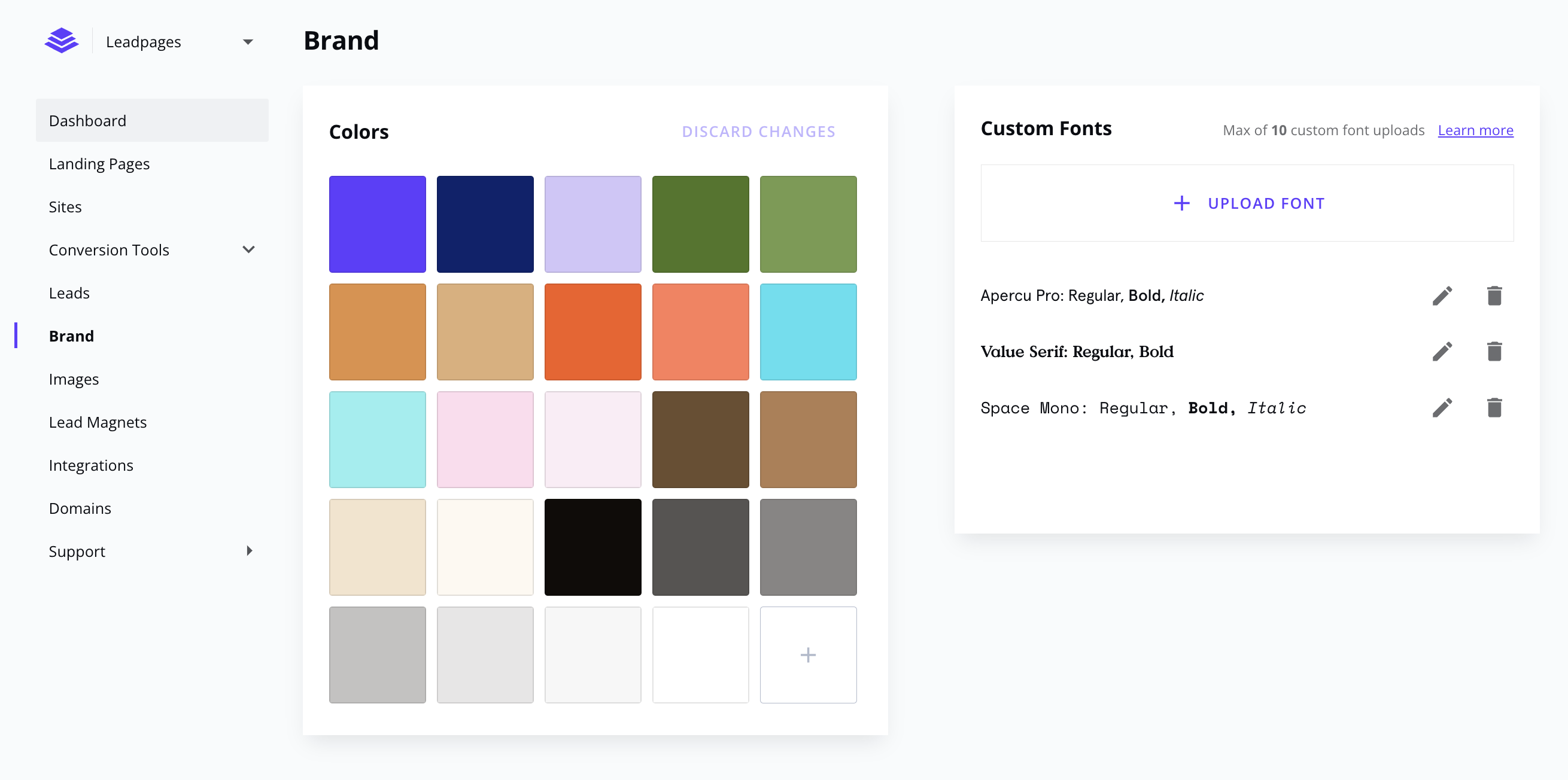
Screenshot of Create your next marketing campaign the same day you think about it. Start with a landing page template, and customize it with drag and drop ease. Mobile responsive, fast loading, and conversion-focused.Screenshot of Keep your look consistent with brand colors and custom fonts.Screenshot of Build your marketing website with Leadpages. No need to work with unreliable freelancers or wait for developer delays.Screenshot of Publish faster with page and section templates. Copy sections between Leadpages assets — websites, landing pages, and pop-ups.Screenshot of Forget the complexities of WordPress and other website builders. Stay focused on what matters, and let us handle the technical side of websites.Screenshot of Connect your marketing efforts to the tools you love — direct integrations with major ESPs, CRMs, and payments included (or via Zapier).

Zoho Sites Screenshots

Screenshot of Create beautiful websites with professionally designed templatesScreenshot of Optimized to look great on any deviceScreenshot of Easy-to-use drag and drop editor to customize every inch of your websiteScreenshot of All the SEO tools you need to rank better on search enginesScreenshot of Add audio and video elements on yout website to make it more interesting and lively