
LaunchBrightly vs. Vmaker
LaunchBrightly vs. Vmaker
| Product | Rating | Most Used By | Product Summary | Starting Price |
|---|---|---|---|---|
 LaunchBrightly | N/A | LaunchBrightly’s screenshot automation platform enables users to set up simple automation recipes to auto-generate the latest screenshots of a product and, automatically and continuously, update the screenshots in a help documentation as the product changes. | $275 per month per screenshot generated | |
 Vmaker | N/A | Vmaker is a video-making tool that can record the user's screen, webcam, voice and internal audio. It can be used to make explainer videos, product demos, B-roll footage & how-to videos without having to spend a lot of time or money on production. It’s also a tool for marketers, L&D professionals and content creators. As videos become a more essential part of daily communication, and a source for connecting with an audience, Vmaker aims to make recording, editing & sharing video content… | $7 per month |
| LaunchBrightly | Vmaker | |||||||||||||||
|---|---|---|---|---|---|---|---|---|---|---|---|---|---|---|---|---|
| Editions & Modules |
| No answers on this topic | ||||||||||||||
| Offerings |
| |||||||||||||||
| Entry-level Setup Fee | Optional | No setup fee | ||||||||||||||
| Additional Details | 20% discount for annual pricing. | — | ||||||||||||||
| More Pricing Information | ||||||||||||||||
| LaunchBrightly | Vmaker | |
|---|---|---|
| Small Businesses |  Sendspark Score 10.0 out of 10 | Sendspark Score 10.0 out of 10 |
| Medium-sized Companies |  Snagit Score 9.3 out of 10 | Snagit Score 9.3 out of 10 |
| Enterprises | Snagit Score 9.3 out of 10 | Snagit Score 9.3 out of 10 |
| All Alternatives | View all alternatives | View all alternatives |
| LaunchBrightly | Vmaker | |
|---|---|---|
| Likelihood to Recommend | - (0 ratings) | 8.3 (3 ratings) |
| LaunchBrightly | Vmaker | |
|---|---|---|
| Likelihood to Recommend | LaunchBrightly No answers on this topic | Vmaker
 Jason Greenwood Founder |
| Pros | LaunchBrightly No answers on this topic | Vmaker
 John Mankin Coach |
| Cons | LaunchBrightly No answers on this topic | Vmaker
Jason Greenwood Founder |
| Alternatives Considered | LaunchBrightly No answers on this topic | Vmaker
John Mankin Coach |
| Return on Investment | LaunchBrightly No answers on this topic | Vmaker
Jason Greenwood Founder |
| ScreenShots | LaunchBrightly Screenshots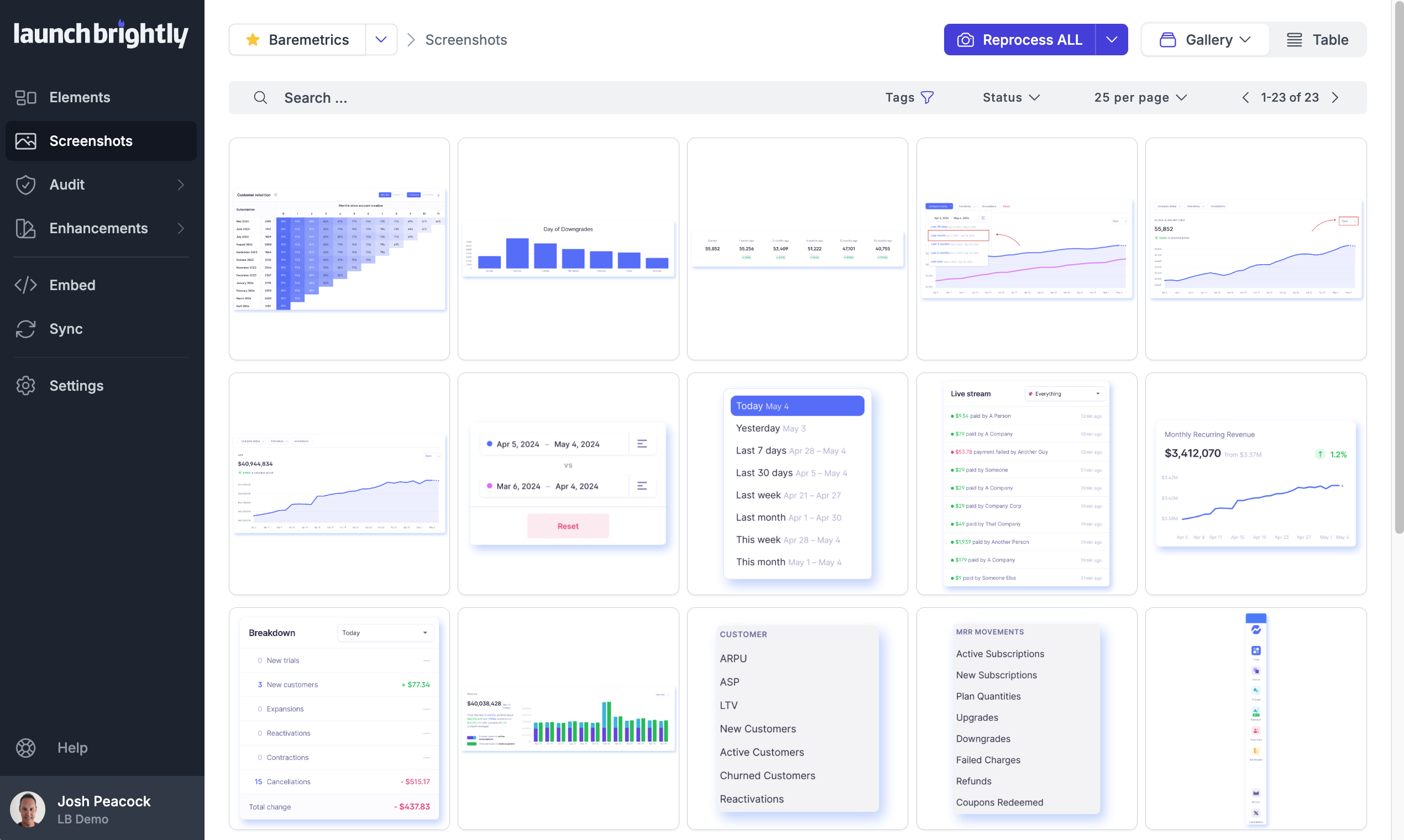 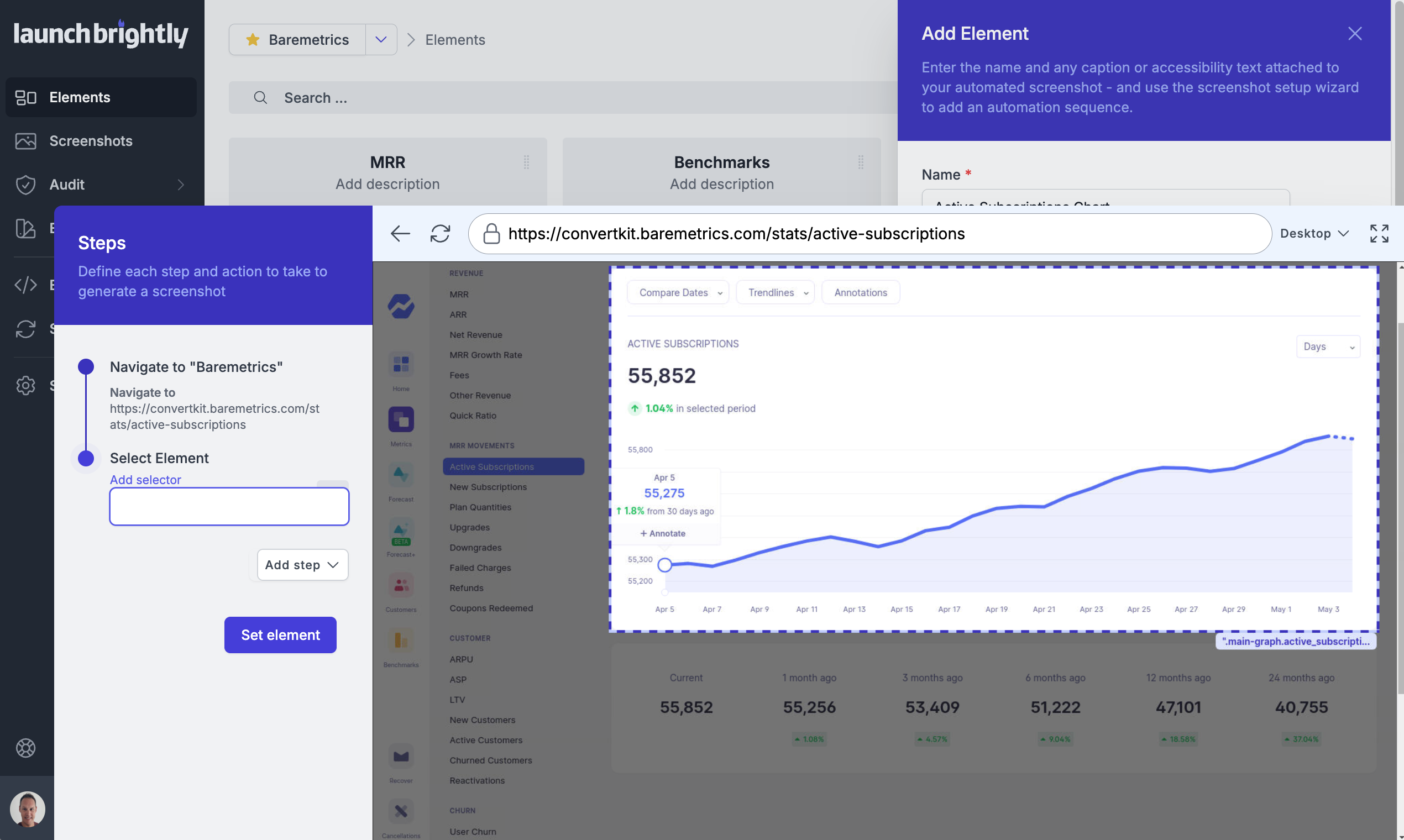 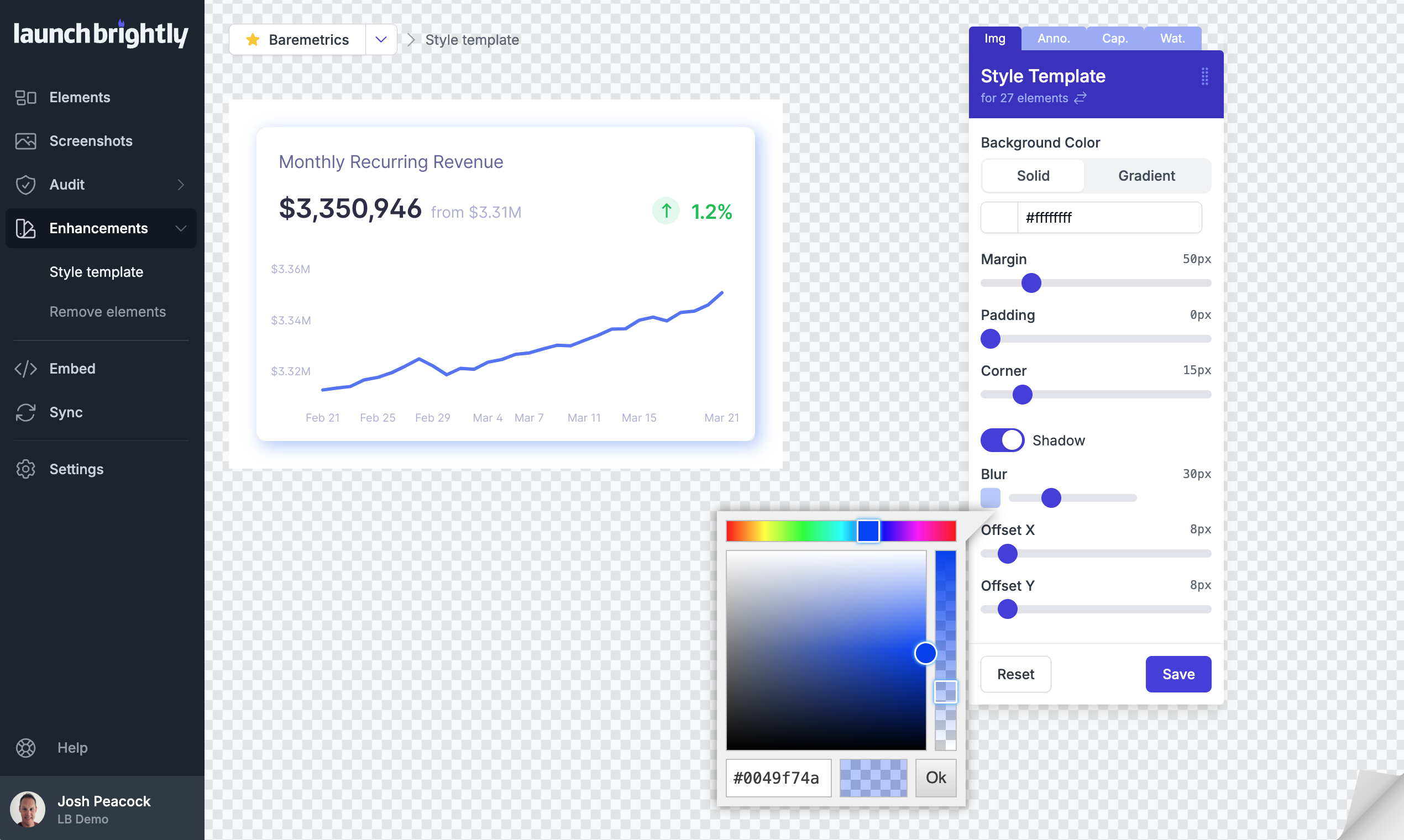 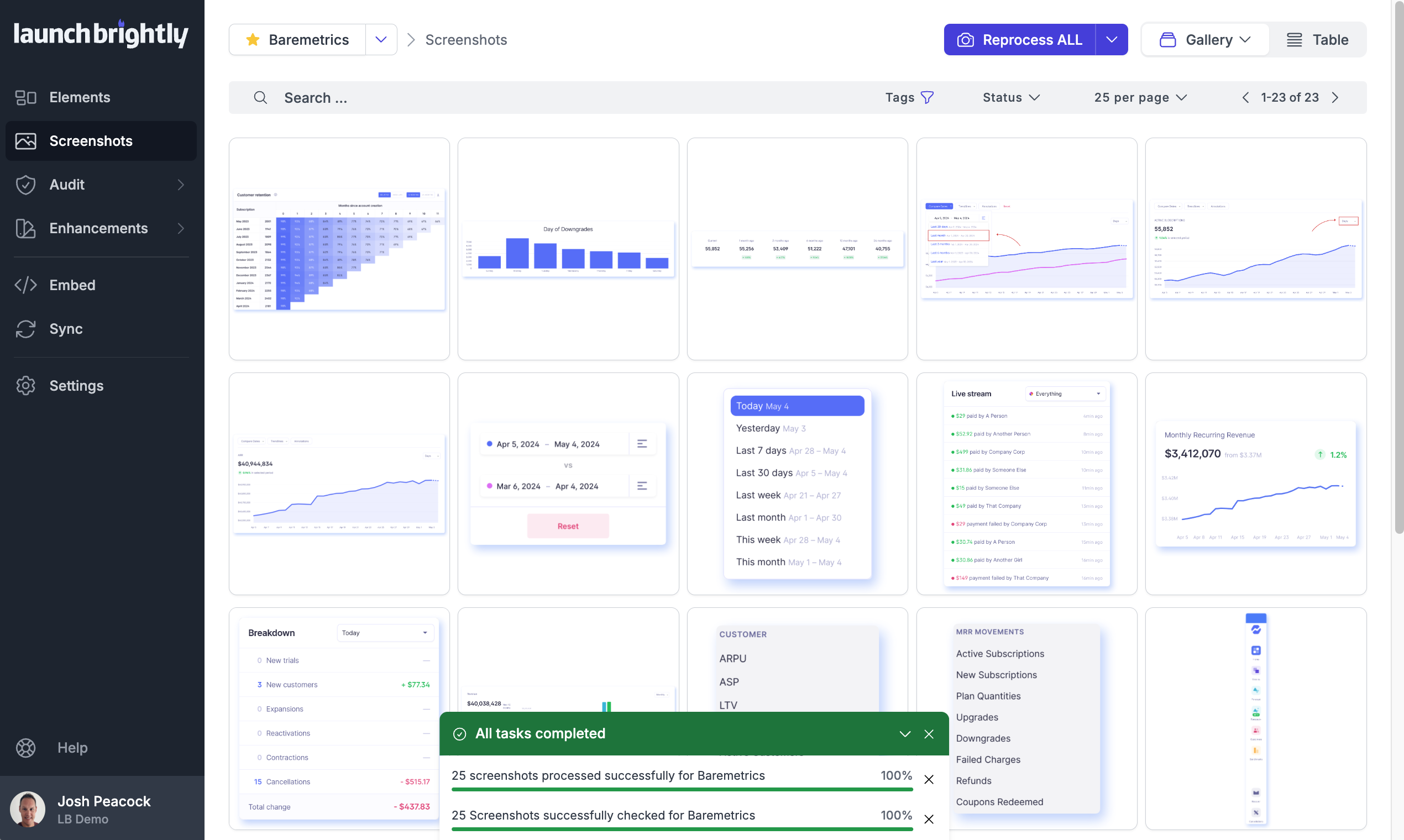 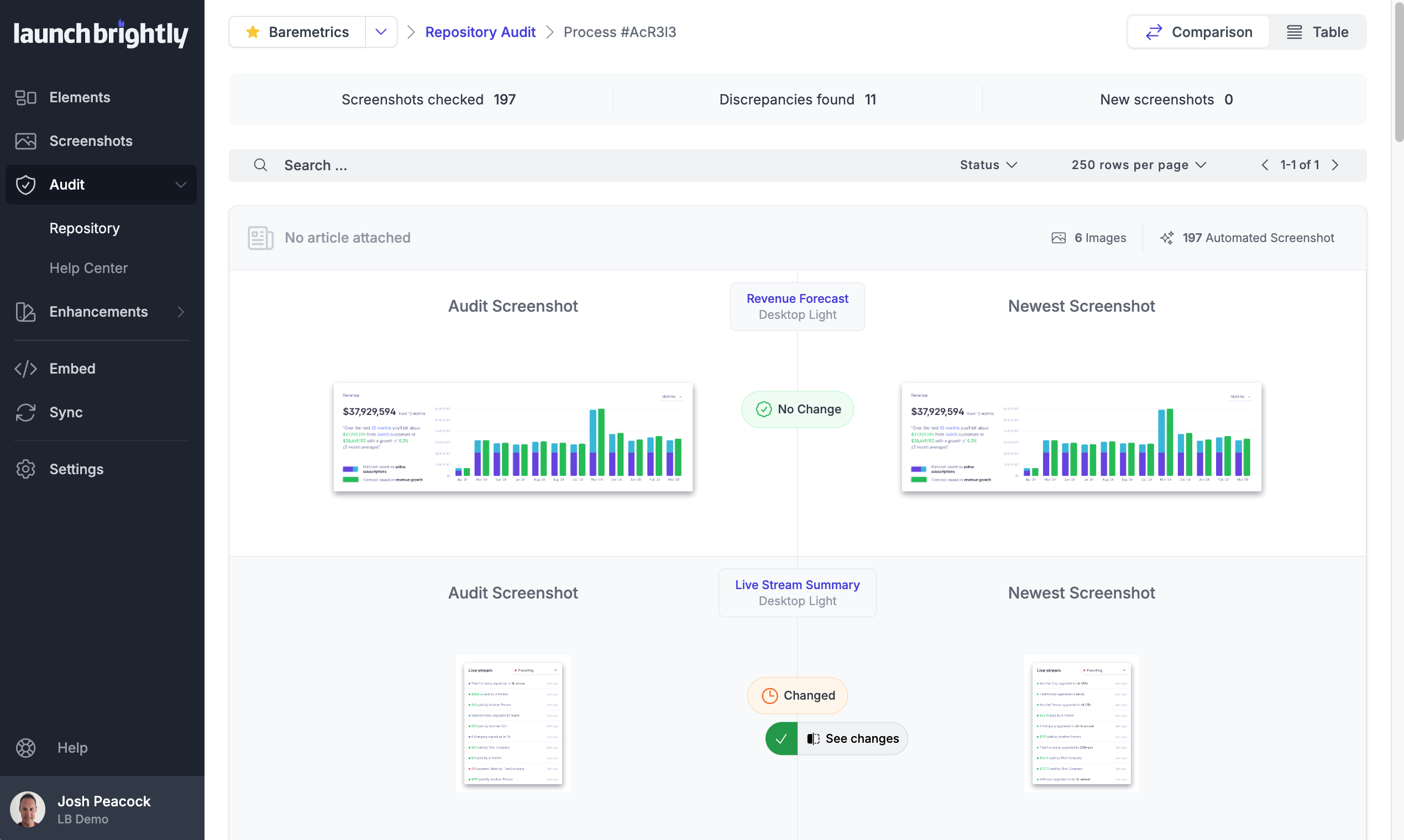  |