Kickidler is an employee monitoring and user activity tracking software. The tool provides automation of control of personnel, information security and aims to increase business efficiency. Main Kickidler features: online monitoring of computers, recording and playback of employees history of activity, analysis of efficiency, time tracking and also violations detecting. Kickidler can be used to optimize communications inside the company and remote workers monitoring.
N/A
TimeCamp
Score8.3 out of 10
Small Businesses (1-50 employees)
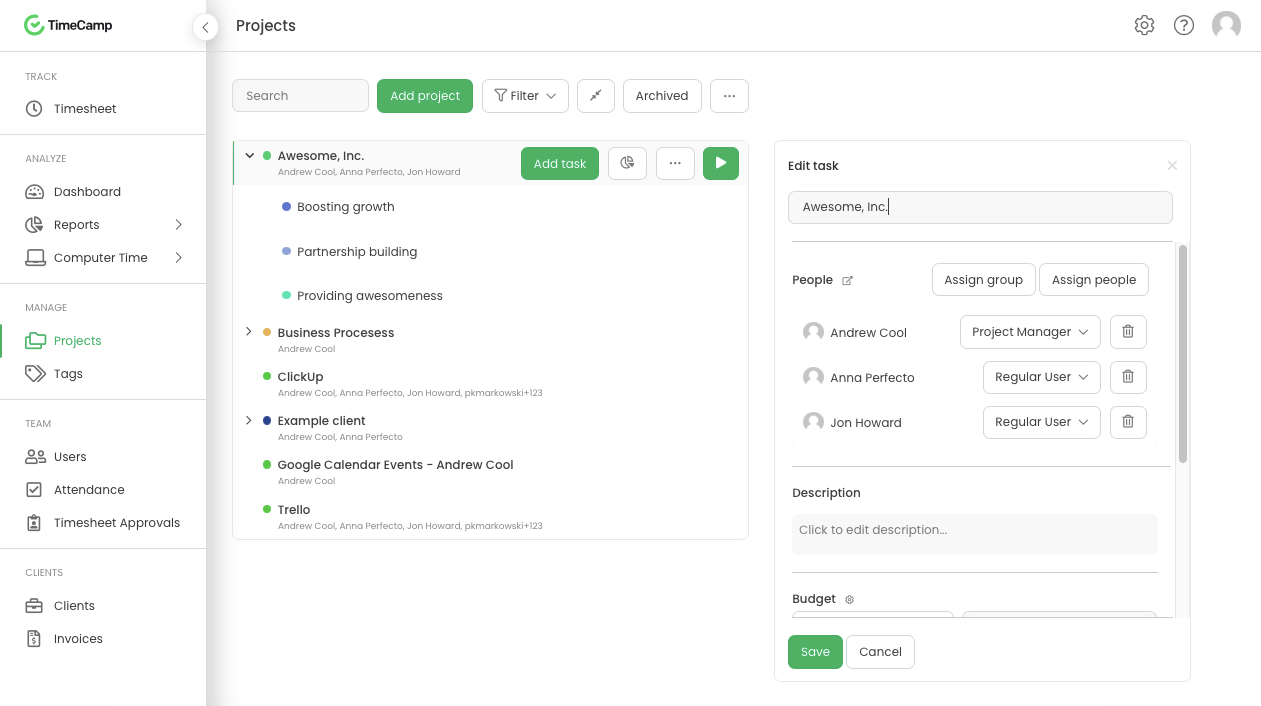
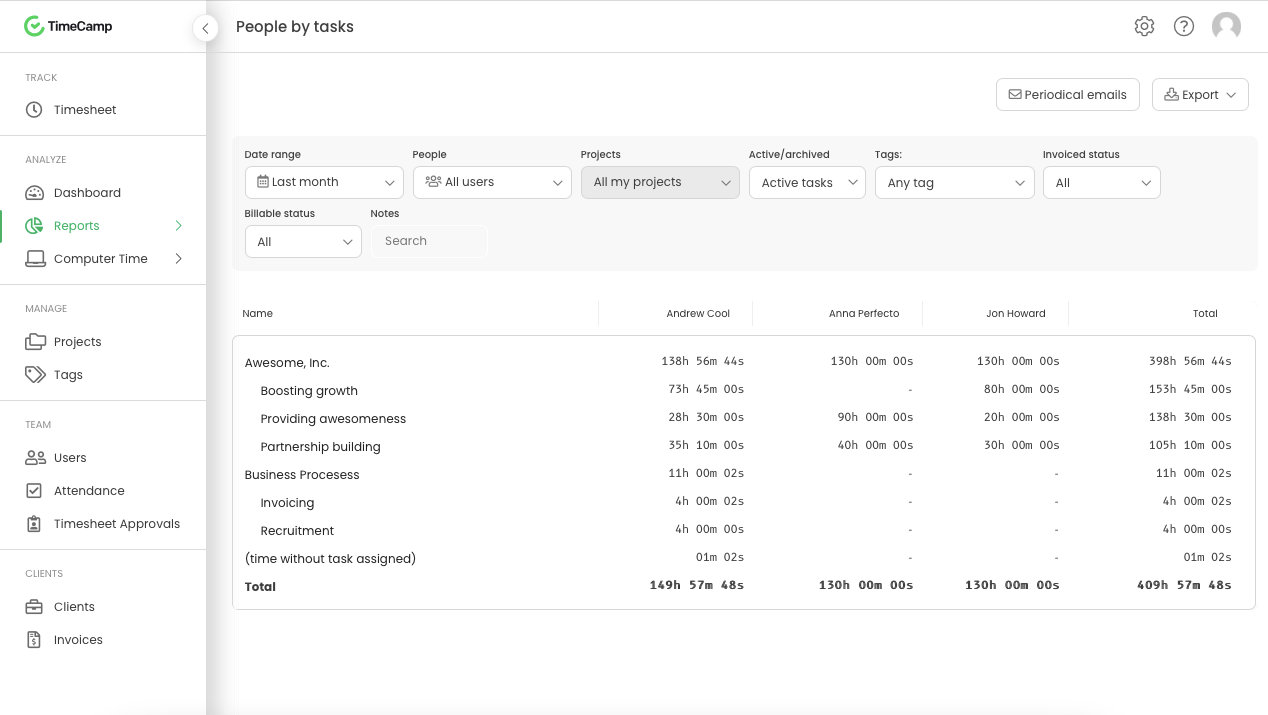
TimeCamp is cloud based, multi-platform (Windows, Mac, Linux, iOS, Android) time tracking and invoicing software.
$2.99
per month per user
Pricing
Kickidler
TimeCamp
Editions & Modules
No answers on this topic
Free
$0
For unlimited users
Starter
$2.99
per month per user
Premium
$4.99
per month per user
Ultimate
$7.99
per month per user
Enterprise
Custom
Offerings
Pricing Offerings
Kickidler
TimeCamp
Free Trial
No
Yes
Free/Freemium Version
No
Yes
Premium Consulting/Integration Services
No
Yes
Entry-level Setup Fee
Optional
No setup fee
Additional Details
—
Free plan includes: unlimited users, unlimited rojects & tasks, project templates, bulk edit, desktop & mobile app, one integration, tags, PDF export
More Pricing Information
Community Pulse
Kickidler
TimeCamp
Considered Both Products
Kickidler
Verified User
Chose Kickidler
We love kickidler vs TimeCamp, better in all information captured from computers usage.
A de minimis incentive was given to thank the reviewer for their time. The incentive was not used to bias or drive a particular response, nor was the incentive contingent on a positive endorsement. More Info
Well Suited: Remote Work: In today's remote work environment, the software proves highly beneficial for monitoring and managing distributed teams. It provides supervisors with the necessary tools to track employee activities, ensure productivity, and maintain effective communication and collaboration. less appropriate Minimal Employee Engagement: If a team already demonstrates high levels of engagement, self-motivation, and productivity, the software may provide limited additional benefits. In such cases, the focus may be better placed on other areas of team development and support.
A de minimis incentive was given to thank the reviewer for their time. The incentive was not used to bias or drive a particular response, nor was the incentive contingent on a positive endorsement. More Info
TimeCamp is comparable to all other time tracking apps. It predominantly depends on your specific use case and if the UX works for you if TimeCamp will be a good fit. Personally, I found the software not super intuitive and I think that was a big turn off.
A de minimis incentive was given to thank the reviewer for their time. The incentive was not used to bias or drive a particular response, nor was the incentive contingent on a positive endorsement. More Info
A de minimis incentive was given to thank the reviewer for their time. The incentive was not used to bias or drive a particular response, nor was the incentive contingent on a positive endorsement. More Info
TimeCamp does what it is made to do and it does it very well. It allows multiple levels of billing rates and does a great job tracking.
TImeCamp does take a little bit of time to set up, but that is no different than any other tool. The interface is easily understandable so the configuration goes pretty quickly.
A de minimis incentive was given to thank the reviewer for their time. The incentive was not used to bias or drive a particular response, nor was the incentive contingent on a positive endorsement. More Info
A de minimis incentive was given to thank the reviewer for their time. The incentive was not used to bias or drive a particular response, nor was the incentive contingent on a positive endorsement. More Info
TimeCamp is a little bit expensive. It needs overall improvement in all tools. Moreover, the mobile version is not as useful as the web version of TimeCamp.
Other than that, customer service needs more attention and requires more improvement.
Also, I feel like that if there are more features of TimeCamp then it would be better.
A de minimis incentive was given to thank the reviewer for their time. The incentive was not used to bias or drive a particular response, nor was the incentive contingent on a positive endorsement. More Info
I am giving support a rating of 8 but that is quite arbitrary. Honestly, we have never had the need to contact support for any reason. There has not been a situation where we became stuck and could not figure out how to work through it. Sign up was easy and billing is like clockwork so there has been no need to contact billing support. I think this is a testament to the ease of use of TimeCamp.
A de minimis incentive was given to thank the reviewer for their time. The incentive was not used to bias or drive a particular response, nor was the incentive contingent on a positive endorsement. More Info
A de minimis incentive was given to thank the reviewer for their time. The incentive was not used to bias or drive a particular response, nor was the incentive contingent on a positive endorsement. More Info
TimeCamp is distinctive and virtuous because it provides a flexible payment system with a free plan to make it even more attractive, it simply provides the essential alternatives in our work processes, and the customer service team executes its work very effectively and with a positive attitude positive.
A de minimis incentive was given to thank the reviewer for their time. The incentive was not used to bias or drive a particular response, nor was the incentive contingent on a positive endorsement. More Info
A de minimis incentive was given to thank the reviewer for their time. The incentive was not used to bias or drive a particular response, nor was the incentive contingent on a positive endorsement. More Info
A de minimis incentive was given to thank the reviewer for their time. The incentive was not used to bias or drive a particular response, nor was the incentive contingent on a positive endorsement. More Info