
KeyShot vs. PhotoPad Photo Editor
| Product | Rating | Most Used By | Product Summary | Starting Price |
|---|---|---|---|---|
 KeyShot | Score8.3 out of 10 | N/A | Luxion, headquartered in California, offers KeyShot, a 3D rendering software. | $995 |
 PhotoPad Photo Editor | N/A | N/A | PhotoPad photo editor is a photo editing software for users of all levels. It allows users to edit and apply effects to photos and other images. When editing photos users can crop, rotate, and resize and, if required, add effects like sepia tones, red-eye reduction as well as the ability to change the hue, saturation, and brightness levels plus more. | $34.99 per user |
| KeyShot | PhotoPad Photo Editor | |||||||||||||||
|---|---|---|---|---|---|---|---|---|---|---|---|---|---|---|---|---|
| Editions & Modules |
|
| ||||||||||||||
| Offerings |
| |||||||||||||||
| Entry-level Setup Fee | No setup fee | No setup fee | ||||||||||||||
| Additional Details | — | No restrictions - Single Location License | ||||||||||||||
| More Pricing Information | ||||||||||||||||
| KeyShot | PhotoPad Photo Editor | |
|---|---|---|
| Small Businesses |  CorelDRAW Graphics Suite Score9.8 out of 10 | CorelDRAW Graphics Suite Score9.8 out of 10 |
| Medium-sized Companies |  Adobe PhotoShop Score9.1 out of 10 | Adobe PhotoShop Score9.1 out of 10 |
| Enterprises | Adobe PhotoShop Score9.1 out of 10 | Adobe PhotoShop Score9.1 out of 10 |
| All Alternatives | View all alternatives | View all alternatives |
| KeyShot | PhotoPad Photo Editor | |
|---|---|---|
| Likelihood to Recommend | 9.0 | - |
| Support Rating | 9.0 | - |
| KeyShot | PhotoPad Photo Editor | |
|---|---|---|
| Likelihood to Recommend |
| No answers on this topic |
| Pros |
| No answers on this topic |
| Cons |
| No answers on this topic |
| Support Rating |
| No answers on this topic |
| Alternatives Considered |
| No answers on this topic |
| Return on Investment |
| No answers on this topic |
| ScreenShots | PhotoPad Photo Editor Screenshots 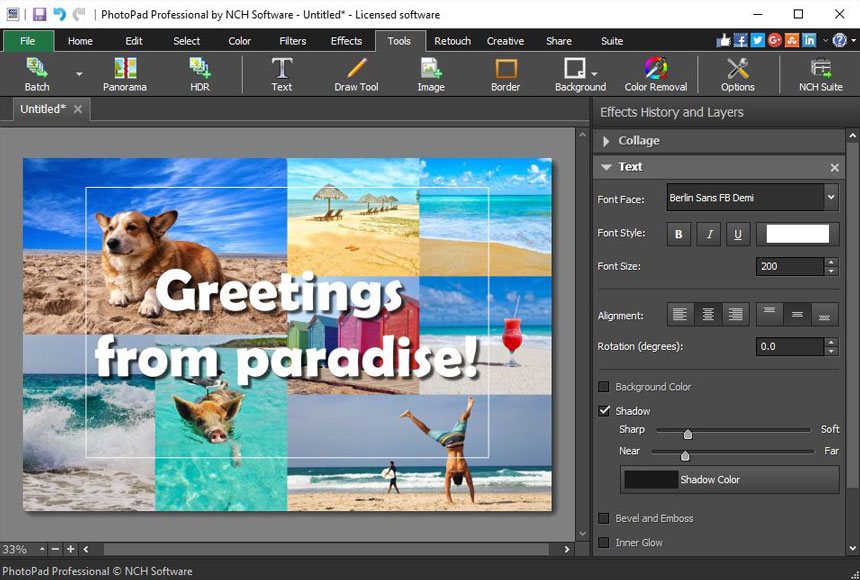  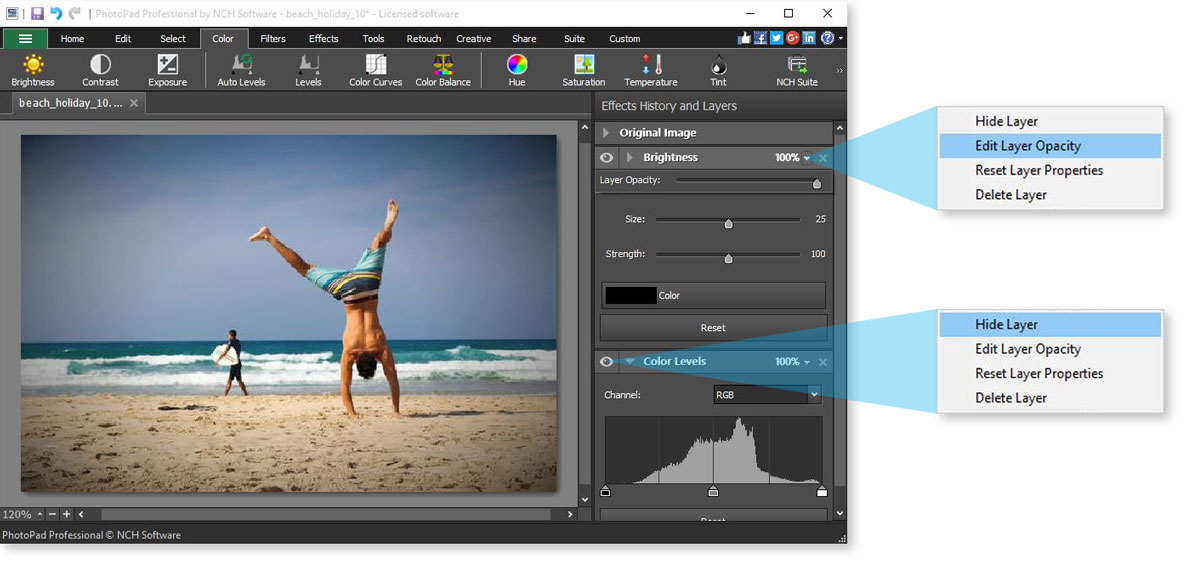 |
