Kelloo vs. Microsoft Project Server

Overview
ProductRatingMost Used ByProduct SummaryStarting Price
Kelloo
Score 0.0 out of 10
Small Businesses (1-50 employees)
Kelloo portfolio resource management software - plan, track and manage teams and people across projects and initiatives. Kelloo combines resource management, portfolio management, resource planning, resource capacity planning and project planning in an easy to use solution. With Kelloo you will ensure you get the right teams and people onto the right projects at the right time. Kelloo supports agile, traditional and hybrid planning. Key…N/A
Microsoft Project Server
Score 7.6 out of 10
N/A
Microsoft Project Server is a project portfolio management option.N/A
Pricing
KellooMicrosoft Project Server
Editions & Modules
No answers on this topic
Offerings
Pricing Offerings
KellooMicrosoft Project Server
Free Trial
YesNo
Free/Freemium Version
NoNo
Premium Consulting/Integration Services
NoNo
Entry-level Setup FeeNo setup feeNo setup fee
Additional DetailsOur pricing is based on the number of resources you plan and schedule. You also get unlimited users with every plan
More Pricing Information
Community Pulse
KellooMicrosoft Project Server
Best Alternatives
KellooMicrosoft Project Server
Small Businesses
monday.com
monday.com
Score 8.6 out of 10
monday.com
monday.com
Score 8.6 out of 10
Medium-sized Companies
Planview PPM Pro
Planview PPM Pro
Score 9.0 out of 10
Planview PPM Pro
Planview PPM Pro
Score 9.0 out of 10
Enterprises
Planview PPM Pro
Planview PPM Pro
Score 9.0 out of 10
Planview PPM Pro
Planview PPM Pro
Score 9.0 out of 10
All AlternativesView all alternativesView all alternatives
User Ratings
KellooMicrosoft Project Server
Likelihood to Recommend
-
(0 ratings)
8.0
(0 ratings)
Usability
-
(0 ratings)
10.0
(0 ratings)
Implementation Rating
-
(0 ratings)
10.0
(0 ratings)
User Testimonials
KellooMicrosoft Project Server
Likelihood to Recommend
No answers on this topic
You will be able to do the project management (scheduling, tasks assignment, resources allocation, cost tracking) for all your projects in one place, where the team members can contribute and keep the plans up to date. The web version does the main job right but if you find it more difficult to use you just use the standalone Microsoft Project and upload the changes back to the server.
Read full review
Pros
No answers on this topic
  • Ability to update project plans on the move in any location. Plans can even be updated offline and saved back to the server when the connection is reestablished.
  • Visibility of resource assignments across the company allows us to plan project start dates easily and effectively.
  • Being a Microsoft product, it is intuitive to administer and easy to configure to our individual requirements.
Read full review
Cons
No answers on this topic
  • Resource loading and leveling extremely complicated within the tool
  • Software makes incorrect assumptions and changes without user knowledge
  • Inconsistencies within the tool make it hard to predict & troubleshoot
Read full review
Usability
No answers on this topic
We don't have to worry about maintenance, upgrades, or compatibility issues. All the capabilities we need are there, and are easily customizable.
Read full review
Implementation Rating
No answers on this topic
Per Microsoft, Project Online provides more value long-term by reducing infrastructure cost and increase feature release cycle time
Read full review
Alternatives Considered
No answers on this topic
I have used Basecamp which I recommend for all! This is one of my top tools for not only company projects however for projects, meetings, communication outside of work. We use Basecamp for our membership organization's dental meetings in other states to communicate events, chat with participants, send donation requests and organize events on the platform. There really is no learning curve, it's super user friendly, you don't need any experience prior and it's cost effective.
Read full review
Return on Investment
No answers on this topic
  • Better project management and schedule tracking which in turn improved employee's efficiency.
  • Licensing aspect is complex. Issues with onboarding new users to system from licensing perspective.
  • Positively, financial review process can be tailor-made which may not require further customization of the tool.
Read full review
ScreenShots

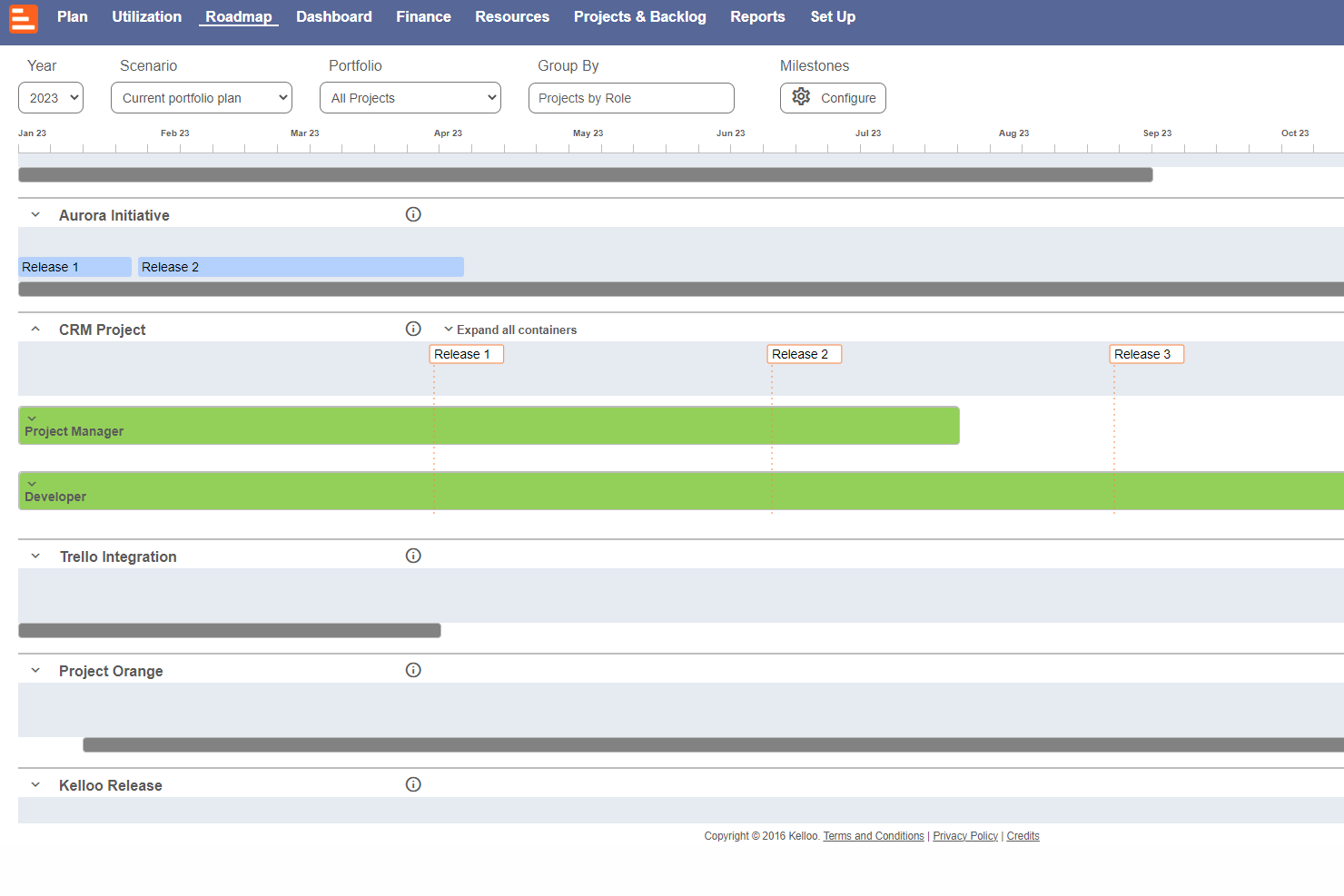
Kelloo Screenshots

Screenshot of Use the  timeline planner to schedule projects, initiatives and sprints. The heat-map shows which teams, skills or resources are over-utilized.Screenshot of The resource planner offers a way to schedule teams and people.Screenshot of Capacity planning and forecasting to work out if there are people with the right skills to do the work.Screenshot of The Kelloo road map is used to share plans, milestones and a vision with a team.Screenshot of The portfolio dashboard is used to keep tabs on project status, costs, budgets and resource supply.Screenshot of Kelloo includes a report builder and report templates that can be shared with a team.