
Foxit PDF SDK vs. KDAN PDF
| Product | Rating | Most Used By | Product Summary | Starting Price |
|---|---|---|---|---|
 Foxit PDF SDK | Score8 out of 10 | N/A | Foxit PDF SDK offers high performance pdf libraries to help developers build pdf technology. According to the vendor, key features include: Render PDFs: High performance PDF libraries to render PDF pages, page objects, annotations, and forms the way they were intended to be viewed: sharp, clear, accurate, and easy to read. Allows applications to view, zoom in, zoom out, and print PDF documents and forms. Reflow: PDF is a fixed-layout flat document format, it cannot… | $3,000 per platform/per year |
 KDAN PDF | Score8 out of 10 | Small Businesses (1-50 employees) | KDAN PDF (formerly PDF Reader) is a PDF document service that leverages AI-driven technology to enhance user efficiency in creating, managing, and sharing documents, streamlines business workflows, and transforms documents into valuable digital assets through information exchange. Accessible on both mobile devices and desktops, KDAN PDF is used by educational institutions, government organizations, and businesses. KDAN PDF provides flexible licensing options through its Licensing… | $59.99 per year per user |
| Foxit PDF SDK | KDAN PDF | |||||||||||||||
|---|---|---|---|---|---|---|---|---|---|---|---|---|---|---|---|---|
| Editions & Modules |
| No answers on this topic | ||||||||||||||
| Offerings |
| |||||||||||||||
| Entry-level Setup Fee | Required | Optional | ||||||||||||||
| Additional Details | — | — | ||||||||||||||
| More Pricing Information | ||||||||||||||||
| Foxit PDF SDK | KDAN PDF | |
|---|---|---|
| Considered Both Products | No answer on this topic | No answer on this topic |
| Key User Insights | ||
| Would buy again | ||
81% Would buy again 13 Answers | No answers on this topic | |
| Delivers good value for the price | ||
100% Delivers good value for the price 16 Answers | No answers on this topic | |
| Happy with the feature set | ||
100% Happy with the feature set 16 Answers | No answers on this topic | |
| Lived up to sales and marketing promises | ||
100% Lived up to sales and marketing promises 9 Answers | No answers on this topic | |
| Implementation went as expected | ||
100% Implementation went as expected 14 Answers | No answers on this topic | |
| Foxit PDF SDK | KDAN PDF | |
|---|---|---|
| Small Businesses |  M‑Files Score8.9 out of 10 |  Foxit PDF Editor Score8.7 out of 10 |
| Medium-sized Companies |  Esker Score10 out of 10 |  Adobe Acrobat Reader Score8.8 out of 10 |
| Enterprises |  Tungsten Capture Score8 out of 10 | Adobe Acrobat Reader Score8.8 out of 10 |
| All Alternatives | View all alternatives | View all alternatives |
| Foxit PDF SDK | KDAN PDF | |
|---|---|---|
| Likelihood to Recommend | 7.9 | 8.6 |
| Usability | 8.0 | - |
| Performance | 8.0 | - |
| Support Rating | 8.0 | 8.3 |
| Ease of integration | 7.0 | - |
| Foxit PDF SDK | KDAN PDF | |
|---|---|---|
| Likelihood to Recommend |
|
|
| Pros |
|
|
| Cons |
|
|
| Usability |
| No answers on this topic |
| Performance |
| No answers on this topic |
| Support Rating |
|
|
| Alternatives Considered |
|
|
| Return on Investment |
|
|
| ScreenShots | Foxit PDF SDK Screenshots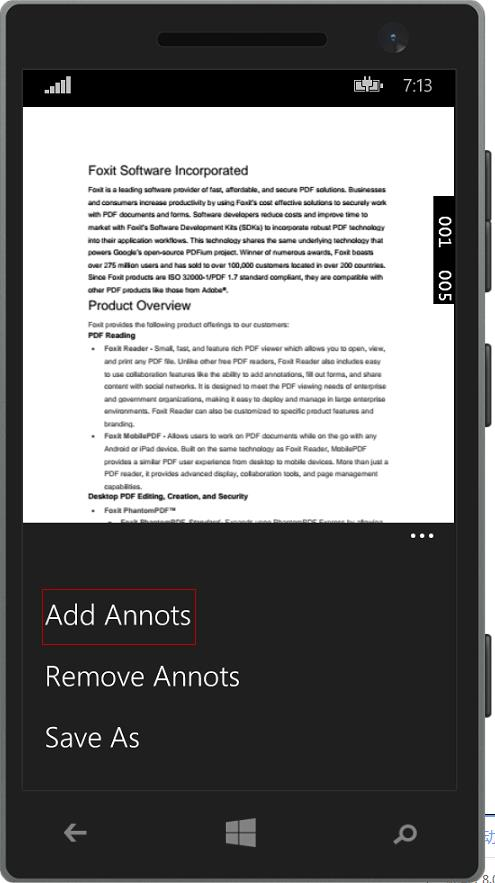   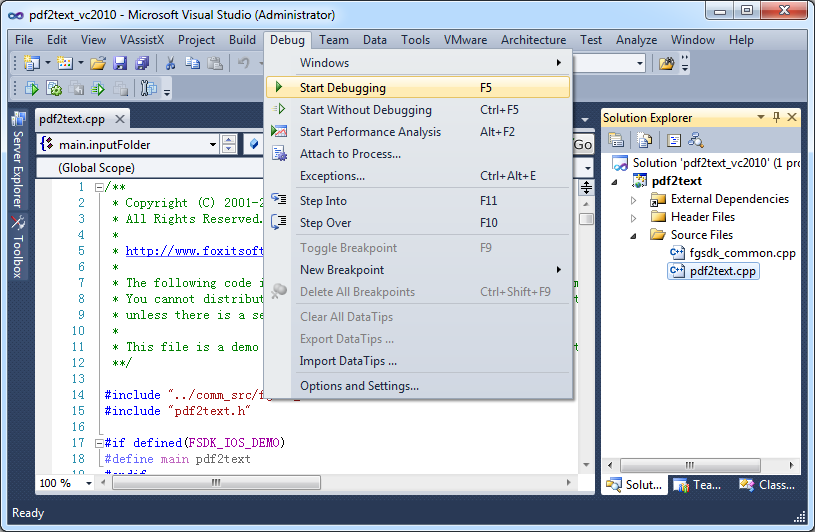 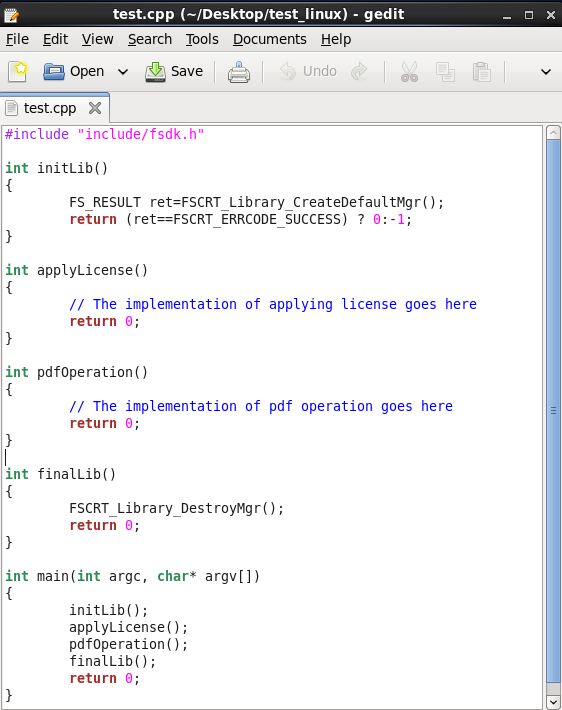 | KDAN PDF Screenshots      |





