Kaltura vs. MakeStoryboard

Overview
ProductRatingMost Used ByProduct SummaryStarting Price
Kaltura
Score 8.0 out of 10
N/A
Kaltura, headquartered in New York, offers enterprise or large scale video storage, streaming, and distribution supporting a variety of purposes such as streaming, enterprise video portal, interactive video and virtual classroom, or podcasting.N/A
MakeStoryboard
Score 8.0 out of 10
Small Businesses (1-50 employees)
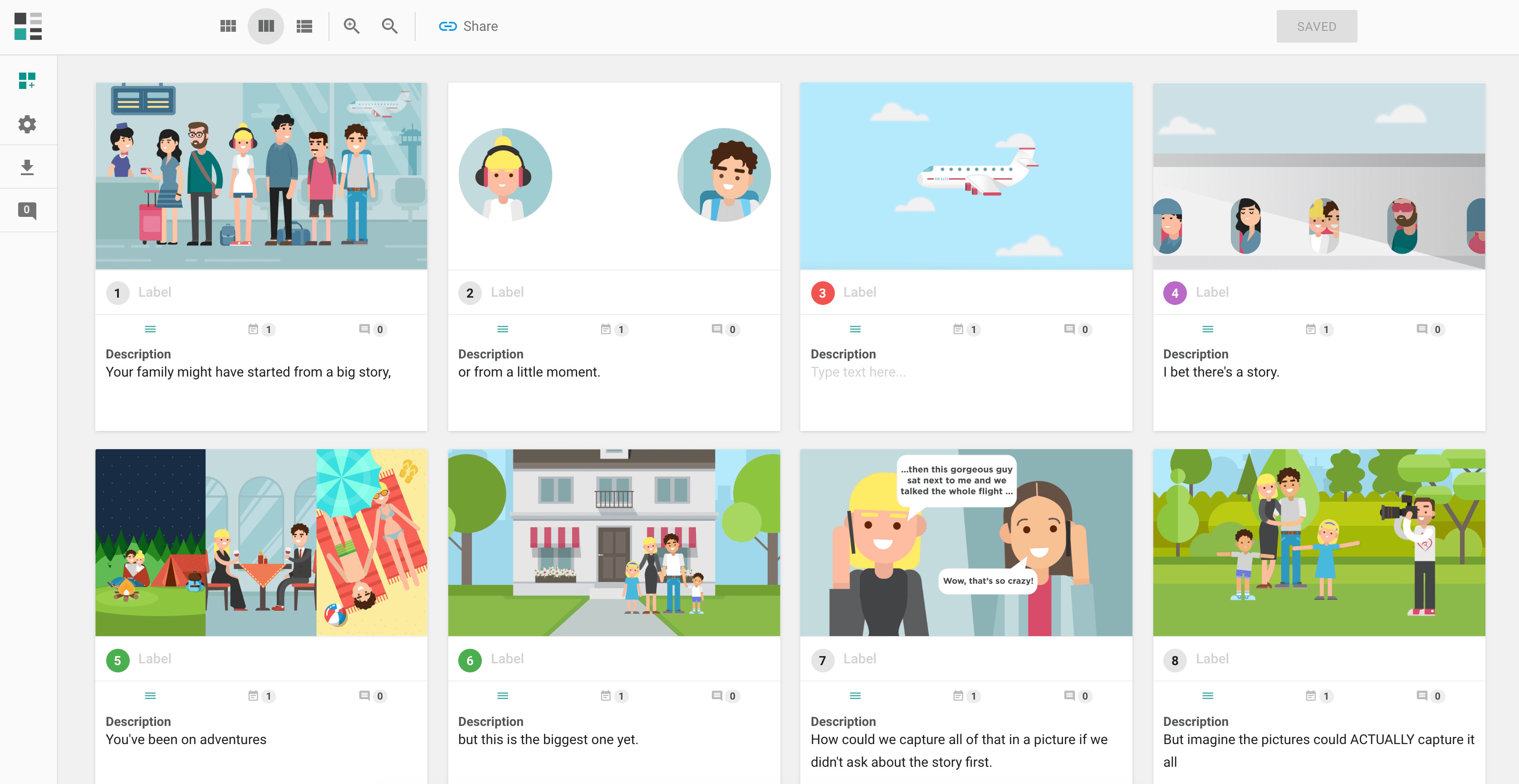
What is MakeStoryBoard? MakeStoryBoard is a solution designed to help users visualize a story. Users can: Add images, sketches and descriptions to communicate ideas in a dynamic format. Invite team members or collaborators to work together on the storyboards. Keep projects private with project-by-project access permissions. Control who can edit, comment, or give feedback on boards. Create multiple versions…N/A
Pricing
KalturaMakeStoryboard
Editions & Modules
No answers on this topic
Offerings
Pricing Offerings
KalturaMakeStoryboard
Free Trial
NoYes
Free/Freemium Version
YesYes
Premium Consulting/Integration Services
NoNo
Entry-level Setup FeeNo setup feeOptional
Additional DetailsCan I use MakeStoryboard for free? We offer a feature-limited Free plan. Storyboards are limited to 10 frames, and it commenting but it does not included invitation of Team members and collaborators. Does MakeStoryboard have any time-limits or trials? Our starter plan has no time-limits so you can use MakeStoryboard for as long as you need before deciding to upgrade.
More Pricing Information
Community Pulse
KalturaMakeStoryboard
Features
KalturaMakeStoryboard
Video Marketing
Comparison of Video Marketing features of Product A and Product B
Kaltura
7.5
Ratings
0% above category average
MakeStoryboard
-
Ratings
Lead generation5.70 Ratings00 Ratings
Video personalization10.00 Ratings00 Ratings
eCommerce5.70 Ratings00 Ratings
Support for advertisements9.00 Ratings00 Ratings
Video SEO7.30 Ratings00 Ratings
Integration to Marketing Automation7.00 Ratings00 Ratings
Video Platform Integrations
Comparison of Video Platform Integrations features of Product A and Product B
Kaltura
7.3
Ratings
17% above category average
MakeStoryboard
-
Ratings
Integration to Salesforce.com5.00 Ratings00 Ratings
Integration to Marketo5.00 Ratings00 Ratings
Integration to Eloqua9.00 Ratings00 Ratings
Integration to LMS10.00 Ratings00 Ratings
Video Security
Comparison of Video Security features of Product A and Product B
Kaltura
8.3
Ratings
7% below category average
MakeStoryboard
-
Ratings
Video access controls8.50 Ratings00 Ratings
User management8.00 Ratings00 Ratings
Video link sharing8.00 Ratings00 Ratings
Internal video8.70 Ratings00 Ratings
External video8.30 Ratings00 Ratings
Video Player
Comparison of Video Player features of Product A and Product B
Kaltura
7.8
Ratings
8% below category average
MakeStoryboard
-
Ratings
Player customization8.30 Ratings00 Ratings
Embedded videos8.30 Ratings00 Ratings
Video quality / Bandwidth controls8.70 Ratings00 Ratings
Mobile compatibility5.70 Ratings00 Ratings
Video Analytics
Comparison of Video Analytics features of Product A and Product B
Kaltura
6.4
Ratings
20% below category average
MakeStoryboard
-
Ratings
A/B testing6.00 Ratings00 Ratings
Streaming quality reports6.40 Ratings00 Ratings
Per viewer tracking6.40 Ratings00 Ratings
Per video tracking6.40 Ratings00 Ratings
Video analytics dashboard6.70 Ratings00 Ratings
Video Hosting, Management & Storage
Comparison of Video Hosting, Management & Storage features of Product A and Product B
Kaltura
8.1
Ratings
7% below category average
MakeStoryboard
-
Ratings
On-Demand video8.00 Ratings00 Ratings
Live streaming7.70 Ratings00 Ratings
Impact of streaming on network8.30 Ratings00 Ratings
Video upload & format support8.30 Ratings00 Ratings
Video library / File management8.00 Ratings00 Ratings
Video portal8.50 Ratings00 Ratings
Video Engagement
Comparison of Video Engagement features of Product A and Product B
Kaltura
7.0
Ratings
13% below category average
MakeStoryboard
-
Ratings
Audience polling6.40 Ratings00 Ratings
Audience Q&A / Live chat6.00 Ratings00 Ratings
Video comments8.70 Ratings00 Ratings
Best Alternatives
KalturaMakeStoryboard
Small Businesses
Wistia
Wistia
Score 9.7 out of 10
Atlassian Loom
Atlassian Loom
Score 9.2 out of 10
Medium-sized Companies
Flipgrid
Flipgrid
Score 1.0 out of 10
Atlassian Loom
Atlassian Loom
Score 9.2 out of 10
Enterprises
Panopto
Panopto
Score 8.0 out of 10
Kaltura
Kaltura
Score 8.0 out of 10
All AlternativesView all alternativesView all alternatives
User Ratings
KalturaMakeStoryboard
Likelihood to Recommend
7.8
(0 ratings)
6.4
(0 ratings)
Likelihood to Renew
6.3
(0 ratings)
-
(0 ratings)
Support Rating
5.0
(0 ratings)
-
(0 ratings)
User Testimonials
KalturaMakeStoryboard
Likelihood to Recommend
Kaltura and Mediaspace are well suited for any business that has a need for an easy to use video conversion software. We use the SaaS solution, but Kaltura is also open-sourced which means if you have the server resources available, you could get Kaltura up-and-running for a minimal cost or customize it to your hearts content. We have gone with the SaaS solution to minimize the amount of administration required as well as give us the benefit of getting the most-up-to-date version of the software. There are ways to monetize videos by adding ads and other things, but unfortunately I don't have much experience with these since we are a University. Kaltura is excellent from our University's perspective because it gives our campus a way to share their videos in a very easy to use package that basically "just works." If you're a small company or institution that doesn't need a lot of control over the back-end of a video solution, then there may be other, better alternatives that are free such as YouTube.
Read full review
As a software developer, I can say when you are finalizing your product features for the year. You can plan all the story on MakeStoryBoard , because everyone can participate in it from their native place.
Read full review
Pros
  • Kaltura Classroom is one of the best ways to teach online, including the capacity of instructors to record classes directly to the LMS
  • Integrates very well with enterprise application via strong API system
  • Cutting edge implementation of emerging technologies like 360 videos
  • Robust and flexible transcoding profiles
Read full review
  • You can show your ideas quickly.
  • Anyone can comment.
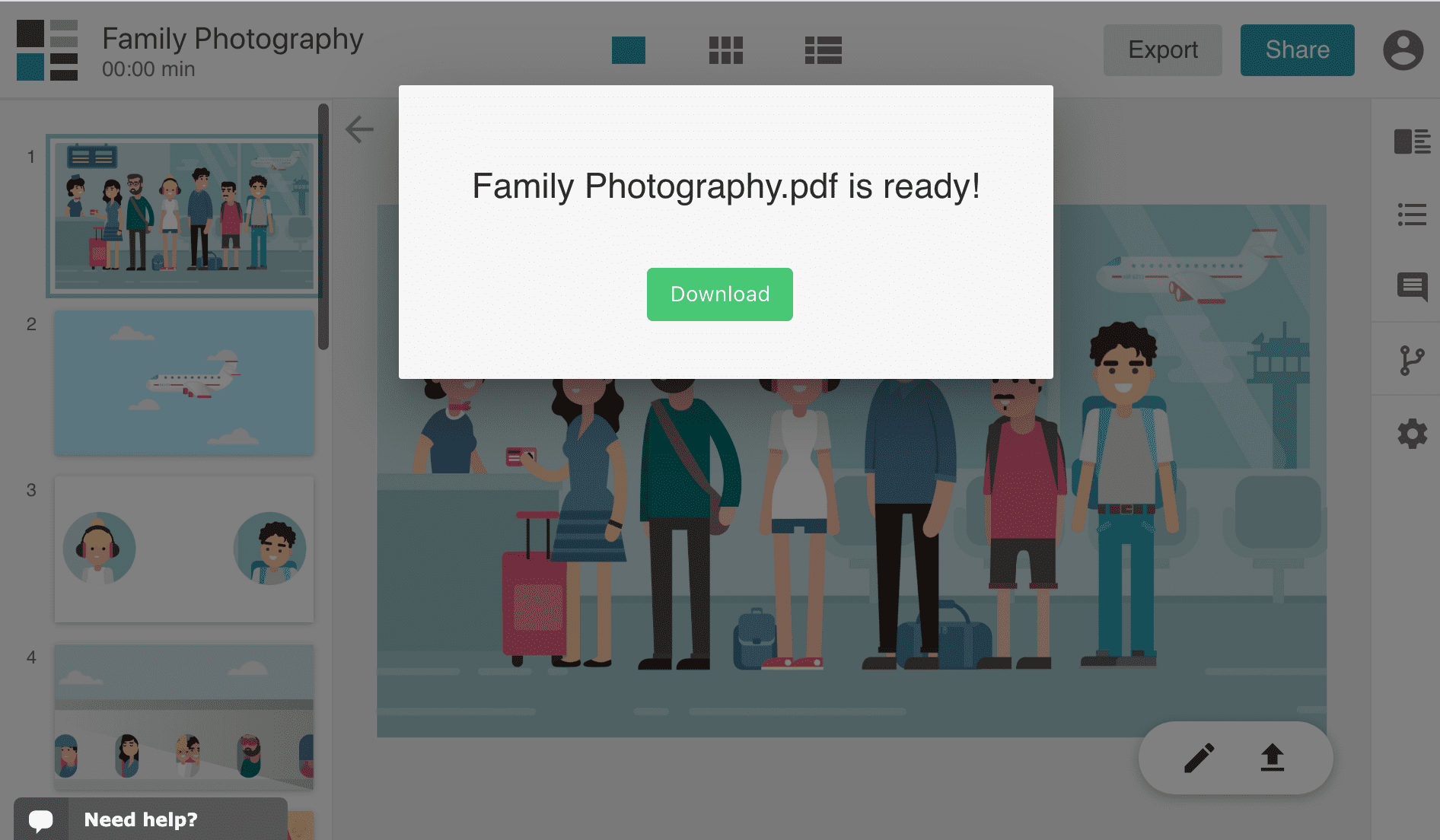
  • You can download the borad in pdf format.
  • All the data is secured.
  • You can control who can edit or comment on your board.
Read full review
Cons
  • As it relates to the LMS integration, we would like to see improved workflow. But that may be just as much a Canvas issue as a Kaltura issue.
  • I would like to see the ability to add inline, anchored comments to the video timeline.
  • We are seeing issues with compatibility with certain browsers - especially Chrome. The faster Kaltura can move away from Flash the better.
  • The capture appliance (CaptureSpace Lite) needs to be reconsidered. It's not intutive enough.
Read full review
  • I think they should provide some low cost packages for educational organizations
Read full review
Likelihood to Renew
The choice to renew our subscription does not belong to us, though we are able to provide input. We are aware of competitive products who have matured in the past three years, and we are aware now of alternatives to conventional plugin usage (LTI).
Read full review
No answers on this topic
Support Rating
The first line support agents seldom are able to diagnose or troubleshoot any problems that we have. These agents simply open support tickets in their system which are escalated to a foreign level 2 support agent which creates at least a day delay between reporting a problem and getting initial feedback. Any back-and-forth questions add at least another day delay.
Read full review
No answers on this topic
Alternatives Considered
Panopto is a much cheaper option (based on a pay per view model) but the user experience is not nearly as good. The video portal UI is difficult to navigate and the recording feature requires downloading separate desktop software that differs greatly from PC to MAC. Inline quizzing features are far behind Kaltura. It does have stronger analytics tools but they are the type that are better exported to .csv and processed by an advanced Excel user. Vimeo Pro is a very cheap and solid option for a small program or business that is just starting out, but it isn't highly searchable, it doesn't support a large body of users and does not offer any type of online features. It isn't really much more than a repository but it is a bit nicer than using freeware such as YouTube.
Read full review
There are many tools that are not available in the list one of them is studiobinder but the thing is there are very few features available with the free version of studiobinder and subscription is 3 time to MakeStoryBoard.
Read full review
Return on Investment
  • Managing video content with the KMC has greatly reduced the amount of hours previously needed to manage.
  • User issues ie: uploading video, viewing video has been greatly reduced.
  • Increased user engagement with using video in LMS courses. We currently have 6,929 videos on our system. Last month , 2/1/14, 17,623 videos were viewed at least 75% of the way through.
Read full review
  • ROI is positive of course
Read full review
ScreenShots

MakeStoryboard Screenshots

Screenshot of Screenshot of Screenshot of