
JumpCloud vs. QuickLaunch
| Product | Rating | Most Used By | Product Summary | Starting Price |
|---|---|---|---|---|
 JumpCloud | Score8.4 out of 10 | N/A | JumpCloud® delivers a unified open directory platform used to securely manage identities, devices, and access across an organization. With JumpCloud, IT teams and MSPs enable users to work securely from anywhere and manage their Windows, Apple, Linux, and Android devices from a single platform. | $11 per month per user |
 QuickLaunch | Score10 out of 10 | Enterprise companies (1,001+ employees) | QuickLaunch is single sign-on software that enables institutions & organizations to manage identity & access control. It aims to help organizations achieve a balance between delivering seamless yet secure access to end users while empowering IT teams with the visibility and control they need over users, access levels and applications. | N/A |
| JumpCloud | QuickLaunch | |||||||||||||||
|---|---|---|---|---|---|---|---|---|---|---|---|---|---|---|---|---|
| Editions & Modules |
| No answers on this topic | ||||||||||||||
| Offerings |
| |||||||||||||||
| Entry-level Setup Fee | No setup fee | Optional | ||||||||||||||
| Additional Details | 18% discount for annual pricing. | — | ||||||||||||||
| More Pricing Information | ||||||||||||||||
| JumpCloud | QuickLaunch | |
|---|---|---|
| Considered Both Products | No answer on this topic | No answer on this topic |
| Key User Insights | ||
| Would buy again | ||
100% Would buy again 12 Answers | No answers on this topic | |
| Delivers good value for the price | ||
100% Delivers good value for the price 12 Answers | No answers on this topic | |
| Happy with the feature set | ||
92% Happy with the feature set 11 Answers | No answers on this topic | |
| Lived up to sales and marketing promises | ||
91% Lived up to sales and marketing promises 10 Answers | No answers on this topic | |
| Implementation went as expected | ||
100% Implementation went as expected 12 Answers | No answers on this topic | |
| JumpCloud | QuickLaunch | |||||||||||||||||||||||||
|---|---|---|---|---|---|---|---|---|---|---|---|---|---|---|---|---|---|---|---|---|---|---|---|---|---|---|
| Identity Management |
| |||||||||||||||||||||||||
| JumpCloud | QuickLaunch | |
|---|---|---|
| Small Businesses |  IBM Cloud App ID Score10 out of 10 | JumpCloud Score8.4 out of 10 |
| Medium-sized Companies |  OneLogin by One Identity Score9.6 out of 10 | OneLogin by One Identity Score9.6 out of 10 |
| Enterprises |  RSA Access Manager (Discontinued) Score10 out of 10 | RSA Access Manager (Discontinued) Score10 out of 10 |
| All Alternatives | View all alternatives | View all alternatives |
| JumpCloud | QuickLaunch | |
|---|---|---|
| Likelihood to Recommend | 8.5 | - |
| Likelihood to Renew | 9.1 | - |
| Usability | 8.0 | - |
| Support Rating | 7.4 | - |
| Implementation Rating | 9.1 | - |
| Contract Terms and Pricing Model | 8.0 | - |
| Professional Services | 7.9 | - |
| JumpCloud | QuickLaunch | |
|---|---|---|
| Likelihood to Recommend |
| No answers on this topic |
| Pros |
| No answers on this topic |
| Cons |
| No answers on this topic |
| Usability |
| No answers on this topic |
| Support Rating |
| No answers on this topic |
| Implementation Rating |
| No answers on this topic |
| Alternatives Considered | Incentivized | No answers on this topic |
| Contract Terms and Pricing Model |
| No answers on this topic |
| Professional Services |
| No answers on this topic |
| Return on Investment |
| No answers on this topic |
| ScreenShots | QuickLaunch Screenshots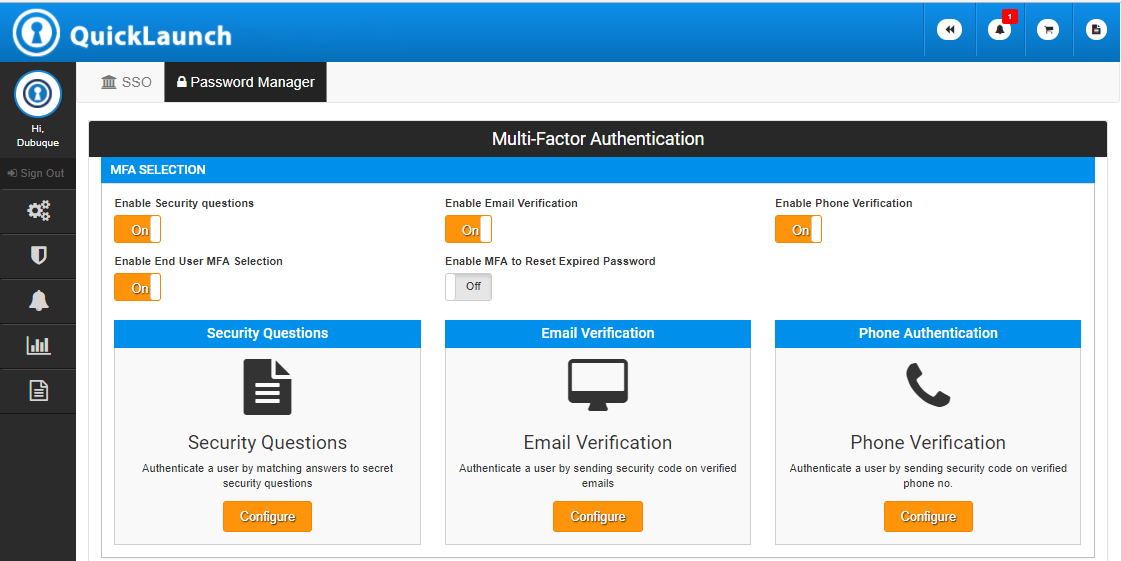  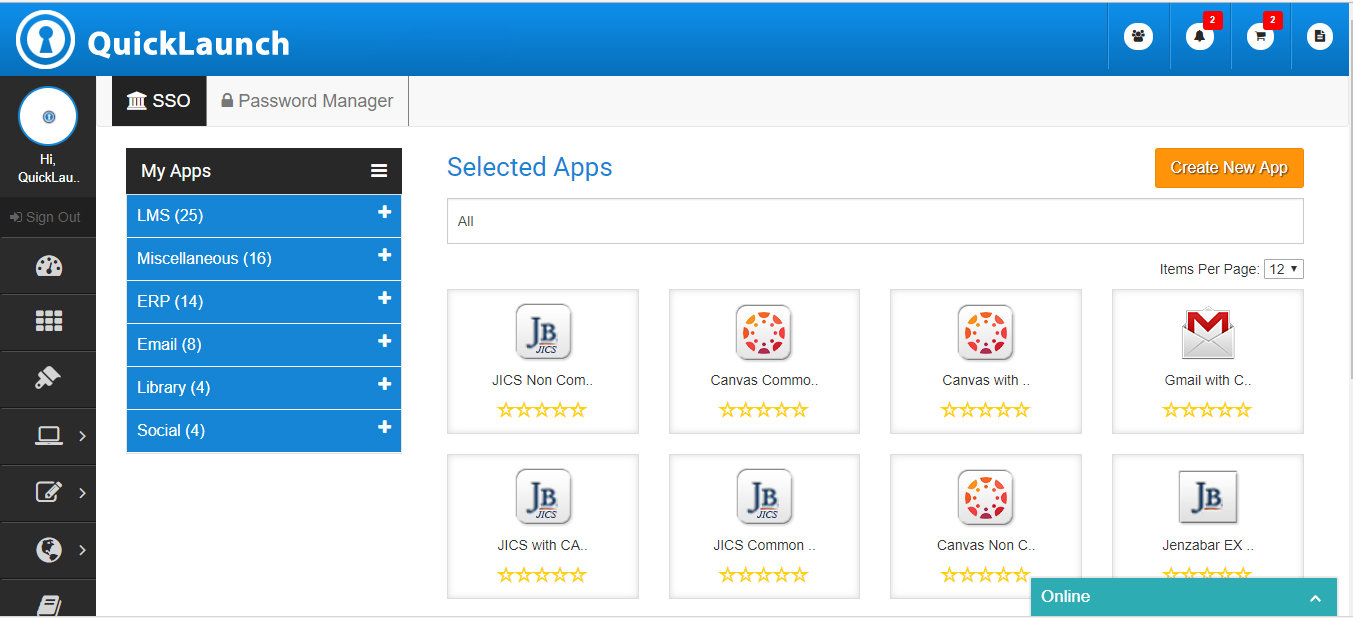 |


