
JourneyDXP Smart Rooms vs. Scratchpad
JourneyDXP Smart Rooms vs. Scratchpad
| Product | Rating | Most Used By | Product Summary | Starting Price |
|---|---|---|---|---|
 JourneyDXP Smart Rooms | N/A | JourneyDXP is a B2B account-based selling technology that helps organizations improve engagement at key accounts, throughout all phases of the customer lifecycle. Their product Smart Rooms aims to help the user build more relationships at accounts and strengthen existing relationships resulting in more cross-sell, upsell and renewal opportunities. | N/A | |
 Scratchpad | N/A | Scratchpad is a productivity tool for account executives, built for sales to update Salesforce, take sales notes, and daily todos. The software can be installed as a Google Chrome plugin or as a web application. It connects to Salesforce and provides an interface where sales professionals can keep all their notes, process workflows, spreadsheets, and tasks. Co-founders Pouyan Salehi and Cyrus Karbassiyoon started the company in San Francisco, California in 2019. | $0 user / month *up to five users per company |
| JourneyDXP Smart Rooms | Scratchpad | |||||||||||||||
|---|---|---|---|---|---|---|---|---|---|---|---|---|---|---|---|---|
| Editions & Modules | No answers on this topic |
| ||||||||||||||
| Offerings |
| |||||||||||||||
| Entry-level Setup Fee | No setup fee | No setup fee | ||||||||||||||
| Additional Details | — | — | ||||||||||||||
| More Pricing Information | ||||||||||||||||
| JourneyDXP Smart Rooms | Scratchpad |
|---|
| JourneyDXP Smart Rooms | Scratchpad | |
|---|---|---|
| Small Businesses |  Lead411 Score 9.1 out of 10 | Lead411 Score 9.1 out of 10 |
| Medium-sized Companies |  Paperflite Score 9.3 out of 10 | Paperflite Score 9.3 out of 10 |
| Enterprises | Paperflite Score 9.3 out of 10 | Paperflite Score 9.3 out of 10 |
| All Alternatives | View all alternatives | View all alternatives |
| JourneyDXP Smart Rooms | Scratchpad | |
|---|---|---|
| Likelihood to Recommend | - (0 ratings) | 9.7 (0 ratings) |
| JourneyDXP Smart Rooms | Scratchpad | |
|---|---|---|
| Likelihood to Recommend |  No answers on this topic |
|
| Pros | No answers on this topic |
 Sean Zehnder Commercial Account Director |
| Cons | No answers on this topic |
|
| Usability | No answers on this topic |
|
| Alternatives Considered | No answers on this topic |
|
| Return on Investment | No answers on this topic |
Sean Zehnder Commercial Account Director |
| ScreenShots | JourneyDXP Smart Rooms Screenshots 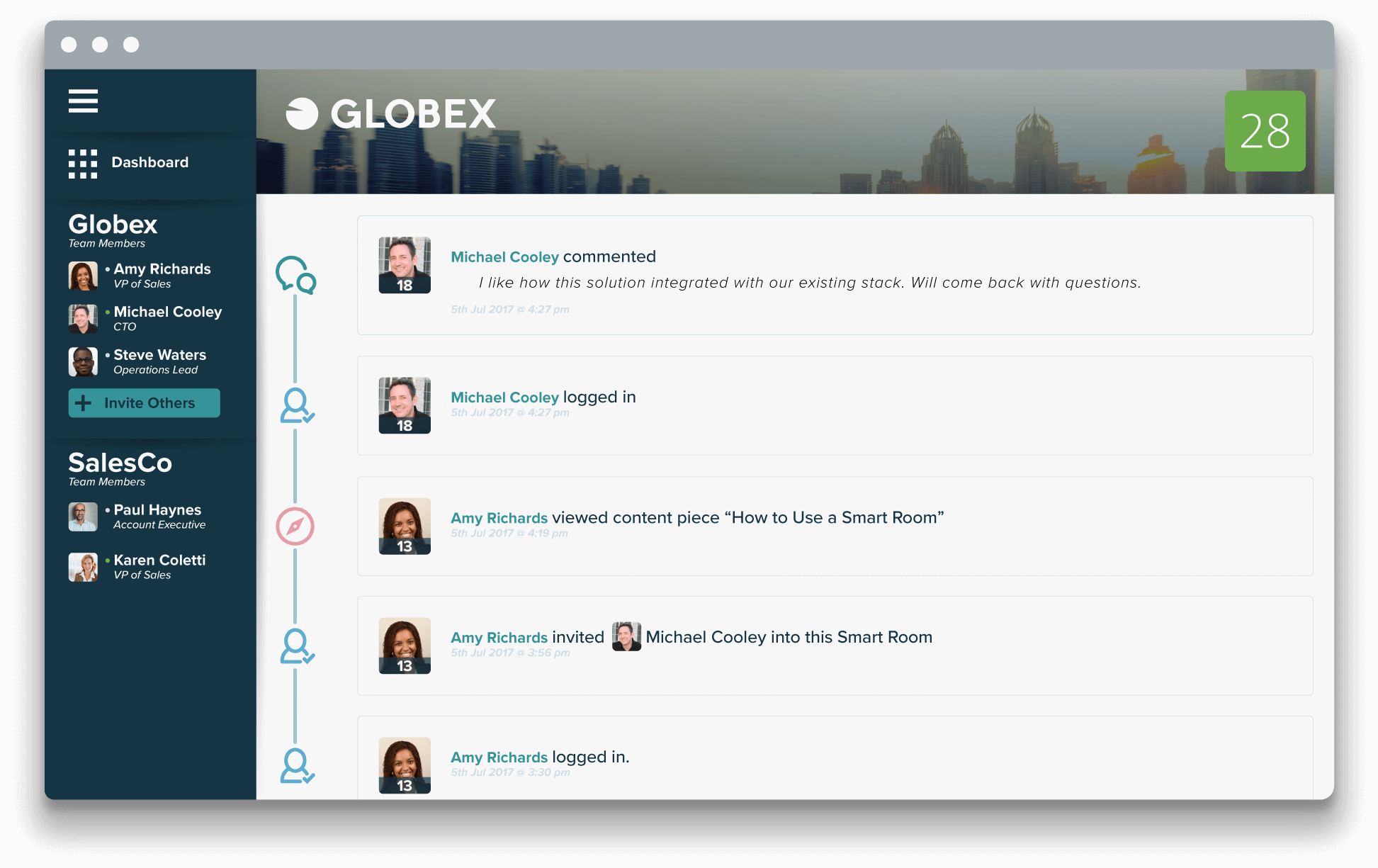 |