Jira Core is Atlassian's general purpose business and project management tool available to smaller companies or teams and designed to suit a variety of purposes (e.g. marketing planning, product roadmap, etc.). In Jira Core, Workflows define process and enable teams to track tasks. Jira Core Cloud instances also have boards that let users visualize workflows and drag and drop tasks from to-do to done. It is available on the cloud.
$7.53
per month per user
LiquidPlanner
Score 8.3 out of 10
Mid-Size Companies (51-1,000 employees)
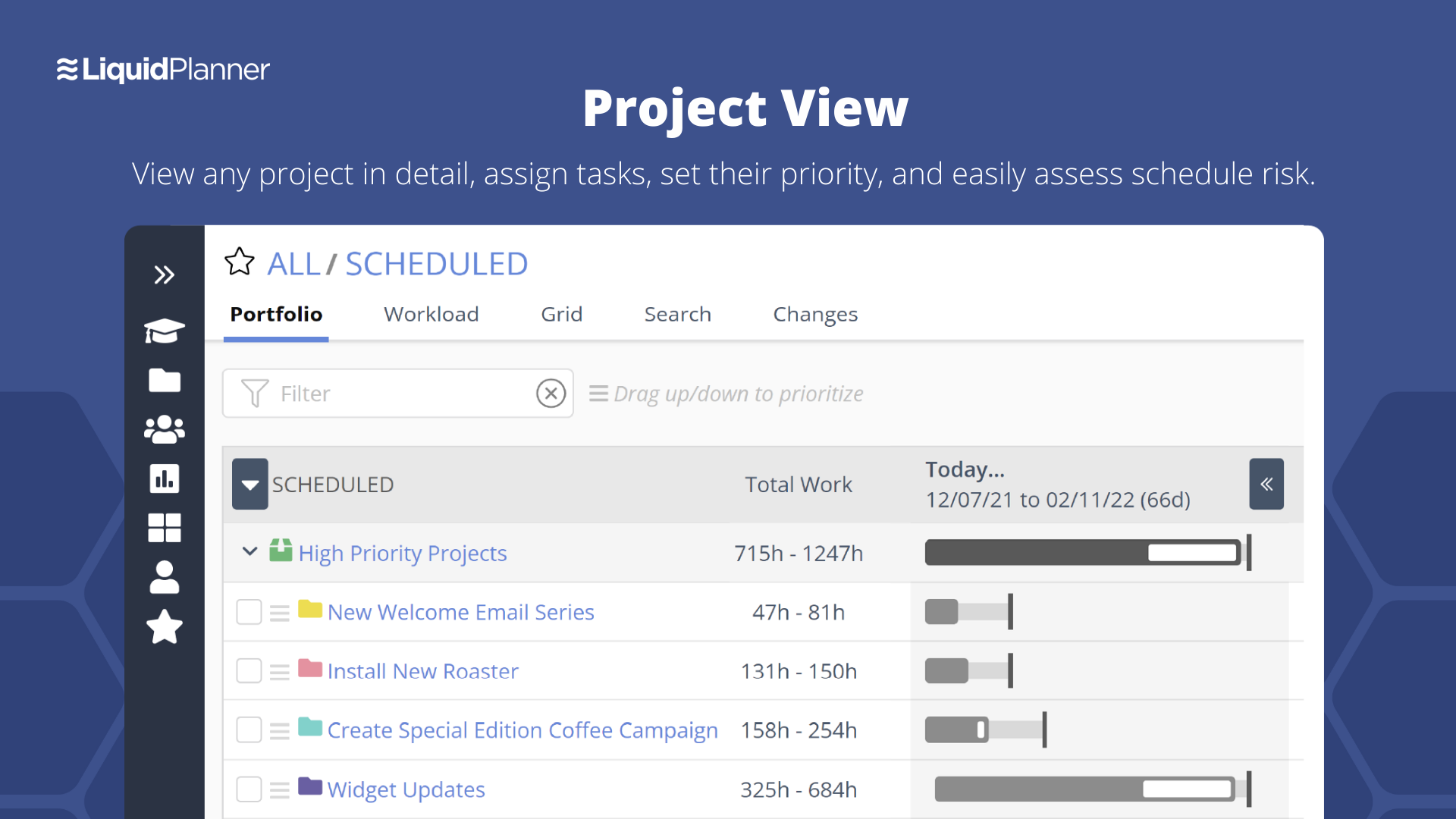
LiquidPlanner is a cloud based predictive project management solution. Some key features include: Dynamic Timeline View, Workload View, and Real-Time Activity Stream.
$0
per month per user
Pricing
Jira Work Management
LiquidPlanner
Editions & Modules
Free
$0
Starter - Monthly
$7.53
per month per user
Premium - Monthly
$13.53
per month per user
Starter - Annually
$22,500
per year User tier: 201-300
Premium - Annually
$40,500
per year User tier: 201-300
Enterprise
Contact Sales
Free
$0
per month per user
Essentials
$15.00
per month per user
Professional
$25
per month per user
Ultimate
$35
per month per user
Enterprise
CALL FOR VOLUME PRICING
Offerings
Pricing Offerings
Jira Work Management
LiquidPlanner
Free Trial
Yes
Yes
Free/Freemium Version
Yes
Yes
Premium Consulting/Integration Services
No
Yes
Entry-level Setup Fee
No setup fee
No setup fee
Additional Details
—
—
More Pricing Information
Community Pulse
Jira Work Management
LiquidPlanner
Features
Jira Work Management
LiquidPlanner
Project Management
Comparison of Project Management features of Product A and Product B
Jira Work Management
8.6
20 Ratings
12% above category average
LiquidPlanner
8.1
15 Ratings
6% above category average
Task Management
9.420 Ratings
8.711 Ratings
Resource Management
8.920 Ratings
8.69 Ratings
Gantt Charts
7.317 Ratings
8.68 Ratings
Scheduling
8.818 Ratings
8.810 Ratings
Workflow Automation
9.019 Ratings
8.47 Ratings
Team Collaboration
9.420 Ratings
8.911 Ratings
Support for Agile Methodology
7.820 Ratings
7.76 Ratings
Support for Waterfall Methodology
8.612 Ratings
8.46 Ratings
Document Management
7.516 Ratings
9.93 Ratings
Email integration
8.416 Ratings
7.914 Ratings
Mobile Access
8.011 Ratings
4.89 Ratings
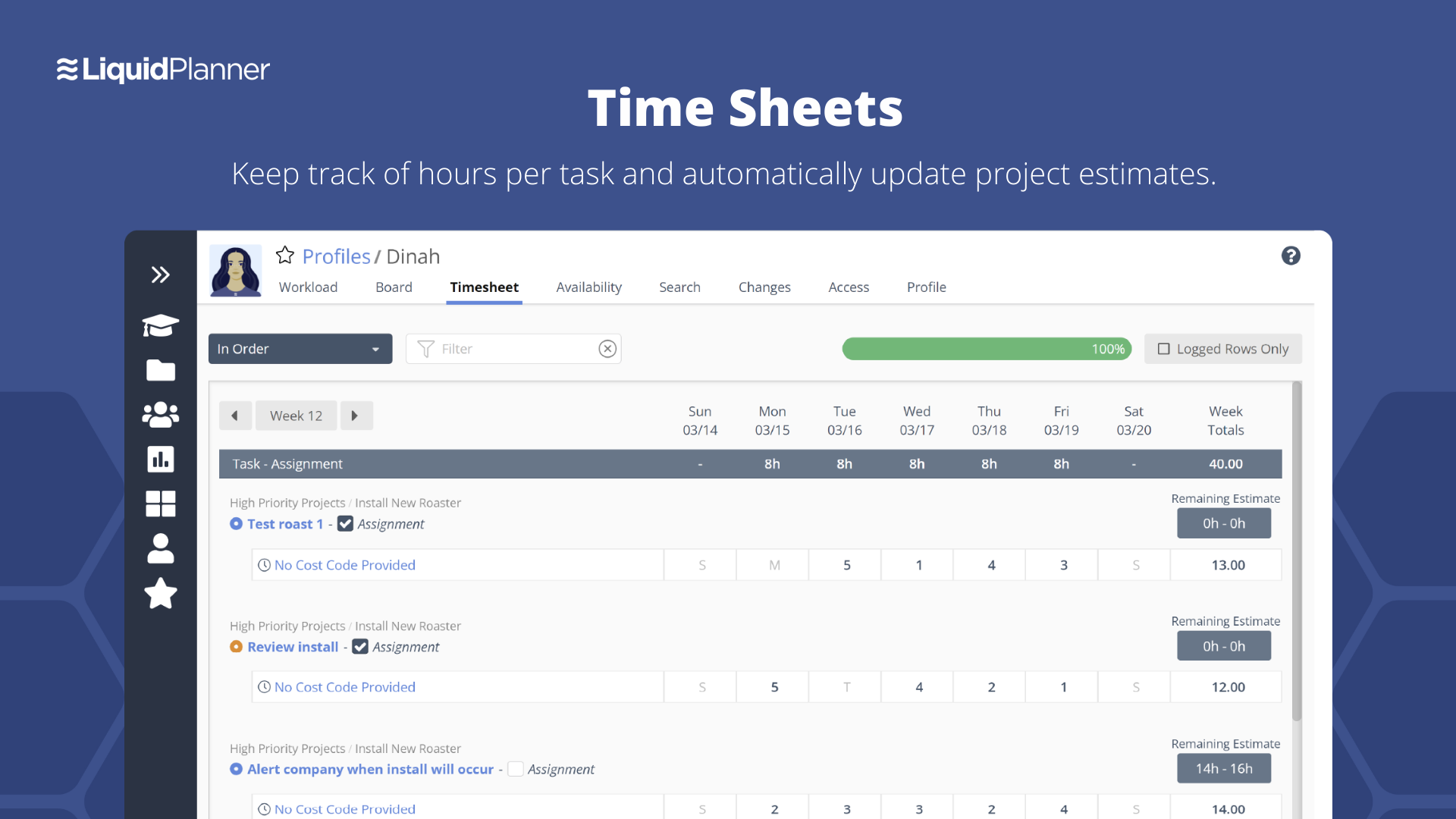
Timesheet Tracking
9.011 Ratings
7.210 Ratings
Change request and Case Management
9.015 Ratings
00 Ratings
Budget and Expense Management
9.010 Ratings
7.66 Ratings
Professional Services Automation
Comparison of Professional Services Automation features of Product A and Product B
Jira Work Management suits projects involving multiple teams, such as product development. In our case, the design, development, and QA teams use Jira to track tasks from ideation to deployment. Custom workflows and real-time updates ensure that all teams are on the same page, and the ability to link related tasks helps manage dependencies effectively.
LiquidPlanner is amazing for any time of project management scenario where you have to manage several teams and details. Running a project through LiquidPlanner is so easy because it lets you break down the project into sections and folders and small tasks that you can assign to specific people. With a small to medium size team-- LiquidPlanner is amazing for organizing and tracking details. If you have a huge team or not a ton of details to track LiquidPlanner might not be right for you because it is a software that requires some good training to learn and has tons of functions that can be utilized so it seems better suited to be used by a smaller group looking to coordinate or for people who have lots of details that can be difficult to track.
Priority based planning. Every other planning software we've used relies on dates and therefore needs constant attention. Priority based planning means that the plan is always up to date.
Ease of use. LiquidPlanner has a very short learning curve. This is critical to getting team members to use it.
Forecasting. LiquidPlanner makes it very easy to run scenarios by simply dragging and dropping projects and reassigning resources.
Awesome Support. I get personal responses very fast. Usually within a couple hours. And, they listen and ask for more information.
The interface is messy and cluttered. The best way to find things and see what you actually want to see is the main Projects view which is also the most cluttered and hardest to maneuver in.
Clicking an external link someone posted in a comment or task description doesn't open in a new window by default, so we are constantly having to go back to get to LiquidPlanner again.
The way that the interface saves your state globally (rather than per tab instance) means that if you click a link from someone else to a task that's not yours, then it adjusts your filters on the Projects page. Then if you refresh another LiquidPlanner window where you were on the Projects tab, suddenly all of its filters are updated and what you were looking at may no longer be there.
It might just be the way that we use the system, but the Home and My Work tabs are fairly useless for us. They typically don't show the tasks we're actually looking for.
We may not renew LiquidPlanner's contract, but only because my company has recently been acquired and we'll be adopting some of the software that they're using to standardize process. LiquidPlanner's development team releases new features pretty often, so it seems like the gaps and inefficiencies are slowly getting smaller/less frequent
As we are Atlassian users overall, this entire ecosystem is truly built from a 360 perspective. It becomes the one source of truth, and we can easily see where we are in our projects and where to emphasize focus in the upcoming period. There are some areas for minor improvements, but they are more a matter of preference rather than business necessity
They have been great in trying to come up with creative solutions to help us do what we want to do with the platform. I would say their support has been exceptional because we have hit them with some complex requests.
The evolution of Jira Service Desk to Jira work management is accompanied by lot of new features like the List View which allows inline editing, easy column management, the Calendar View bases on extensible modal and state categories, the Timeline View supports tasks and subtasks, the Boards which allow the categorization of status and allow the visibility of subtasks on the cards, Forms can be created very easily, Project templates can be used based on the business area.
Miro is a more versatile tool, but not quite made for planning and organizing. LiquidPlanner is very intuitive, fast to learn and easy to communicate. The added value of prioritizing tasks, personalized boards and gantt charts are really important during the planning and design thinking in the business. LiquidPlanner is simplified yet more helpful.
For our marketing team, Jira Work Management caused us to lose valuable work time due to manual updates that could have been automated.
Due to lack of creative review tools within Jira Work Management, our team had to pursue other tools that do not integrate with Jira Work Management, thus creating additional OpEx.
LiquidPlanner really forces you to map out your workflow. For me, honing into a template that I can later adjust as needed has been huge, as there is less time at the beginning of a project trying to assign and figure out what needs to happen when usually it never changes.
Communication between employees, especially ones not immediately available in the office has been very welcomed. It helps having conversations documented in a public, logical place that is easy to find and refer to as the project continues.
Our productivity has definitely skyrocketed as we've really gotten a feel and committed to using LiquidPlanner daily. As we move forward, we continually try to add more and more ways for us to use the service.