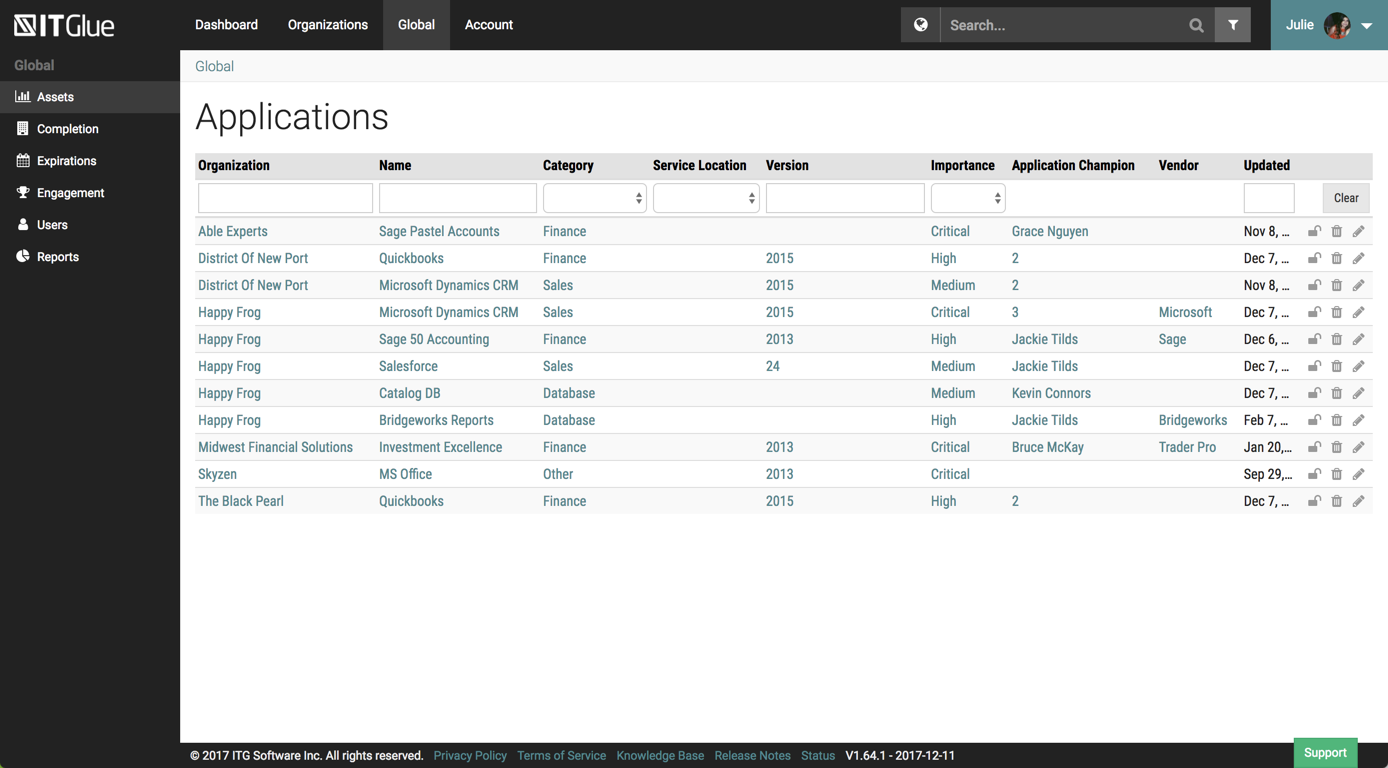
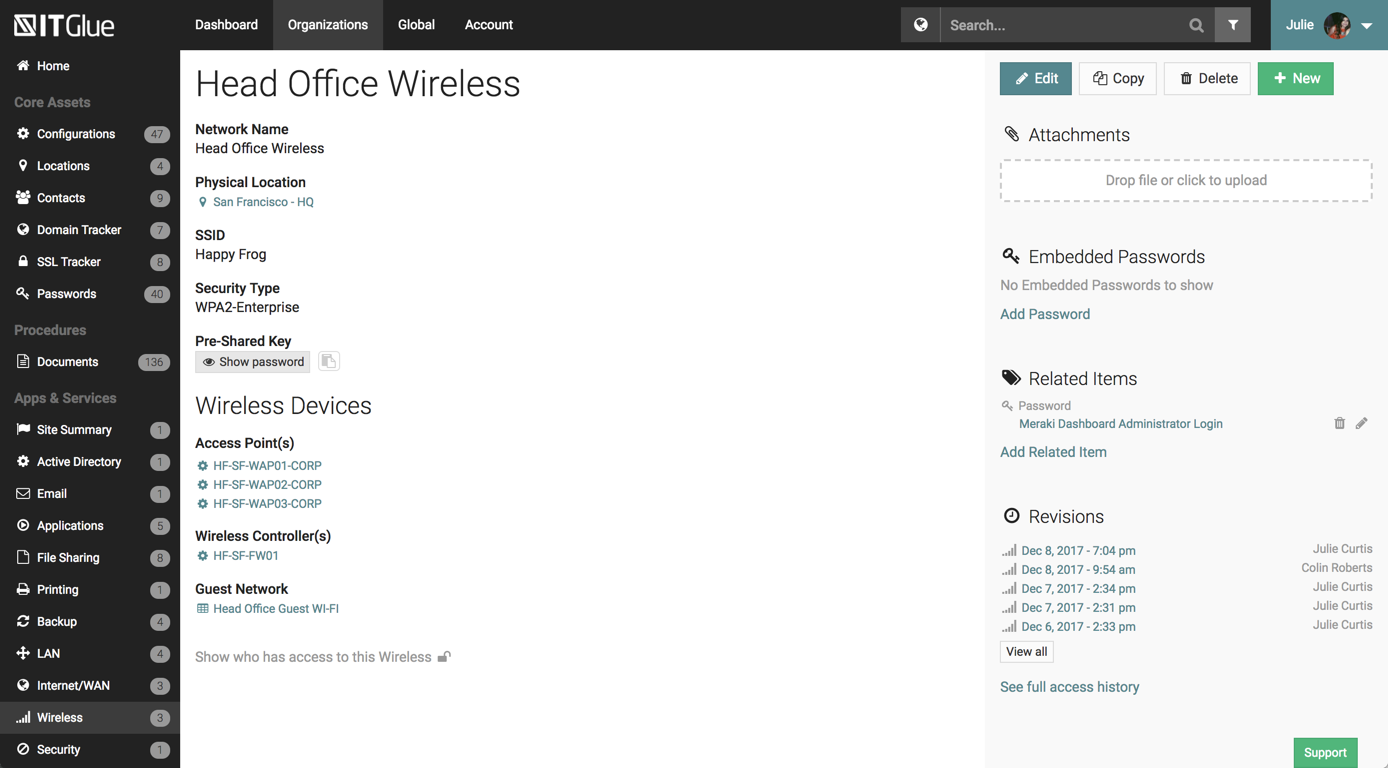
IT Glue, a Kaseya company since the December 2018 acquisition, is an information management platform that allows for efficient storage and retrieval of all the documentation an organization needs to help their MSP run better. By integrating PSA and RMM data, the vendor says they can help increase efficiency, and reduce onboarding times.
$29
per month per user (5 user minimum)
pdfFiller
Score 9.0 out of 10
N/A
pdfFiller is a cloud-based platform with a comprehensive digital toolkit used to handle PDFs, and to edit, sign, store, manage, and collaborate on documents. Documents are stored in the cloud and can be accessed anytime, anywhere, without worrying about losing data.
$8
per month (annual commitment) per user (minimum 20 users)
Pricing
IT Glue
pdfFiller
Editions & Modules
Basic
$29.00
per month per user (5 user minimum)
Select
$34.00
per month per user (5 user minimum)
Enterprise
$39.00
per month per user
Basic for Enterprise
$8
per month (annual commitment) per user (minimum 20 users)
Premium for Enterprise
$10
per month (annual commitment) per user (minimum 10 users)
Basic
$20
per month single user
Plus
$30
per month single user
Premium
$40
per month single user
Offerings
Pricing Offerings
IT Glue
pdfFiller
Free Trial
No
Yes
Free/Freemium Version
No
No
Premium Consulting/Integration Services
No
No
Entry-level Setup Fee
$545 one-time fee
Optional
Additional Details
—
Up to a 70% discount on individual plans for annual billing.
IT Glue is well suited to any size managed service provider that requires a secure central knowledge base. IT Glue also integrates well with N-Central to automatically populate the configurations tab with all the relevant Workstation, Printer, and Server information making client on-boarding a breeze.
Honestly, everyone should know about PDF filler. But then again, its my little secret, lol. I love the fact that I can make edits to PDF seamlessly and professionally. I also love the fact that the documents i need to fill out, sign and return look great. Not like i printed them and then tried to use a phone scanner to send them back. PDF filler is what allows me to travel without a printer
Flexible Assets are custom questions or forms that you get to create to keep the kind of documentation that *you* want. Our team has done this, and have developed a comprehensive system in our documentation that is better than anything we've ever had.
Tagging. This feature is so helpful when interlinking related items in the documentation system. IT Glue makes it so easy to tag other configurations, including printers, firewalls, phones, etc.
Public sharing of knowledge base articles. Often our clients need to know how to do something. We can add pictures, step-by-step walkthroughs that save us and them a ton of time.
iFrame embedding. There's some flexibility to the web pages that have been helpful for putting other things, such as Cognito Forms in.
So far we have enjoyed the functionality of ITG with one exception:
The search feature is severely lacking. We have thousands of articles in this knowledge base but the search window is about 1" wide and only shows the first few words of each article. Within our system, those first few words are often the same "SYSTEMS: How-To...". If we are searching for a system, we will have no alternative but to manually try to find this document by browsing through folders within ITG.
Unfortunately ITG has not responded to a flurry of enhancement requests around this feature, that go back quite a while.
The functionality that would make this a killer app for us would be a dedicated search page that displayed results like a Google search page.
Ability to export all client documentation if the client moves to another provider.
Manually resending the document was a feature that seems to have been taken away.
Templates for Send To Sign letters. I basically have to type the same information over and over again each time. I was hoping that it would save it but it doesn't seem to have that function
Signer cannot save the document once it has been signed. I have to make sure that there is a note within the email that states that I will send them a copy.
Wish it had a way to send me a copy of the email I sent.
Overall IT Glue meets every need that we need it to. IT is easy to use and convenient and we have not had very many issues with it since the inception. I would easily recommend it to anyone who needs this software.
I will always be a faithful PDFfiller customer. The product has saved me a lot of time over the years and I find a great deal of value in the platform. If I move on to another company someday, PDFfiller will be going with me wherever I go.
The interface is excellent and very easy to use. As long as the text you input into the system can be easily read, you will have no problem finding it with all the different categories offered. Sometimes, the slider on the right can blend in with dark backgrounds, making it hard to see.
I don't fully understand all the features and I could probably be using it better, especially the templates. The organisation of exisiting files could be better (ie similar to folders on a pc/laptop). I haven't really invested much time into exploring it further than filling out forms; There possibly is an organisation solution I haven't discovered yet
Other than a few access outages, ITGlue is always up and available to us. Their ability to export Playbook, that contain our customers data, and securely send those over to them is amazing and are produced pretty fast. We have IT Glue linked with several other services and software and we have not found that it slows anything down.
No problems with support when needed it. Their answers on how to handle DR/BC situations when ITG is down are not stellar. They don't seem to get the business risks of their suggestions to just give the xls backup to engineers (aka give all passwords of ALL clients to engineers in an unencrypted flat-file where it is easy to copy, print, etc.)
If you need help, you can easily search for it and find online tutorials that walk you through how to do specific things step by step. You do not have to read a 20 page manual or sit for a 10 hour training session, it is refreshing that you can take it at your own pace and learn things as you need to
When I was hired on by my current company I was already a paying customer, so I just brought it with me. Once I showed our President/Founder how simple it was to use for our contracts, agreements, and NDAs, it has been a staple in our company ever since. That was almost 3 years ago. We've closed quicker because of the speed at which we can turn signed docs around.
Currently, we are evaluating using Sharepoint instead of IT Glue as documents and items are searchable within the document instead of by title. We feel that by only searching by title and the type it hinders the speed at which information can be found easily.
There are SO many options for this category. What I will say is that I am not always in control nor am I always able to suggest going PDF. People have their rhymes and reasons foro why they use what they do. My next most frequently used option is DocuSign, which by all means is a top performer as well. The ease and universal comfort of PDF Filler resonate on a higher level of subconscious use globally so it becomes second nature like using text messages to video conferencing
We've had a number of false starts on getting all of our clients' assets documented. The culture shift just has not happened yet and there is a general lack of trust in the data.
It's nice to not have to go hunting for information about client assets anymore. We can be much more productive this way.
Achieved significant ROI immediately, by freeing up our sales staff to actually sell (show properties, prospect new clients, list new houses), rather than spending time printing/scanning/manually completing forms, documents, and legal agreements.
Huge quality of life improvement immediately felt by our entire team that uses the application