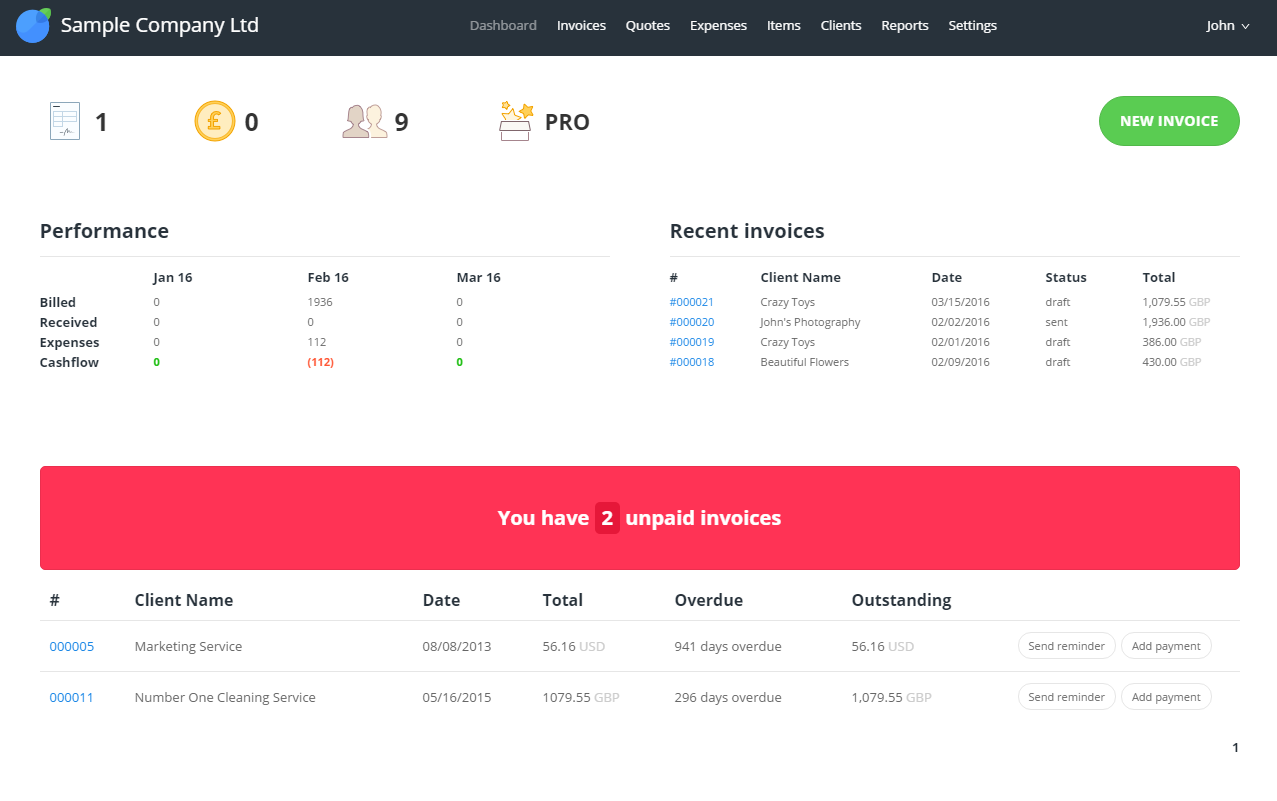
InvoiceBerry offers a simple and secure online invoicing software for freelancers and small businesses. InvoiceBerry users can choose between 15 different invoice template designs when setting up their account. Once set up, businesses can add their company items and services as well as their customers to their InvoiceBerry account. On top of using InvoiceBerry for sending invoices businesses can also send quotes and credit notes and set up recurring invoicing. An expense tracking feature helps…
$0
Method:CRM
Score 8.5 out of 10
N/A
Method:crm is a QuickBooks-integrated, cloud-based CRM platform.
$25
per month per user
Pricing
InvoiceBerry
Method:CRM
Editions & Modules
Forever Free
$0
Solo
$15
Pro
$30
Contact Management
$25
per month per user
CRM Pro
$44
per month per user
CRM Enterprise
$74
per month per user
CRM Multi-Entity
Custom Quote
Offerings
Pricing Offerings
InvoiceBerry
Method:CRM
Free Trial
Yes
Yes
Free/Freemium Version
Yes
No
Premium Consulting/Integration Services
No
Yes
Entry-level Setup Fee
No setup fee
No setup fee
Additional Details
—
—
More Pricing Information
Community Pulse
InvoiceBerry
Method:CRM
Features
InvoiceBerry
Method:CRM
Sales Force Automation
Comparison of Sales Force Automation features of Product A and Product B
InvoiceBerry
-
Ratings
Method:CRM
8.1
22 Ratings
5% above category average
Customer data management / contact management
00 Ratings
8.322 Ratings
Workflow management
00 Ratings
8.320 Ratings
Territory management
00 Ratings
1.81 Ratings
Opportunity management
00 Ratings
8.320 Ratings
Integration with email client (e.g., Outlook or Gmail)
00 Ratings
8.820 Ratings
Contract management
00 Ratings
8.711 Ratings
Quote & order management
00 Ratings
9.218 Ratings
Interaction tracking
00 Ratings
9.019 Ratings
Channel / partner relationship management
00 Ratings
10.012 Ratings
Customer Service & Support
Comparison of Customer Service & Support features of Product A and Product B
InvoiceBerry
-
Ratings
Method:CRM
10.0
2 Ratings
28% above category average
Case management
00 Ratings
10.01 Ratings
Call center management
00 Ratings
9.92 Ratings
Help desk management
00 Ratings
10.01 Ratings
Marketing Automation
Comparison of Marketing Automation features of Product A and Product B
InvoiceBerry
-
Ratings
Method:CRM
8.9
19 Ratings
16% above category average
Lead management
00 Ratings
8.817 Ratings
Email marketing
00 Ratings
9.014 Ratings
CRM Project Management
Comparison of CRM Project Management features of Product A and Product B
InvoiceBerry
-
Ratings
Method:CRM
7.6
20 Ratings
0% below category average
Task management
00 Ratings
9.218 Ratings
Billing and invoicing management
00 Ratings
10.015 Ratings
Reporting
00 Ratings
3.517 Ratings
CRM Reporting & Analytics
Comparison of CRM Reporting & Analytics features of Product A and Product B
InvoiceBerry
-
Ratings
Method:CRM
7.7
18 Ratings
2% above category average
Forecasting
00 Ratings
8.09 Ratings
Pipeline visualization
00 Ratings
9.017 Ratings
Customizable reports
00 Ratings
6.017 Ratings
Customization
Comparison of Customization features of Product A and Product B
InvoiceBerry
-
Ratings
Method:CRM
7.6
19 Ratings
1% above category average
Custom fields
00 Ratings
6.519 Ratings
Custom objects
00 Ratings
6.518 Ratings
Scripting environment
00 Ratings
9.212 Ratings
API for custom integration
00 Ratings
8.014 Ratings
Security
Comparison of Security features of Product A and Product B
InvoiceBerry
-
Ratings
Method:CRM
8.3
19 Ratings
0% below category average
Single sign-on capability
00 Ratings
8.217 Ratings
Role-based user permissions
00 Ratings
8.319 Ratings
Integrations with 3rd-party Software
Comparison of Integrations with 3rd-party Software features of Product A and Product B
InvoiceBerry
-
Ratings
Method:CRM
10.0
2 Ratings
31% above category average
Marketing automation
00 Ratings
10.02 Ratings
Compensation management
00 Ratings
10.02 Ratings
Platform
Comparison of Platform features of Product A and Product B
As a small business, it is very nice especially because we can use it for free. It is very limited though as you can only have 3 clients and usually, you have a business with more than 3 clients but everything has a start. I used the free version for a few weeks before switching to the paid version and it is still the perfect online tool for everyone that has their own small business (consultant on the side) or a small real company trying to start and grow with a limited budget to run the business as we do.
Method[:CRM] is well suited when you have a large company that needs to keep track of customers. It also connects with Quickbooks and that has really been nice for our organization. Our company is small so this really helps us stay on track and build our data base of customers.
The things Method does well - QuickBooks data integration and extreme customization - it does very, very well. If you are looking for a CRM product or any business process automation software that integrates with QuickBooks, you have to look at Method CRM
Method has a great overall "usability". Once we started using the software; it did not take long before we were able to start editing our own web lead forms, email templates, etc. I think there is a learning curve however the learning curve is not bad. Anyone looking for a cloud CRM should start here
I have not used support too often but when I did, it was a big long to get the support I needed. But this is probably related to the cost we pay in general for the tool, it is a way of maintaining a very low cost by having fewer people to provide support. But the tool is so simple that we don't really have much support anyway. For our business, the cost is the first criteria so it is ok if support is not excellent.
The Customer Support of this app is fantastic. If you ever have any questions they are there to answer you or fix whatever issue that you are having. The FAQ pages are also extremely helpful when you want to learn about the more in-depth qualities this program has to offer.
Be available to learn! There is a huge learning curve to this program. You have to be willing to take it all in. Be available to the Method expert and be patient.
We chose Method:CRM for the QuickBooks integration. It was important for us to have integrations that allowed us to view payments, organize our contacts, and manage our sales force. There were some learning curves, however, such as creating activities, leads, customers and making sure our payments were being logged appropriately. I do wish that payments would be added to the calendar automatically so that the sales rep could view and make a phone call letting them know their invoice is due.