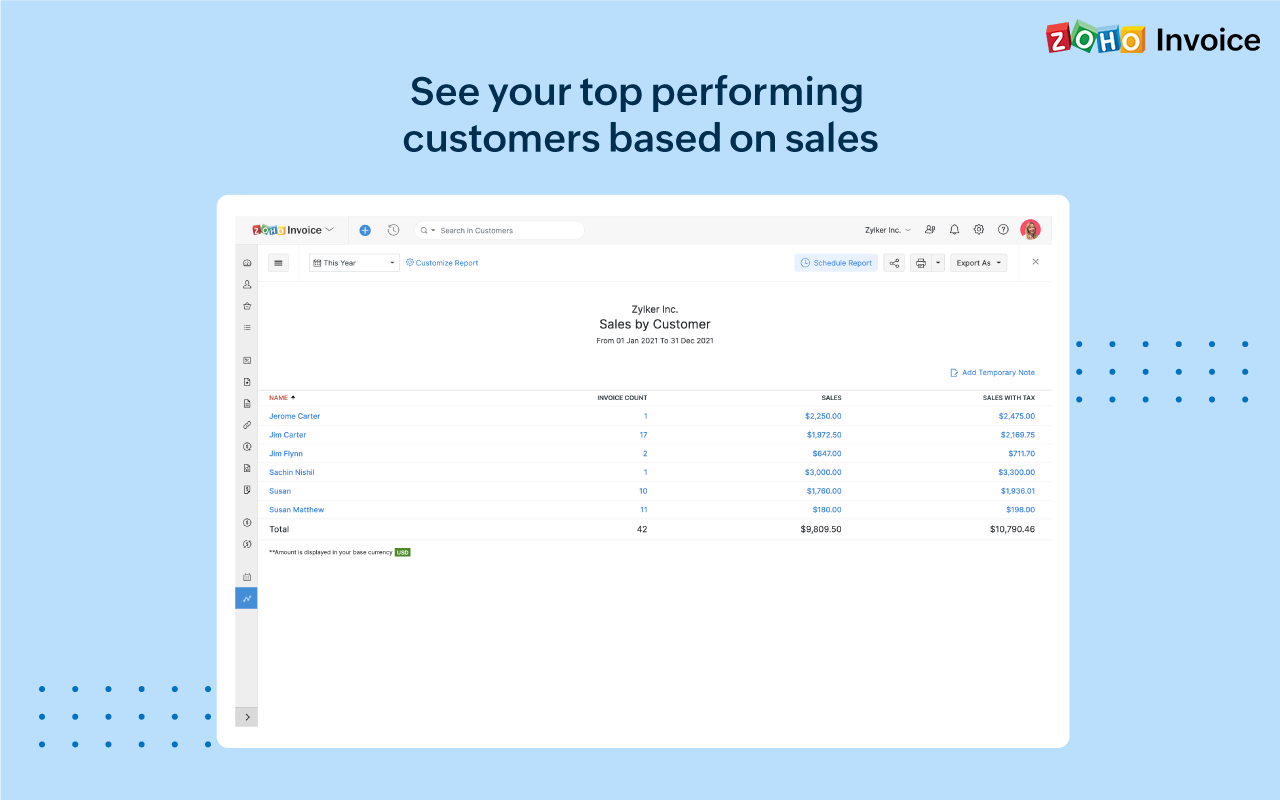
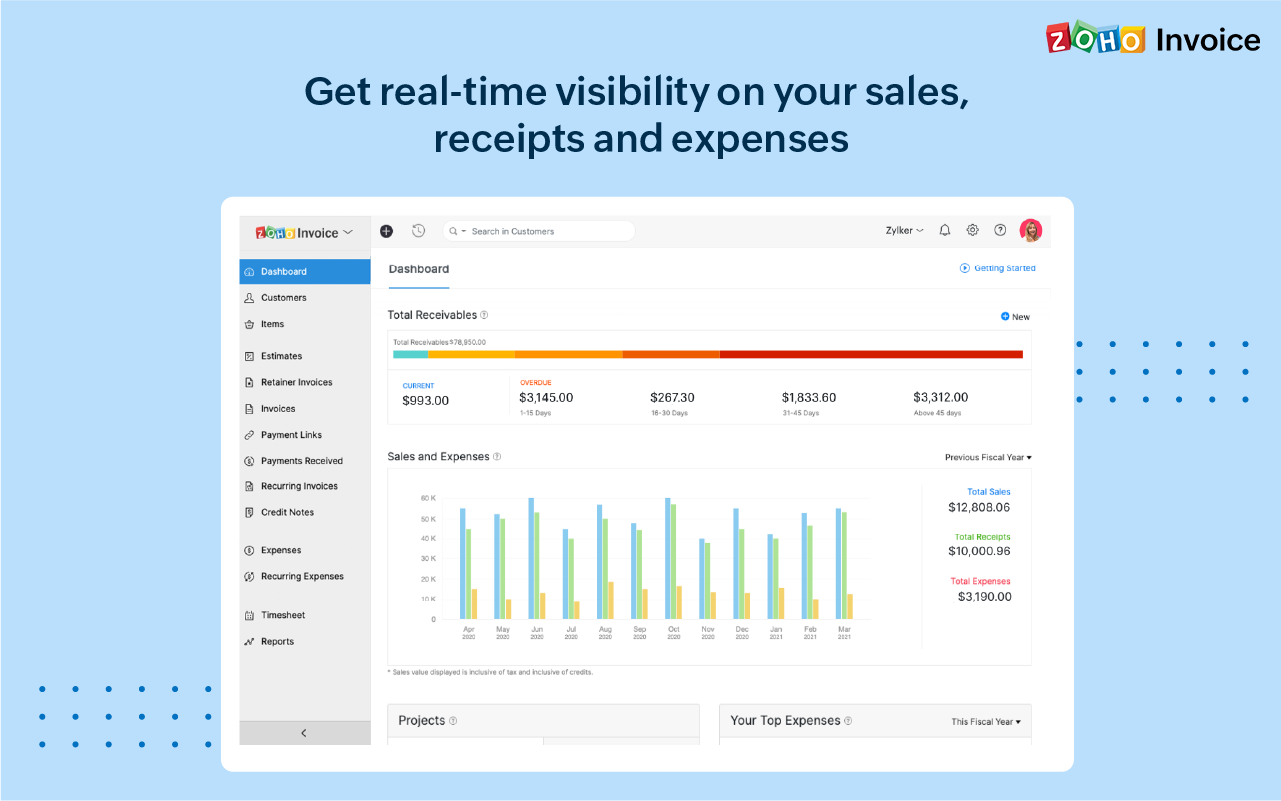
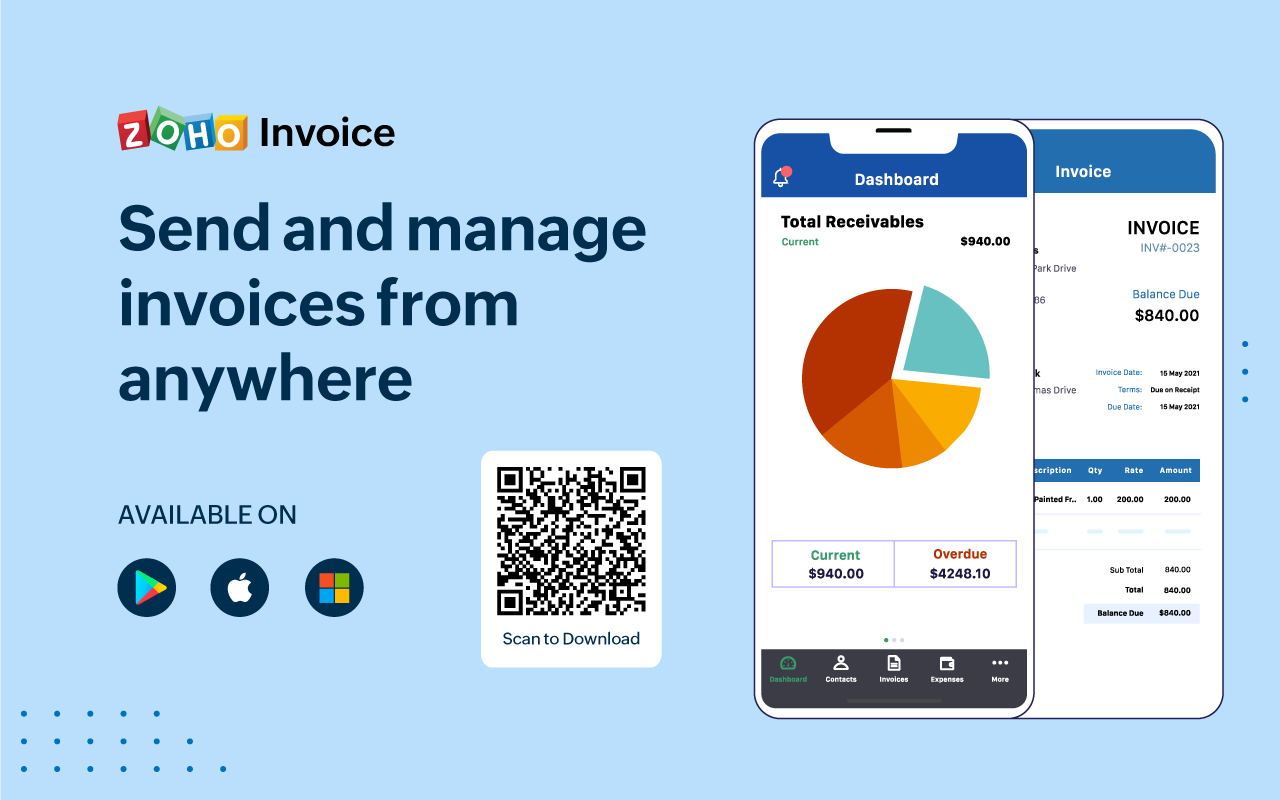
Zoho Invoice is a cloud-based invoicing solution designed to help small businesses with invoicing, tracking expenses, and accepting online payments. Key features include project billing, time tracking, reporting, customizable templates, and a client portaI. Teams using Zoho Invoice can track estimates, convert them to invoices, and send reminders to clients to complete their outstanding payments. Additionally, users can create tasks, collect advance payments for projects, and keep…
$0
Per Organisation, Per Month
Pricing
Invoice Tally
Zoho Invoice
Editions & Modules
No answers on this topic
Free
$0
Per Organisation, Per Month
Offerings
Pricing Offerings
Invoice Tally
Zoho Invoice
Free Trial
Yes
No
Free/Freemium Version
No
Yes
Premium Consulting/Integration Services
No
No
Entry-level Setup Fee
No setup fee
Required
Additional Details
—
Zoho Invoice is a completely free product. It has no contracts, no ads, and no hidden fees
Tally has easy to use user Interface, but the some reports customization need to be improved. We have many software/apps in the market where these reports can be easily customized as per the organizational needs.
A de minimis incentive was given to thank the reviewer for their time. The incentive was not used to bias or drive a particular response, nor was the incentive contingent on a positive endorsement. More Info
Zoho Invoice streamlines invoicing, payments, and customer interactions, improving financial health and saving time, money, and energy. It ensures billing accuracy, reduces errors, and streamlines client billing by tracking goals and streamlining invoice generation. Zoho Invoice focuses on automation and invocation management to efficiently complete multiple tasks. Zoho Invoice has all the features needed for an invoicing system, but it could be better at integrating with other CRM platforms and simplifying taxation.
A de minimis incentive was given to thank the reviewer for their time. The incentive was not used to bias or drive a particular response, nor was the incentive contingent on a positive endorsement. More Info
A de minimis incentive was given to thank the reviewer for their time. The incentive was not used to bias or drive a particular response, nor was the incentive contingent on a positive endorsement. More Info
A de minimis incentive was given to thank the reviewer for their time. The incentive was not used to bias or drive a particular response, nor was the incentive contingent on a positive endorsement. More Info
Time tracking, though easy enough, could be simplified. Having the ability to change default settings when entering time could save a few keystrokes.
The ability to automatically take unbilled hours and pull into a new invoice seems to be there, but it is a bit cumbersome. It also defaults to too much detail. Having the ability to customize would be great.
The ability to auto-BCC yourself on all invoices sent out would be a nice feature.
A de minimis incentive was given to thank the reviewer for their time. The incentive was not used to bias or drive a particular response, nor was the incentive contingent on a positive endorsement. More Info
A de minimis incentive was given to thank the reviewer for their time. The incentive was not used to bias or drive a particular response, nor was the incentive contingent on a positive endorsement. More Info
Zoho invoice has changed my expectations of what services like this can be. Providing something as simple as invoicing for small businesses who are struggling to find places to cut costs at such a reasonable rate is life-changing for some businesses. I know it was for mine. We saved so much that we did not have to cut in other areas. That has helped to keep us in business and grow it as well.
A de minimis incentive was given to thank the reviewer for their time. The incentive was not used to bias or drive a particular response, nor was the incentive contingent on a positive endorsement. More Info
They are availble for support and you will also find a lot of contents related to it on Internet. Go to You tube and type Tally or any issue, you will find a lot of data related to it and easy solutions always
A de minimis incentive was given to thank the reviewer for their time. The incentive was not used to bias or drive a particular response, nor was the incentive contingent on a positive endorsement. More Info
A de minimis incentive was given to thank the reviewer for their time. The incentive was not used to bias or drive a particular response, nor was the incentive contingent on a positive endorsement. More Info
Google Drive stored my invoices in one accessible location but required more time and maintenance. I didn't want to invest the time into building out sheet functions to carry over figures across sheets, so I researched invoicing options. I am already a fan of Zoho services, so it was an easy decision to try out their Invoicing site. Same login, the same level of support, free trial. No risk! I was pleased to find the solution on my first try.
A de minimis incentive was given to thank the reviewer for their time. The incentive was not used to bias or drive a particular response, nor was the incentive contingent on a positive endorsement. More Info
A de minimis incentive was given to thank the reviewer for their time. The incentive was not used to bias or drive a particular response, nor was the incentive contingent on a positive endorsement. More Info
Zoho Invoice has created a positive impact by allowing us to successfully organize and track online payments and invoices.
Zoho Invoice has saved us both time and money by making our invoicing business processes automatic and effortless.
Zoho Invoice has created a positive return on our investment many times over. It's increased business functions to help generate more profits in shorter periods of time.
A de minimis incentive was given to thank the reviewer for their time. The incentive was not used to bias or drive a particular response, nor was the incentive contingent on a positive endorsement. More Info